Codex YOLO Mode: Commands, Risks, and Safer Options
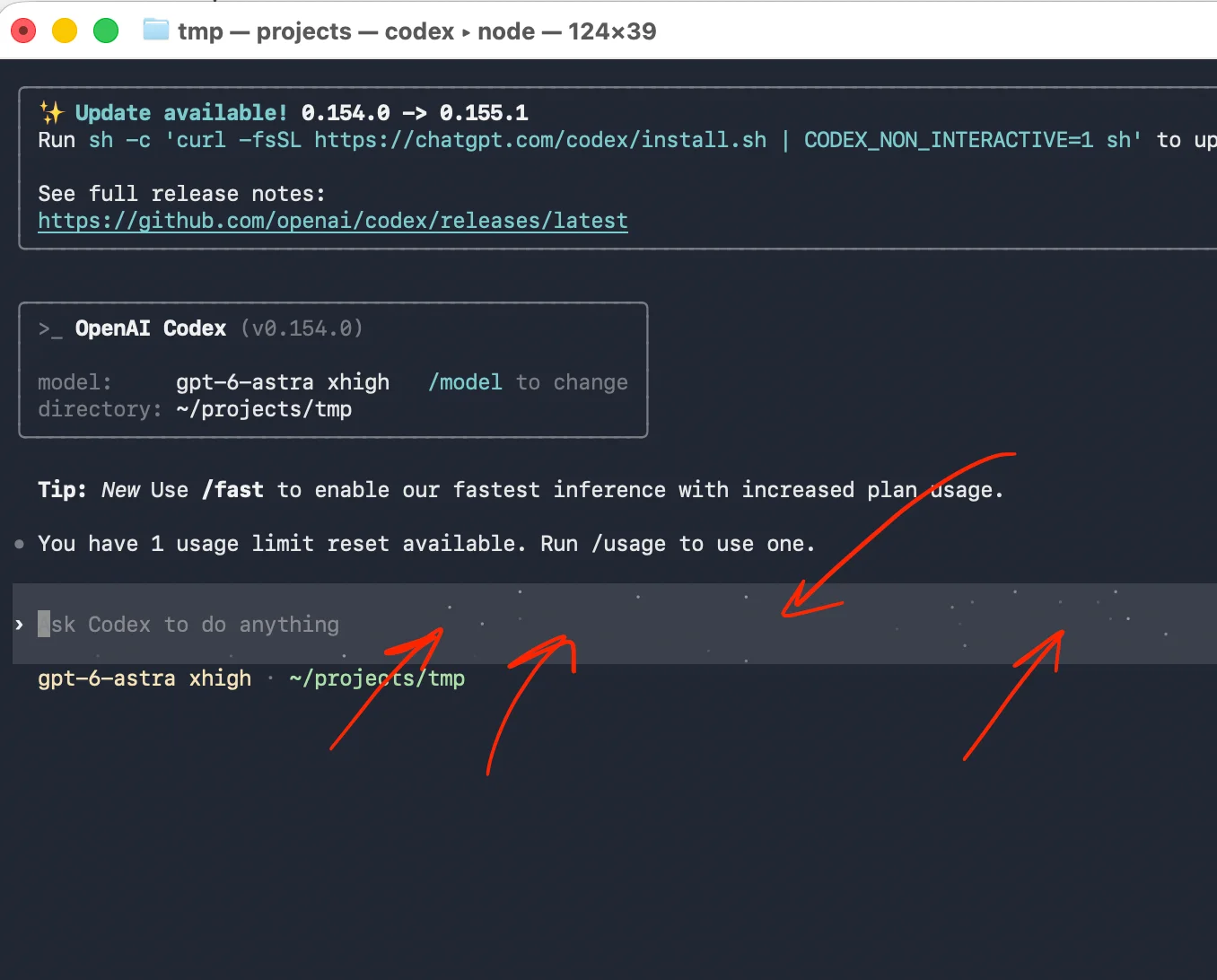
Learn what Codex YOLO mode does, why bypassing approvals and sandboxing is risky, and how to automate Codex safely.
157 articles

Learn what Codex YOLO mode does, why bypassing approvals and sandboxing is risky, and how to automate Codex safely.

Learn why private repositories do not protect Pages sites and compare secure access options for internal teams and external clients.

Learn how to secure Vercel deployments with password protection, authentication, trusted access, or protected Revdoku hosting.

Learn how to export, secure, publish, and test a Claude-made website using password protection or verified-email access.

Learn why Gemini Canvas public links aren't private and how to secure exported websites with password or verified-email access through Revdoku.

Learn which website password protection fits CMS and static sites, why JavaScript gates fail, and when to use StatiCrypt or verified email.

Connect Revdoku in Claude Code, publish a self-contained folder from the terminal, and update the same public or protected website link.

Move a static GitHub Pages site to Revdoku while keeping its repository synced, then add analytics, protected access, and built-in forms.

Learn whether grok.me sites support passwords, how to test privacy, and how to secure exported Grok Build files with real access control.

Connect a Revdoku bucket to GitHub, import an existing repository, or create a private repository that backs up bucket files automatically.

Learn when to use Codex Cloud, when to use Codex remote control, and how Revdoku fits as the publishing layer for generated output.

ChatGPT shared links cannot use passwords. Learn how to revoke public links and securely share client deliverables with controlled access.

A concise look at how one ChatGPT task researches, updates, archives, tests, and republishes three weekly Revdoku websites.

Collect clear client feedback with protected deliverables, focused forms, defined review rounds, one owner, and thoughtful analytics.

Learn how to unpublish a public Claude Artifact and securely share its export using password or verified-email access.

Share client files through one secure, stable link with browser viewing, access controls, feedback, analytics, and simple updates.

Compare Dropbox Sign, DocuSign, SignWell, and PandaDoc free API testing, production limits, pricing, webhooks, and authentication.

ChatGPT Sites lack shared passwords. Compare native privacy options and learn how to create a secure client password gate with protected hosting.

Learn how to share confidential client work safely using permission, redaction, passwords, Verified Email access, and private portfolio links.

Share protected proposals, collect client feedback, track engagement, and update files through one stable link with Revdoku.

Track document views, clicks, downloads, and verified visitor activity with secure client links and practical follow-up guidance.

Learn whether grok.me sites are public, audit Google indexing, remove exposed pages, and protect confidential client work.

A Google site:chatgpt.site search reveals public ChatGPT Sites. Learn what is indexed, how to restrict a Site, and when to use protected client sharing.

Learn who can view ChatGPT shared links, how to find and delete them, and why missing Google results do not guarantee privacy.

Build a secure, decision-ready data room with this checklist for corporate, financial, legal, IP, team, customer, and security records.

Learn how Google indexes public Claude Artifacts, check whether yours are exposed, unpublish safely, and choose protected sharing.

Learn how Grok share links can appear in Google, audit exposed chats, revoke access, and protect private AI-generated content.
Track proposal and document engagement using visits, downloads, Verified Email, privacy safeguards, and well-timed client follow-up.

Build a secure fundraising data room, stage investor access, organize due diligence files, track engagement, and prevent version chaos.

Compare client portal software for agency operations, collaboration, file sharing, creative proofing, and secure delivery.

Compare Google Document AI and Azure AI Document Intelligence for OCR, extraction, custom models, governance, and evaluation workflows.

Build a secure client portal without CRM software. Share current files, control access, collect feedback, and track client engagement.

Learn the essential client portal contents, folder structure, access options, feedback workflows, and templates for a clear client experience.

Create a secure one-link client portal for reports, files, demos, feedback, analytics, and updates without sending a new URL.

Use this legal AI evaluation checklist to review cloud posture, Microsoft/Azure fit, data handling, playbooks, and audit evidence.

Share client deliverables through one protected link with stable revisions, visitor analytics, open alerts, and built-in feedback.

Learn how to securely share client files, control access, manage versions, collect feedback, and track engagement with one link.

Compare public, password-protected, and verified email links to choose the right security, visitor tracking, and sharing experience.

Publish a browser game generated by an AI coding tool with a password-protected Revdoku review link and analytics.

Compare Netlify and Revdoku for private client reviews, trackable file sharing, stable links, access controls, and seamless updates.

Compare Vercel password protection with Revdoku for secure client review links, Verified Email access, analytics, and stable file updates.

After Codex, Claude, ChatGPT, or another vibe coding tool generates a project, publish the output folder with Revdoku for review.

Compare Revdoku and Papermark for secure sharing, analytics, data rooms, mixed-file deliverables, self-hosting, and automation.

Compare Tiiny Host and Revdoku for protected client sharing, visitor tracking, feedback, stable links, revisions, and static hosting.

Check AWS Activate eligibility, apply for $1,000 in startup credits, track approval, and monitor usage to avoid surprise bills.

Turn an HTML page or mini-site generated by ChatGPT into a live Revdoku link with password access, file viewers, and analytics.

Compare Revdoku, DocSend, and other secure sharing tools for protected client delivery, document analytics, access control, and pricing.

Compare Google Drive with Revdoku for protected, branded client sharing with stable links, access controls, analytics, and lead capture.

Learn how to replace published files, keep the same client URL, preserve access and analytics, and roll back updates in Revdoku.

Learn when AI agents need runtime hosting and when static publishing is enough for secure, accessible client deliverables.

Turn a folder into a secure website with browser previews, stable links, access controls, analytics, forms, and easy updates.

Compare e-signature APIs for SaaS by reliability, webhooks, embedded signing, audit evidence, compliance, SLAs, and pricing.

Turn PDFs and folders into one secure client link you can update, track, password-protect, and use to collect feedback and leads.

Learn how to build, review, and publish ChatGPT-generated websites safely using Revdoku, static hosting, or an application platform.

Learn how to review, export, host, test, and update Claude-generated websites for secure client delivery or public publishing.

Learn to publish static AI-generated websites without Git using direct uploads, protected client links, and simple updates.

Compare Codex mobile remote control, SSH from a phone, and Codex CLI remote app-server workflows, then publish generated output with Revdoku.

Learn how to inspect, test, secure, host, and update AI-generated website files so clients and visitors can use them safely.

Share exported dashboards through one secure client link. Learn access controls, safe updates, analytics, and practical reporting workflows.

Share client reports with one secure, stable link. Control access, track engagement, collect feedback, and update files without changing the URL.

Learn what the Codex mobile workspace admin message means, what to check, what to ask an admin, and how to share Codex output with Revdoku.

Share app prototypes securely with protected access, stable preview links, safe sample data, version updates, analytics, and focused feedback.

Share current client work through one protected link, collect feedback in context, track engagement, and simplify every review.

Share unfinished work securely with one private demo link, password or email access, engagement analytics, feedback, and easy updates.

Troubleshoot Codex remote control setup, workspace restrictions, host availability, SSH projects, and CLI remote modes, then publish Codex output with Revdoku.

Learn when and how to follow up on a proposal using verified client activity, smart timing, and six concise email templates.

Review files, secrets, access gates, forms, and analytics before launching a safer AI-generated website with Revdoku.

Send proposals with protected links, track verified opens and engagement, and use client activity to time thoughtful follow-ups.

Learn how public, password, tagged, and verified email links track opens, identify visitors, and measure engagement accurately.
Track clicks, verified visitors, page views, downloads, and feedback with stable links for proposals, reports, presentations, and demos.

Identify verified viewers of shared proposals, reports, and demos while keeping anonymous website traffic private.

Learn how to protect websites, static pages, files, and client work with server-side passwords, verified email, and secure access controls.

Learn why JavaScript password gates fail and how to securely protect HTML pages, files, and client demos with server-side access control.

Learn how to protect static sites before files reach the browser using host authentication, identity providers, or secure publishing links.

Create a secure, reusable resume link, choose PDF or website hosting, test access, track visits, and update your resume without changing the URL.

Host email-gated PDFs and lead magnets without WordPress. Learn how to publish, track, test, and update resources using one stable URL.

Learn how to securely host, share, track, and update presentations online with password protection, viewer analytics, and a stable link.

Learn how to publish, secure, test, troubleshoot, and update an exported HTML course with static hosting, no LMS or learner installation needed.

Learn how to host a mobile-friendly restaurant menu, create a reliable QR code, test it on phones, and update prices without reprinting.

Learn how to securely share a private ebook link, control access with a password or verified email, track activity, and update editions.

Learn how to track PDF opens, views, clicks, and downloads, and when Verified Email can identify visitors without overstating engagement.

Compare encrypted PDFs, protected links, and Verified Email for the right balance of security, easy updates, and viewer analytics.

Compare Revdoku with DocSend for protected client websites, tracked documents, analytics, eSignature, and data rooms—with affordable account-based pricing.

Host and share ebooks privately with password or verified-email access, reader analytics, feedback forms, and PDF updates at one stable link.

Host lead magnets with verified email access, visitor insights, and a stable URL. Learn how to publish and update resources without WordPress.

Host exported HTML courses online, protect access, track visitor activity, and publish updates without changing the course link.

Host a portfolio online with private links, access controls, viewer analytics, feedback forms, custom domains, and one stable URL.

Host presentations at one secure URL, track viewer activity, collect feedback, control access, and update your deck without resending it.

Turn PDFs, presentations, ZIPs, HTML, and folders into secure websites with stable links, visitor analytics, downloads, and feedback.

Host a mobile-friendly restaurant menu at a stable URL, create a QR code, track visits, and update prices without changing the link.

Create a secure resume link, publish a PDF or site, track visits, test access, and update your resume without changing the URL.

Learn how to share PDFs securely using protected links, passwords, email gates, viewer analytics, and stable document URLs.

Upload finished HTML websites from a folder or ZIP without Git. Learn about file paths, SPA routes, protected previews, and stable links.

Host a ZIP file as a live website, fix asset paths, control access, track engagement, and update files without changing the URL.

Use a private publish-review loop to catch layout, link, form, and mobile issues before sharing AI-generated websites publicly.

Learn how a simple client portal streamlines file delivery, protects access, collects feedback, and improves freelancer follow-up.

Create a secure client portal for proposals, files, and demos with protected access, analytics, forms, and one stable link.

Share client deliverables through one secure, trackable link with access controls, analytics, feedback forms, and seamless updates.

Learn what to include in an investor data room, how to secure startup documents, and when to choose Revdoku or a dedicated VDR.

Build a secure startup data room with protected links, Verified Email, version history, staged access, and practical investor analytics.
See how document tracking reveals views, page activity, clicks, and downloads so you can time respectful client follow-ups.
Track pitch deck opens, page views, clicks, downloads, and return visits with secure links, without enterprise data room overhead.
Send protected proposal links, track opens and engagement, update files at one URL, and follow up without guessing or overreaching.

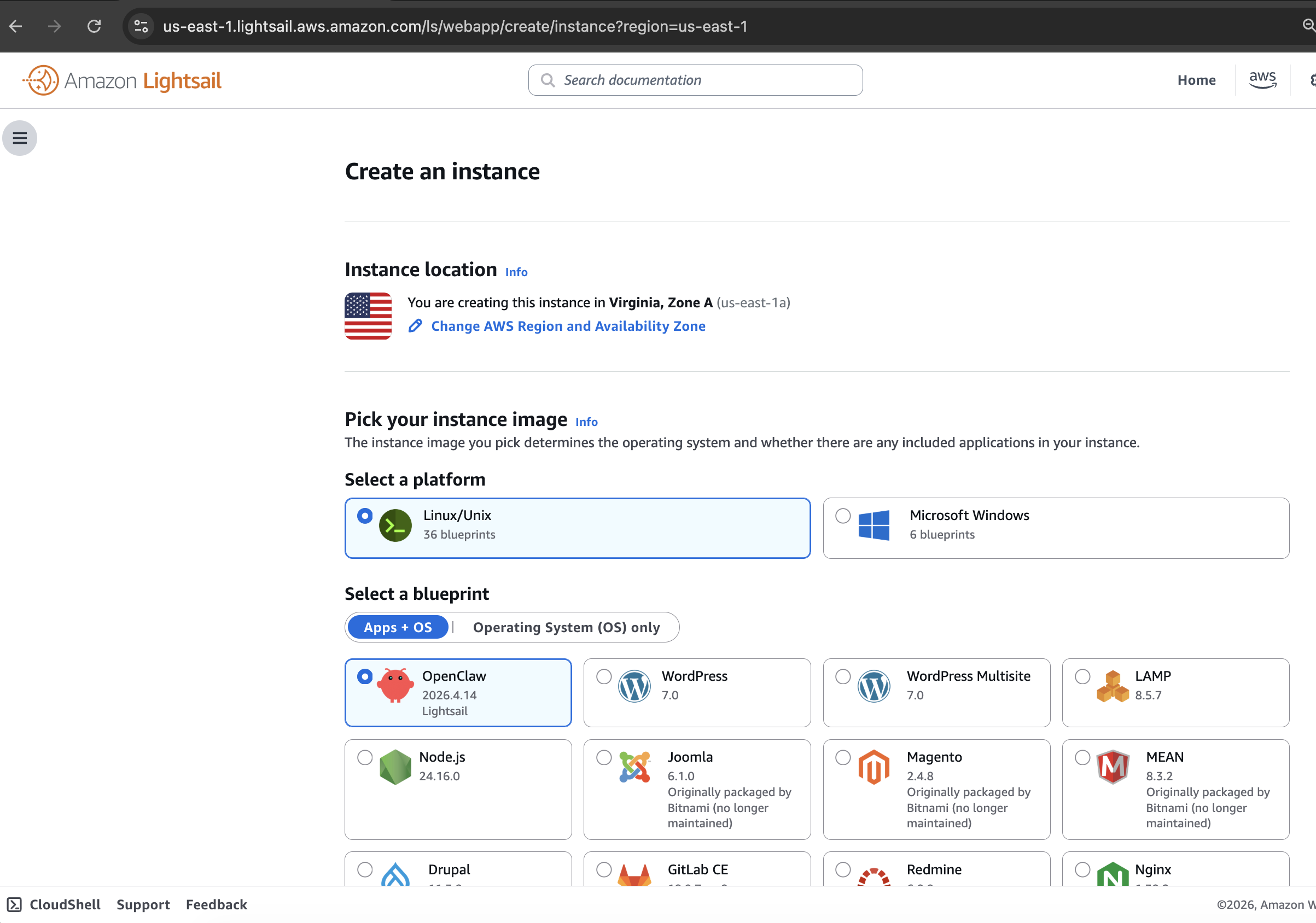
A beginner AWS Lightsail tutorial for publishing a vibe-coded Node app with Nginx, a static IP, HTTPS, backups, and monitoring.
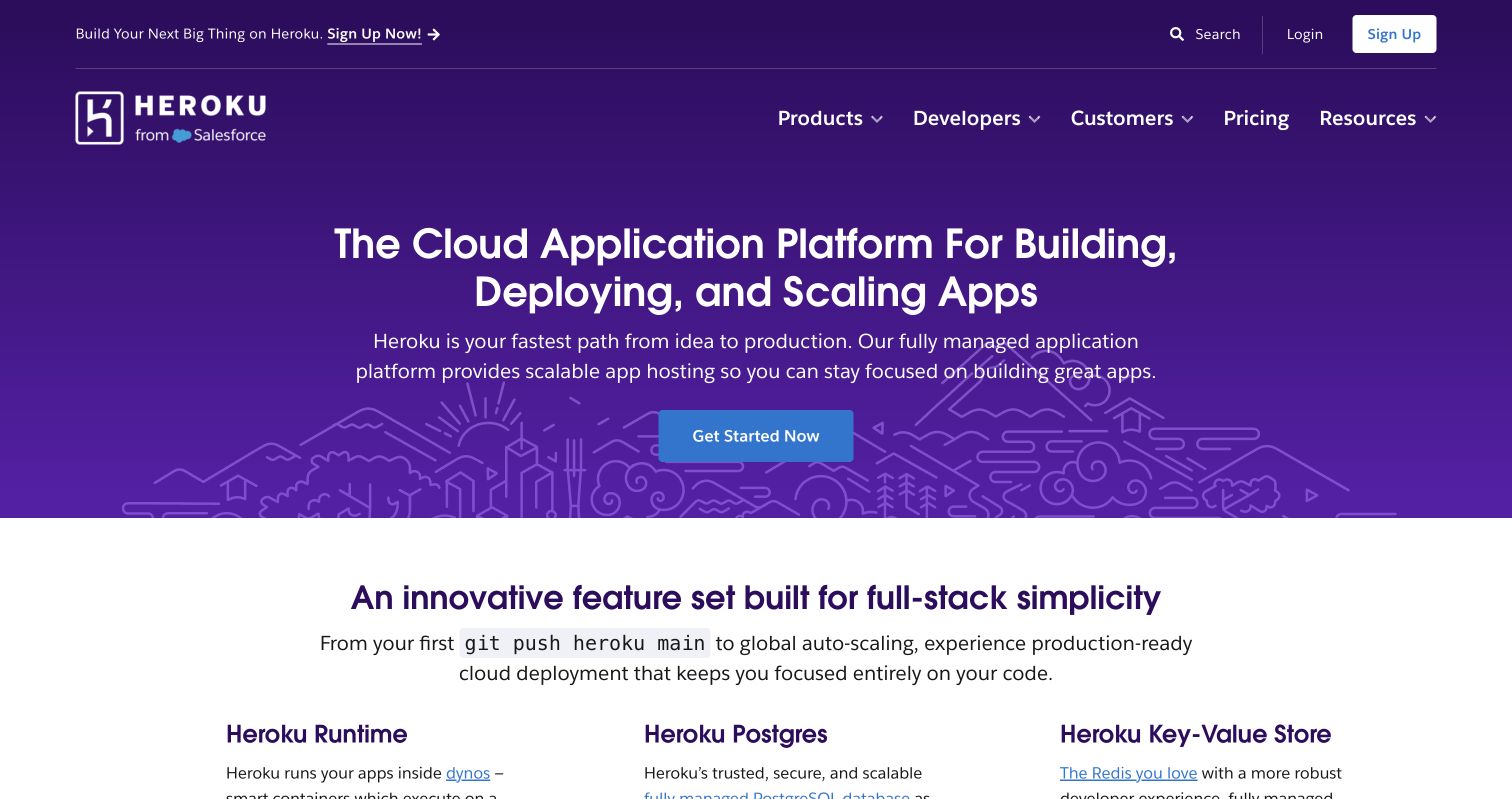
Publish an AI app on Heroku through GitHub, protect secrets with Config Vars, connect a domain, and deploy updates safely.
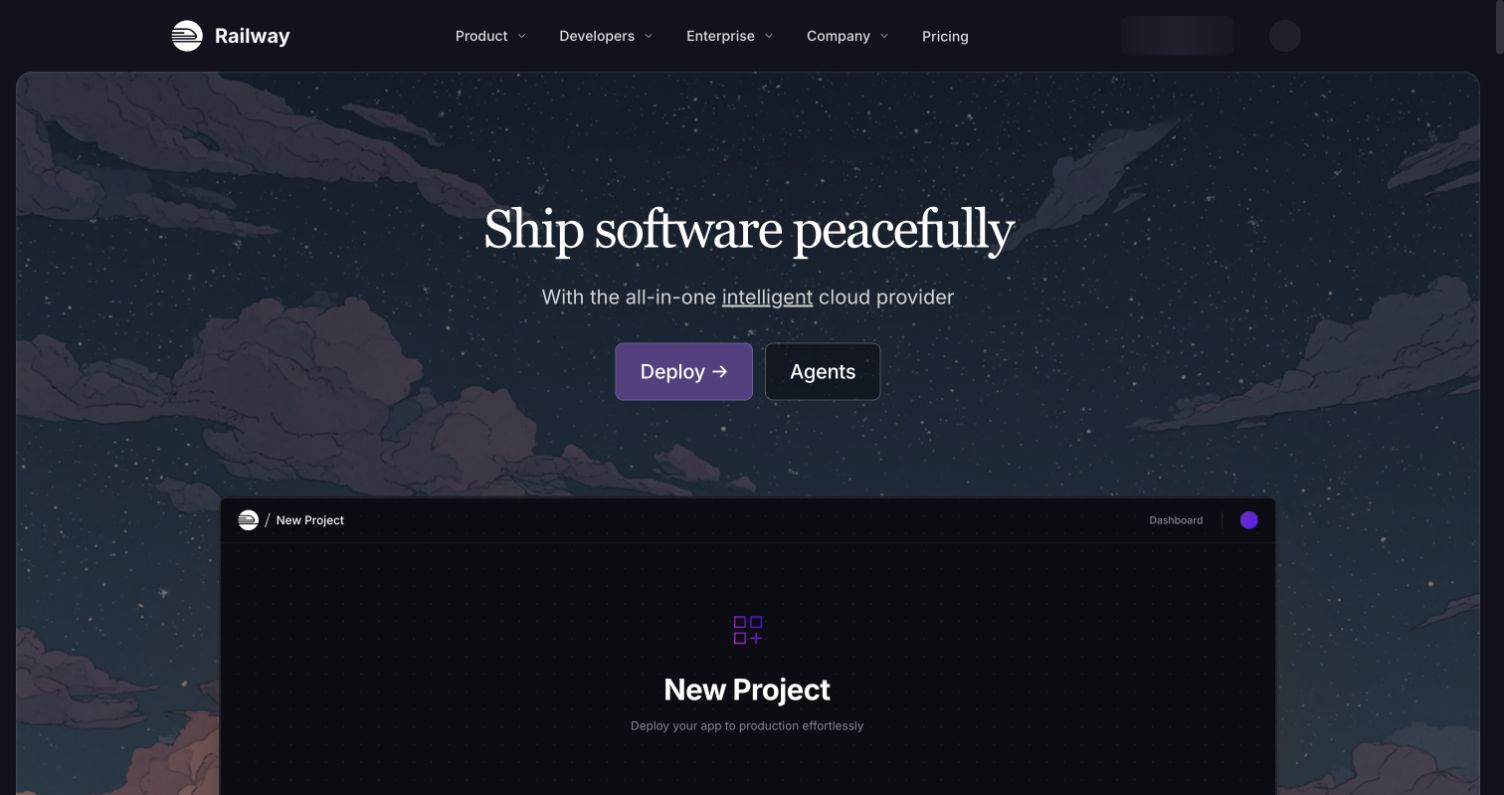
A beginner Railway deployment tutorial for publishing a vibe-coded AI app from GitHub, including secrets, domains, logs, and updates.
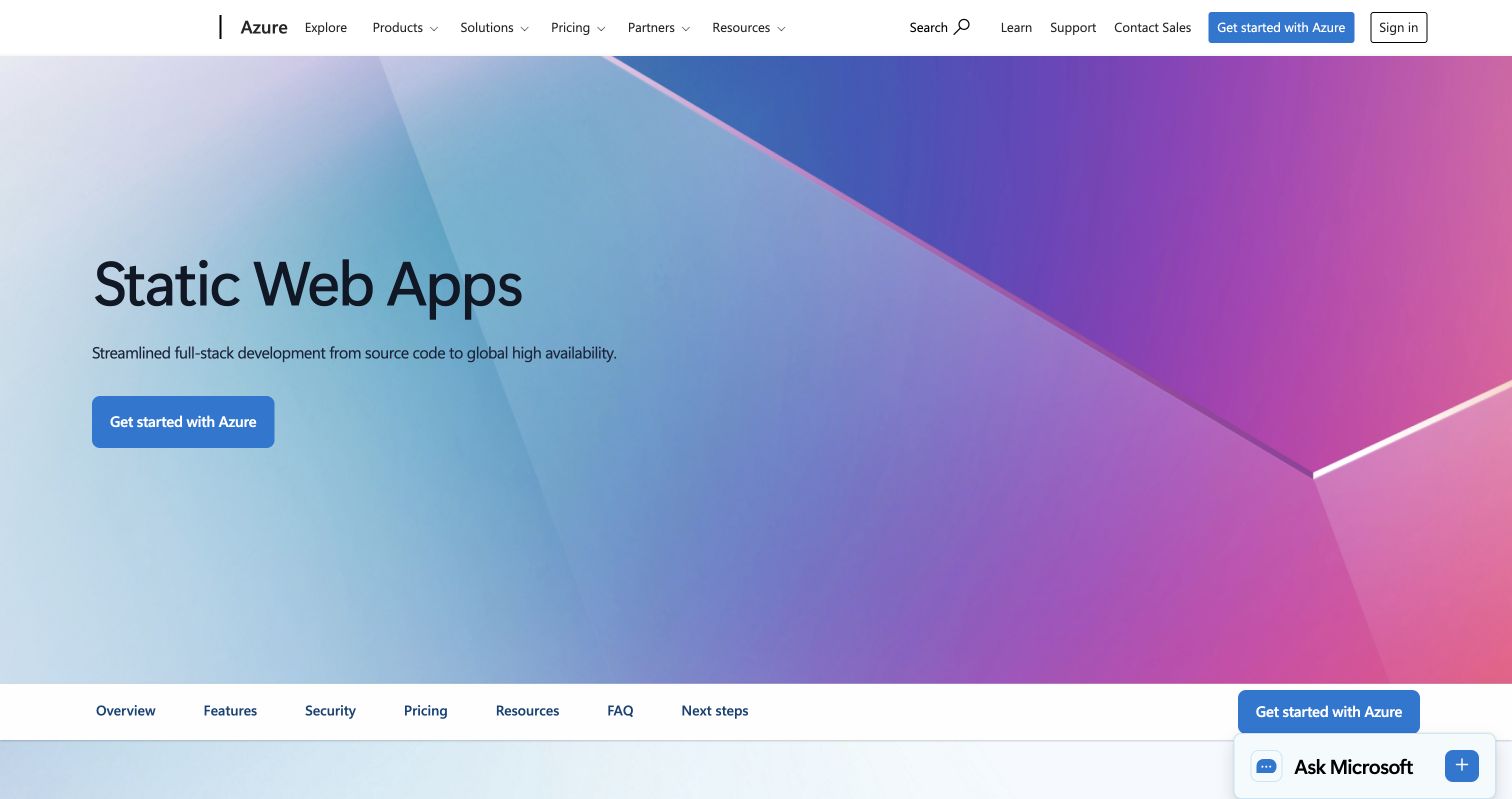
Publish an AI-generated website from GitHub with this beginner Azure Static Web Apps tutorial, including build settings and a custom domain.
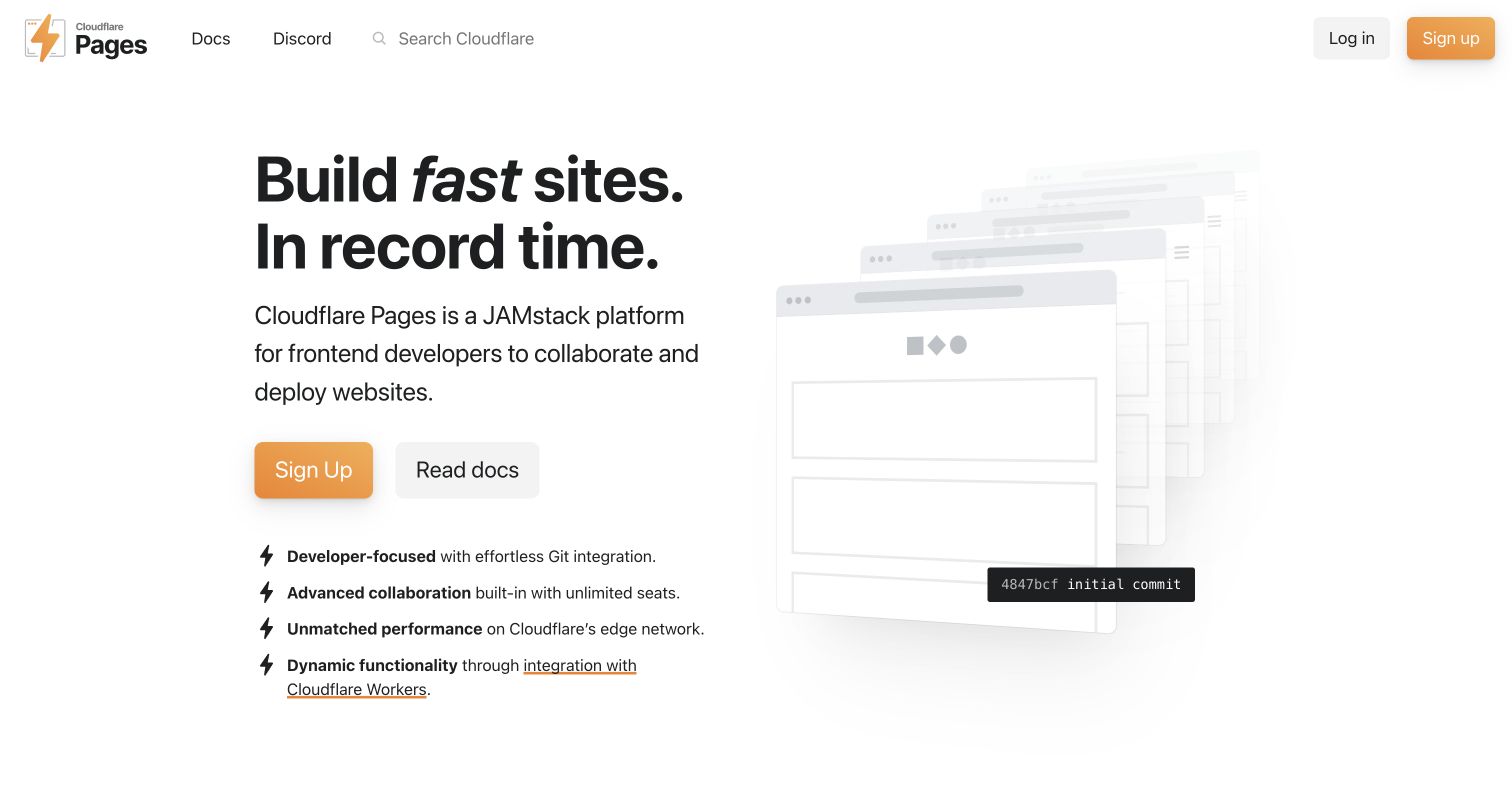
Publish an AI-generated static website with Cloudflare Pages Direct Upload, add a custom domain, and use Wrangler for repeatable updates.
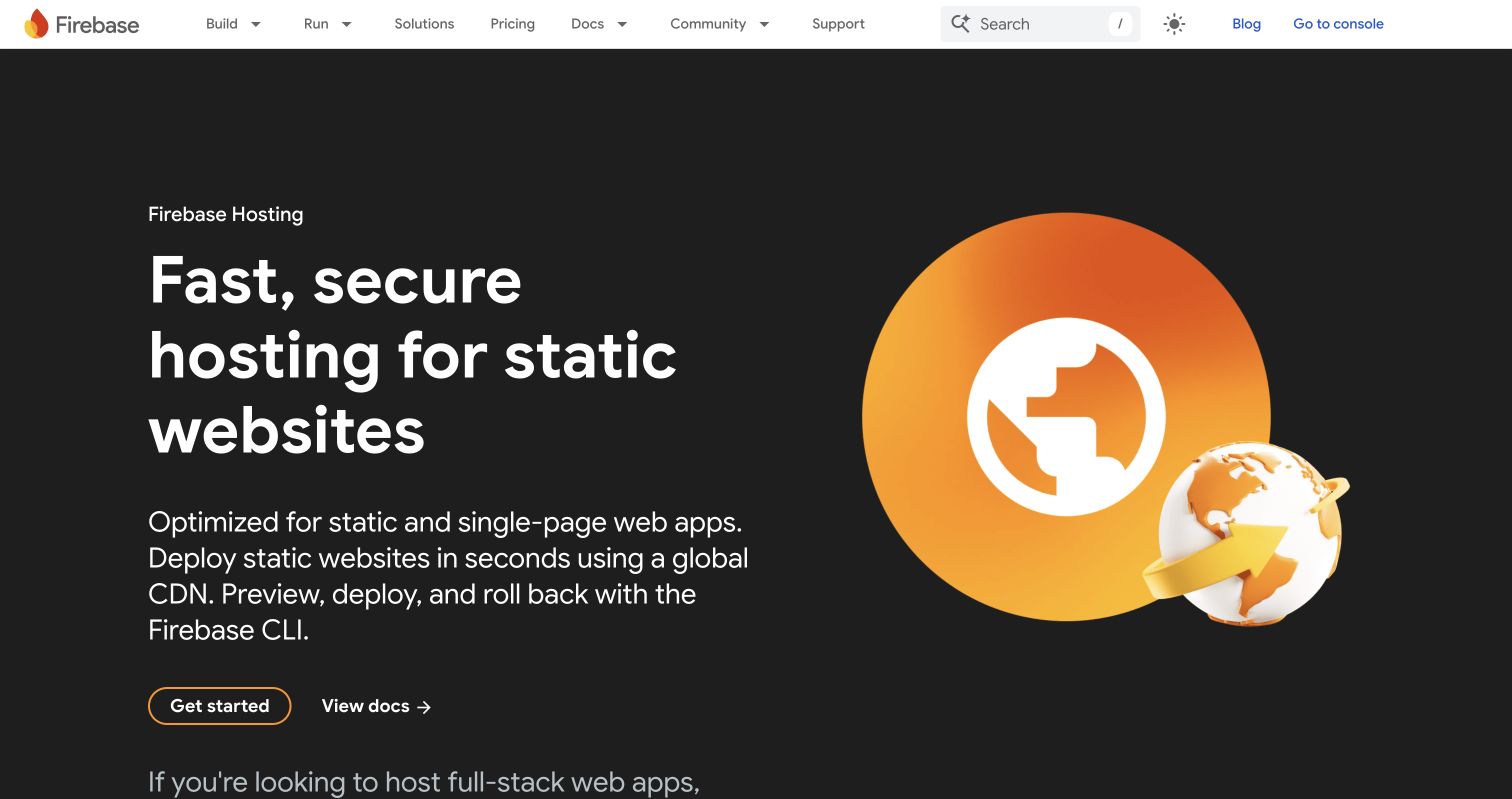
Publish an AI-generated static site with Firebase Hosting, from CLI setup and SPA rewrites to deployment, testing, custom domains, and updates.
Learn how to securely share client files with password-protected links, stable URLs, access tracking, and Verified Email.

Securely share proposals, reports, and demos on a password protected website with stable links, analytics, and client feedback.

Learn how email OTP links identify document viewers, protect shared proposals, and improve client follow-up without requiring accounts.

Organize investor documents, protect sensitive data, stage access, and prepare your startup for efficient fundraising due diligence.

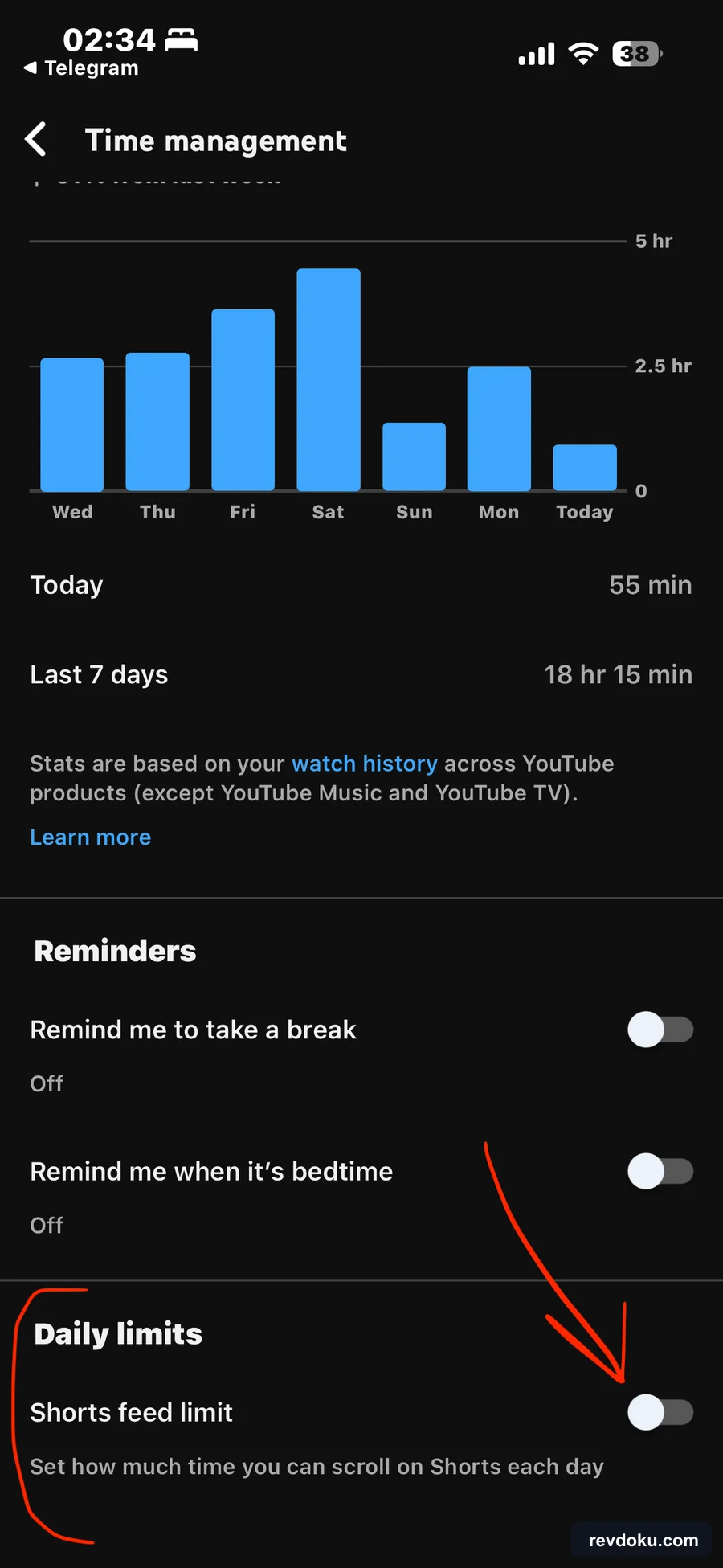
Set YouTube's Shorts feed limit to 0 minutes on iPhone, add time reminders, and show fewer Shorts on desktop.
Review AI-built sites before launch: fix generic copy, mobile issues, broken links, forms, contrast, and placeholder content.

Compare developer hosting, report-first tools, and Revdoku buckets for publishing AI-generated reports with access control and analytics.

Compare GitHub, Vercel, and Revdoku for publishing AI-generated web projects, from production apps to protected static review links.

Serve a static folder on a VPS with Caddy and HTTPS, then compare when Revdoku is simpler for publishing AI-generated file bundles.

Compare AI app hosting options and learn when to use Revdoku for fast, protected, trackable deployment of generated files.

Deploy an AI-generated static site or frontend app on Vercel, understand previews and traffic usage, and learn when Revdoku is simpler.

Turn a Fable AI demo into a growing niche blog with Revdoku: organize files, publish a stable URL, protect drafts, and track analytics.

Publish a static folder or AI-generated site on Netlify, then compare when Revdoku is simpler for protected file-folder sharing.

Turn a Claude Fable or AI-generated demo folder into a protected, trackable live Revdoku website with one shareable URL.

Step-by-step guide to publishing a static site from Claude, Codex, ChatGPT, or another AI tool with GitHub Pages, plus when to use Revdoku instead.

Compare Claude Artifacts for internal teamwork with Revdoku for publishing AI-built reports, dashboards, and prototypes with access control and analytics.

Compare GitHub Pages, Netlify, Vercel, VPS hosting, and Revdoku for publishing AI-generated sites, reports, prototypes, and mixed file folders.

Publish a website, dashboard, report, or app that Codex just built as a live, shareable Revdoku URL — public or password-protected, with no hosting setup.

Learn how to publish Claude Code websites with Revdoku, review privately, keep one URL for updates, and track analytics after sharing.

Use Revdoku to host ChatGPT-generated sites with live URLs, password access, analytics, and updates across AI agents.

Compare Claude Artifacts and Revdoku for internal review, public URLs, password-protected pages, analytics, and multi-agent publishing.

Learn when Revdoku custom domains need Cloudflare Turnstile keys and how to add the site key and secret for secure public submissions.

Learn how to schedule a Claude routine, publish daily AI reports through Revdoku, and keep one durable bucket for updates.

Tune a published Revdoku site: copy the live URL, connect a custom domain, and customize the generated Auto-Index Page.

Use visitor activity settings, traffic analytics, and visitor-level analytics to see who opened a protected Revdoku site and follow up.

Publish a password-protected file website, let visitors preview files in the browser, and review owner-side traffic and visitor analytics.

Use password plus email access to identify visitors and attribute website access to submitted email addresses.

Learn how to publish a Revdoku website, add password protection, require email access, and review protected-site visitors.

Use Claude Code Remote Control to run a session on your laptop and continue it from the Claude mobile app on iPhone or Android.

Control Codex from your phone with ChatGPT Remote. Pair the desktop app, keep the host awake, or run projects on a connected SSH host.

Use a practical QA loop to inspect AI-generated websites, fix issues, share private previews, and launch safely with Revdoku.

Turn a bucket of files into a shareable website that is open, password-protected, or gated behind a password plus visitor email.

Learn how to publish Claude Code product websites to Revdoku, protect private reviews, keep assets together, and update the same URL.

Public, password, or password plus email: a practical guide to choosing how much friction to put in front of a Revdoku website.

Use Revdoku to publish AI app demos with stable URLs, password gates, analytics, and update workflows across Claude, Codex, and ChatGPT.

Claude Code YOLO mode runs with --dangerously-skip-permissions, skipping prompts. Learn the risks, who should use it, and safer alternatives.
Publish AI-generated interactive sites from Claude Code with Revdoku: upload a static folder, review privately, and share a stable live URL.

Turn Claude Fable demos into durable live sites with Revdoku publishing, stable URLs, review protection, and repeatable updates.

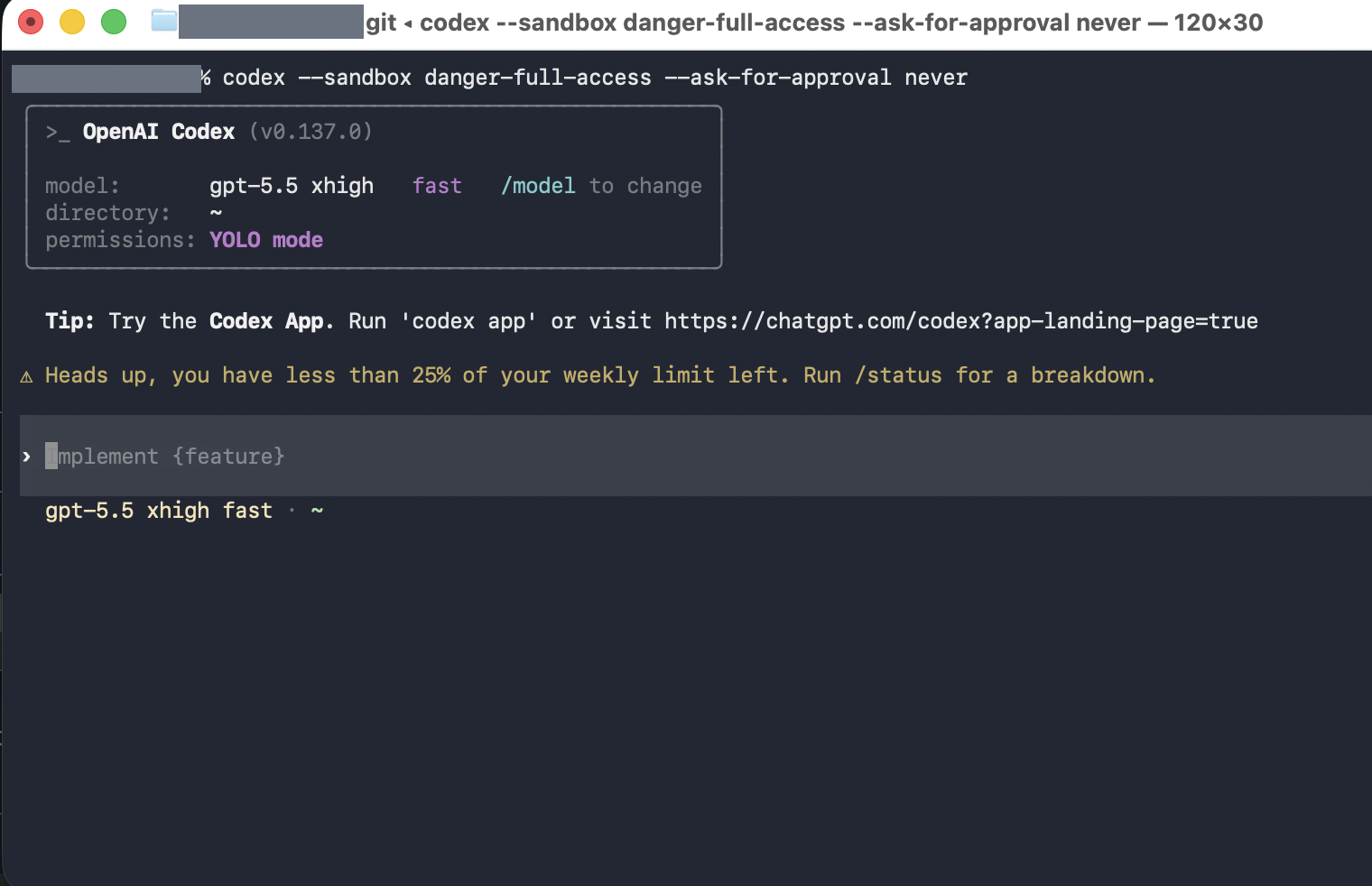
How Codex YOLO mode (danger-full-access, no approvals) works, the risks it creates, and safer alternatives for AI coding agent permissions.
Learn how to upload a local folder to Revdoku, publish it as a website, add password protection, and review visitor analytics.

Compare Codex Sites, Revdoku, Netlify, and GitHub Pages for publishing AI-generated websites from Claude, ChatGPT, Codex, or local tools.

Learn how to upload files to a Revdoku bucket by email, confirm processing, find imported attachments, and check the upload log.
Use this checklist to remove secrets, review generated files, protect private drafts, rate-limit forms, and publish AI websites safely.

A practical setup for keeping Claude Code or Codex running on a closed MacBook while it stays connected to an iPhone hotspot.

Compare Webflow and Claude Code for AI landing page experiments, and see how Revdoku helps publish, protect, and organize variants.

Turn Markdown, HTML, images, and folders into a shareable Revdoku website with built-in navigation, viewers, and access controls.

Use Revdoku to publish websites from ChatGPT, Claude, Codex, OpenClaw, Hermes, API clients, and automations.

Compare the best vibe coding tools for SaaS apps, coding agents, prototypes, design mockups, and static hosting in 2026.