Give the account a bucket email address
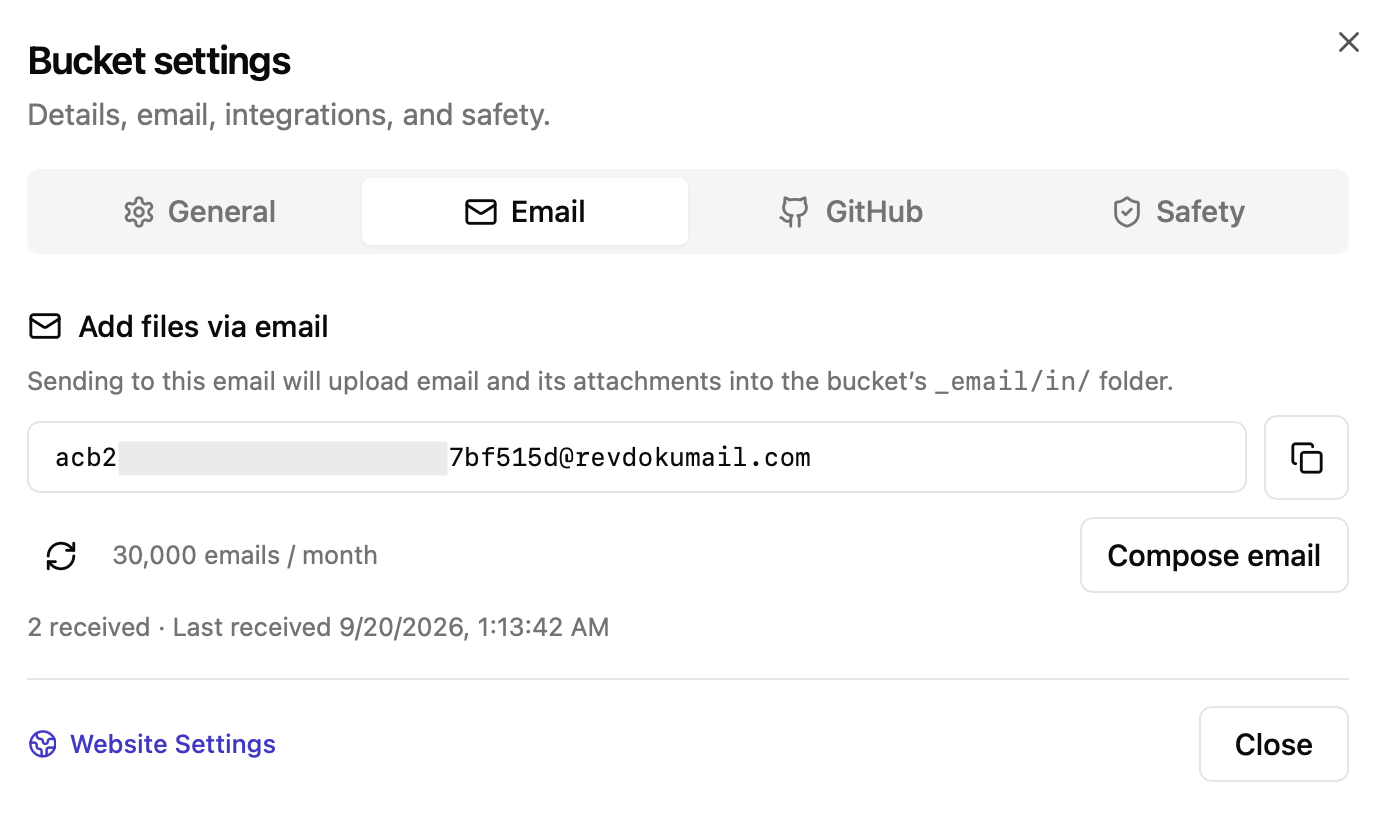
Every bucket has its own incoming email address. Ask your AI agent to use it when signing up for a service in Chrome—for example, oasis.aspen.dcdadjxsxqvntzfh@revdokumail.com.
Read the confirmation and finish in Chrome
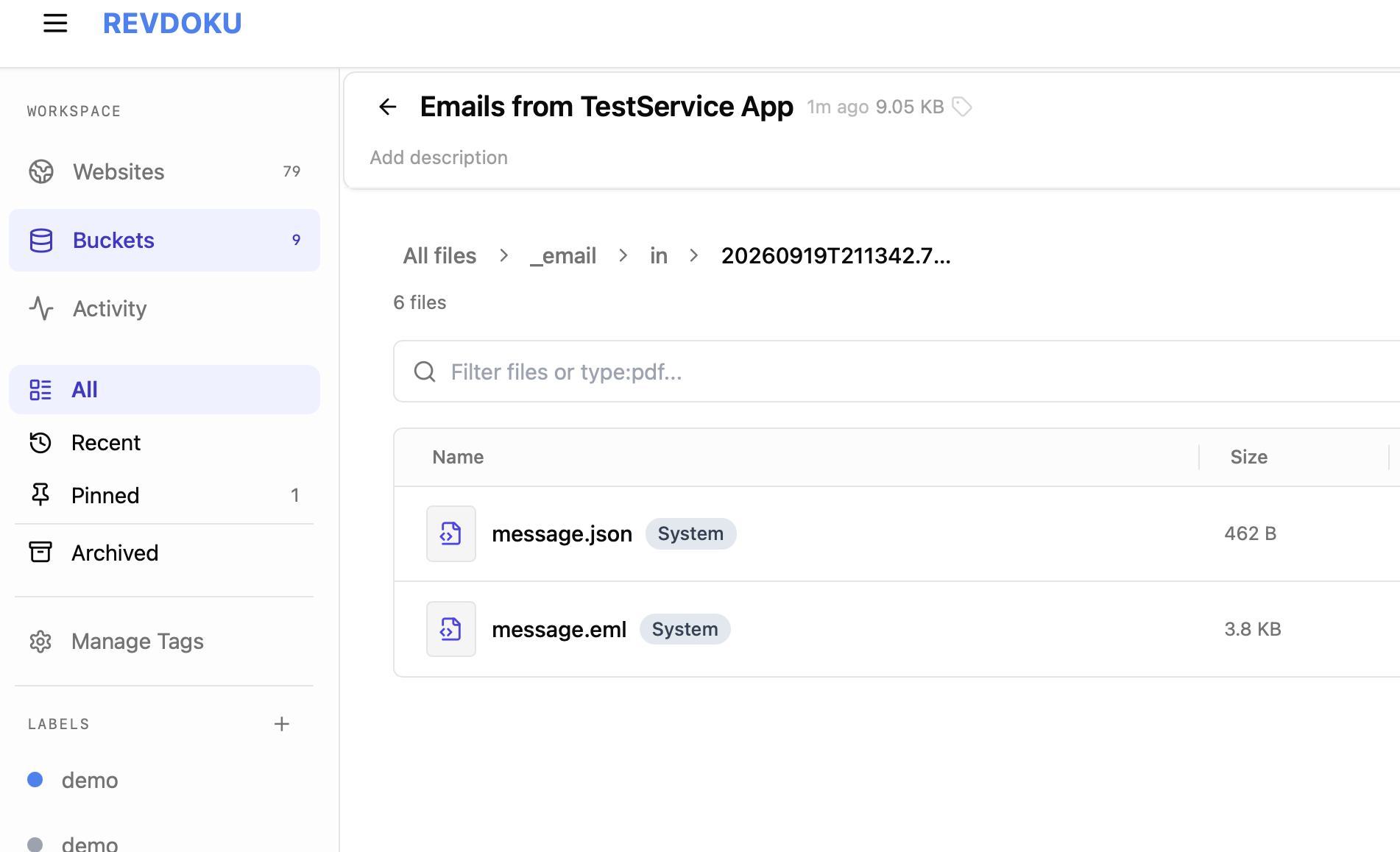
The service sends a verification code or confirmation link to the bucket. Revdoku receives and stores the email. The authorized AI agent reads the message, then enters the code or opens the verification link in Chrome to finish the signup.
Keep account notifications and attachments together
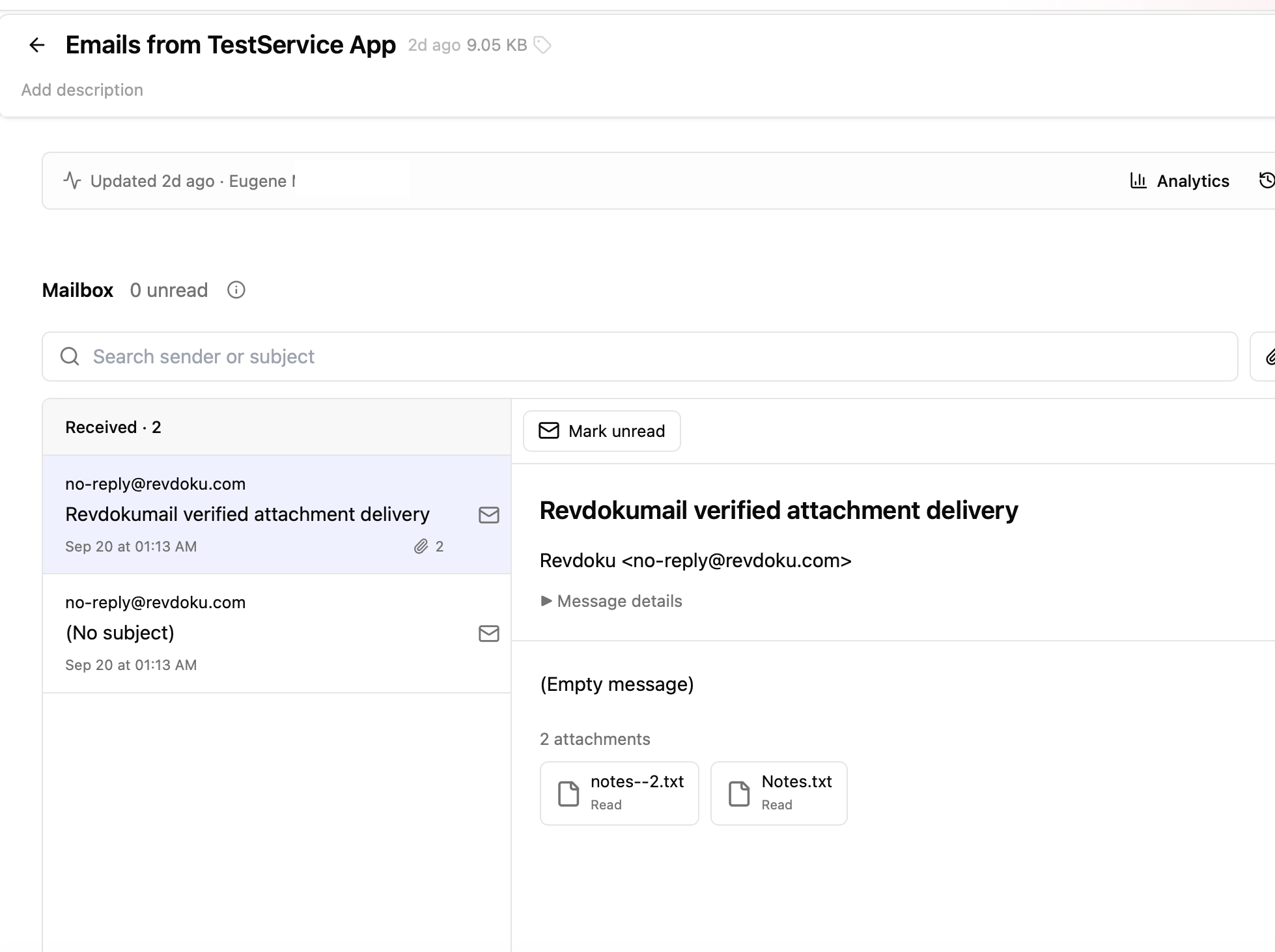
Later notifications from that account arrive in the same bucket. The agent can check for new messages, read them, and open saved attachments—such as a report, invoice, or CSV—to continue its work.
Revdoku provides the incoming address and file storage. Your AI agent performs the signup and browser steps.
Connect your AI agent to read incoming email and work with the saved files.