Get Email address for your AI agent
- Create a cloud bucket and copy its
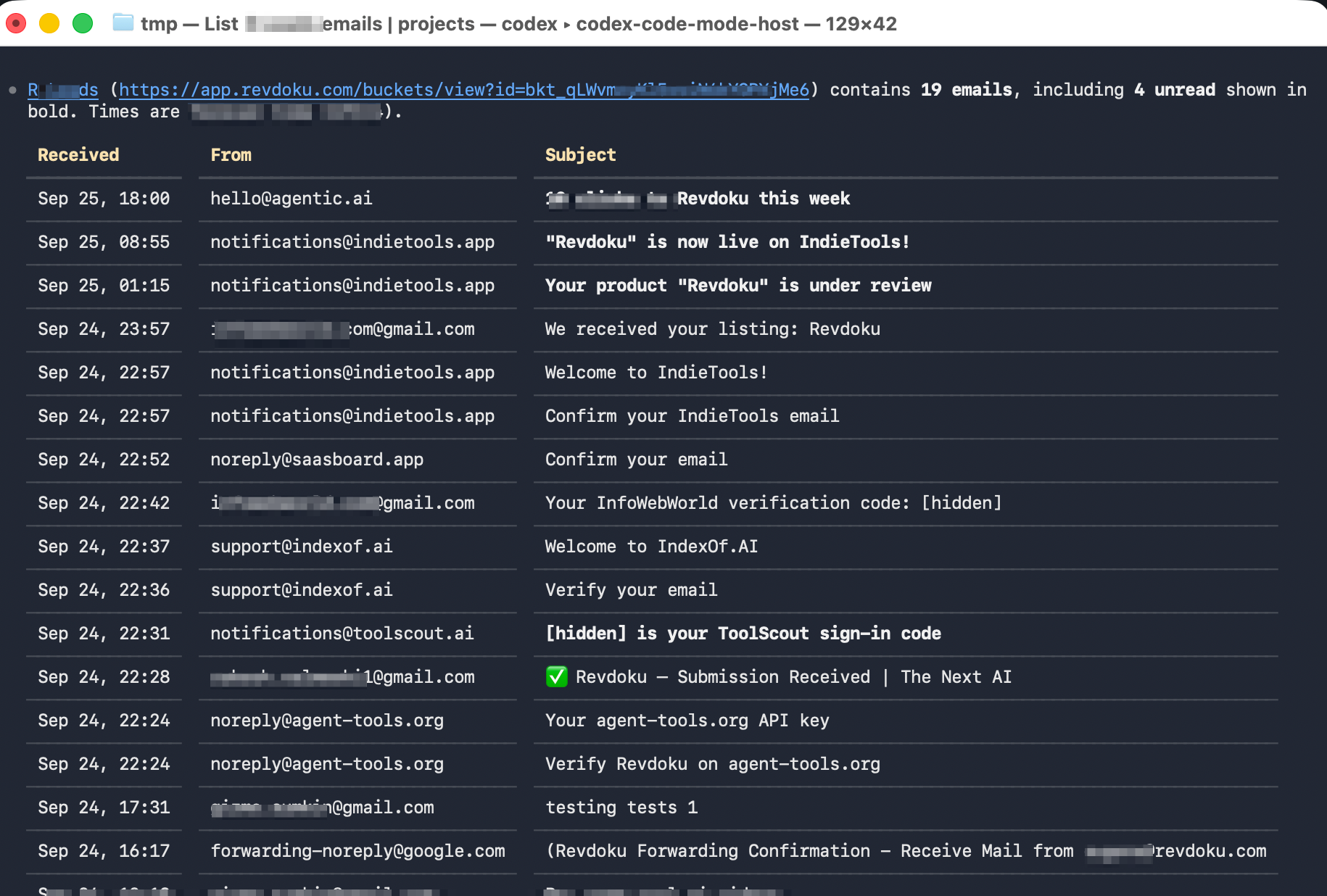
<unique.id>@revdokumail.comemail address. - Emails sent to this email are saved as JSON and Markdown, attachments are extracted.
- Connect AI agents to read and manage saved emails and files via the API, CLI, MCP, or Skill.
Built for AI agents and developers
Cloud Buckets
A unified way to store and manage files, emails, and documents.
Granular access control
Control who can access each bucket and how.
Every bucket has an email address
<unique.id>@revdokumail.com, or use a custom address like <special-name@inbox.mydomain.com>.
Versions, logs, read tracking
Track read/unread status, versions, and changes.
Connect your way
Oversee what happens
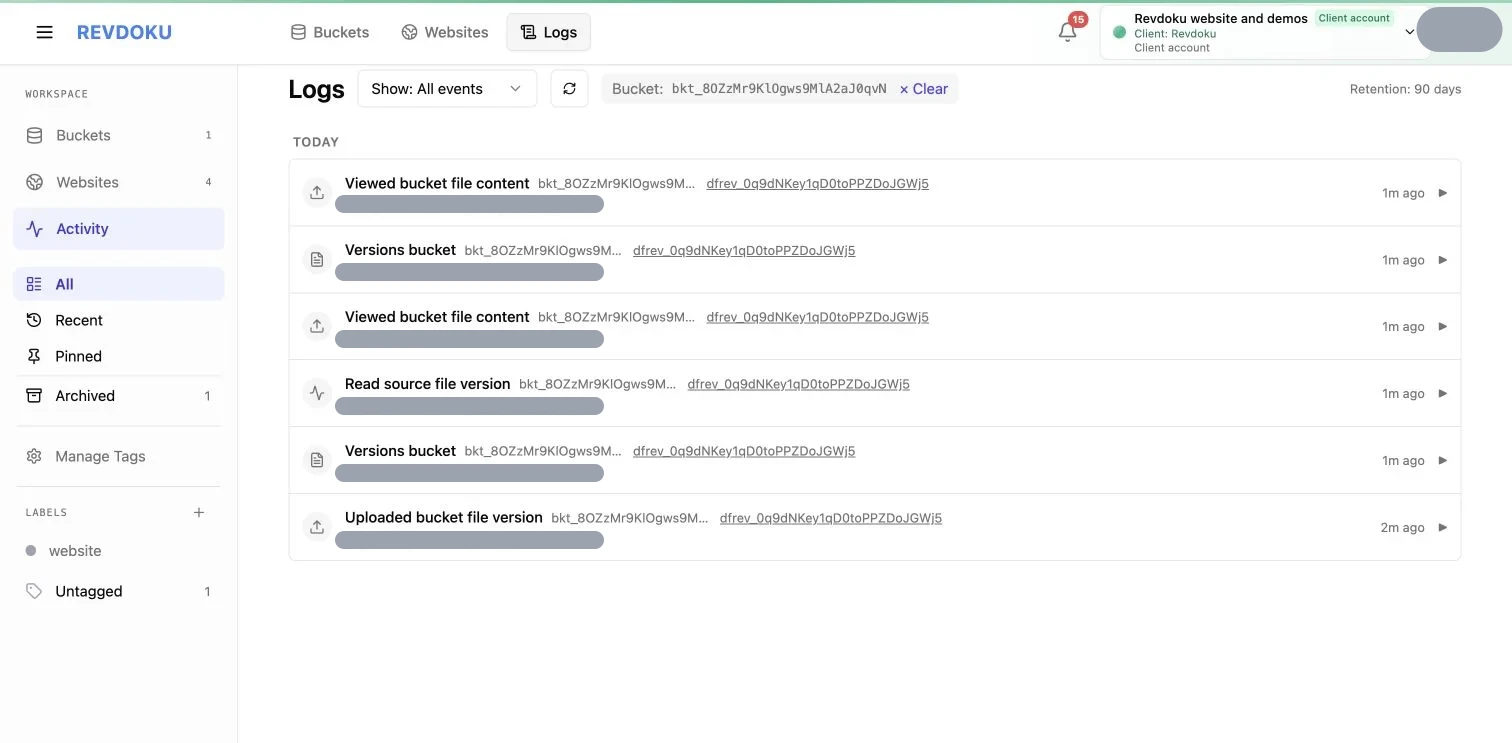
Get notifications about important events, and view analytics and logs.
Hosted in the EU. AES-256 encryption at rest and TLS in transit.
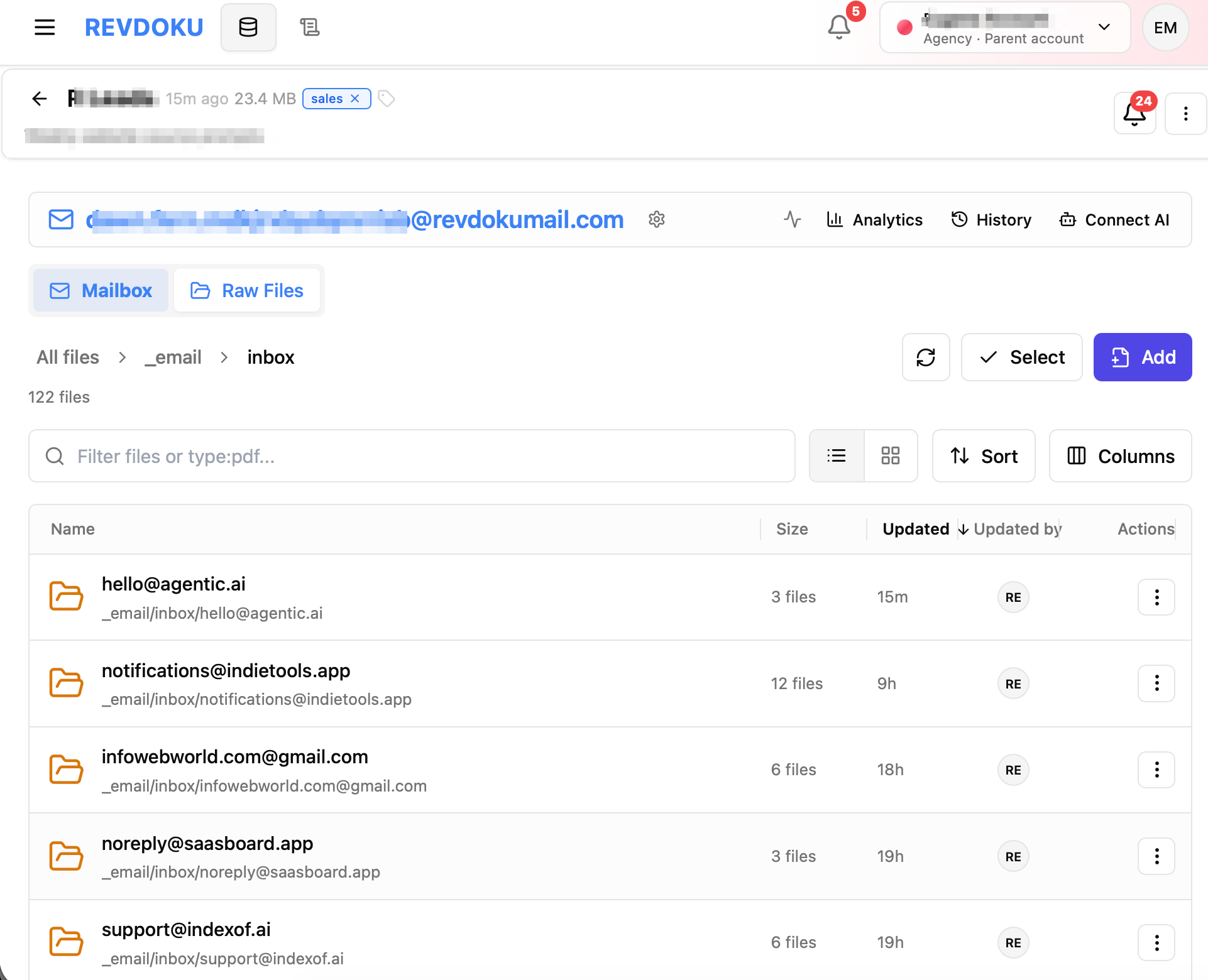
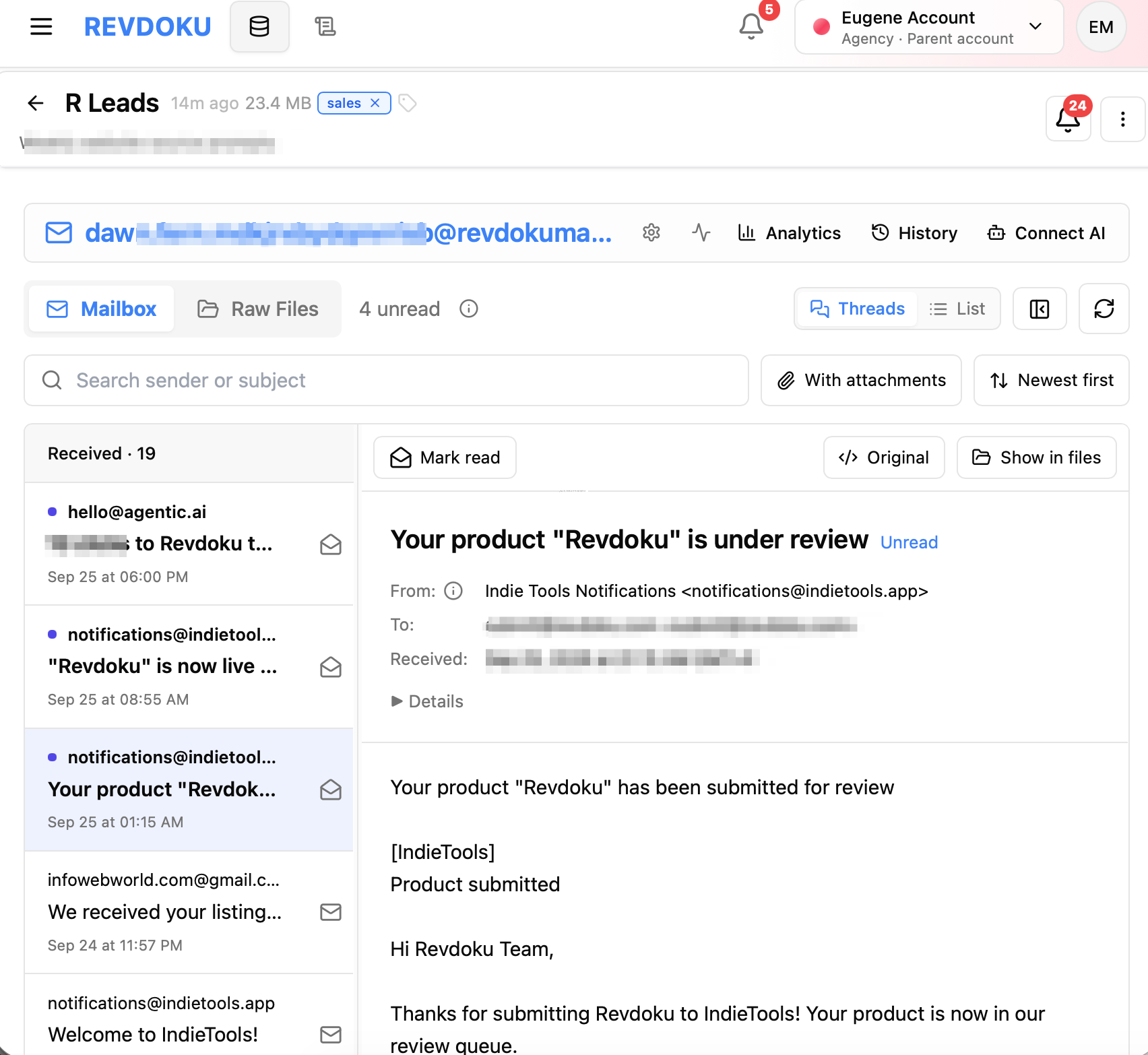
Incoming emails are saved as JSON and MD files
Attachments are stored as files.
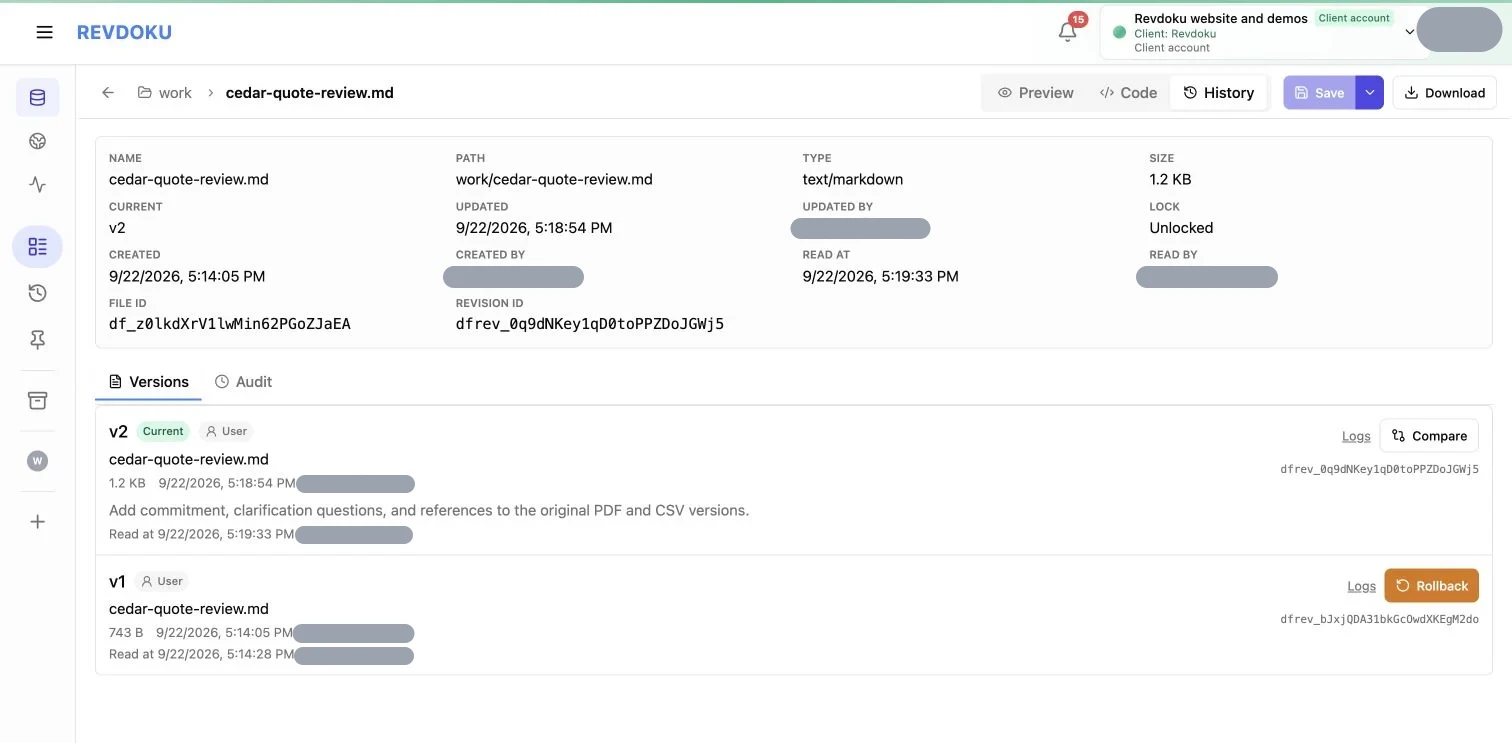
Versions, detailed access logs
Review versions
Review access logs
Explore in UI or in your AI app
Frequently Asked Questions
Is it free?
Yes. Create a free account to get a free email address for your AI agent. Upgrade for premium features like a custom email domain.
What is a bucket?
A cloud workspace where AI agents and apps store files. Each bucket has an email address, such as <unique.id>@revdokumail.com, that saves incoming emails to the bucket.
Can multiple AI agents share an inbox?
Yes. Multiple AI agents can access the same bucket or all buckets in your account.
Can I connect ChatGPT, Claude, Gemini, or Grok?
Yes! Copy the prompt, paste it into your AI app, and follow the instructions.
Can I review and undo agent changes?
Yes. Use your account dashboard to review changes, logs, and permissions or restore file versions.
Where is my data stored and processed?
Files and servers are in EU data centers powered by AWS and Cloudflare. A US option is coming soon.