Verified Email Access for Secure Client Links
Table of Contents
- Verified email access for links that matter
- Verified email access turns a visit into a known visit
- How an email OTP link works
- Client link analytics: identity is different from traffic
- When to require email to view a document
- Set up verified email access for secure client sharing
- Use document open notifications and per-viewer analytics to time follow-up
- Reduce friction, privacy risk, and false confidence
- Choose the right gate for each link
- Final thoughts: know who opened the work
- Verified email access for links that matter
- Verified email access turns a visit into a known visit
- How an email OTP link works
- Client link analytics: identity is different from traffic
- When to require email to view a document
- Set up verified email access for secure client sharing
- Use document open notifications and per-viewer analytics to time follow-up
- Reduce friction, privacy risk, and false confidence
- Choose the right gate for each link
- Final thoughts: know who opened the work
Verified email access for links that matter
Sending a proposal is easy. Knowing who opened it is harder. A public link counts visits but cannot distinguish your client, a colleague, or an automated scanner. A shared password limits access but may be used by everyone.
Verified email access adds an identity checkpoint. The visitor enters an email address, receives a one-time passcode, and verifies inbox access before viewing the link. You can require email to view a document without requiring an account.
TL;DR: Use verified email access when viewer identity matters more than anonymous reach. A one-time code adds viewer context without requiring an account.
This guide explains:
- How an email OTP link works
- What email verification proves and what it does not
- When an email gate is worth it
- How to use viewer activity to improve follow-up
Verified email access turns a visit into a known visit
Verified email access links a protected session to an accessible email address. That is more useful than another anonymous visit from New York or Chrome. But mailbox access does not prove legal identity, job title, or authority to approve a contract.
| Access method | What it establishes | Best use |
|---|---|---|
| Public link | Someone reached the URL | Portfolios, public demos, and broad distribution |
| Shared password | Someone knows the password | Small groups sharing a secret |
| Email OTP link | Control of the entered inbox at that moment | Proposals, presentations, private demos, and lead tracking |
| Account or SSO | Identity within an account or organizational system | Employee systems and higher-assurance access |
Email-gated sharing requires no account. Baymard’s 2025 checkout research found that forced account creation was cited by 19% of US shoppers who abandoned a checkout. Document delivery is not ecommerce, so the figure is not a direct benchmark. It illustrates a familiar problem: creating an account is more burdensome than entering an email and code.
How an email OTP link works
An email OTP link adds a short verification step before the shared contents. In Revdoku, the owner uploads files to a private bucket, chooses Verified Email, and shares one stable link.
- The visitor opens the shared link.
- The gate requests an email address and explains why.
- The system sends that address a one-time passcode.
- The visitor enters the code to verify inbox access.
- Successful verification opens the protected bucket.
- The system links the visit to the verified address instead of generic traffic.
A good flow supports code pasting and resends, and explains expired or incorrect codes. The GOV.UK email confirmation pattern recommends expiry, single-use links, resends, and useful errors.
NIST’s digital identity guidance treats email address confirmation differently from high-assurance authentication. It says not to use email as an out-of-band authenticator, though codes may confirm an address. Describe verified email access as proof of inbox control, not legal identity verification or enterprise authentication.
Client link analytics: identity is different from traffic
Generic analytics describe traffic; verified email access adds viewer-specific context. The distinction is clear when a link is forwarded or opened on several devices.
| Question | Generic traffic analytics | Verified viewer data |
|---|---|---|
| How many visits occurred? | Usually available | Available with viewer context |
| Who opened the link? | Unknown | Associated with a verified email |
| Was the link forwarded? | Hard to determine | A new address may be another viewer |
| Which viewer returned? | Often inferred via cookies | Tied to the verified address where supported |
| Who viewed pages or downloaded files? | Usually anonymous | Per-visitor availability depends on plan and permissions |
Imagine a proposal link recording 120 visits. That sounds encouraging, but may include automated previews, repeat sessions, and internal forwarding.
If the gate records 23 verified viewers, seven return visits, and four downloads, the smaller number is more useful. You know which inboxes opened the content and what they did.
Not every signal is certain. A shared mailbox, alias, or forwarded OTP can blur results. Even so, verified email access supports better follow-up than IP addresses, browser fingerprints, or aggregate page counts.
When to require email to view a document
Require email to view a document when recipient identity matters more than anonymous reach. A public brochure rarely needs it, while a tailored proposal often does.
| Example | Why use verified email access | Useful signal |
|---|---|---|
| Freelancer proposal | Tie the review to the client’s inbox | Proposal reopened before a sales call |
| Agency presentation | See which stakeholders reached the deck | Several client-domain addresses view pricing pages |
| Founder’s private demo | Record qualified interest without login screens | A prospect returns three times and uses the contact form |
| AI agent deliverable | Identify recipients of recurring reports | The same viewer opens each updated edition |
These examples reflect ordinary client work. A consultant can send a discovery report and receive open notifications. An agency can update a presentation at the same URL. A founder can add a demo contact form without a separate backend.
The manual path is simplest. Drop a PDF, presentation, folder, or demo into a Revdoku bucket and share. API, CLI, and AI-agent publishing can automate recurring work.
Set up verified email access for secure client sharing
A good gate is brief, expected, and recoverable. Before asking for an address, explain that verification grants access and notifies the sender.
- Create the bucket. Upload the document, website, presentation, or folder from the dashboard.
- Choose the access mode. Select verified email access when viewer identity matters; otherwise use public or password access.
- Write plain gate copy. Name the sender and explain the need for email verification.
- Test the complete path. Check delivery, code entry, resends, mobile layout, and content.
- Send the stable link. Tell recipients to expect a one-time passcode and check spam if it does not arrive.
- Update in place. Revise the deliverable later without sending the client a new URL.
Use concrete gate copy: Enter your work email to view the proposal. We will send a one-time code. Avoid vague claims like secure verification required. Visitors should know what happens before submitting.
You can add built-in feedback or contact forms to the bucket. This gives clients a direct next step after opening the work, without a separate form backend.
Use document open notifications and per-viewer analytics to time follow-up
Open notifications show timing, not whether someone read every page. Treat viewer activity as a sequence: more specific actions support more confident follow-up.
- Verified open: The address reached the content; a brief acknowledgment may suffice.
- Several pages viewed: The visitor likely reviewed the material. If page-level data exists, mention the most relevant section.
- Download or link click: The visitor acted deliberately. Help with the next decision instead of confirming receipt.
- Repeated viewing: A return before a meeting or deadline may signal internal discussion. Follow up with context, not pressure.
Per-viewer page, click, and download analytics may depend on the Revdoku plan, bucket permissions, and settings. Check what is enabled before promising detailed tracking.
Measure the gate as a funnel. Suppose 100 people see it, 78 request a code, and 69 verify. The completion rate is 69%. The drops are 22 visitors, then nine. Compare changes with your baseline, not a universal benchmark. Clearer copy may fix the first drop; faster delivery and resends may fix the second.
Reduce friction, privacy risk, and false confidence
Email gating adds identity context, but poor setup can impede access or create false expectations.
| Item | What to check | Why it matters |
|---|---|---|
| Gate purpose | Tell viewers why email is required | Unexplained collection feels suspicious |
| Code recovery | Resend and error states are easy to find | Delayed email should not end the visit |
| Privacy copy | Describe collection and analytics plainly | Visitors should understand address use |
| Identity language | Limit claims to inbox control | Email OTP is not legal identity verification |
| Access scope | Keep sensitive assets behind verification | A gate is useless if files remain public |
| Follow-up behavior | Respond to real activity without sounding invasive | Overly specific tracking can damage trust |
For a custom OTP flow, use single-use, short-lived codes, rate limiting, and secure transport. NIST requires true out-of-band secrets to be at least six decimal digits, accepted once, and completed within 10 minutes. These figures guide engineering but do not make email confirmation high-assurance authentication.
An email gate cannot replace SSO, role-based authorization, contractual controls, or a regulated data room. For material requiring those controls, use a system built for that risk.
Choose the right gate for each link
More protection is not always better. Use the least friction that fits the content and next decision.
| Sharing goal | Recommended approach | Trade-off |
|---|---|---|
| Reach the widest audience | Public link | No reliable viewer identity |
| Limit casual access in a known group | Password-protected link | Shared passwords do not identify individual visitors |
| Know which inbox opened client work | Verified email access | Some visitors may leave during verification |
| Control organizational roles or regulated records | Account, SSO, or specialist system | More setup and administration |
Common questions:
Final thoughts: know who opened the work
Verified email access bridges anonymous links and full account systems. It can require email to view a document, verify inbox control, and contextualize client activity. It neither proves legal identity nor provides enterprise access control.
The practical rules are simple:
- Use an email OTP link when viewer identity helps follow-up
- Keep public material public when reach matters more
- Explain the gate before collecting an address
- Interpret opens, pages, clicks, and downloads with care
With Revdoku, put client work in a private bucket, enable verified email access, and send one live link. The client gets a short verification flow. You learn what usually matters most: who opened the work?
Frequently asked questions
Can someone forward an email-gated link?
Yes. Forwarded recipients must still verify an address before viewing.
Does an email OTP link stop copying or screenshots?
No. It controls entry and adds viewer context but cannot control actions after display.
Will public or password-only links identify visitors automatically?
No. Their analytics remain generic without a separate identification step.
Will the gate reduce total opens?
Probably. Every extra step adds friction. Use it when viewer identity matters more than maximum visits.
Can the document change after sending?
Yes. Stable Revdoku links allow bucket updates without a replacement URL.
What does verified email access actually confirm?
It confirms that the visitor could access the entered email inbox and complete the one-time-code process. It does not verify the person’s legal identity, job title, or authority to approve a decision.
When should I use an email gate instead of a public or password-protected link?
Use an email gate for proposals, private demos, client presentations, and other material where knowing which inbox opened the link helps with follow-up. Choose a public link when reach matters most, or a shared password when a small group only needs a basic access barrier.
What happens if a recipient forwards the link?
The new recipient can open the link, but must verify an email address before viewing the protected content. A different verified address may help reveal that the document reached another stakeholder, although shared inboxes and forwarded codes can make attribution less certain.
How can I reduce drop-off during email verification?
Explain why the email is required, identify the sender, and tell visitors that they will receive a one-time code. Make code pasting, resending, mobile entry, and error recovery easy, and remind recipients to check spam if delivery is delayed.
How should I interpret opens, downloads, and repeat visits?
Treat each event as a signal rather than proof that someone read or approved the material. Downloads, clicks, and repeated visits generally show stronger intent than a single open, but follow-up should remain helpful and avoid revealing overly specific tracking details.
Is verified email access suitable for highly sensitive or regulated documents?
Not by itself. Email verification controls entry and adds viewer context, but it does not replace SSO, role-based permissions, contractual controls, or a regulated data room.
Can I update the document after sharing the link?
Yes, a stable link can continue pointing to the bucket while its files or presentation are revised. This lets recipients access the latest version without receiving a replacement URL.
Related Articles
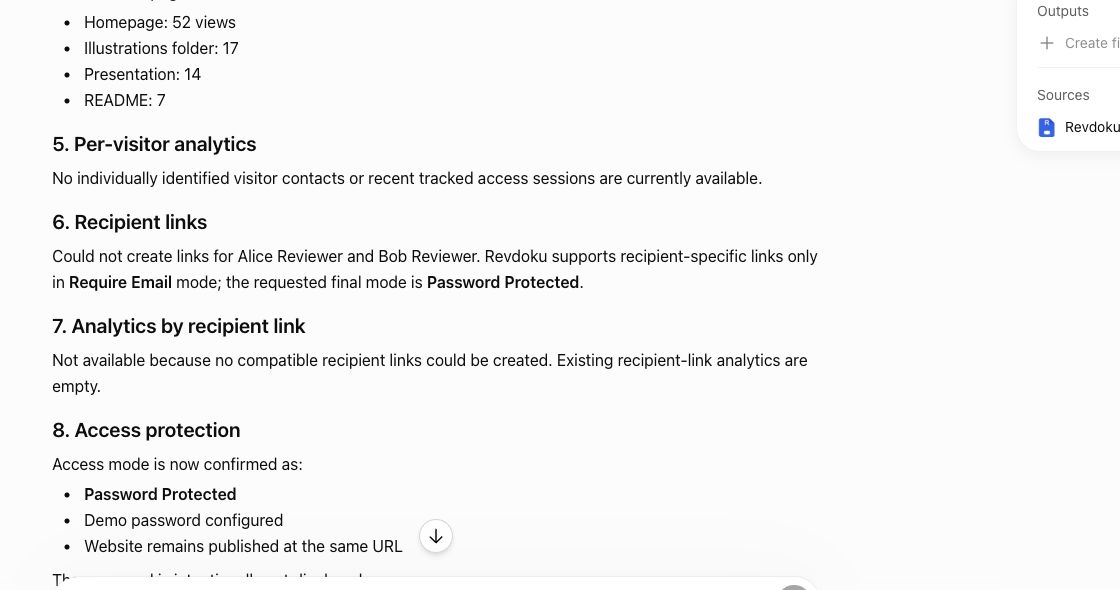
Website Link Tracking for Client Engagement
Track proposal and document engagement using visits, downloads, Verified Email, privacy safeguards, and well-timed client follow-up.
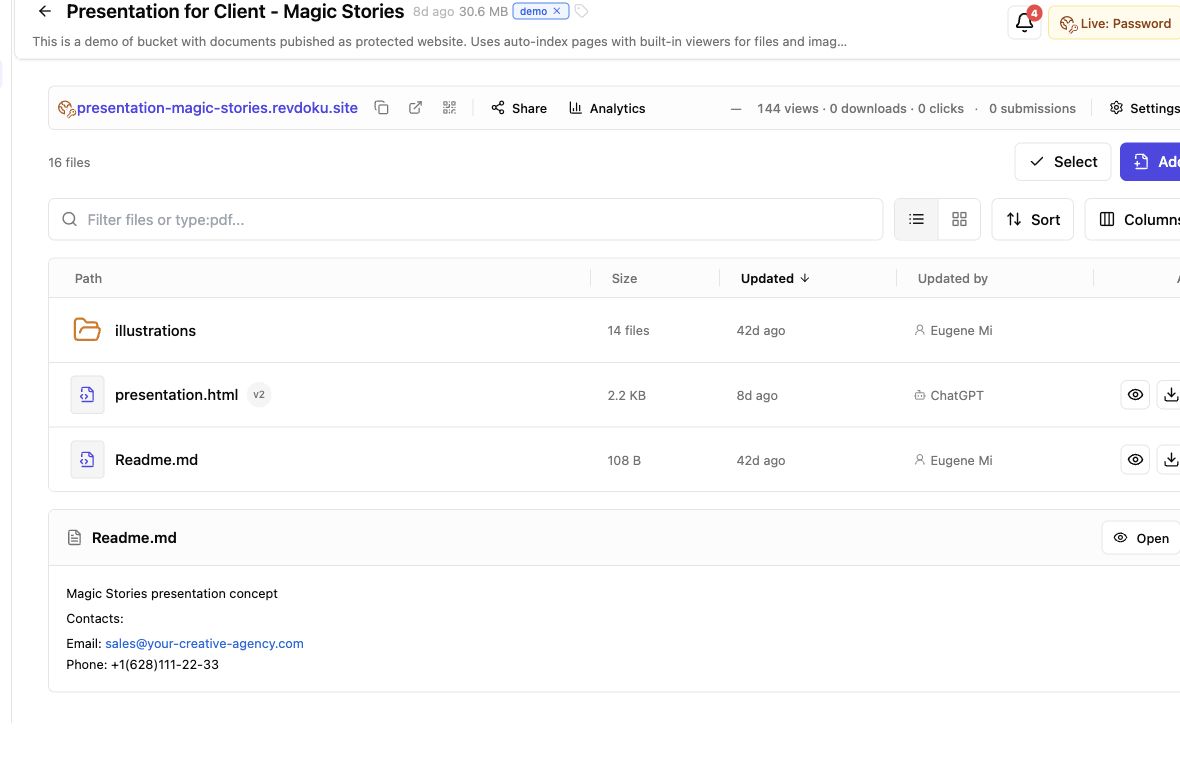
Secure File Sharing for Clients: A Practical Guide
Learn how to securely share client files, control access, manage versions, collect feedback, and track engagement with one link.
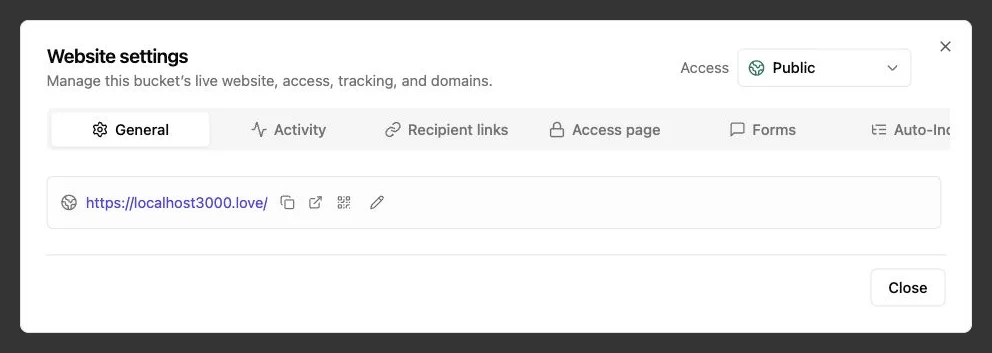
Password Link vs Public Link: Secure Sharing Guide
Compare public, password-protected, and verified email links to choose the right security, visitor tracking, and sharing experience.