Sometimes the job is simple: you have a file, and you need a link. A menu, a portfolio, a one-pager, an exported site, a folder of docs. Revdoku turns it into a live link without a hosting course.
1. Create a bucket and drop the files
From the dashboard, create a bucket and drag in your PDF, your files, or a whole folder. Folders keep their structure in the bucket’s file tree.
2. Publish
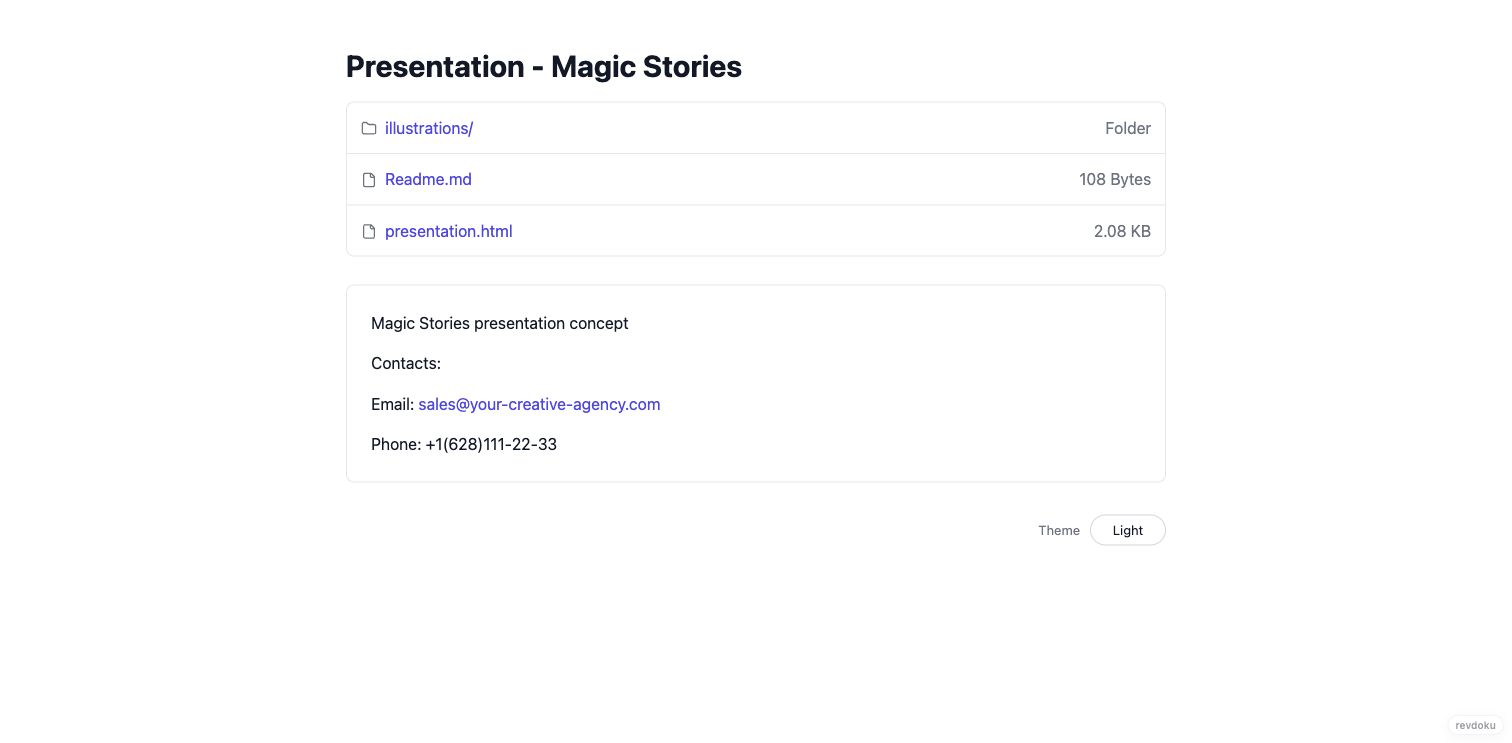
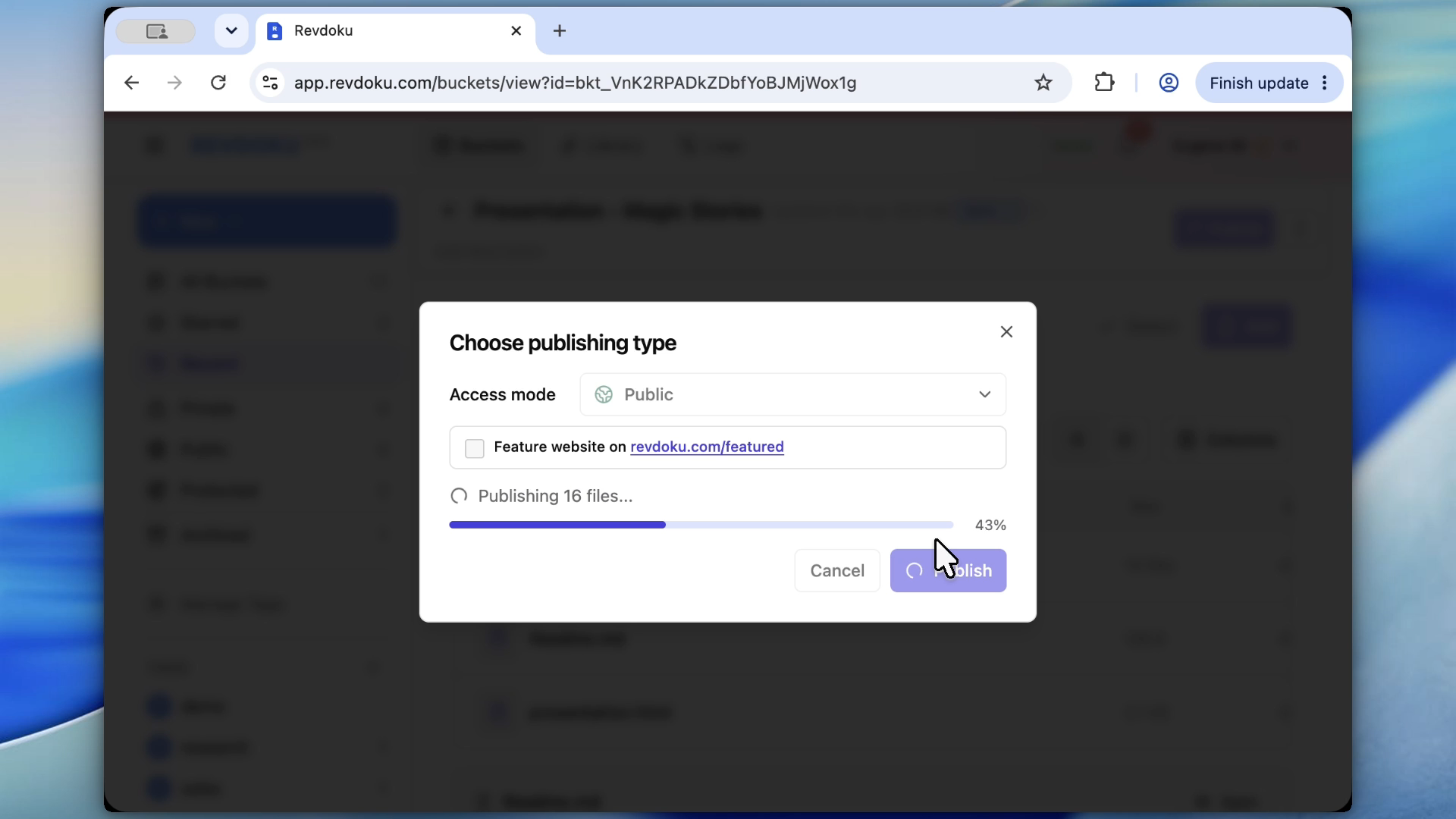
Hit publish and choose public or password-protected. You get a stable URL on *.revdoku.site — or your own domain on higher plans. If there’s no index.html, Revdoku auto-generates a clean file index with built-in viewers for PDFs, docs, images, and CSVs, so the link looks intentional, not like a raw file dump.
3. Share it anywhere
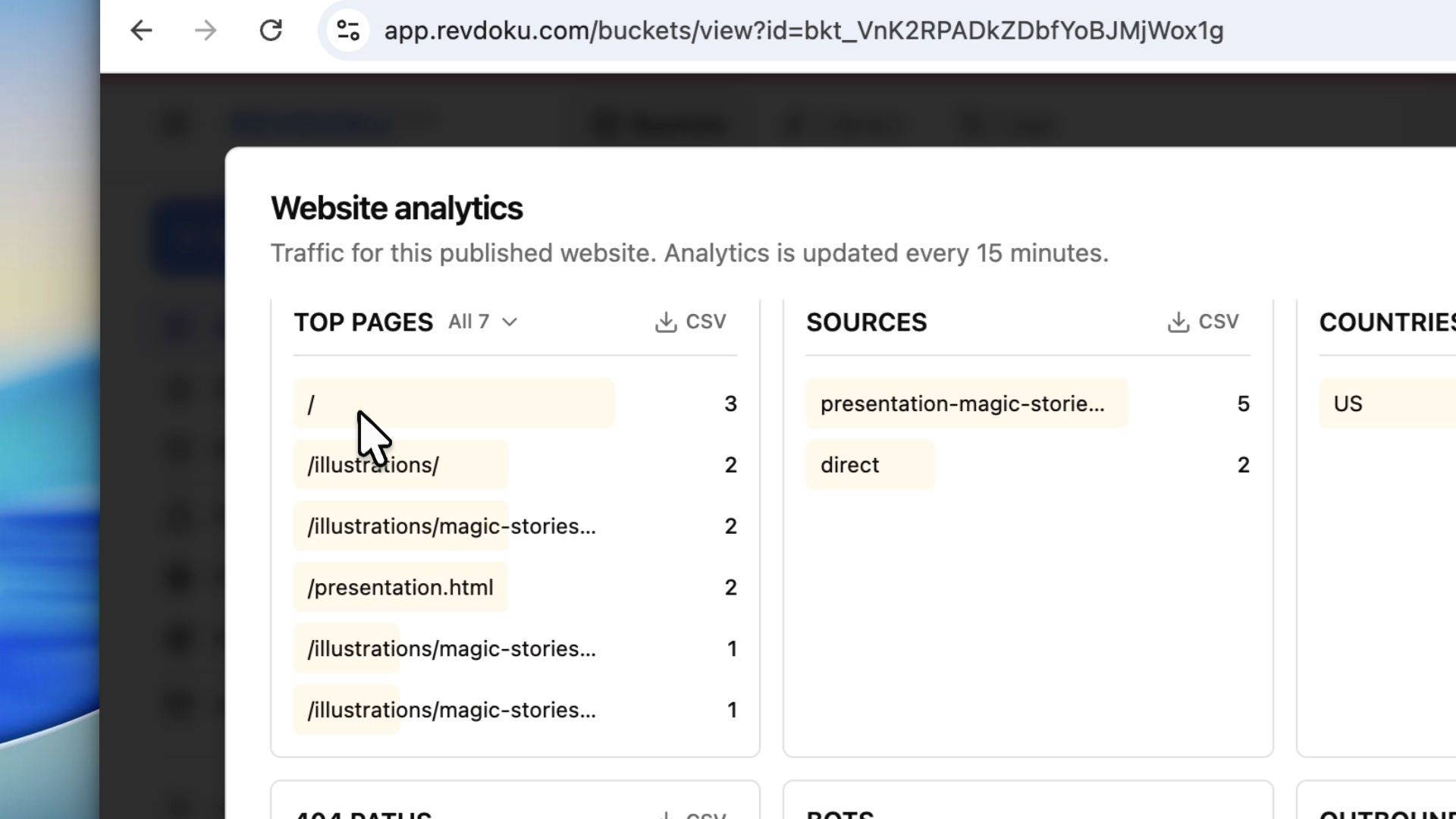
Send the URL, post it, or put it in a QR code. Visits and downloads show up in the bucket’s analytics, so even a humble menu link tells you whether anyone scans it.
4. Update without breaking the link
Replace the file next week and republish — same URL. The link on the printed flyer, in the bio, or in last month’s email still works and now shows the current version.
Takeaway
From “I have a file” to “here’s the link” in under a minute — and unlike a raw file-share link, you can protect it, track it, and update it later.