Update an Existing Revdoku Site icon

Update an Existing Revdoku Site

Tutorial for asking Claude, ChatGPT, Codex, or another agent to update an existing Revdoku bucket and keep the same public URL.

Publishing

Tutorial

Use this when a Revdoku site already exists and the AI tool should revise it without changing the public URL.

[video placholder]

Prompt Used

Paste this into Claude, ChatGPT, Codex, or another connected agent:

Update my existing Revdoku website without changing the public URL.

Existing Revdoku bucket or website:
[paste bucket id or public URL]

Changes:
[describe the edits]

Requirements:
- Read the existing bucket/site context first.
- Modify only the files needed for the requested change.
- Preserve existing assets and paths unless they need to change.
- Republish the same Revdoku bucket.
- Keep the same public URL.
- Return a concise summary of changed files and the live URL.

Sample Website

  • Sample website link placeholder: replace with the existing Revdoku site URL before and after the update.

Steps and Screenshot Placeholders

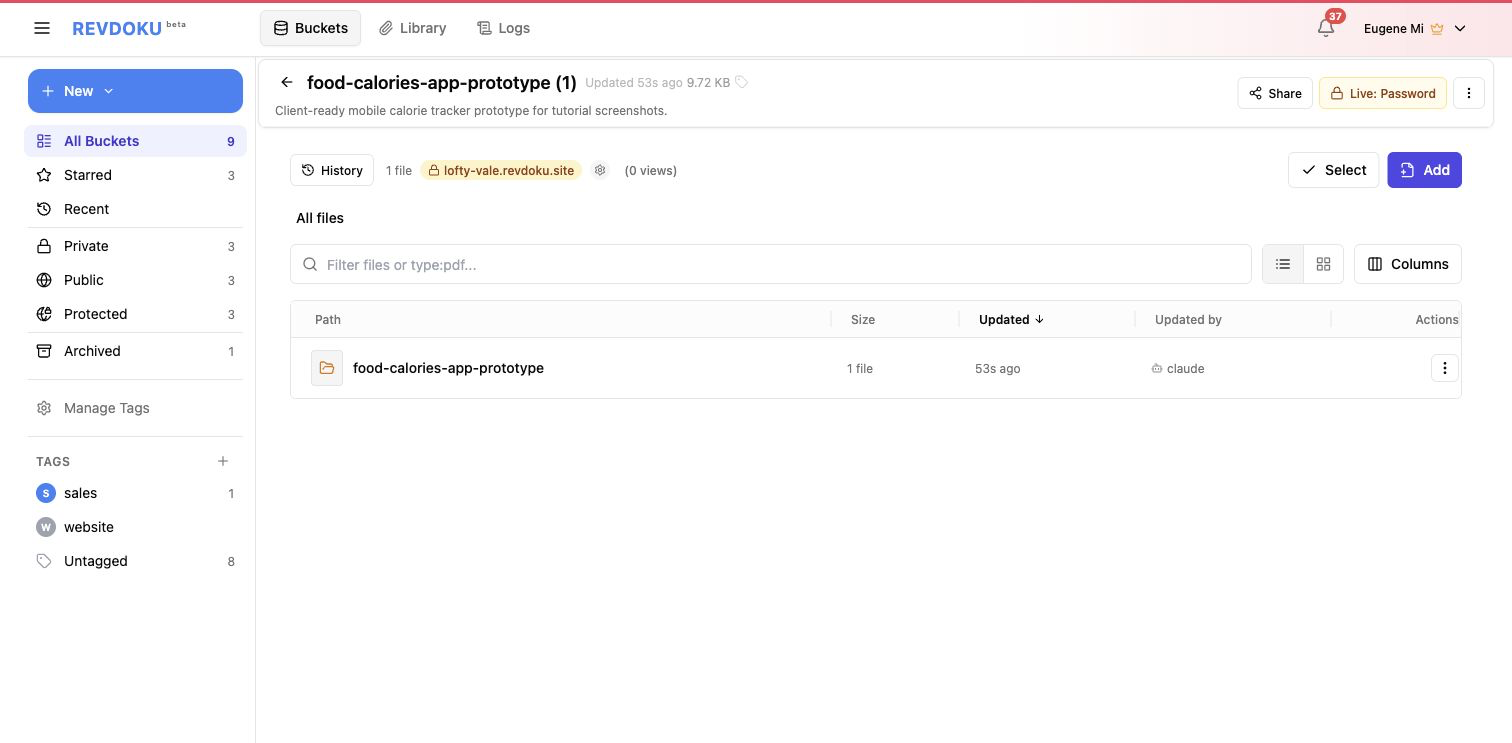
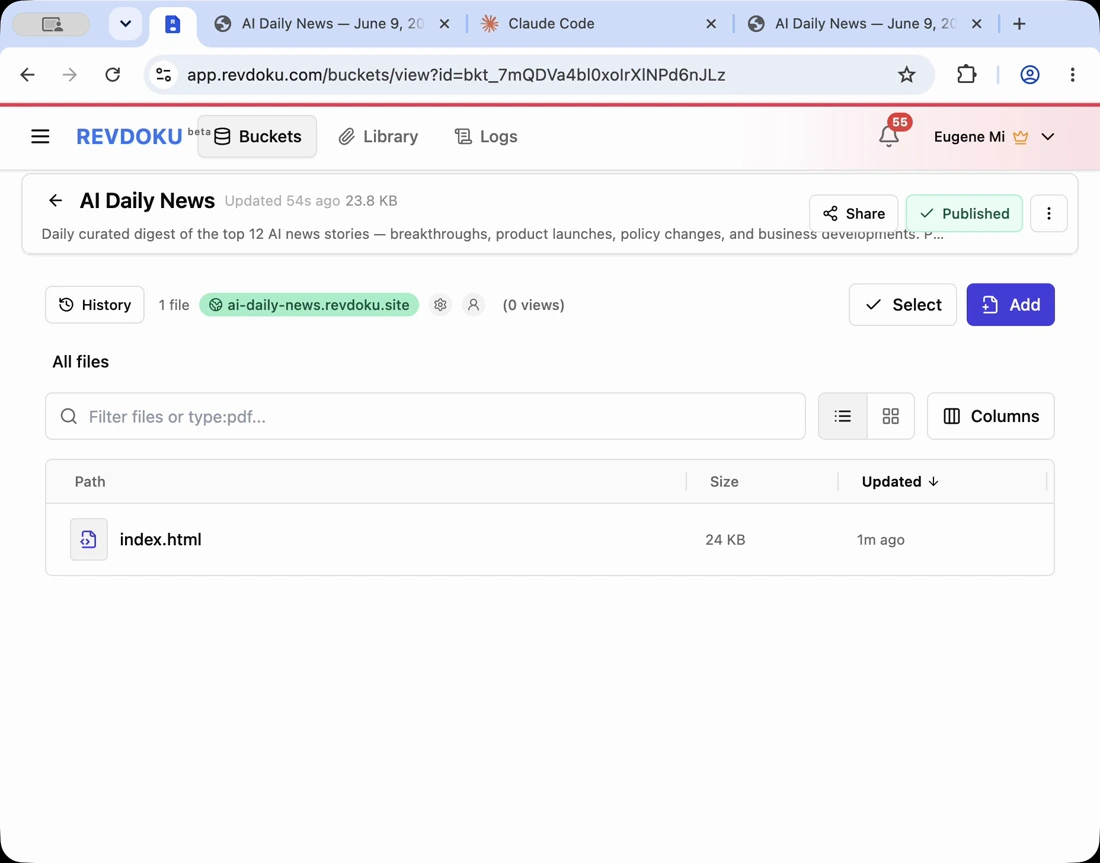
  1. Open the existing Revdoku site or bucket.
    • Screenshot placeholder: current website before the update.
  2. Paste the update prompt.
    • Screenshot placeholder: update instruction with bucket id or URL.
  3. Review changed files.
    • Screenshot placeholder: specific edited files or diff summary.
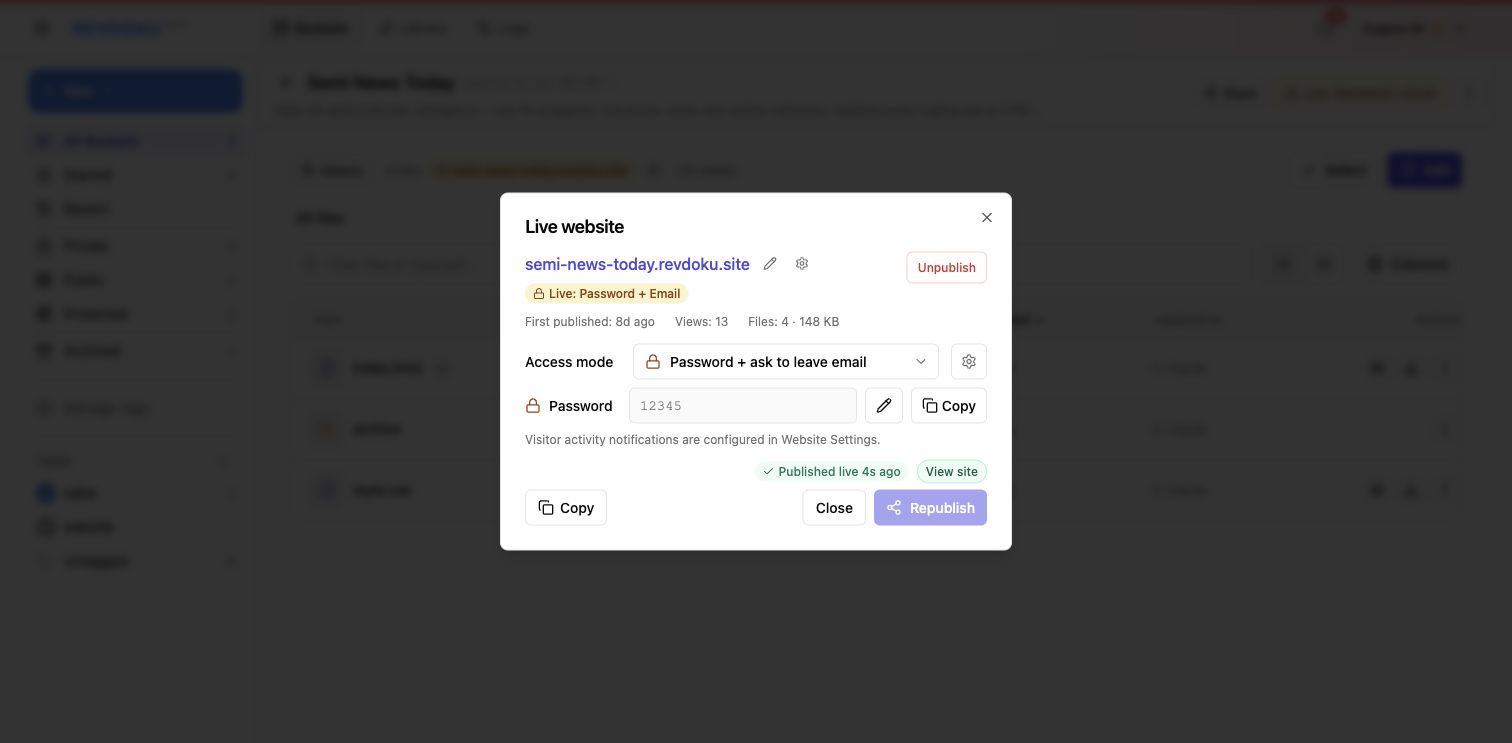
  4. Republish the same bucket.
    • Screenshot placeholder: republish confirmation.
  5. Open the same public URL.
    • Screenshot placeholder: updated result at the unchanged URL.
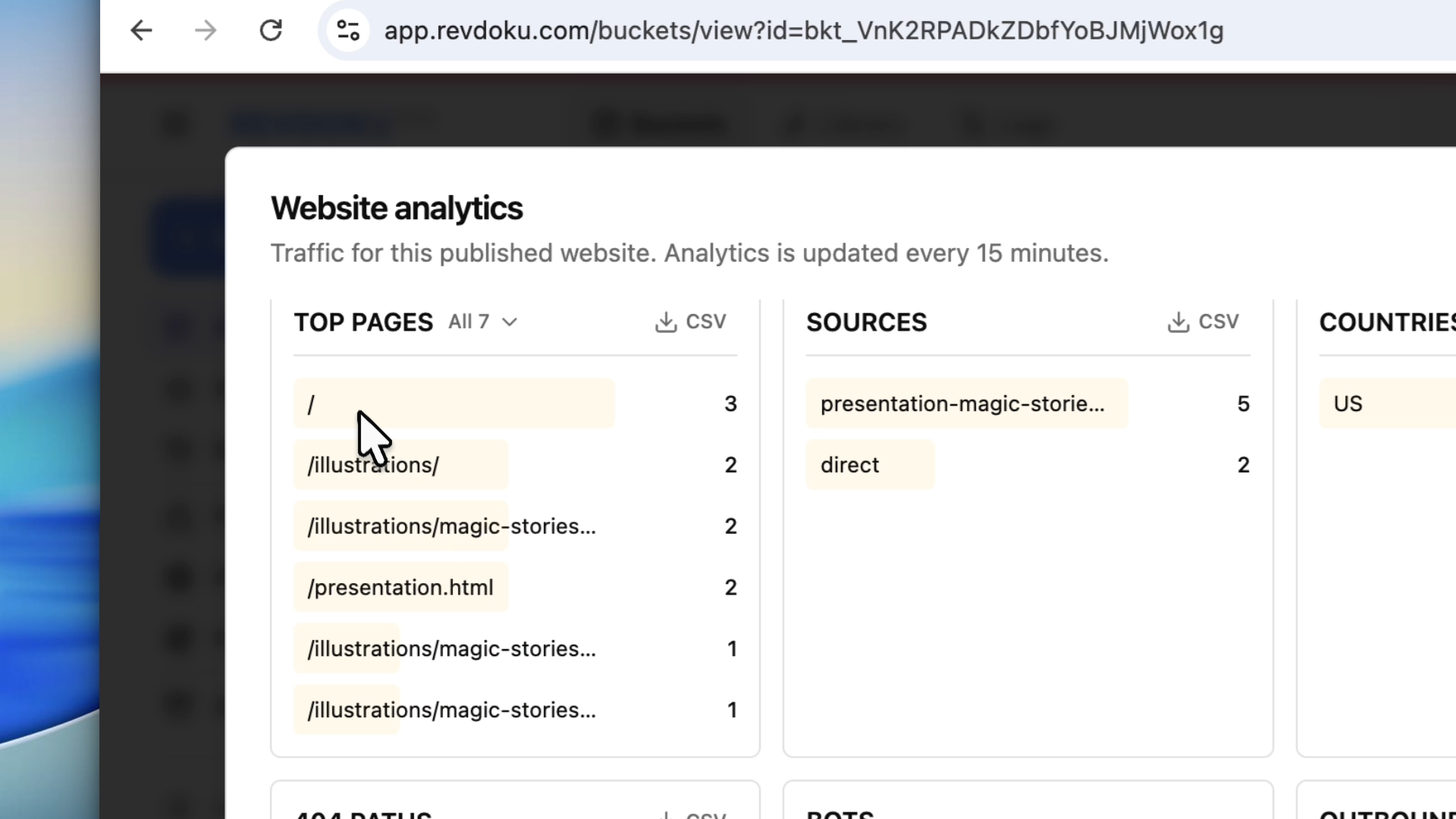
  6. Check analytics continuity.
    • Screenshot placeholder: analytics view for the same publication.

Good Fit

  • Fixing copy or layout after feedback.
  • Refreshing report data.
  • Adding screenshots or video links to an existing tutorial.
  • Updating a client preview while keeping the shared URL stable.

Tags

Browse all tags

Show 6 more tags