You published a page, a doc, or a client preview. Now you want visitors to answer back — feedback, questions, a waitlist signup — without standing up a server or wiring a form service.
1. Open the bucket that owns the published link
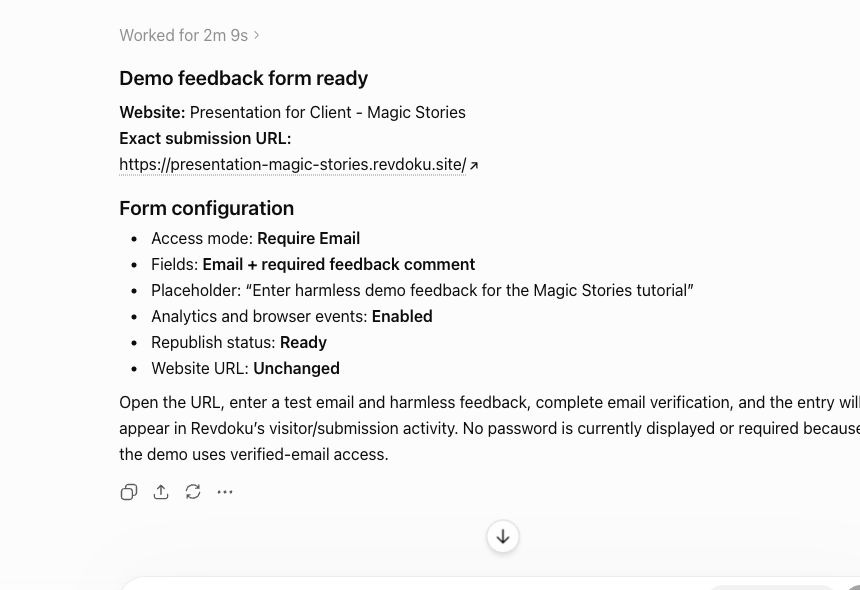
Forms belong to the bucket. Open it in the dashboard and add a built-in form: feedback, question, contact, or waitlist.
2. Configure the fields
Choose the fields you actually need — name, email, message, or your own labels. Turn on spam protection so the inbox stays useful.
3. Republish
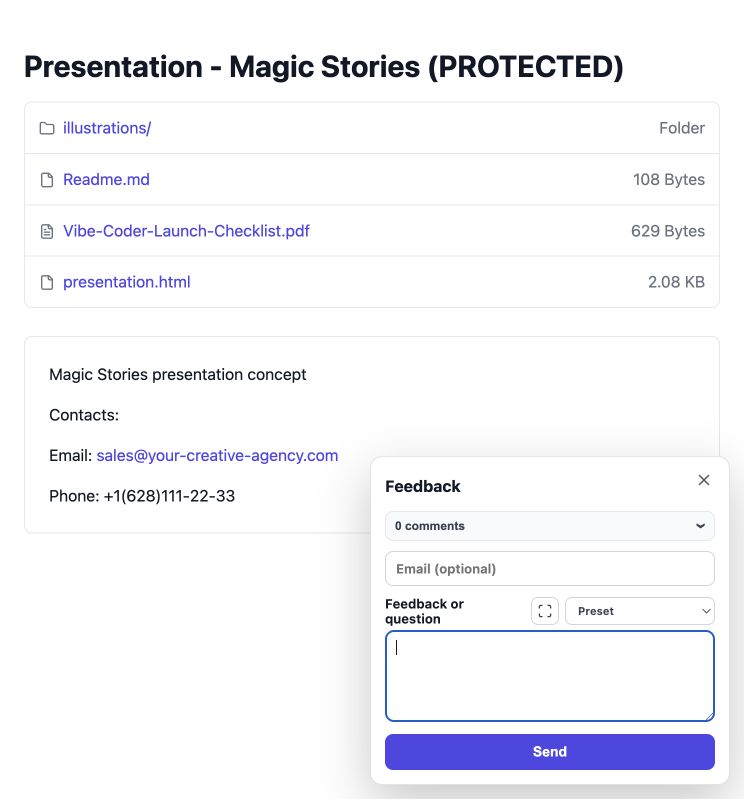
Republish the bucket so the live site picks up the form. Visitors see a simple hosted form on your published link and submit without leaving the page.
4. Read submissions where you already look
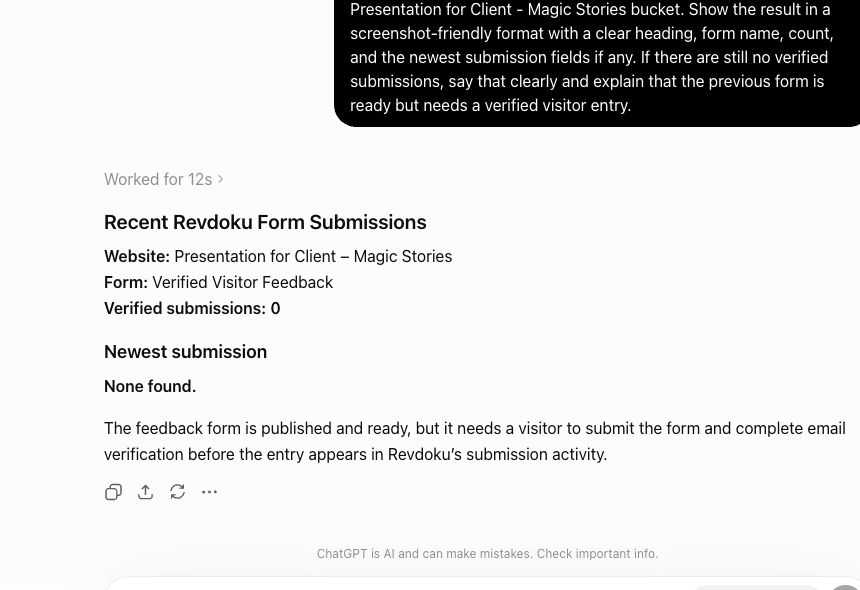
Submissions land with the bucket — the same place you check views and downloads — and you get notified when one arrives. If the visitor left an email, reply directly and close the loop.
Takeaway
A published link that can’t hear back is a brochure. A built-in form makes it a conversation — with zero backend to build or maintain.