Publish Documents as Websites icon

Publish Documents as Websites

Tutorial for turning AI-generated documents, guides, proposals, or handbooks into shareable Revdoku websites.

Publishing

Tutorial

This tutorial shows how to use Claude, ChatGPT, or Codex to creates a website with a documents and publish it as a live public website.

[Video Screencast]

Prompt Used

Paste this into Claude, ChatGPT, or Codex:

Create and publish a website with documents using Revdoku.

Source material: use attached files.

Publish all attached files into a Revdoku as new bucket and ask Revdoku to publish it as a live website.

Generated Website

[Placeholder]

Steps and Screenshot Placeholders

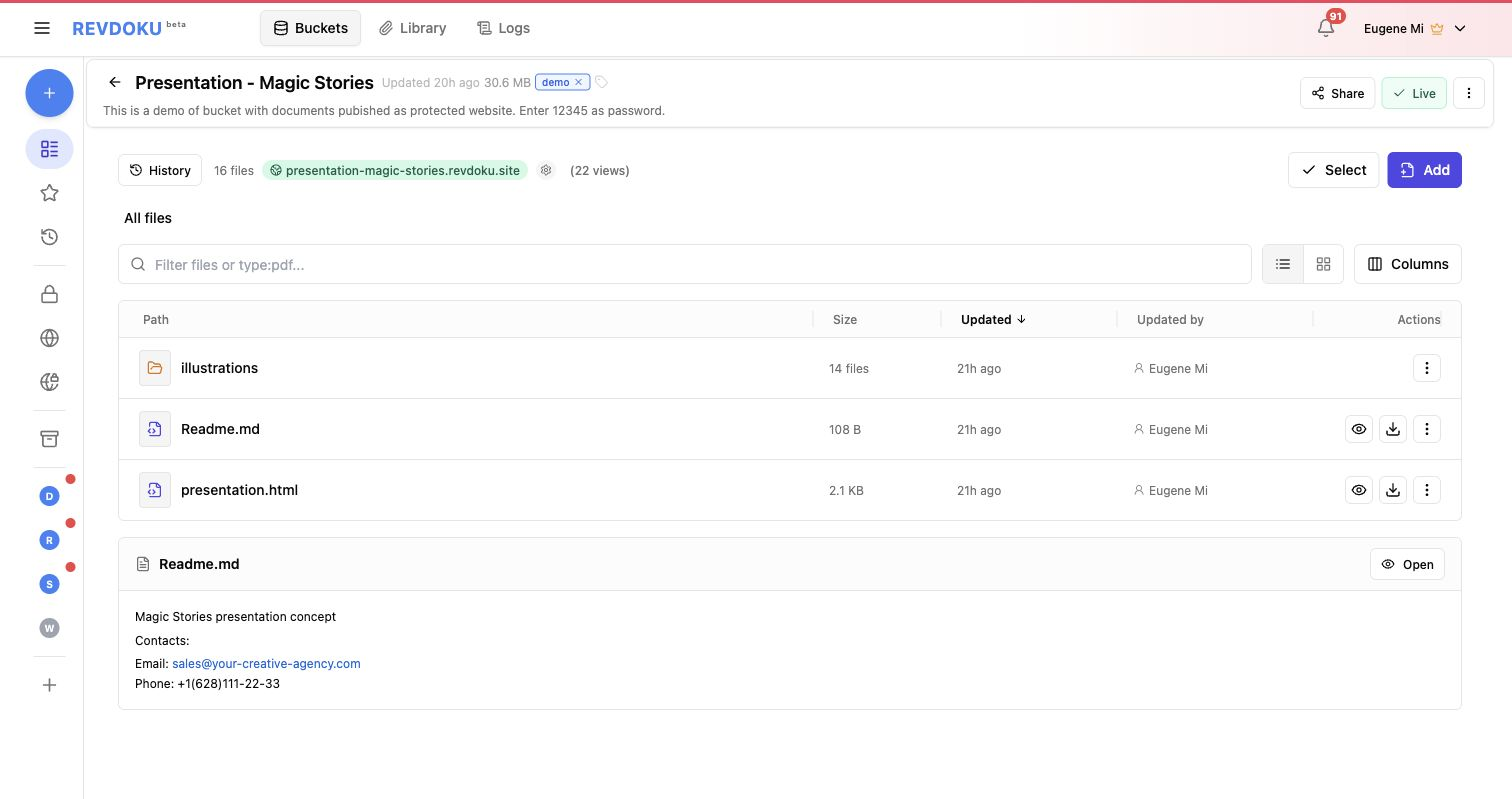
  1. Prepare the source document, notes, or Markdown.
    • Screenshot placeholder: source material before publishing.
  2. Paste the prompt into the connected AI tool.
    • Screenshot placeholder: prompt screen with the source material.
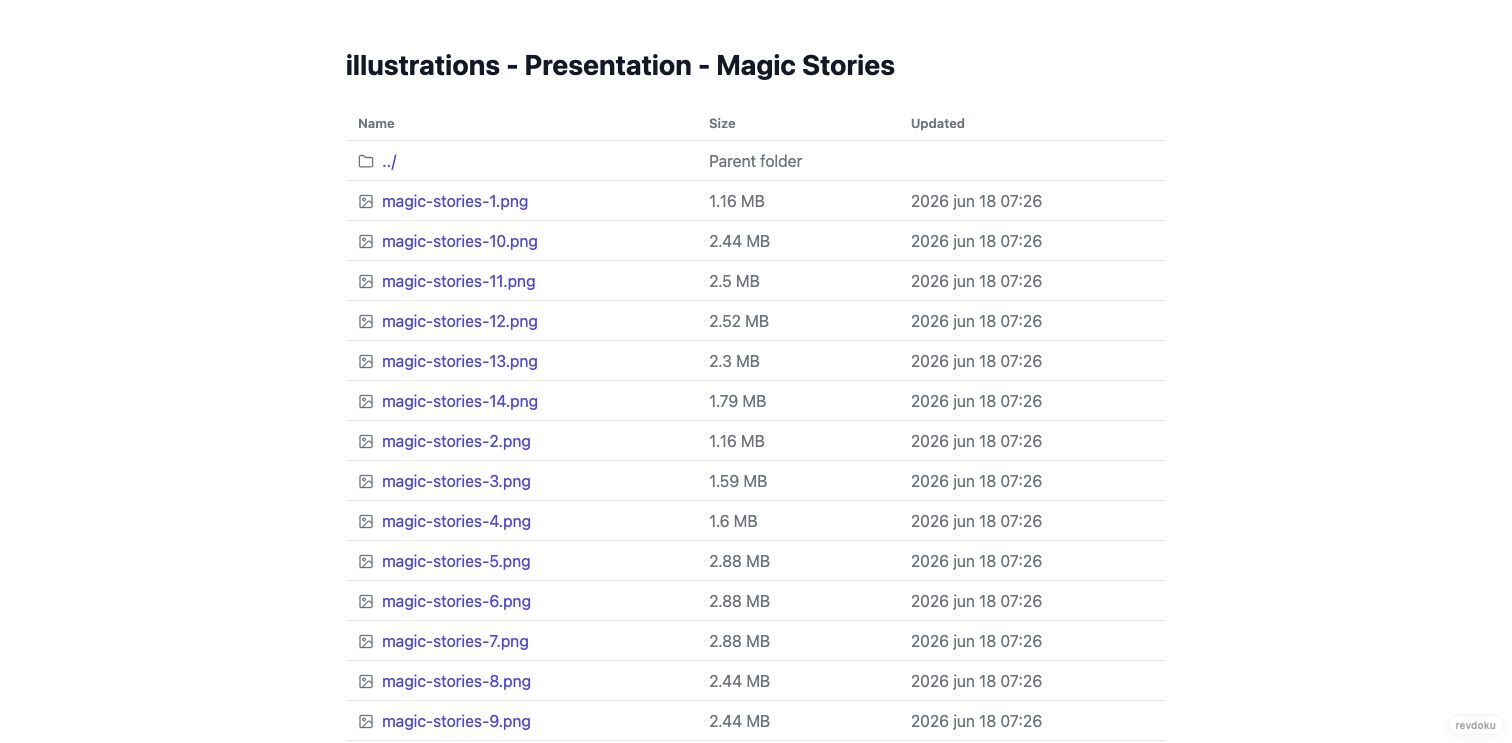
  3. Review the generated website files.
    • Screenshot placeholder: generated document website files.
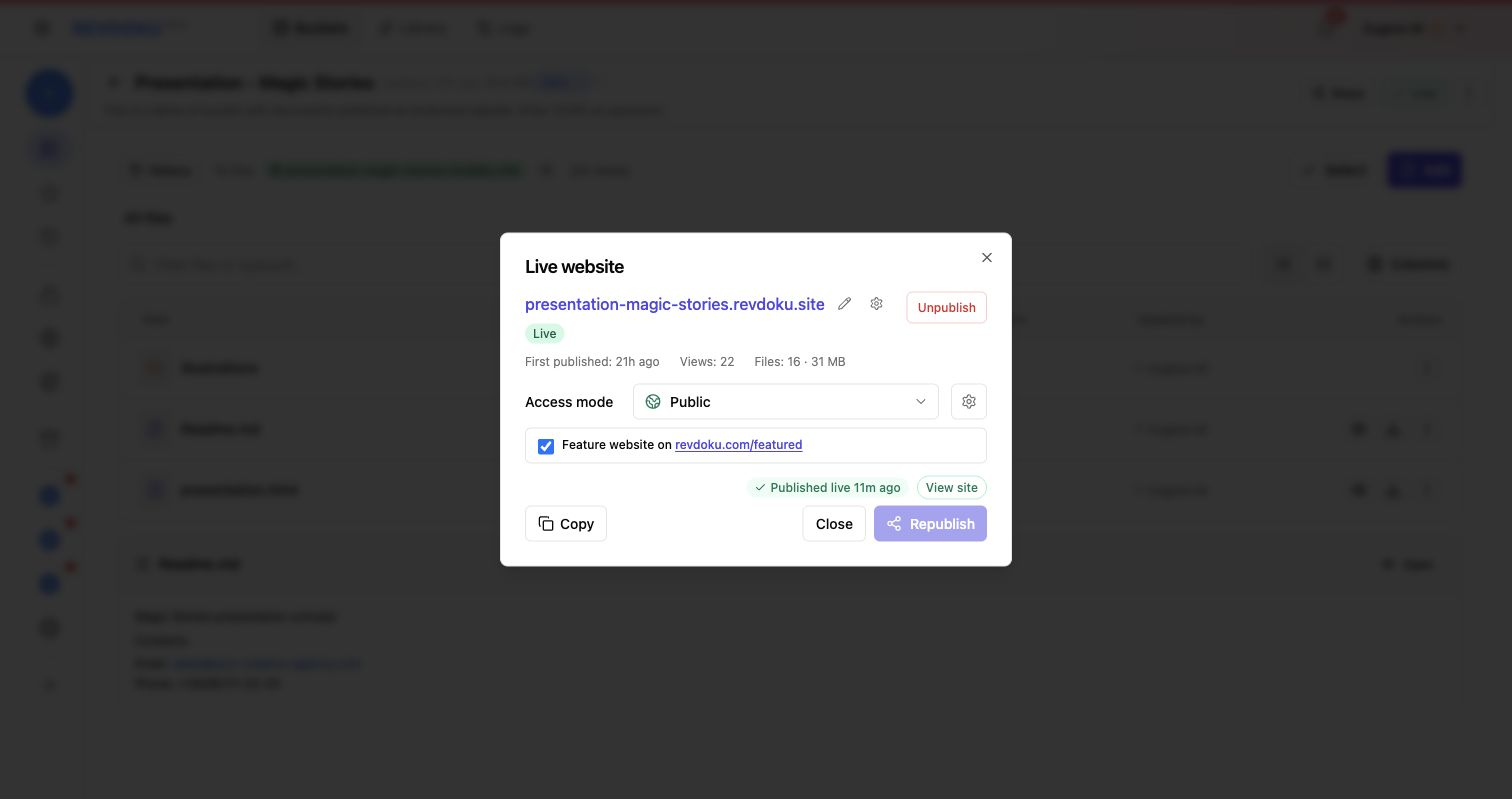
  4. Publish through Revdoku.
    • Screenshot placeholder: Revdoku bucket and publish confirmation.
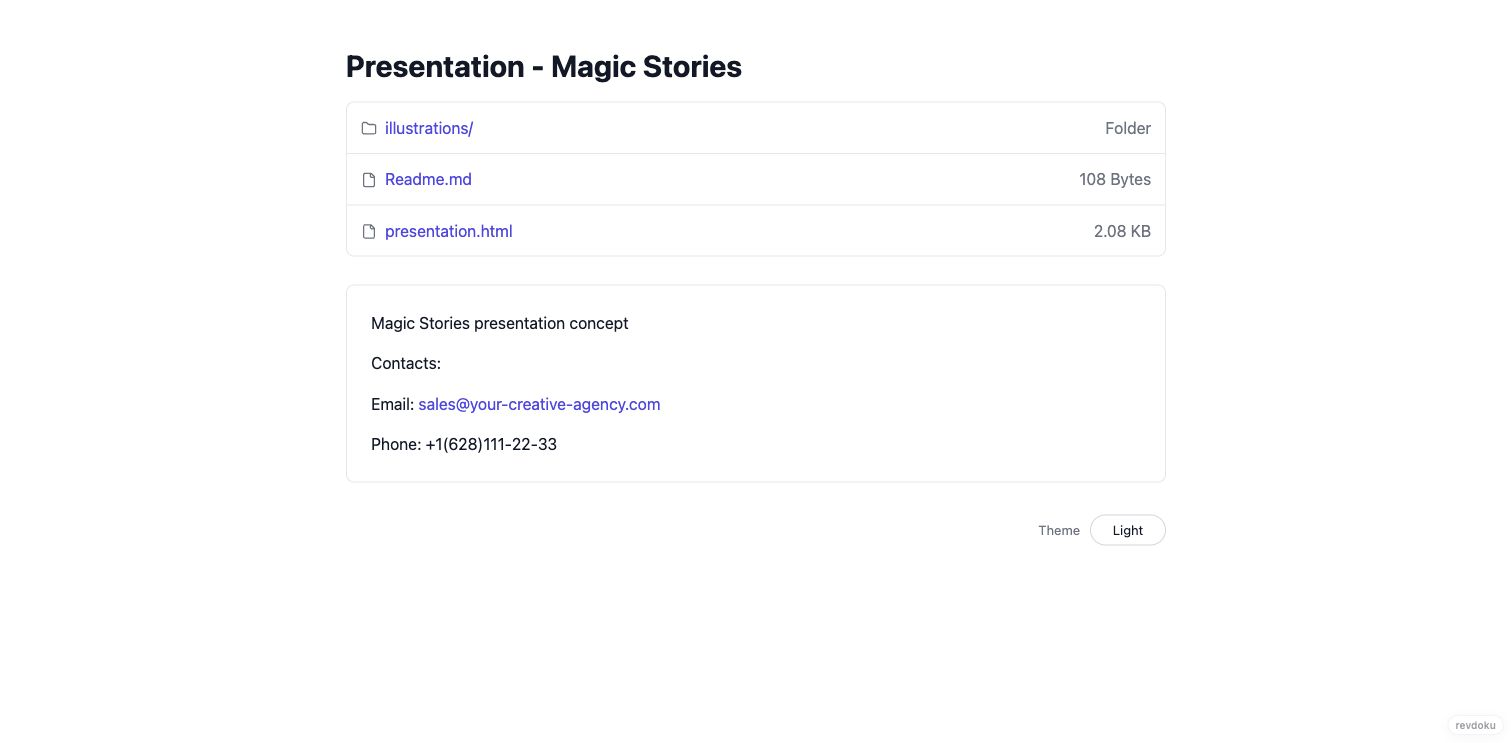
  5. Open the final document website.
    • Screenshot placeholder: finished document page on the Revdoku URL.
  6. Ask for edits and republish.
    • Screenshot placeholder: edited section and same URL after republish.

Good Fit

  • Proposals and client briefs.
  • How-to guides and tutorials.
  • Project documentation.
  • Personal pages, portfolios, and school assignments.

Tags

Browse all tags

Show 6 more tags