You sent the proposal three days ago. Did they open it? Did they get past page two? With an email attachment you never know. With a Revdoku link, you do.
1. Drop the proposal into a bucket
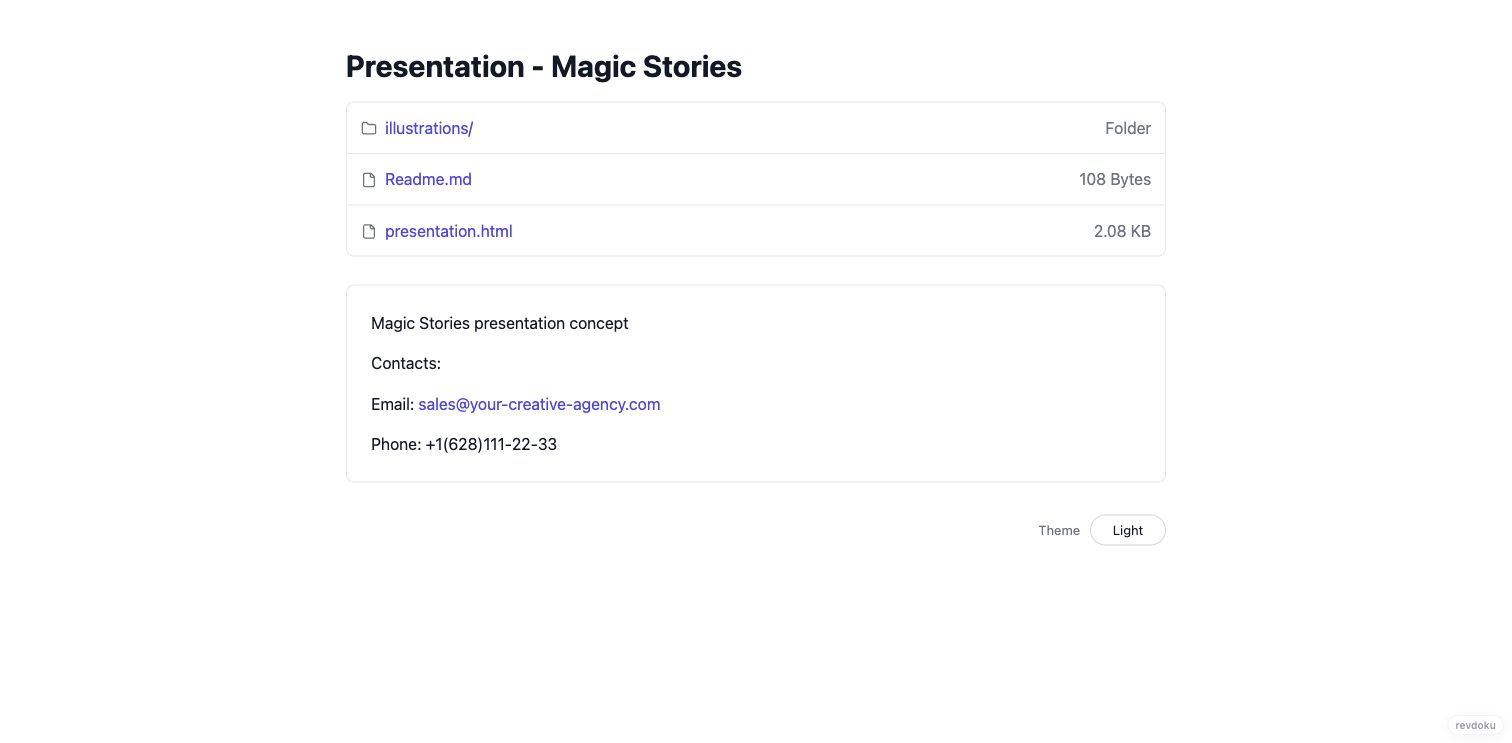
Create a bucket for the deal and drag in the proposal PDF, the deck, and any supporting files — pricing sheet, case studies, contract draft. No AI tools, no hosting setup: files in, link out.
2. Choose who gets in
Pick the access mode before you publish:
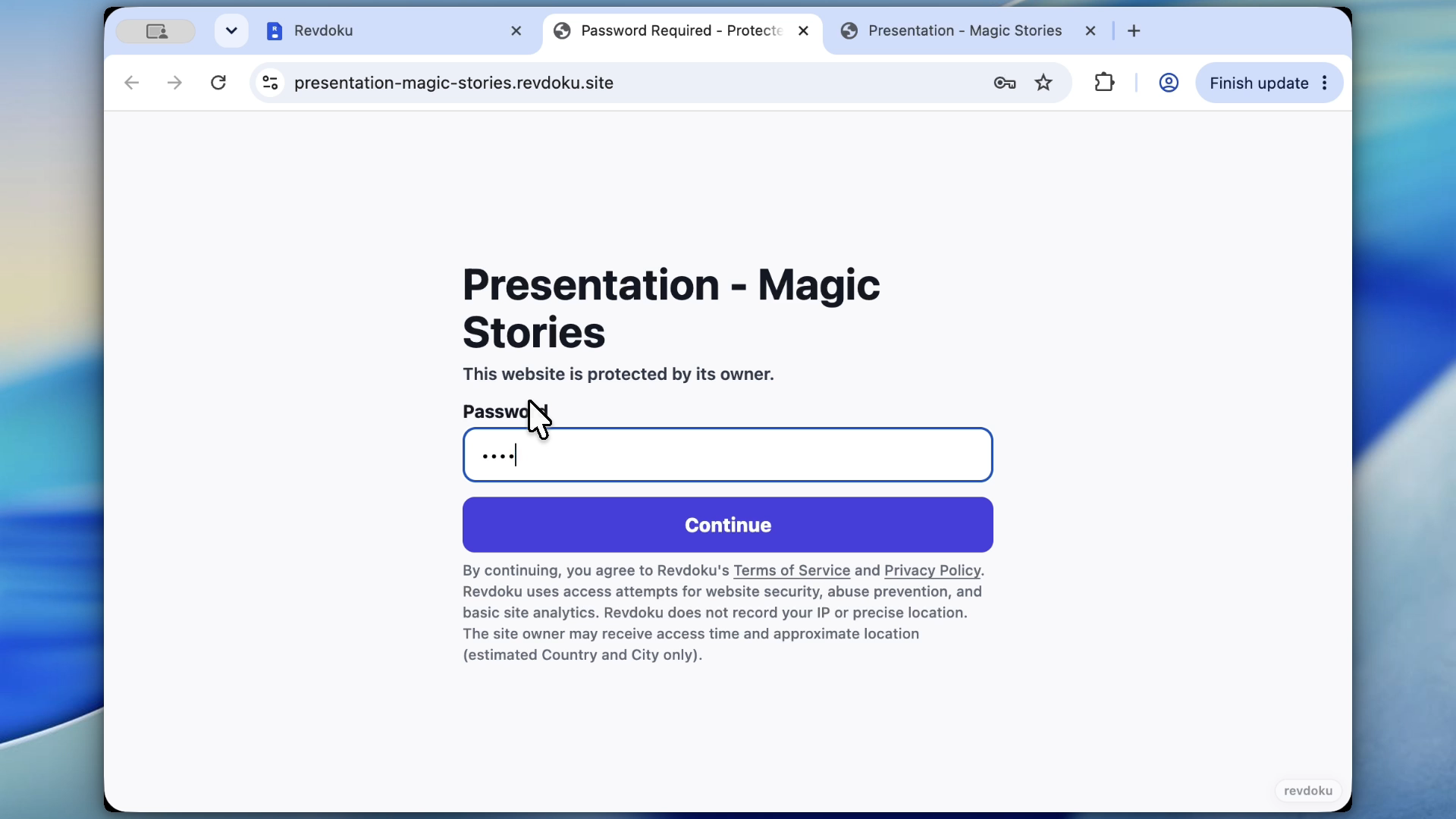
- Password — a shared secret you include in your email.
- Password + email — visitors leave their email before viewing, so every open has a name on it. Useful when the link gets forwarded around a buying committee.
3. Send one link
Publish and copy the live URL. The proposal renders in the built-in viewer — no downloads required, though downloads are tracked too. If the deal evolves, replace the file and republish: the client’s link stays the same, so nobody is ever looking at v1 while you’re selling v3.
4. Follow up on signal, not silence
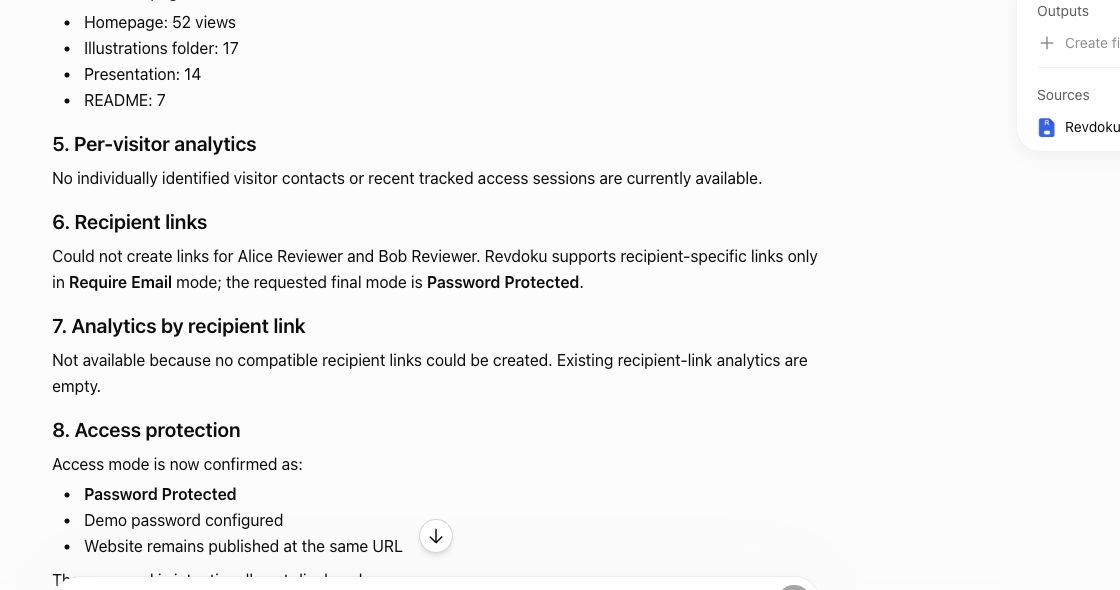
Revdoku notifies you when the link is opened and shows per-visitor activity: pages viewed, downloads, clicks, and captured emails. “Viewed but didn’t download” and “0 opens after 5 days” are both answers — one means follow up now, the other means your intro email didn’t land.
Takeaway
A proposal is a conversation starter, not a file transfer. Send a link you control, watch the engagement, and time your follow-up to when the client is actually reading.