Proposal Tracking Software: Track Views Securely
Table of Contents
- Send a protected proposal link, then track proposal views
- What proposal tracking software actually does
- Proposal open tracking: anonymous vs Verified Email
- How to send a protected proposal link you can update
- Read proposal analytics without inventing client intent
- Turn proposal open tracking into better follow-up
- Proposal tracking software compared with common alternatives
- Four practical proposal tracking examples
- Common pitfalls in proposal open tracking
- Final thoughts
- Send a protected proposal link, then track proposal views
- What proposal tracking software actually does
- Proposal open tracking: anonymous vs Verified Email
- How to send a protected proposal link you can update
- Read proposal analytics without inventing client intent
- Turn proposal open tracking into better follow-up
- Proposal tracking software compared with common alternatives
- Four practical proposal tracking examples
- Common pitfalls in proposal open tracking
- Final thoughts
Send a protected proposal link, then track proposal views
Proposal tracking software replaces the quiet uncertainty that follows sending a proposal. Instead of attaching a PDF and hoping it arrived, share a protected browser link. You can track opens, page attention, downloads, and visitor feedback.
That changes three parts of client work:
- Access: choose a public link, a password, or a Verified Email gate.
- Timing: follow up after a meaningful engagement signal.
- Revision: update the proposal while keeping one stable URL.
TL;DR: Proposal tracking software lets you share a protected link, track views, and follow up with less guesswork, not watch prospects over their shoulders. This guide explains proposal open tracking, its limits, and how Revdoku turns a PDF, deck, demo, or folder into a controlled client link.
What proposal tracking software actually does
Proposal tracking software adds a measurable delivery layer between your work and its recipient. The proposal may still be a PDF. It can also be a slide deck, pricing workbook, demo, or a folder with supporting files. The difference is delivery through a browser link with controlled access and activity.
| Job | What happens | Why it helps |
|---|---|---|
| Publish | Drop a file or folder into a bucket and create a live link | The client opens the work in a browser |
| Protect | Use public, password, or Verified Email access | You match friction to sensitivity |
| Observe | Review opens, pages viewed, clicks, and downloads | You see interest without asking, “Did you get it?” |
| Revise | Replace or add files in the same bucket | The URL stays current |
| Respond | Add a feedback or contact form | The client can reply without a separate form system |
This narrower focus is often a virtue. Revdoku focuses on sharing, protecting, and tracking client work. You need not rebuild a proposal in a proprietary editor or connect an AI agent. Manual drag and drop is the usual starting point.
Proposal open tracking: anonymous vs Verified Email
Proposal open tracking is useful only when you know what it identifies. A public link records traffic but cannot name someone who provided no identity. A shared password controls access, but its users may still look identical. Verified Email adds an explicit email gate before access.
| Access mode | What the owner can learn | What the owner should not assume |
|---|---|---|
| Public | Visits and available aggregate activity | The visitor’s name or company |
| Password | Activity after the correct password is entered | Which person used a shared password |
| Verified Email | Activity attributed to the email address that completed verification | Legal identity, job title, buying authority, or intent |
If your goal is to know when a client opens a proposal, use Verified Email access and tell the intended recipient what to expect. The verified address shows that someone with inbox access completed the gate. That is stronger than an IP-based guess, but not proof of identity.
Public links remain useful. Use them for low-risk capability decks or broad outreach where access matters more than attribution. Use a password for a small known group. Choose Verified Email when per-visitor tracking and captured leads justify an extra step.
How to send a protected proposal link you can update
A sound workflow should take minutes. Revdoku can publish PDFs and document folders as browser-based sites, with navigation and viewers when a bundle contains several files.
-
Create a bucket. Give it the client or opportunity name so related files stay together.
-
Drop in the proposal. Upload a PDF, presentation, demo, or complete folder. Include only supporting material that helps the decision.
-
Choose access. Use public access for reach, a password for simple protection, or Verified Email when you need identified proposal open tracking.
-
Preview the link. Test it on desktop and mobile. Confirm that navigation, clicks, downloads, and any form behave as expected.
-
Send one clear message. State what the link contains, who should review it, and the decision date.
-
Update the bucket when needed. Correct errors or replace a deck without giving the client a new URL.
Use a unique, long password when password access fits. NIST guidance says services should support at least 64 characters so people can use long passphrases. Never reuse the password; send it separately when the material is sensitive.
Read proposal analytics without inventing client intent
The best proposal tracking software provides evidence, not mind reading. An open says the link loaded. A long session might reflect careful reading, an interrupted tab, or both. Treat each event as a clue that gains value alongside others.
| Signal | Reasonable interpretation | Better next action |
|---|---|---|
| First open | The proposal reached an active inbox | Give the person time to read |
| Several pages viewed | The visitor looked beyond the cover | Ask whether any section needs detail |
| Pricing click or view | Commercial terms may be under review | Offer to clarify scope and options |
| Download | The file may be shared or reviewed offline | Make sure the downloaded version is current |
| Repeat visit | The proposal is receiving attention again | Send a short, decision-focused follow-up |
| Form submission | The visitor made an explicit request | Reply to the actual question |
Per-visitor pages, clicks, and downloads are most meaningful for Verified Email visitors. Public activity stays anonymous unless a visitor identifies themselves through a gate or form. Bots, security scanners, forwarded links, and shared devices can distort proposal analytics.
I would trust an explicit feedback message more than ten ambiguous opens. Engagement data should improve your questions, not invent the client’s answers.
Turn proposal open tracking into better follow-up
Timing matters because buyers often want room to evaluate material on their own. A 2026 Gartner survey found that 67% of B2B buyers preferred a sales-rep-free experience and 70% preferred fully digital self-service. Yet 69% also turned to sales representatives to validate AI-generated ideas. Make independent review easy, then be available when human judgment helps.
Use proposal tracking software and client engagement tracking to support that rhythm:
-
Wait for substance. A first open rarely warrants an immediate message. Let the recipient review unless a deadline is close.
-
Look for a pattern. A return visit, several page views, a pricing interaction, or a download provides more context.
-
Follow up on the decision. Ask one question about scope, timing, risk, or next steps. Do not mention every tracked action.
-
Stop when the signal is weak. Proposal open tracking is not permission for a daily chase.
A practical note might say:
I wanted to make sure the scope and pricing are clear. If it helps, I can walk through the two delivery options this week. The same link will always show the current version.
Revdoku sends the owner an email notification after an open event on a protected proposal link. It is an event alert, not guaranteed real-time delivery; email and network processing can cause delays.
Proposal tracking software compared with common alternatives
The right method depends on what must happen after delivery. If the work only needs delivery, an attachment may suffice. If it needs control, updates, and measurement, a protected link is easier to manage.
| Approach | Access control | Engagement detail | Stable updates | Best fit |
|---|---|---|---|---|
| Email attachment | Depends on the inbox | Usually delivery status, not proposal behavior | No; send another attachment | Simple, final, low-risk files |
| Cloud drive link | Account or link permissions | Often basic file activity | Yes | Shared working documents |
| Full proposal or e-sign suite | Recipient workflows | Often document-level tracking | Usually | Generation, approvals, signatures, or payment |
| Revdoku proposal link | Public, password, or Verified Email | Opens, pages, clicks, downloads, and leads | Yes, at one URL | Client proposals, decks, demos, and supporting files |
Revdoku fits when you have the deliverable and need controlled sharing. Choose a specialist e-signature product when regulated signatures are the main job. A client portal may make sense for a long-running account with many shared processes.
You need not buy the largest system. Choose the smallest approach that protects the work, gives the recipient a clean experience, and returns enough evidence for a sensible follow-up.
Four practical proposal tracking examples
These hypothetical examples show how freelancers and small teams can use proposal tracking without surveillance.
| Situation | Setup | Engagement signal | Practical response |
|---|---|---|---|
| Freelance consultant | Password-protected PDF statement of work | The client returns after a revised budget | Update the PDF at the same link and explain the changed line item |
| Creative agency | Verified Email pitch deck with case studies | A visitor reviews pricing and downloads the case study | Offer a short call about the relevant project type |
| Startup founder | Verified Email partnership proposal | Two verified addresses from the partner company open it | Ask whether procurement or legal needs a tailored copy |
| AI agent builder | Protected demo plus technical notes | The client revisits after a new build | Republish the demo to the same bucket and note what changed |
Automation can help in the fourth case but remains optional. An agent, API, or CLI can republish recurring updates to the same buckets. The client still receives an ordinary browser link. For a few monthly proposals, manual upload may be faster and easier to audit.
A stable, protected link also prevents a familiar mess: Final.pdf, Final-v2.pdf, and Really-Final.pdf circulating at once. One URL gives everyone a common current version.
Common pitfalls in proposal open tracking
Most proposal tracking mistakes ask the data to prove too much. Good controls and clear communication solve most of it.
| Pitfall | Why it causes trouble | Safer practice |
|---|---|---|
| Calling every visit a person | Public traffic may include bots or security scanners | Separate anonymous traffic from Verified Email visitors |
| Treating an open as a read | A loaded page does not prove attention or agreement | Combine opens with page, click, download, and reply signals |
| Hiding identifiable tracking | Surprise damages trust and may create privacy concerns | Tell recipients when email-gated activity is recorded |
| Adding too much friction | A gate can reduce viewing | Match protection to the proposal’s sensitivity |
| Collecting sensitive form data | A simple feedback form is not the right place for secrets | Ask only for the minimum contact and response fields |
Can proposal tracking software know when a client opens a proposal? It records opens and, with Verified Email, attributes activity to the verified address. It cannot prove who sat behind the device or whether the whole proposal was read.
Can a client respond from the same page? Yes. Revdoku supports built-in feedback and contact forms, so submissions can stay with the bucket without a separate backend. Keep the form short: name, email, decision, question, or requested change usually suffices.
Final thoughts
Proposal tracking works best when it simplifies client work for both sides. The sender gets controlled access, open tracking, useful analytics, and one link for every revision. The recipient gets a clean browser experience and an easy way to respond.
Remember the limits:
- Public visits are anonymous.
- Verified Email identifies a verified address, not a legal person.
- Opens indicate activity, not agreement.
- Agents and APIs are optional, not a starting requirement.
If you want to know when a client opens a proposal, start with the ordinary path: create a Revdoku account, drop the proposal into a bucket, choose the right gate, and share the link. Then follow the evidence with a useful question. Software cannot do that for you.
Frequently asked questions
Which access option should I use for a client proposal?
Use a public link for low-risk material where easy access matters most. Choose a password for simple protection among a known group, or Verified Email when you need activity associated with a verified address.
Can proposal tracking confirm that a specific person read the entire proposal?
No. Verified Email shows that someone with access to the specified inbox completed verification, but it does not prove legal identity or confirm that every page was read. Treat opens, page views, and session duration as engagement clues rather than definitive proof.
When should I follow up after a proposal is opened?
A first open alone usually is not a reason to respond immediately. Wait for a stronger pattern, such as a repeat visit, several pages viewed, a pricing interaction, a download, or an approaching decision deadline, then ask a concise question about the next step.
Can I revise a proposal after sending the link?
Yes. You can replace or add files in the same bucket while keeping the original URL active. This helps prevent outdated attachments from circulating and gives everyone access to the current version.
Why might proposal analytics show activity that did not come from the client?
Email security scanners, bots, forwarded links, and shared devices can generate or distort activity. Anonymous public traffic is especially difficult to attribute, so compare multiple signals and prioritize direct replies or form submissions.
Should I tell recipients that their proposal activity is being tracked?
Yes, particularly when using Verified Email or collecting identifiable engagement data. Clear disclosure sets expectations, supports trust, and lets recipients understand why an email verification step is required.
When is proposal tracking software unnecessary?
A standard email attachment may be enough for a simple, final, low-risk document that will not need updates or engagement tracking. Use a dedicated e-signature platform instead when signatures, regulated approvals, or payments are the primary requirement.
Related Articles
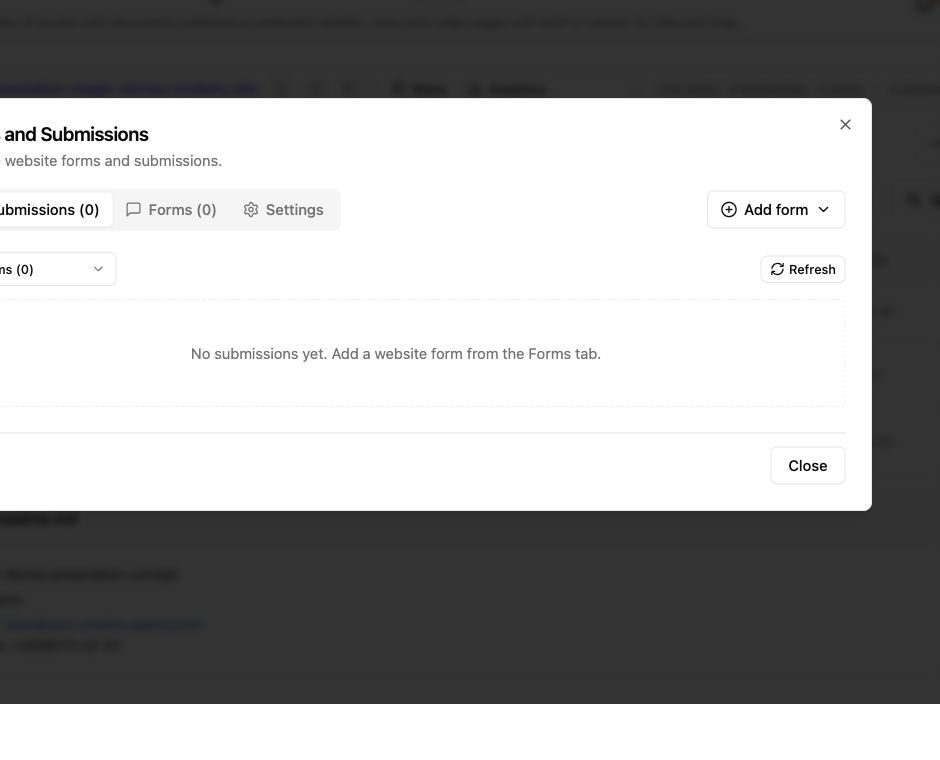
Proposal Feedback Software for Clear Client Follow-Up
Share protected proposals, collect client feedback, track engagement, and update files through one stable link with Revdoku.
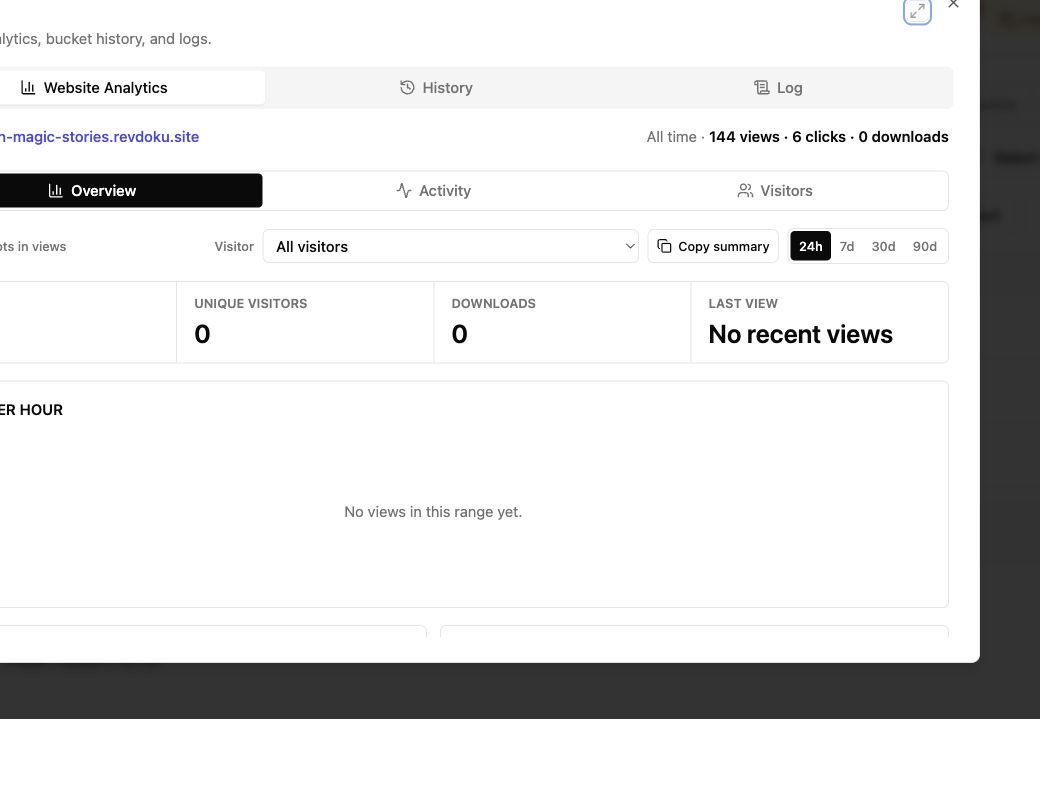
Viewer Analytics for Documents: Track Client Activity
Track document views, clicks, downloads, and verified visitor activity with secure client links and practical follow-up guidance.
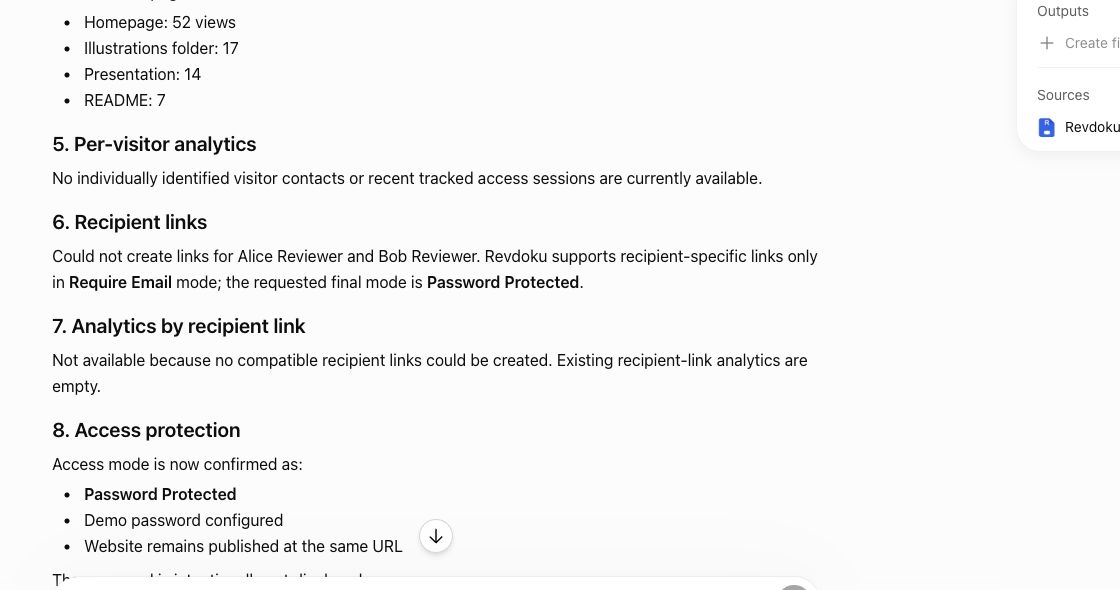
Website Link Tracking for Client Engagement
Track proposal and document engagement using visits, downloads, Verified Email, privacy safeguards, and well-timed client follow-up.