Proposal Feedback Software for Clear Client Follow-Up
Table of Contents
- Turn client proposal feedback into a clear next step
- What proposal feedback software should actually do
- Protected proposal links without unnecessary friction
- Designing a client proposal feedback form people will use
- Use proposal comments and proposal analytics together
- Keep every proposal current through a stable proposal sharing link
- A practical proposal feedback software workflow
- Revdoku compared with common proposal sharing approaches
- Four concrete proposal feedback software scenarios
- Final Thoughts
- Turn client proposal feedback into a clear next step
- What proposal feedback software should actually do
- Protected proposal links without unnecessary friction
- Designing a client proposal feedback form people will use
- Use proposal comments and proposal analytics together
- Keep every proposal current through a stable proposal sharing link
- A practical proposal feedback software workflow
- Revdoku compared with common proposal sharing approaches
- Four concrete proposal feedback software scenarios
- Final Thoughts
Turn client proposal feedback into a clear next step
Proposal feedback software should make a proposal easier to open, understand, and answer. Too often, the process is an emailed attachment followed by silence. You cannot tell whether the client opened or forwarded the file, or got stuck on a question. Comments may eventually arrive across email threads and chat messages.
TL;DR: Use protected proposal links to share current files, collect proposal comments, and view proposal analytics that guide follow-up.
Revdoku gives freelancers, consultants, agencies, and small teams a simpler path: drop a proposal, presentation, demo, or supporting folder into a private bucket and share one live link. The link can be public, password-protected, or gated by email.
From that one page, you can:
- Collect client proposal feedback through a simple form
- See visits, page views, clicks, and downloads
- Receive protected-link open notifications
- Update the proposal without sending a new URL
You need no custom feedback backend.
Screenshot of Revdoku form submissions and feedback controls for the Magic Stories demo bucket in app.revdoku.com, made on July 31, 2026.
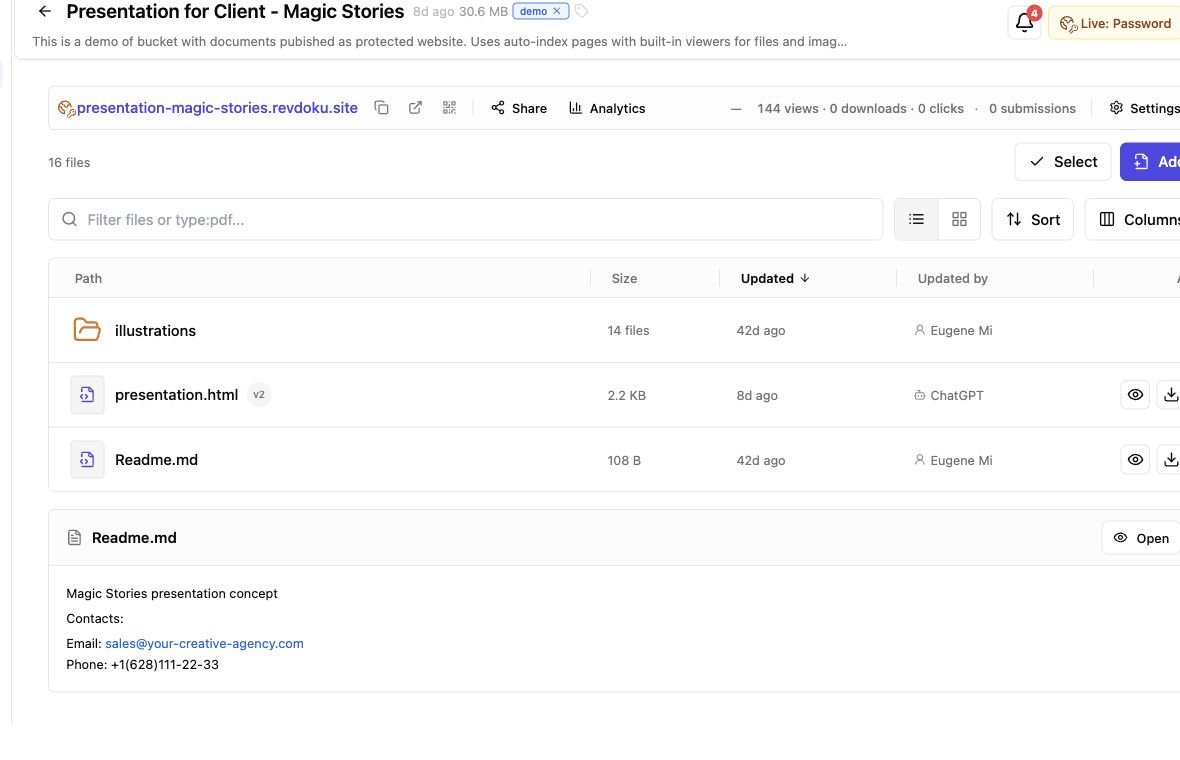
Screenshot of the Revdoku Magic Stories demo bucket in app.revdoku.com, made on July 31, 2026.
What proposal feedback software should actually do
Proposal feedback software should reduce uncertainty between sending a proposal and receiving an answer. It should give recipients document access, senders useful engagement context, and proposal comments an obvious home.
That does not require every contract feature. Revdoku is designed for controlled sharing and page-level feedback. It does not annotate documents, create redlines, collect electronic signatures, or run a formal approval workflow. For negotiated contract editing or legally binding signatures, use a specialist tool after discussing the proposal.
| Need | How Revdoku handles it | Practical result |
|---|---|---|
| Controlled access | Public, password, or email-gated links | You choose who can reach the proposal |
| Client proposal feedback | A form on the shared page | Responses stay close to the deliverable |
| Engagement visibility | Visitor, page, click, and download data | Follow-up is based on activity rather than guesswork |
| Current version | Files can be updated behind the same link | Clients do not have to find a replacement attachment |
| Lead record | Email gates and contact forms | Unknown visitors can identify themselves |
The best setup feels almost boring: open a link, review the work, and respond. That simplicity is a feature.
Protected proposal links without unnecessary friction
A proposal often contains pricing, timelines, customer research, or internal plans. An unprotected attachment gives you little control after it leaves the outbox. Protected proposal links offer a cleaner boundary, but access should match the work’s sensitivity.
Use the lightest sensible gate:
- Public link: Suitable for a general capabilities deck or non-confidential pitch that may be forwarded freely.
- Password protection: Useful when the recipient group is known and the proposal contains private commercial details.
- Email gate: Best when you want to identify visitors, record leads, or understand which stakeholders viewed the material.
Too much friction can hurt client proposal feedback. Several forms, a new account, and a one-time code to view a routine estimate will likely annoy people.
a public link may be too loose for sensitive pricing.
Ask what would happen if the link were forwarded. If broad forwarding is harmless, keep access simple. If the contents could expose confidential plans, use Password or Verified Email. Revdoku sets access per bucket, so a public portfolio deck and protected proposal can use different settings.
Designing a client proposal feedback form people will use
A feedback form works when answering is easier than writing an email. Keep it beside the proposal and ask only for information that changes your next step. Here, proposal feedback software can beat the attachment-and-inbox routine.
Nielsen Norman Group found that people read only 20% to 28% of words on a web page. Though old, the finding still applies: clients scan. Long instructions above the form work against you. Nielsen Norman Group
Use this form order:
- Ask for the visitor’s name and email if access was not already email-gated.
- Ask one broad question, such as which part needs discussion.
- Provide a message field for specific proposal comments.
- Ask for the preferred next step, such as a call, revised scope, or more information.
- Set an expectation for your reply time.
| Form element | Better wording | Avoid |
|---|---|---|
| Main question | What would you like us to clarify? | Provide complete feedback |
| Next step | Would a 20-minute call help? | Approve this proposal |
| Message field | Add context or questions here | Enter comments |
That wording invites conversation without presenting it as formal approval, a signature, or document annotation.
Use proposal comments and proposal analytics together
Proposal comments show what a client says; analytics show what happened before the reply. Neither reads minds, but together they make follow-up less awkward.
Revdoku can notify the owner when someone opens a protected link, while per-visitor analytics show pages viewed, link clicks, and downloads. Read those signals cautiously:
- One short visit: The recipient may have checked access and planned to return later.
- Several page views: The proposal probably received a closer review.
- Pricing-link click: Commercial details may be the next useful topic.
- Download: Someone may want an offline copy or internal circulation.
- Repeat visits: The proposal may be under active consideration, but the data alone cannot reveal intent.
Timing matters. A study reported by Harvard Business Review found that companies contacting an online lead within an hour were nearly 7 times as likely to qualify that lead as companies waiting even one hour longer, and more than 60 times as likely as those waiting at least 24 hours. A proposal recipient differs from an inbound lead, but the research supports prompt, relevant follow-up. Harvard Business Review
Answer client proposal comments first. Analytics should help choose the moment and context, not replace the client’s words.
Keep every proposal current through a stable proposal sharing link
Version confusion is a common, expensive proposal problem. A client opens Proposal-final-2.pdf while your team discusses Proposal-final-3-revised.pdf. Nobody is careless; the delivery method simply made the wrong file easy to find.
Stable proposal sharing links change that pattern: Revdoku lets you update bucket files while keeping the shared URL. The recipient returns to the same location for the current deliverable, without a new attachment whenever the scope, schedule, or presentation changes.
Use a simple update routine:
- Review client proposal feedback and decide what to change.
- Update the source document in your normal editing tool.
- Export the revised PDF, deck, demo, or supporting files.
- Replace or add the files in the existing Revdoku bucket.
- Tell the client what changed and that the original link remains current.
A short note can prevent confusion. For example, say the timeline on page eight and pricing table on page ten were updated July 14. Do not claim the live link provides redlining or formal version history unless you maintain those records elsewhere.
This also helps when several stakeholders review the work. Forwarded copies may exist, but the shared link remains the clear source for the latest proposal.
A practical proposal feedback software workflow
Set up proposal sharing in a few minutes without code: in the dashboard, create a private bucket and drag in a PDF, presentation, demo, or folder. Add the access rule and feedback form before sending the live link.
The manual workflow is:
- Prepare the deliverable. Name files clearly and remove drafts the client should not see.
- Create the bucket. Group the proposal and supporting material in one client-facing location.
- Choose access. Use public access, a password, or an email gate according to the proposal’s sensitivity.
- Add the response path. Include a feedback or contact form with two to four focused questions.
- Send one link. Explain what the client is reviewing and when you want comments.
- Watch for useful signals. Use open notifications and visitor activity to time your reply.
- Update in place. Publish revisions to the same bucket instead of starting another attachment chain.
Microsoft’s 2023 Work Trend Index reported that Microsoft 365 users in its study spent 57% of their time communicating and only 43% creating. One proposal page cannot solve every communication problem, but it can reduce avoidable searches and status messages. Microsoft WorkLab
Teams with repetitive publishing can later use Revdoku’s API, CLI, or AI agents. Those options automate the same bucket workflow; they are not required to collect client proposal feedback.
Revdoku compared with common proposal sharing approaches
No proposal tool fits everyone. The right choice depends on whether you need simple delivery, collaborative editing, signatures, or controlled sharing with comments. The differences are clearer side by side.
| Approach | Access control | Feedback path | Engagement data | Updating |
|---|---|---|---|---|
| Email attachment | Depends on the inbox | Email replies | Usually none | Send another attachment |
| Shared cloud document | Account and permission settings | Often inline comments | Varies by product | Same document can change |
| Generic file-transfer link | Link or password | Usually separate | Often basic | May require a new transfer |
| E-signature platform | Recipient authentication | Signing and form fields | Signing status | Built around formal transactions |
| Revdoku | Public, Password, or Verified Email | Page-level feedback and contact forms | Visitor views, clicks, and downloads | Update behind the same link |
Use a shared editor for collaborative rewriting and an e-signature service for legally binding signatures. Use Revdoku for controlled delivery, engagement visibility, captured leads, and simple client feedback around files or demos.
Three common concerns:
Four concrete proposal feedback software scenarios
The value is clearer in day-to-day client work. These examples show how the same workflow fits different deliverables.
-
Freelance designer: Maya shares a password-protected brand proposal. After viewing it twice, the client asks through the form whether social templates are included. Maya answers before proposing a scope change. The proposal comments stay connected to the shared page.
-
Consulting team: A consultant sends an email-gated operations deck to two executives. Analytics show both opened it, but only one downloaded the supporting spreadsheet. The consultant follows up about the spreadsheet instead of vaguely asking whether anyone saw the proposal.
-
Small agency: After client proposal feedback, an agency revises the campaign budget, replaces the PDF in the existing bucket, and tells the client that pages six and seven changed. The original link remains useful in the client’s email thread.
-
Software founder: A founder shares a pitch deck and product demo in one protected bucket. After watching the demo and clicking the pricing link, a prospect requests a technical call through the form. The founder has a clear next step without building a custom form backend.
In each example, the software presents current work, provides a direct response path, and supplies enough context for sensible follow-up. It need not imitate a contract suite.
Final Thoughts
Good proposal feedback software removes delays. Clients get one link, suitable access, and a simple response path. You get open notifications, visitor analytics, captured leads, and comments tied to the shared experience.
Start by putting the current proposal and supporting files in one Revdoku bucket. Choose Public, Password, or Verified Email access. Add a short feedback form, then send the live link with a clear review request. If the work changes, update the bucket rather than sending another URL.
Use analytics for context, not as a verdict, and the feedback form for conversation, not signatures or formal approval. For deeper automation, the API, CLI, and AI agents can publish into the same bucket model. The manual drag-and-drop path remains enough for most client proposals.
Frequently asked questions
Can clients annotate the PDF?
No. They can submit page-level comments through the form, but Revdoku does not annotate or redline.
Does a form response count as approval?
No. Use an appropriate contract or signature process for formal acceptance.
Will analytics prove interest?
No. They show activity, not a person’s intent.
Which access setting should I use for a client proposal?
Use a public link for material that can be forwarded freely, password protection for confidential commercial details, and an email gate when identifying viewers matters. Choose the lightest option that still protects the proposal appropriately.
What questions should a proposal feedback form include?
Ask only for information that helps determine the next step, such as what needs clarification, specific questions, and whether the client prefers a call or revised scope. Keep the form to two to four focused questions and state when they can expect a response.
Can clients annotate or redline a proposal in Revdoku?
No. Clients can submit page-level feedback through a form, but Revdoku does not support document annotations, collaborative redlining, or negotiated editing. Use a shared editor or specialist contract tool when those capabilities are required.
Does submitting feedback count as formal approval or a signature?
No. A feedback-form response supports discussion, but is not a legally binding signature or formal approval workflow. Use an appropriate contract or e-signature platform for acceptance.
How should I interpret proposal views, clicks, and downloads?
Treat analytics as context rather than proof of intent. Repeat visits, downloads, or pricing-link clicks can suggest useful follow-up topics, but they cannot confirm interest or reveal why someone took an action.
How do I share a revised proposal without confusing the client?
Replace or add files in the existing bucket so the original sharing link remains current. Tell the client exactly what changed, including relevant page numbers or sections, and note the update date.
When should I use another tool instead of Revdoku?
Use a shared document editor for collaborative rewriting, an e-signature service for binding acceptance, and a contract platform for formal negotiation or approval workflows. Revdoku is best suited to controlled proposal delivery, engagement tracking, and simple feedback collection.
Related Articles
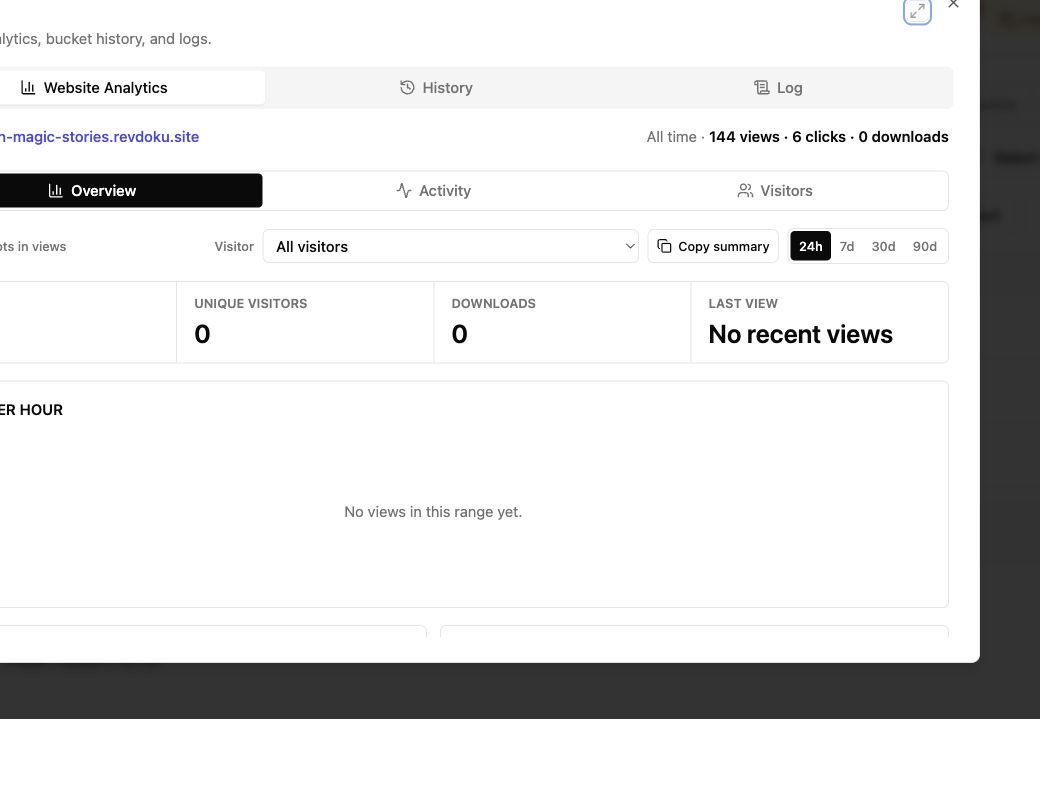
Viewer Analytics for Documents: Track Client Activity
Track document views, clicks, downloads, and verified visitor activity with secure client links and practical follow-up guidance.
Proposal Tracking Software: Track Views Securely
Send protected proposal links, track opens and engagement, update files at one URL, and follow up without guessing or overreaching.
Password Protected Website Sharing for Clients
Securely share proposals, reports, and demos on a password protected website with stable links, analytics, and client feedback.