Password-Protected Links for Secure Client Sharing
Table of Contents
- A Password-Protected Link, Without URL Encryption
- What a Password-Protected Link Protects
- When a Password-Protected Link Fits Secure Client File Sharing
- How to Create a Password-Protected Link for Client Sharing
- Keep One Stable Link While the Work Changes
- Password-Protected Link vs. Verified Email for Client Document Sharing
- See Interest and Time the Follow-Up
- Password-Sharing Practices for Secure Client File Sharing
- Mistakes and Better Choices
- Final Thoughts: One Protected Website Link, Better Control
- A Password-Protected Link, Without URL Encryption
- What a Password-Protected Link Protects
- When a Password-Protected Link Fits Secure Client File Sharing
- How to Create a Password-Protected Link for Client Sharing
- Keep One Stable Link While the Work Changes
- Password-Protected Link vs. Verified Email for Client Document Sharing
- See Interest and Time the Follow-Up
- Password-Sharing Practices for Secure Client File Sharing
- Mistakes and Better Choices
- Final Thoughts: One Protected Website Link, Better Control
A Password-Protected Link, Without URL Encryption
A password-protected link gives clients one web address and puts an access form in front of the material behind it. For secure client file sharing, that beats emailing a PDF and hoping the right person opens the right version. It is also different from encrypting a URL. A URL is an address; the protection comes from checking access before the website, document, demo, or presentation is shown.
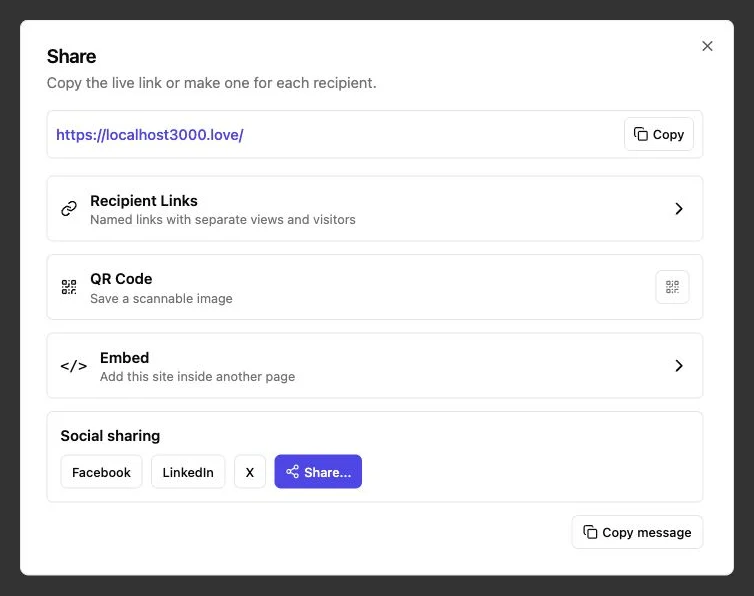
With Revdoku, you can drop client work into a private bucket, publish it as a protected website link, and share the URL plus a separate password. You can later replace the work and republish it at the same address. This guide explains when that setup fits, how to create it, when to use Verified Email instead, and what its activity can reveal. It turns client document sharing into one controlled, reusable link instead of a stream of attachments.
What a Password-Protected Link Protects
When you password protect a link in Revdoku, you publish the bucket as a protected website. The link leads to an access page where the visitor enters the password to see the published material. Revdoku never adds the password to the URL, so it does not leak through a copied address.
The link itself is not a secret cipher. It may still be forwarded, pasted into a message, or stored in browser history. The access gate serves the content only to visitors who know the password.
| Part | What it does | What it does not do |
|---|---|---|
| Website URL | Gives the client a stable address | Prove who opened it |
| Password gate | Blocks access until the correct code is entered | Prove the visitor’s identity |
| Separate password | Supplies the shared access code | Belong safely inside the URL |
| Verified Email | Confirms control of an email address with a one-time code | Establish a person’s legal identity |
A shared password proves only that the visitor knew the code then. If identity or named lead data matters, use Verified Email. If you need contracts, regulated identity checks, or formal access control, use the system required by your legal or security policy.
When a Password-Protected Link Fits Secure Client File Sharing
A password-protected link works best when an intended group needs easy access to material that should not be fully public. It adds light friction without asking every visitor to create an account.
Common uses include:
- A freelancer sending a proposal: The client receives one URL and a password in a separate message. The freelancer can see when the protected site is opened and follow up while the proposal is fresh.
- An agency sharing a campaign deck: Several client stakeholders can use the same password. When the deck changes, the agency republishes the bucket instead of circulating Final-v7.pdf.
- A consultant delivering a report: For client document sharing, the link can hold the report and related files together, which is cleaner than a chain of attachments.
- A founder sharing a private demo: A static demo or presentation can stay behind a password during early conversations.
- A small team running a review round: The team can place current deliverables at one address and use built-in feedback or contact forms without setting up a separate backend.
There is a tradeoff. A shared password is convenient because people can share it. That makes a password-protected link a good fit for low- to moderate-sensitivity client work, early drafts, private presentations, and limited launches.
For named access, lead records, or an allowlist, Verified Email is the better gate.
How to Create a Password-Protected Link for Client Sharing
You can create a password-protected link without code from the Revdoku dashboard, where a private bucket holds the work.
-
Create a private bucket. Give it a plain title that the client will recognize.
-
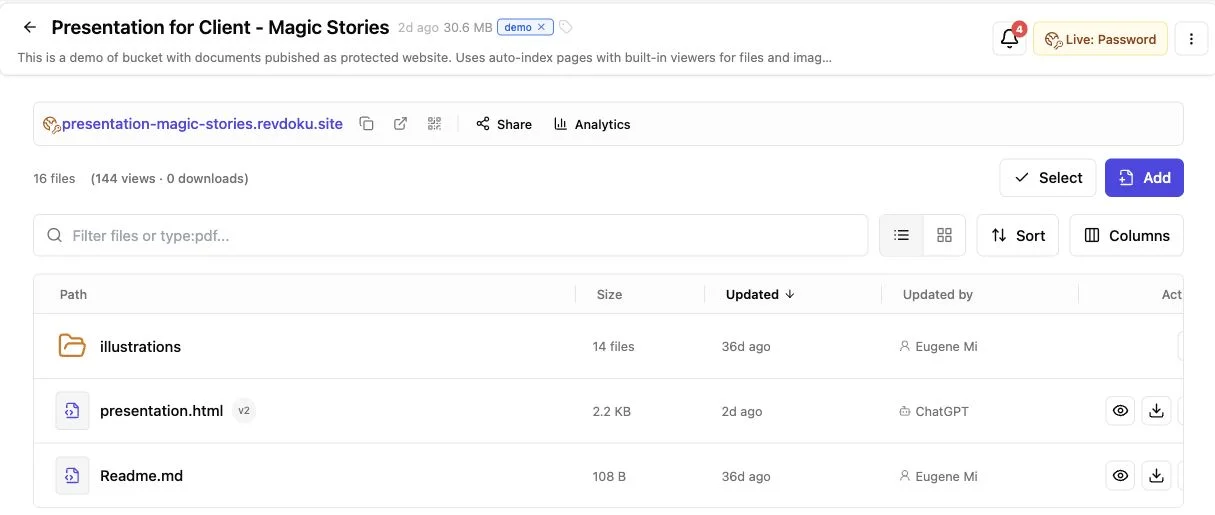
Add the material. Drag in a PDF, a presentation, individual files, or a folder containing a site or demo. If there is no custom index page, Revdoku can present the files through a generated navigation page with previews.
-
Review the saved draft. Check filenames, remove internal notes, and make sure the opening page tells the client what they are looking at.
-
Choose password access. Set your own password or let Revdoku generate one. Keep the password out of the URL.
-
Turn on the records you need. Choose whether to record analytics and browser-side events and whether to receive a notification for every protected-site open.
-
Publish and share. Wait until publishing is complete, then send the live link and password through separate channels when the material warrants it.
The optional API, CLI, and AI agents can publish repetitive work into the same bucket model. Start with drag-and-drop. Automate once the process becomes repetitive.
Keep One Stable Link While the Work Changes
A password-protected link provides version control at delivery. An email attachment freezes a copy in someone’s inbox. A Revdoku link points to the current published version.
The update flow is simple:
| Stage | Your action | What the client sees |
|---|---|---|
| Draft | Replace or revise files in the bucket | The existing live version remains available |
| Review | Check the saved changes or publish a temporary preview | The main link is untouched |
| Republish | Publish the new file version with the same access mode | Updated work at the same URL |
| Access change | Switch among public, password, and Verified Email access | The same site URL with a different gate |
This is especially helpful when a proposal price changes, a deck gets a corrected chart, or a demo receives a last-minute fix. The client can use the same password-protected link instead of another address.
Republishing remains deliberate: saving a new file does not make every draft instantly live. That separation gives you room to check the work first. Revdoku also supports temporary previews that leave the main published website untouched.
Password-Protected Link vs. Verified Email for Client Document Sharing
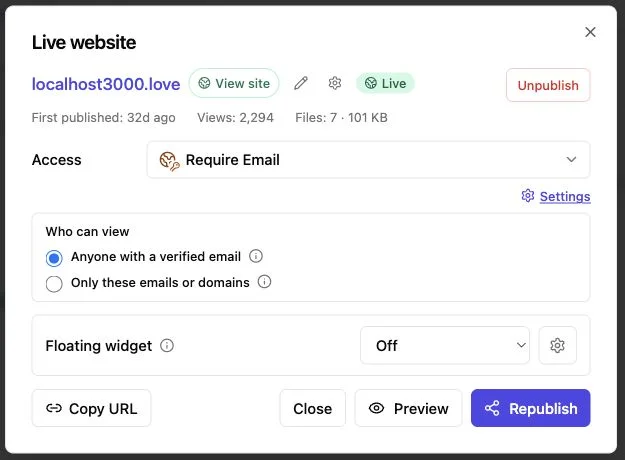
Choose the access gate based on what you need to know after someone enters. Password access is shared access. Verified Email asks the visitor for an email address and uses a one-time code to verify control of that inbox.
| Question | Shared password | Verified Email |
|---|---|---|
| How does a visitor enter? | Types the shared code | Verifies an email with a one-time code |
| Can access be limited? | Anyone with the URL and password may enter | Optional email or domain allowlist |
| Can you identify a lead? | No reliable identity from the password alone | A verified email can be tied to visits |
| Can you ask for context? | No identity field at the gate | Optional or required visitor comment |
| Best fit | Small known groups and low-friction reviews | Proposals, sales material, and named follow-up |
Verified Email leads can include the verified address, first and last visits, visit count, viewed paths, and a submitted comment. Revdoku can also create per-recipient links that skip entering the one-time code, although those links grant access and should stay in private channels.
Neither option provides formal identity verification. Verified Email confirms inbox access; a shared password confirms only knowledge of the password. That honest boundary matters.
See Interest and Time the Follow-Up
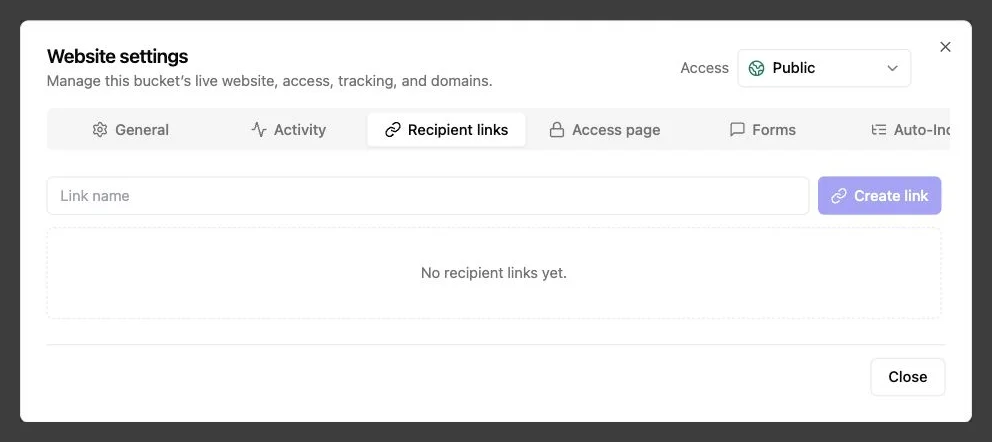
Unlike attachments, a password-protected link can show whether the client engaged with the material. When tracking is enabled, Revdoku records publication activity. A protected site can also notify the owner when a visitor opens it.
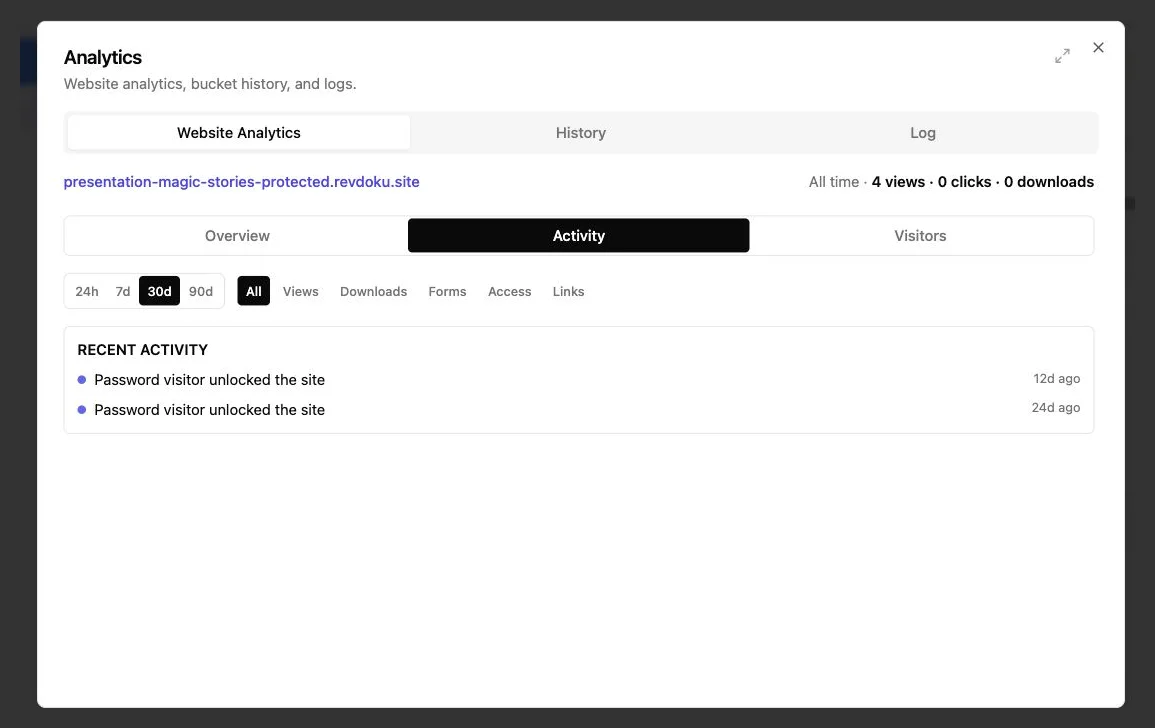
Depending on the access mode and plan, useful signals can include:
- Views: total page views, human visitors, and bot traffic
- Paths: which pages or assets received attention
- Client events: clicks and downloads recorded by the published site
- Timing: first and most recent activity, useful for choosing when to follow up
- Leads: verified addresses and per-contact activity on Verified Email sites
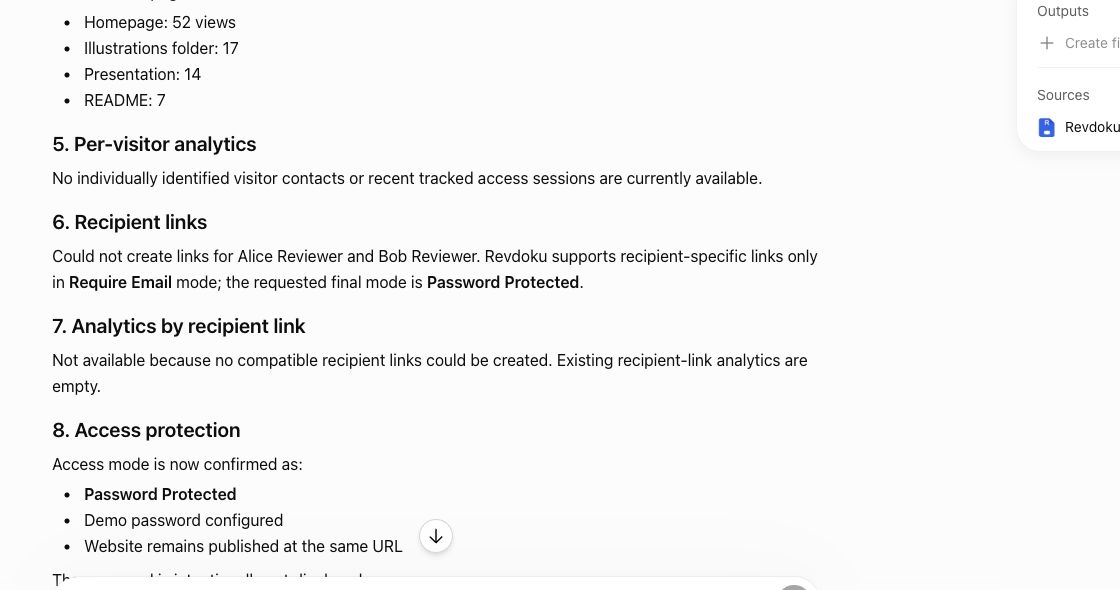
Treat the signals as prompts, not mind reading. Five views of a pricing page could mean strong interest, confusion, or a tab left open. A quick follow-up such as, Did the pricing section answer what you needed? is better than pretending the analytics revealed intent.
The broader security data also argues against treating password activity as identity. Verizon’s 2026 Data Breach Investigations Report found credential abuse in 13% of known initial access vectors, down from 22% in its 2025 dataset. Passwords travel. Analytics help time follow-ups, but Verified Email is clearer when person-level activity matters.
Password-Sharing Practices for Secure Client File Sharing
A password-protected link deserves a stronger access code than client123. Use a unique password for each client or project. A long random value is strongest, while a memorable passphrase is often easier to send by phone.
NIST’s current password guidance requires at least 15 characters when a password is the only authentication factor in covered systems and says passwords are not phishing-resistant. A shared link password differs from an employee account password, but the length guidance remains a sensible benchmark. CISA’s password tip sheet goes slightly further and recommends at least 16 characters, plus uniqueness.
| Item | What to do | Why it matters |
|---|---|---|
| Length | Use 16 or more characters when practical | Short codes are easier to guess or share casually |
| Uniqueness | Create a new password for each protected link | Reuse spreads the effect of one disclosure |
| Delivery | Send the link and password separately for sensitive work | One forwarded message should not contain everything |
| Rotation | Change the password when the audience changes | Old recipients should not keep indefinite access |
| Scope | Put only client-ready files in the published root | Access control cannot fix accidental publication |
For more sensitive material, use Verified Email with an allowlist. For regulated or highly confidential data, confirm that a web-sharing link fits your organization’s policy before publishing.
Mistakes and Better Choices
Most failures are ordinary: someone reuses a password, publishes an internal note, or assumes an open identifies the reader. These mistakes are avoidable.
My rule: choose the lightest gate that matches the consequence of a leak. Extra friction has a cost.
Final Thoughts: One Protected Website Link, Better Control
A password-protected link is a practical middle ground between a public page and a full client portal. In Revdoku, it is a protected website link, not an encrypted or password-filled URL. You place the work in a private bucket, publish it behind a shared password, and send the code separately.
Remember two points:
- A stable link lets you revise and republish the deliverable without asking the client to find a new URL.
- A shared password controls entry but does not prove identity; Verified Email is the better choice for verified addresses, allowlists, lead records, and person-level follow-up.
If you regularly send proposals, decks, reports, files, or demos, create a password-protected link for the next delivery. Version changes become calmer when everyone uses one address for the current work.
Frequently asked questions
Can I password protect a link I already sent?
In Revdoku, a live publication can switch from public to password or Verified Email while keeping its URL.
Does changing the password require new files?
No. Access settings can change without republishing the content.
Does replacing a file update the live page at once?
No. Save the draft, review it, then republish the new version to the same address.
Should I put the password after a question mark in the URL?
No. Revdoku keeps passwords out of URLs; send the code separately.
Can analytics tell me exactly who opened a shared password?
No. Use Verified Email when a verified address and contact-level activity matter.
Is a password link a substitute for a client portal?
Sometimes, for a focused delivery. Use a portal or formal identity system when you need accounts, roles, approvals, or compliance controls.
What if everyone should see the work?
Publish a public link and remove the gate. Extra friction has a cost.
Should I use a shared password or Verified Email?
Use a shared password when a small group needs quick, low-friction access and individual identification is unnecessary. Choose Verified Email when you need an allowlist, verified addresses, lead records, or contact-level activity.
Can I update the files without sending clients a new link?
Yes. Replace the files in the bucket, review the saved draft, and republish when it is ready. The existing URL remains the same and then displays the updated version.
How should I send the link and password securely?
For sensitive work, send the URL and password through separate channels, such as email and a phone message. Use a unique password of at least 16 characters when practical, and never include it in the URL.
When should I change the password?
Rotate it when the intended audience changes, a recipient no longer needs access, or you suspect the code was forwarded. Use a different password for every client or project to limit the impact of accidental disclosure.
Can I change a public link to protected access later?
Yes. A live Revdoku publication can switch between public, password-protected, and Verified Email access while retaining the same site URL. Changing the access setting does not require replacing the published files.
Can analytics identify who opened a password-protected link?
No. Analytics may show views, timing, paths, clicks, and downloads, but a shared password does not establish the visitor’s identity. Use Verified Email when you need activity associated with a verified address.
Is a password-protected link suitable for highly confidential files?
It is best suited to low- or moderate-sensitivity materials such as proposals, drafts, reports, decks, and private demos. For regulated data, formal approvals, user roles, or strong identity requirements, use the access system required by your organization’s security and legal policies.
Related Articles
Website Link Tracking for Client Engagement
Track proposal and document engagement using visits, downloads, Verified Email, privacy safeguards, and well-timed client follow-up.
Best Client Portal Software for Agencies
Compare client portal software for agency operations, collaboration, file sharing, creative proofing, and secure delivery.
How to Build a Lightweight Client Portal Without CRM
Build a secure client portal without CRM software. Share current files, control access, collect feedback, and track client engagement.