Publish websites from the Codex CLI with Revdoku
Use Revdoku with Codex CLI and other terminal coding agents. Sign up, copy the connection message, paste it into Codex, and publish.
1. Create a Revdoku account first
Setup starts in the Revdoku app. Go to https://app.revdoku.com, create an account, and sign in before connecting any AI app.
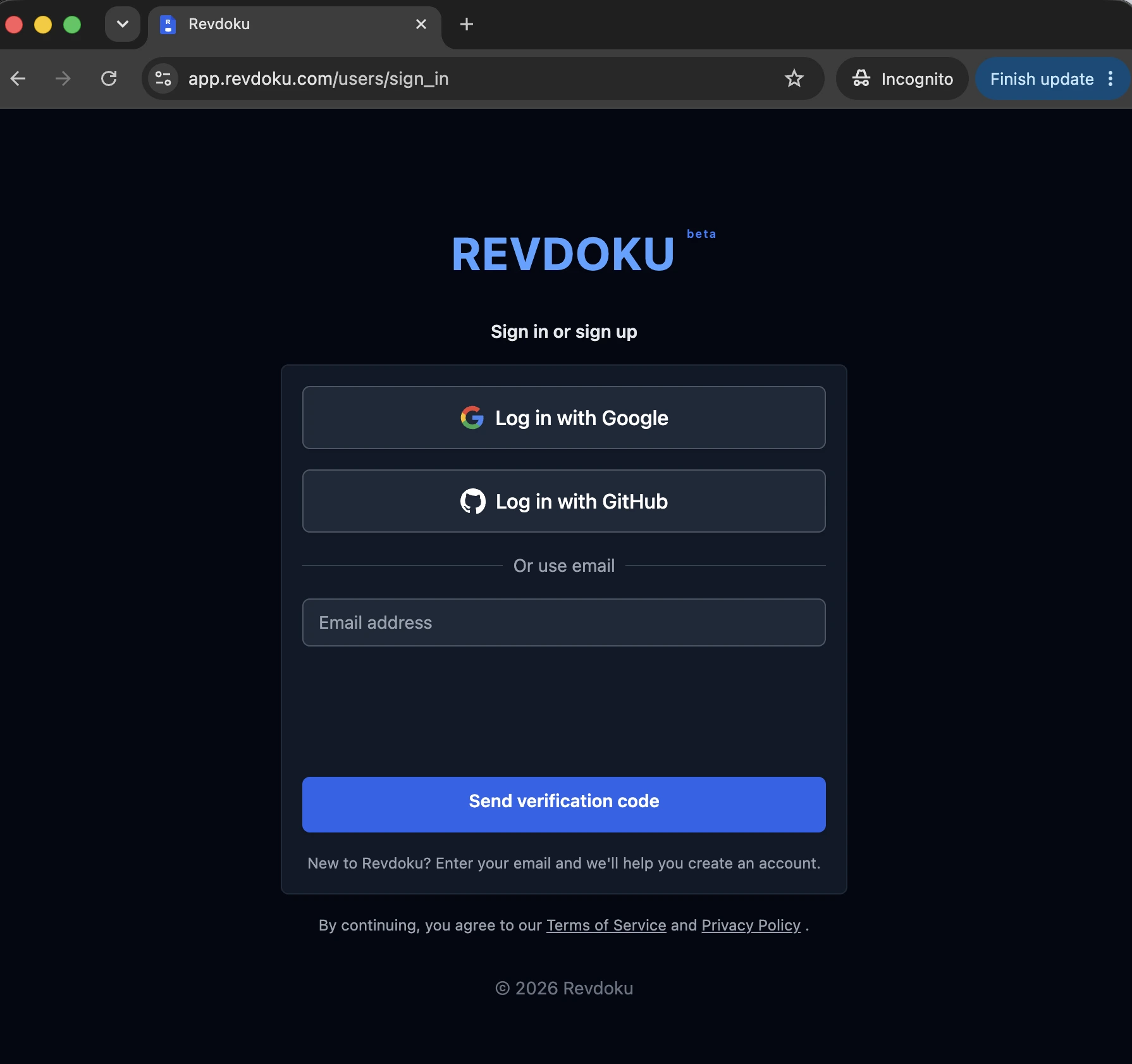
This is the first step for every connection: the AI tool connects to your existing Revdoku account, not an anonymous prompt.
2. Copy the connection message
After signing in, open the Revdoku app and click New, then choose Copy Instructions for AI. This copies the current Revdoku connection message for Claude, ChatGPT, Codex, and similar agents.
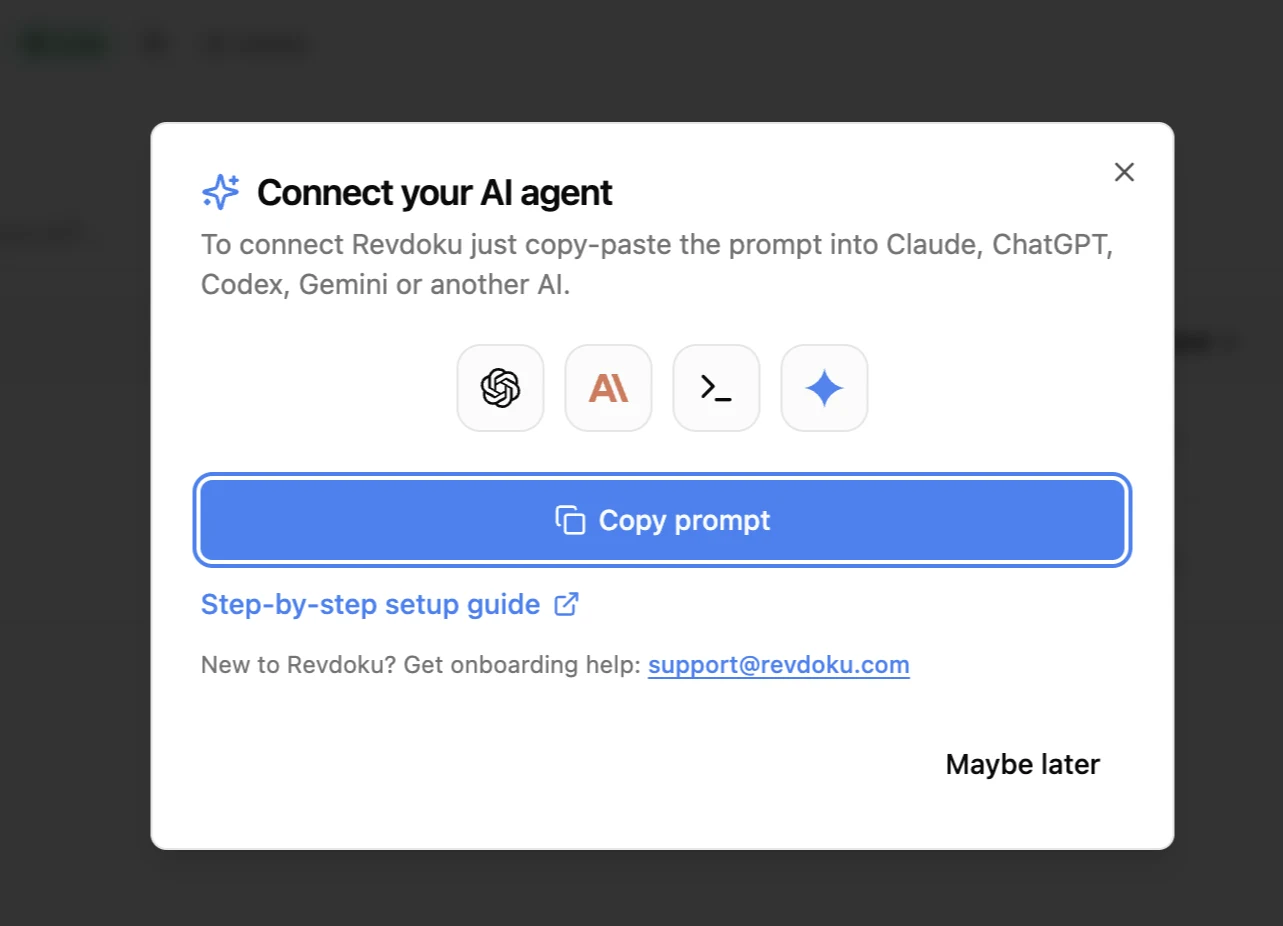
Paste the copied message into your Codex session and send it. Codex follows the instructions and connects Revdoku to your account.
3. Connect Codex
Paste the copied message into Codex. For a hosted connection, Codex connects to Revdoku at https://app.revdoku.com/mcp and signs in with your Revdoku account. To publish files from your own machine, Codex uses the local Revdoku client so it can upload the files it creates on disk.
Prefer to set it up by hand? Add Revdoku with one command and sign in:
codex mcp add revdoku --url https://app.revdoku.com/mcp
codex mcp login revdoku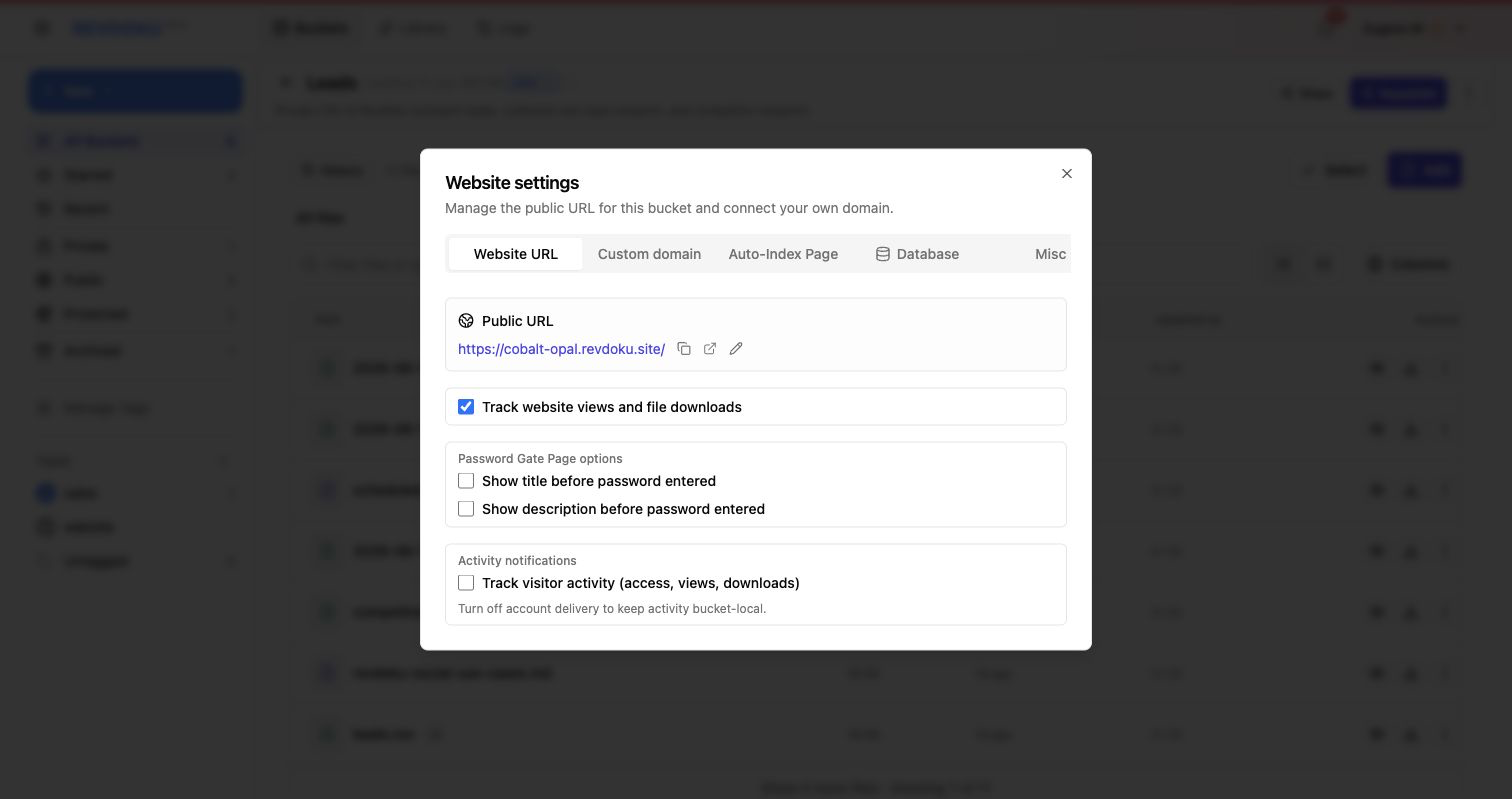
You’ve connected Revdoku. Now just ask
publish to Revdokuand your AI publishes it as a live URL.
Test the Codex connection
Once connected, ask Codex to build a small static website, save the files in Revdoku, publish index.html, and return the live link.
A good first test prompt:
Create a one-page project status website, save the files in Revdoku, publish it, and give me the public URL. If I ask for changes later, update the same Revdoku bucket and republish the same URL.
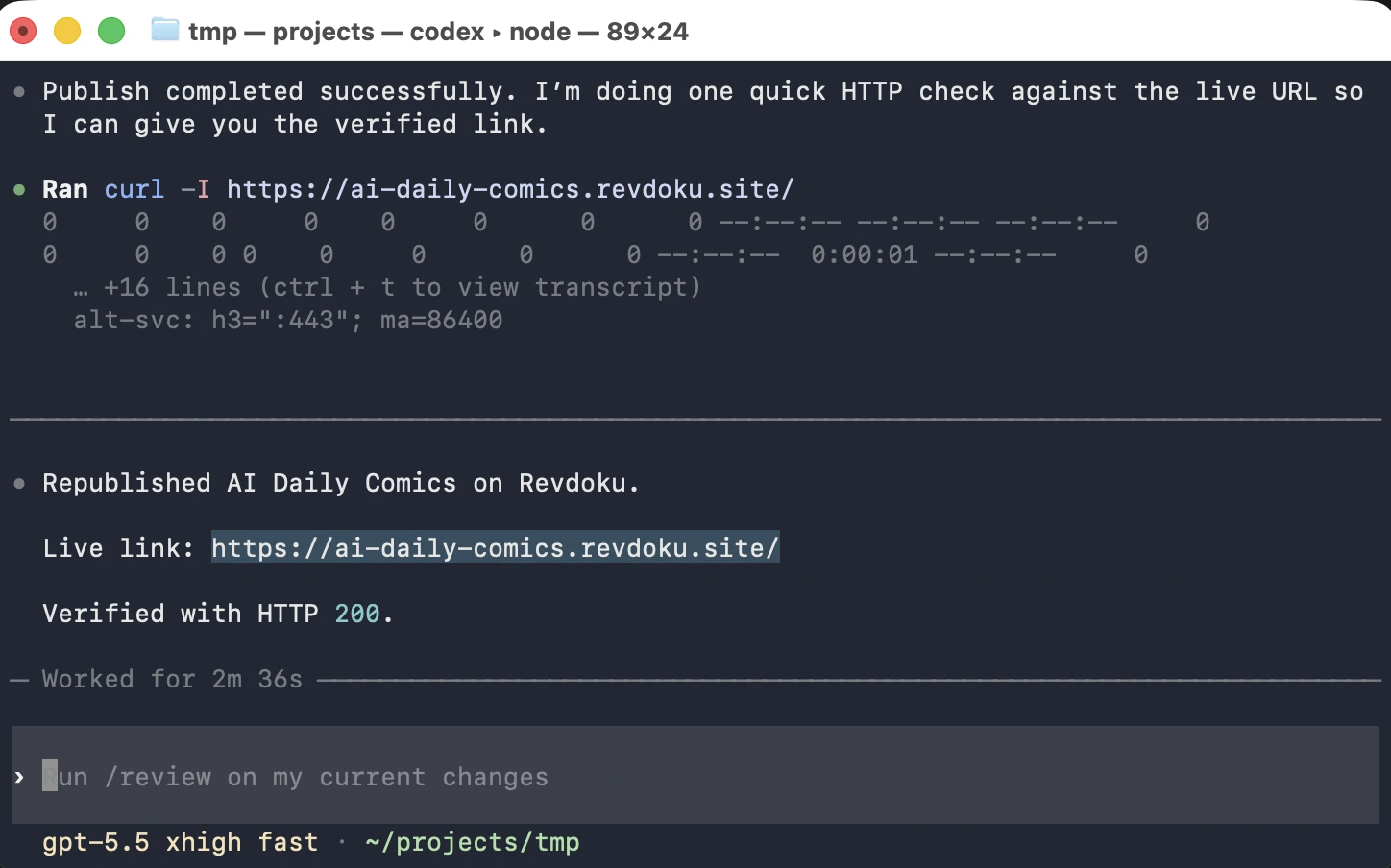
Check that the returned link opens, then ask for one small change and confirm the same bucket is updated instead of creating a new site.
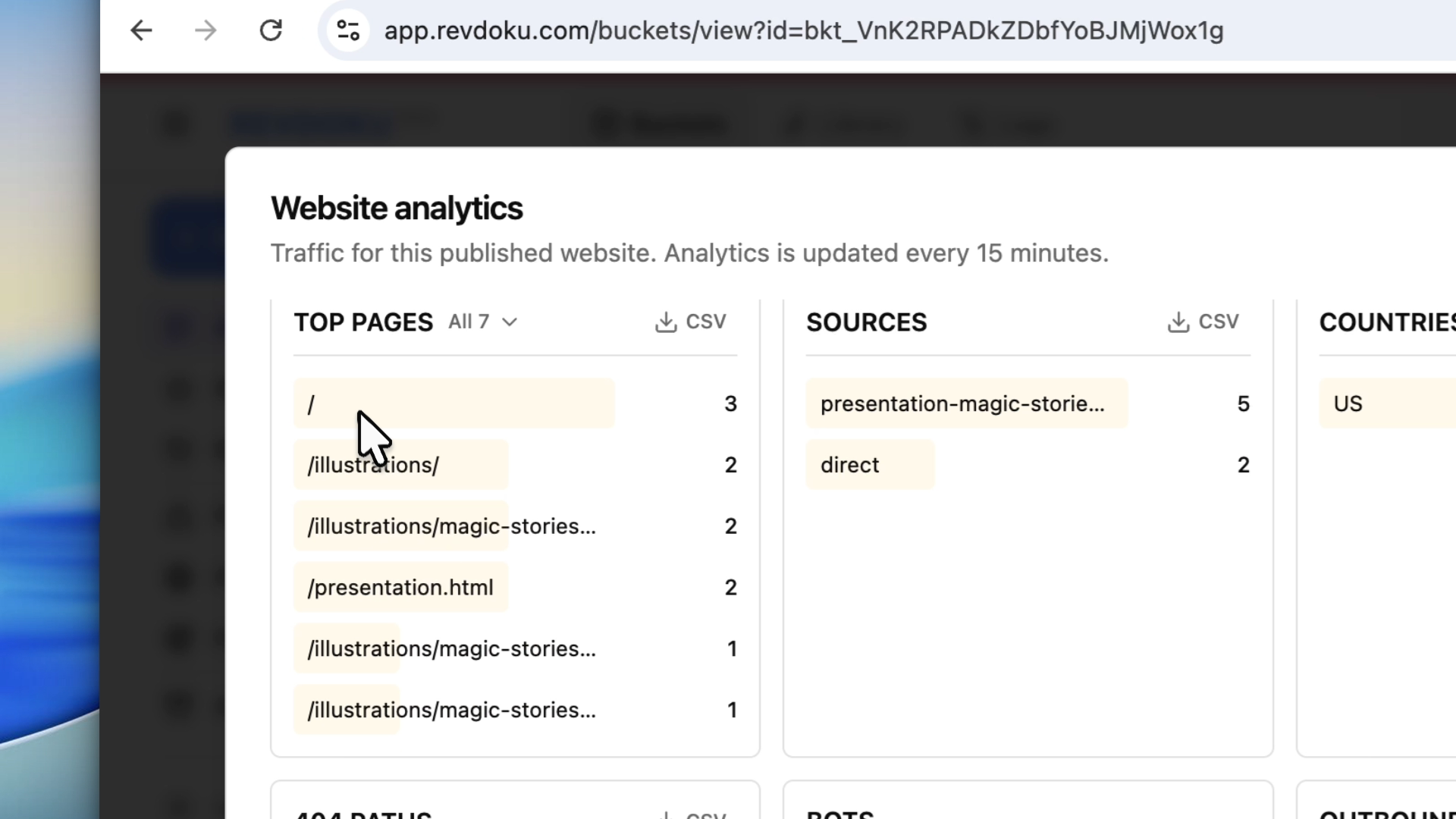
Check the published bucket from ChatGPT
After Codex publishes, ChatGPT can inspect the same Revdoku bucket if the connection is enabled there too. Use it to summarize what was published, confirm the live URL workflow, or check the bucket before sharing.
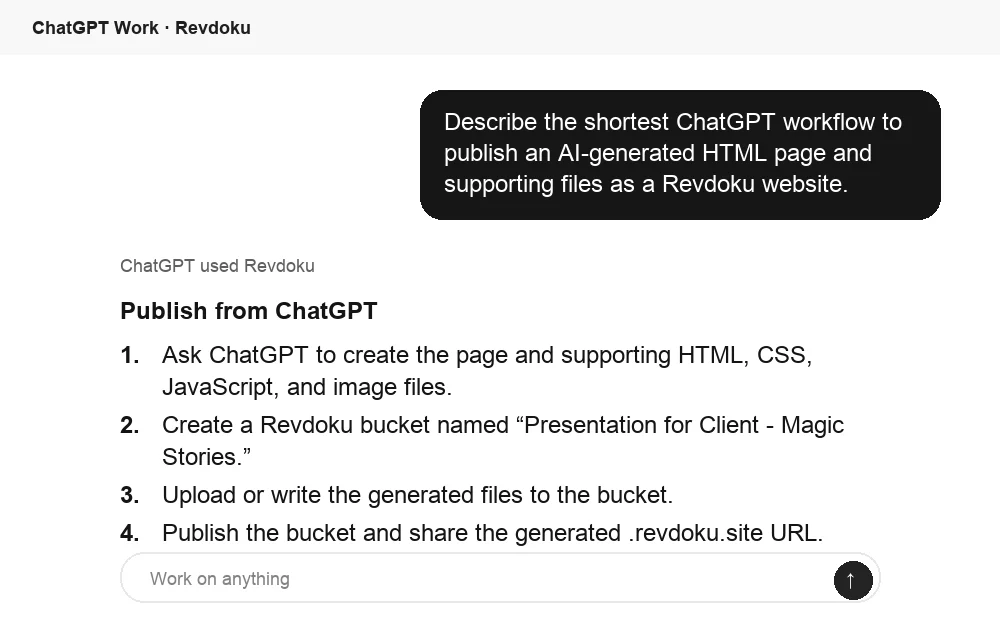
Takeaway
Sign in to Revdoku first, copy the connection message, paste it into Codex, publish a small static site, then republish the same bucket after changes.
Other ways to connect Codex
- Full Codex connection guide: the app and command line in one place.
- Connect Codex in the ChatGPT desktop app