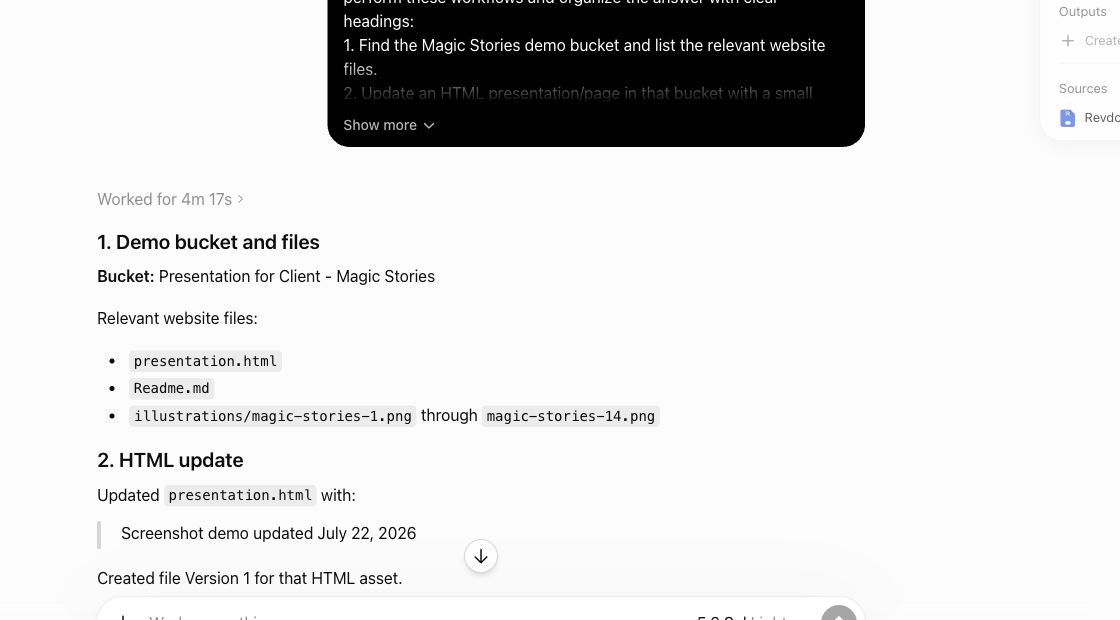
Agents update sites fast — and sometimes wrong. Because a Revdoku bucket keeps versions of your files, a bad update is not a disaster: restore the earlier state and republish to the same URL.

1. Notice the bad update
The published site shows the problem: a broken layout, wrong data, or content that should not have gone live.
2. Ask your agent to restore the previous version
Tell the agent which files changed, and ask it to bring back the previous version of those files in the bucket. File versions and activity logs show what changed and when.
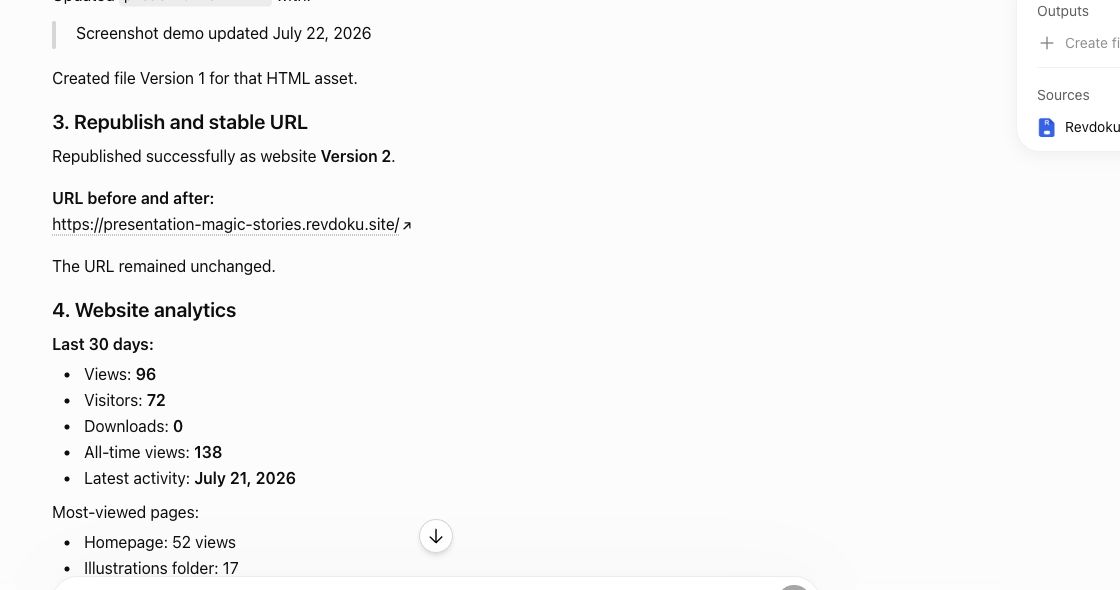
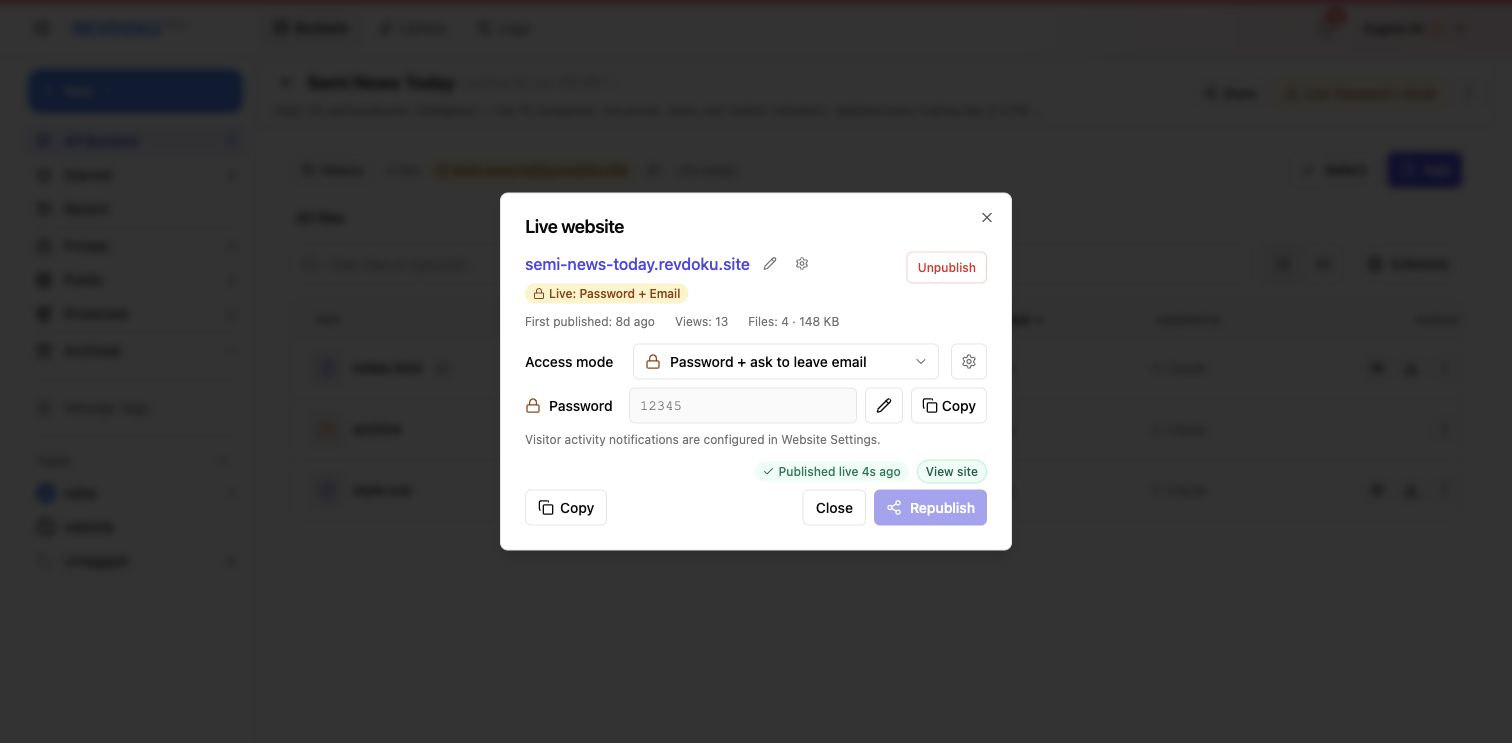
3. Republish the same URL
Publish again. Visitors keep using the same link; the site simply serves the restored state.
Note: to prevent the next accidental overwrite, lock finished files — locked files cannot be changed by an agent until you unlock them.
Takeaway
Treat the bucket as the safety net for agent publishing: versions record every change, locks protect finished work, and a rollback is a restore plus a republish at the same URL.