Tutorial
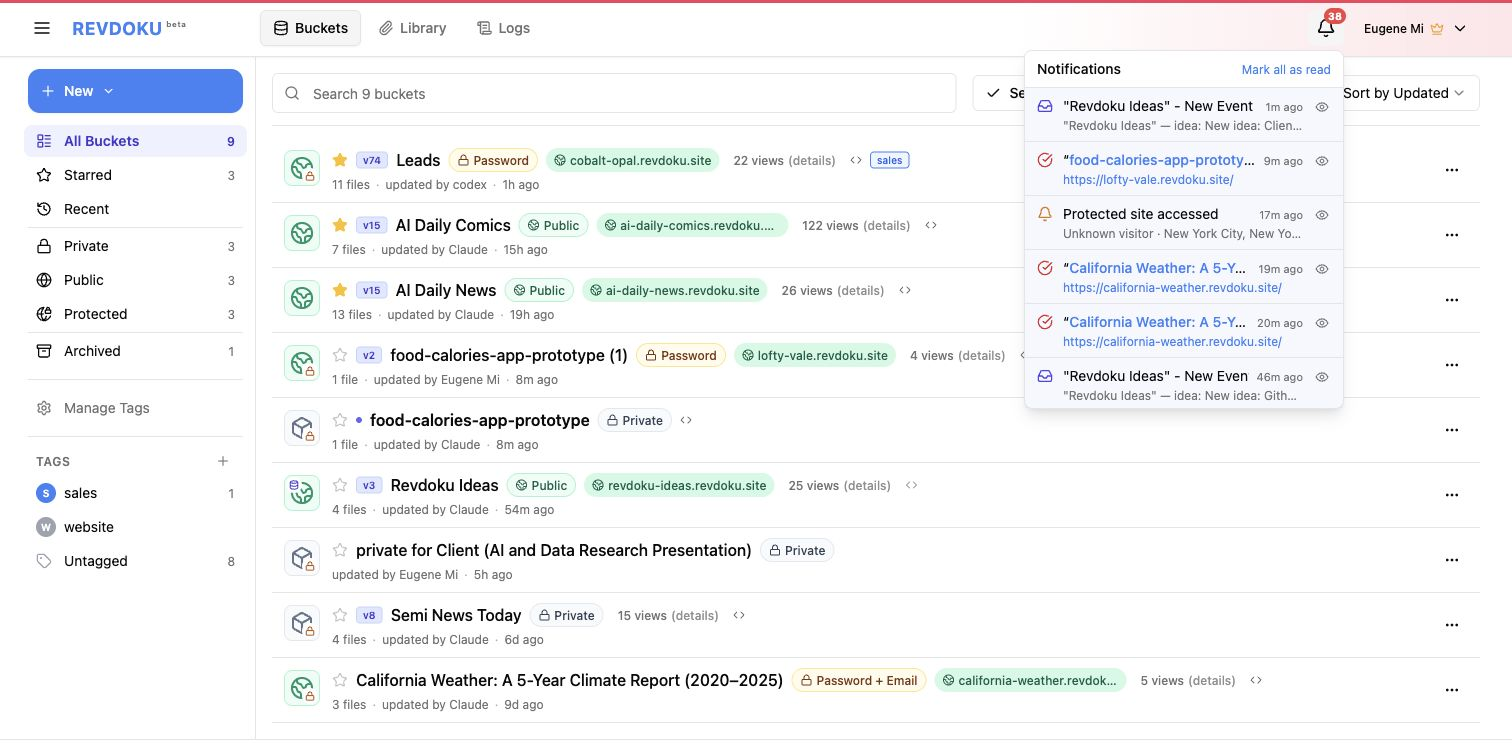
This tutorial shows how to publish reports or documents from ChatGPT, Claude or Codex into password protected website that also asks every visitor for email and then optionally tracks what each visitor accessed and when.
[Video Screencast]
Prompt Used
Paste this into Claude, ChatGPT, or Codex:
Create and publish a password-protected ask-info demo website with Revdoku.
Project:
Revdoku Protected Ask-Info Demo
Bucket title:
Revdoku Protected Ask-Info Demo
Bucket description:
This is a sample password protected ask-info demo, password is 12345
Goal:
Create a polished with a interatctive report that shows how a Revdoku protected site can ask visitors for email plus password before access.
Report: make interactive dashboard with weather in California.
Requirements:
- Do not ask questions. Make reasonable choices.
- Use HTML, CSS, and JavaScript.
- Do not implement any authentication, Revdoku will protect this website
Access control:
- Use native Revdoku protected publishing.
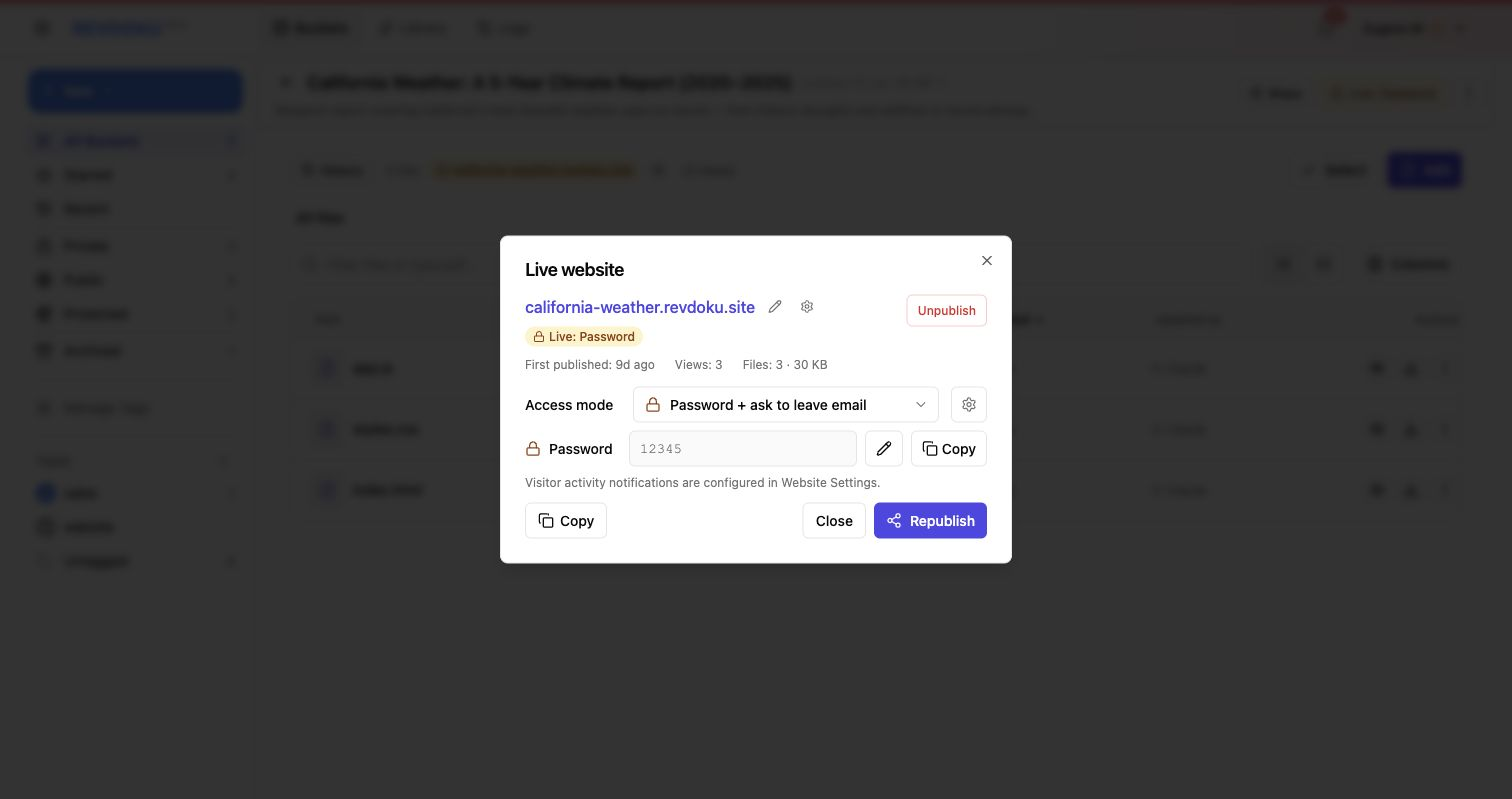
- Publish with access_mode: password_ask_info.
- Set password exactly to 12345.
- Do not generate a random password.
- Do not put the password in the URL.
- Keep the demo password public only because this is a sample.
Publishing:
- Publish to Revdoku as website protected with password and asking info.
- Create a new Revdoku bucket with:
- title: Revdoku Protected Ask-Info Demo
- description: This is a sample password protected ask-info demo, password is 12345
- Upload report into Revdoku
Website Published
- [placeholder]
- Demo password placeholder:
12345.
Steps and Screenshot Placeholders
- Paste the ask-info prompt.
- Screenshot placeholder: prompt in Claude, ChatGPT, or Codex.
- Review the generated protected demo files.
- Screenshot placeholder: website files and visible demo note.
- Publish with
access_mode: password_ask_info.- Screenshot placeholder: protected ask-info publish confirmation.
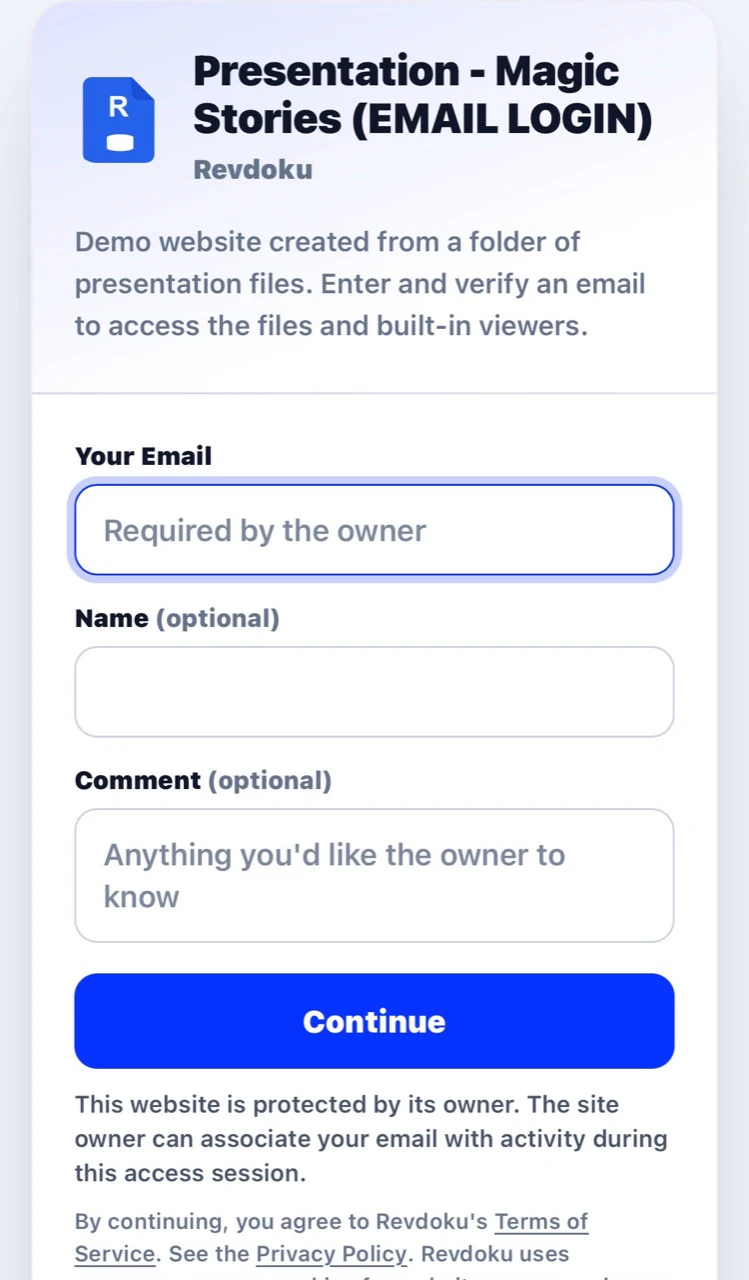
- Open the protected URL.
- Screenshot placeholder: email plus password access gate.
- Enter visitor info and password.
- Screenshot placeholder: successful access to the final site.
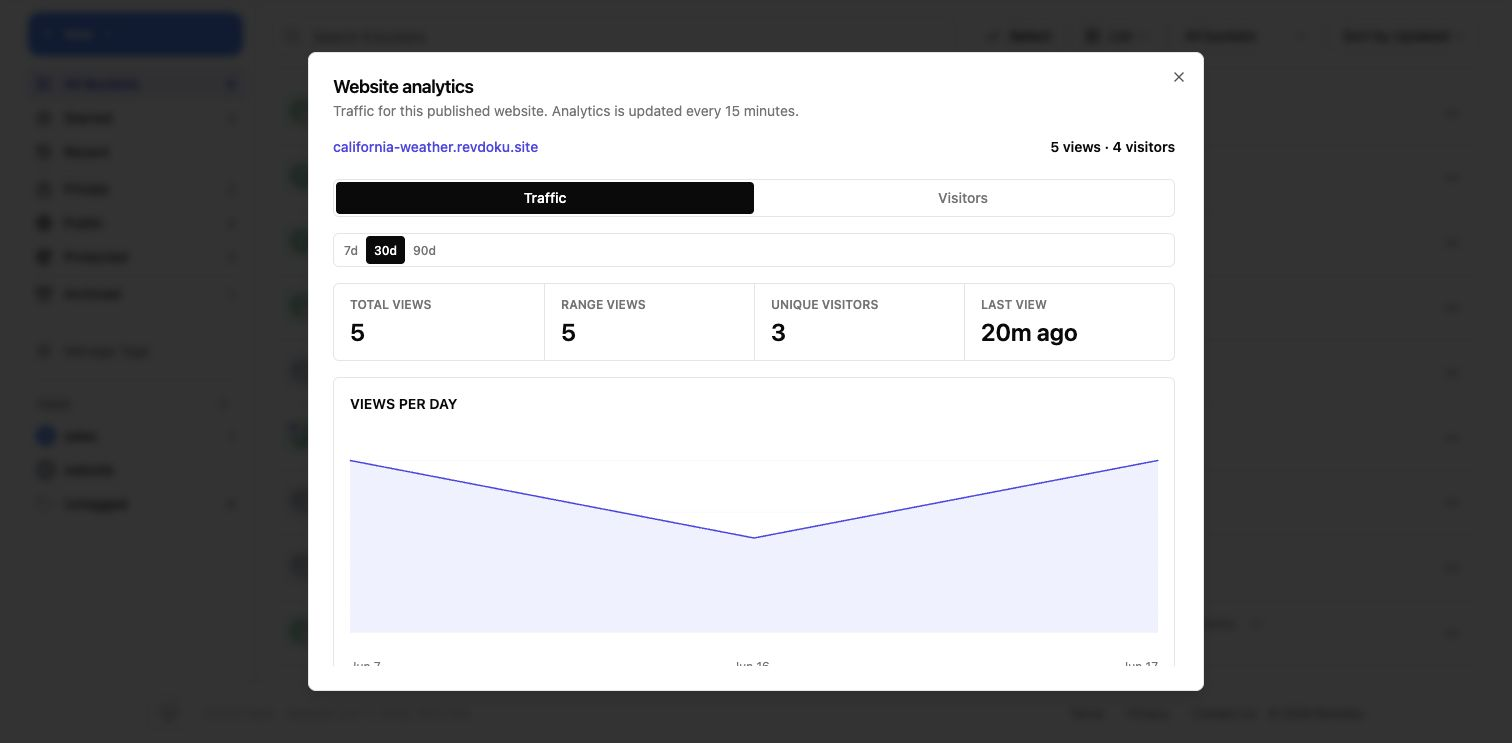
- Review general analytics.
- Analytics screenshot placeholder: replace with the general views analytics screenshot.
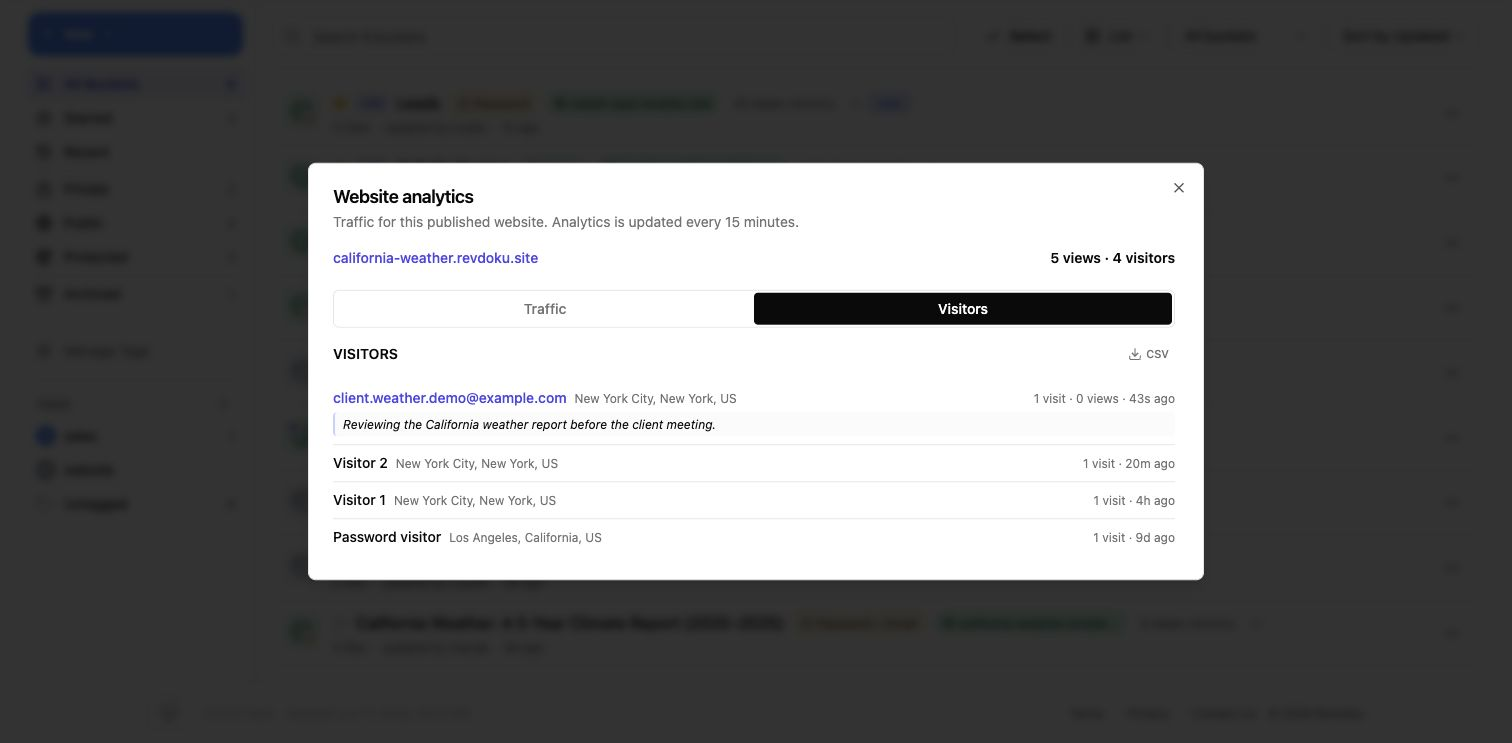
- Review visitor-level analytics.
- Per-visitor screenshot placeholder: replace with the per-visitor views analytics screenshot.
- Review protected-site access records.
- Access screenshot placeholder: replace with the protected-site access entries screenshot.
Good Fit
- Demo reports that should collect visitor email.
- Protected client previews.
- Sales or investor demos where access records matter.
- Tutorials showing Revdoku analytics after protected sharing.