Publish a Local Static Build With Revdoku icon

Publish a Local Static Build With Revdoku

Tutorial for asking Codex or another terminal agent to build a local project and publish the static output with Revdoku.

Publishing

Tutorial

Use this when a local project already exists and Codex or another terminal agent should build it, upload the output, and publish the website through Revdoku.

[Video]

Prompt Used

Paste this into Codex or another terminal coding agent:

Use Revdoku to publish this existing local project.

Goal:
Inspect the project, build it if needed, and publish the static output as a Revdoku website.

Requirements:
- Do not ask questions unless a build command is missing or ambiguous.
- Identify the correct build command from package.json, README, or project conventions.
- Run the build.
- Confirm the output directory, such as dist, build, public, or out.
- Upload the built static files into a Revdoku bucket, preserving paths.
- Publish the bucket with entrypoint index.html.
- Use site_mode: spa if the app uses client-side routing; otherwise use static.
- Return the final Revdoku public URL and bucket id.
- If a Revdoku bucket id already exists in the project notes, update that bucket and republish the same URL.

Website

Steps and Screenshot Placeholders

  1. Open the local project in Codex.
    • Screenshot placeholder: terminal or project folder.
  2. Paste the prompt above.
    • Screenshot placeholder: Codex prompt asking to publish the local build.
  3. Let Codex identify and run the build.
    • Screenshot placeholder: build command and successful output.
  4. Confirm the output folder.
    • Screenshot placeholder: dist, build, out, or equivalent folder.
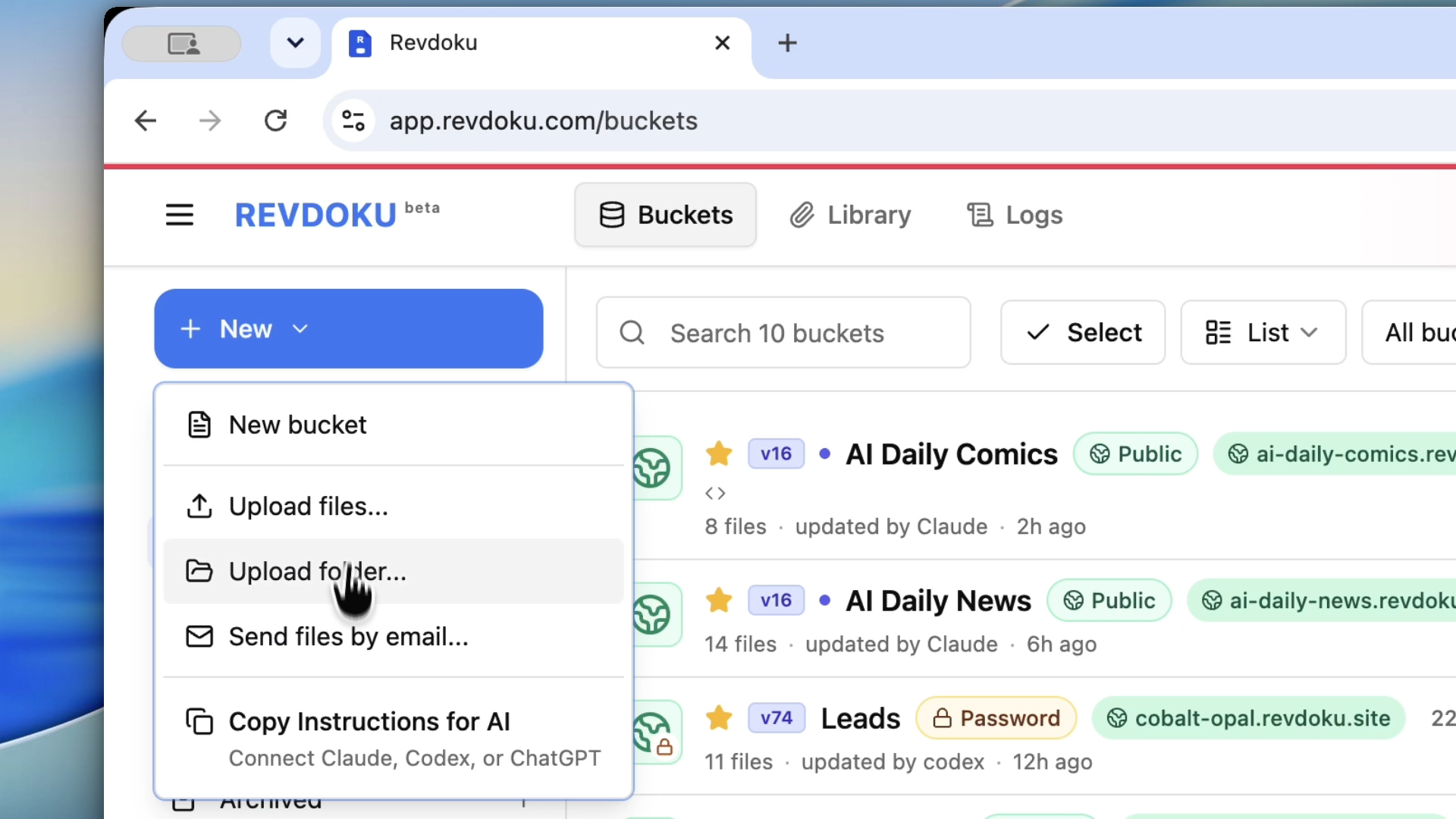
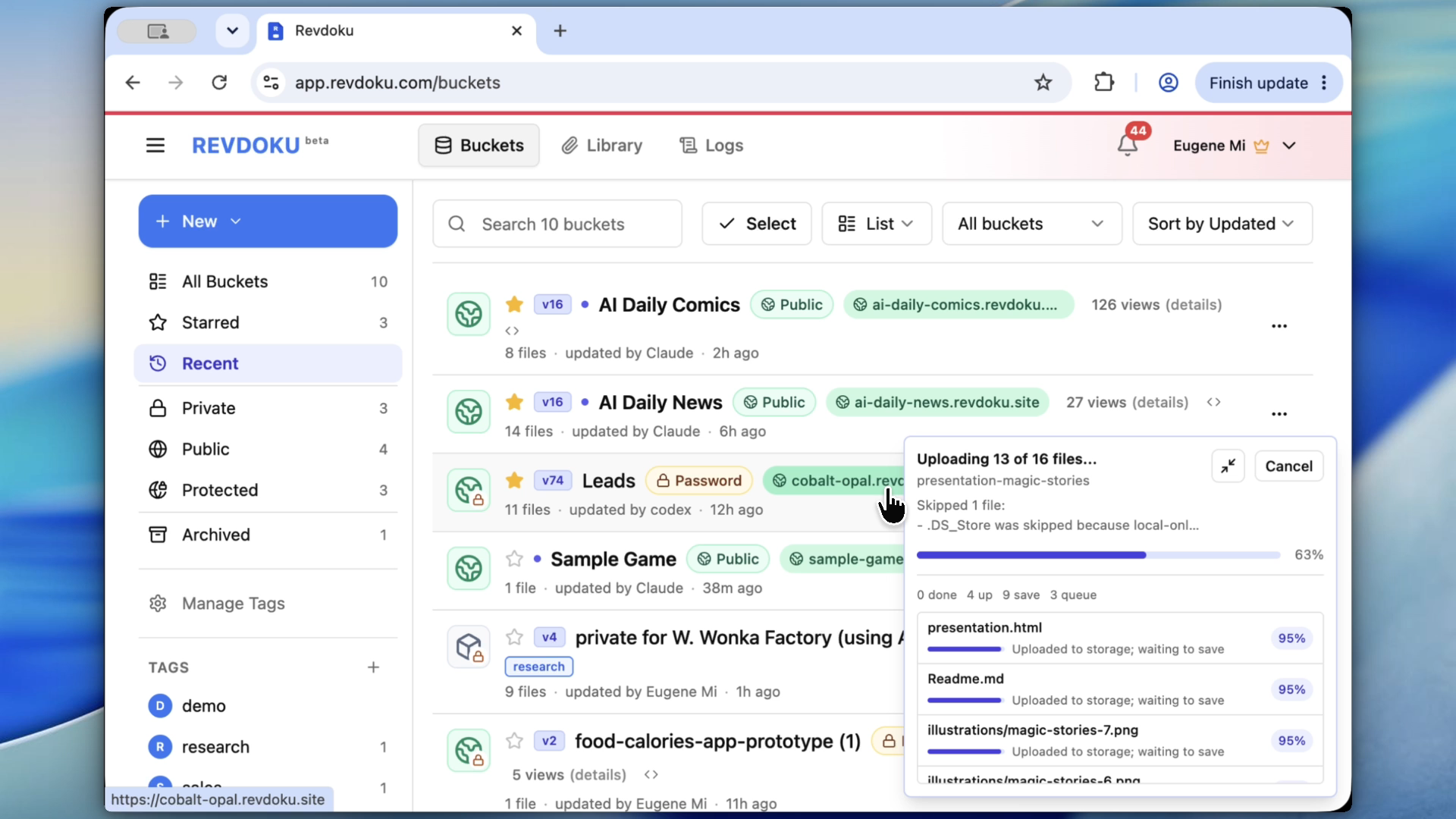
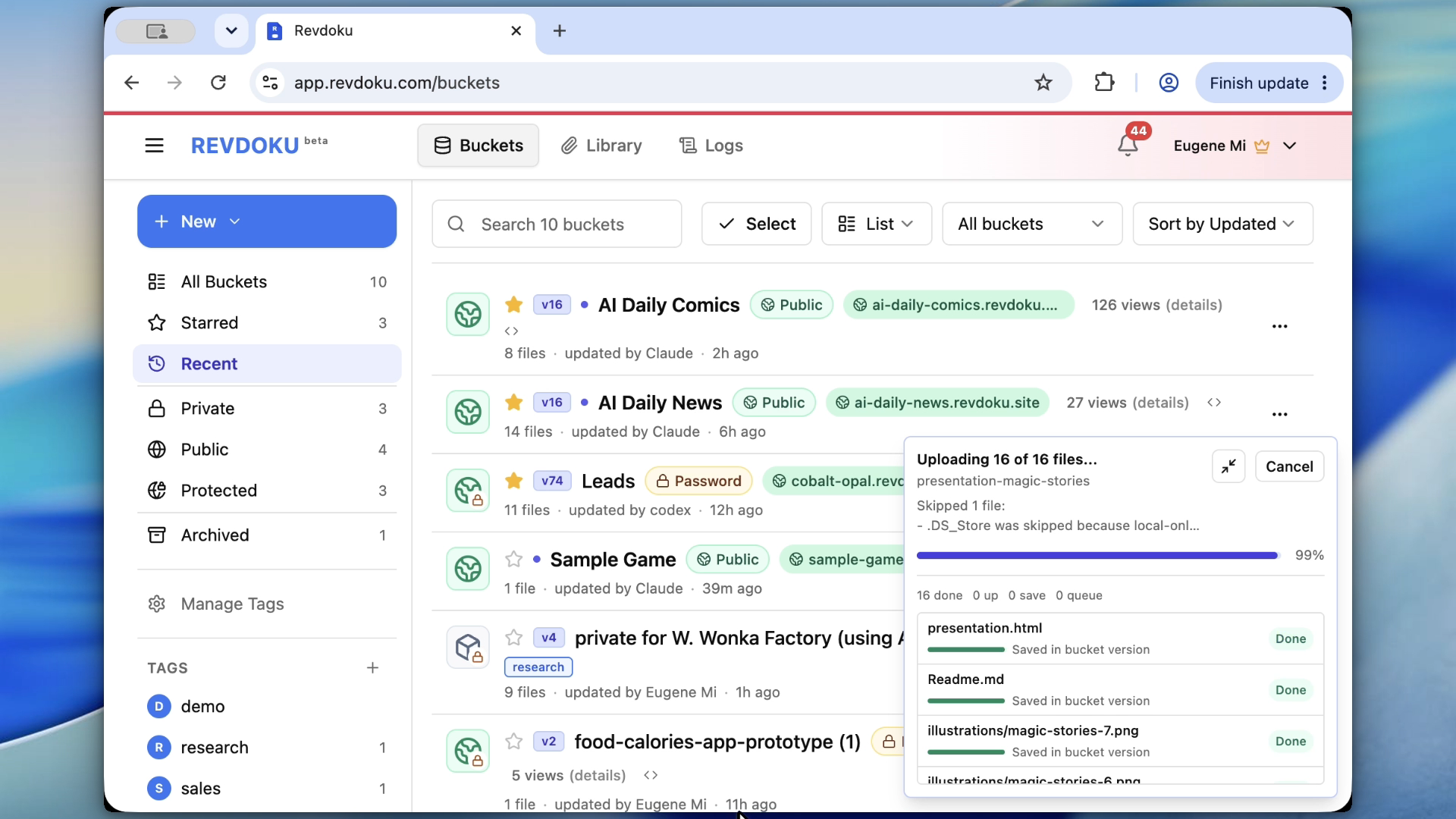
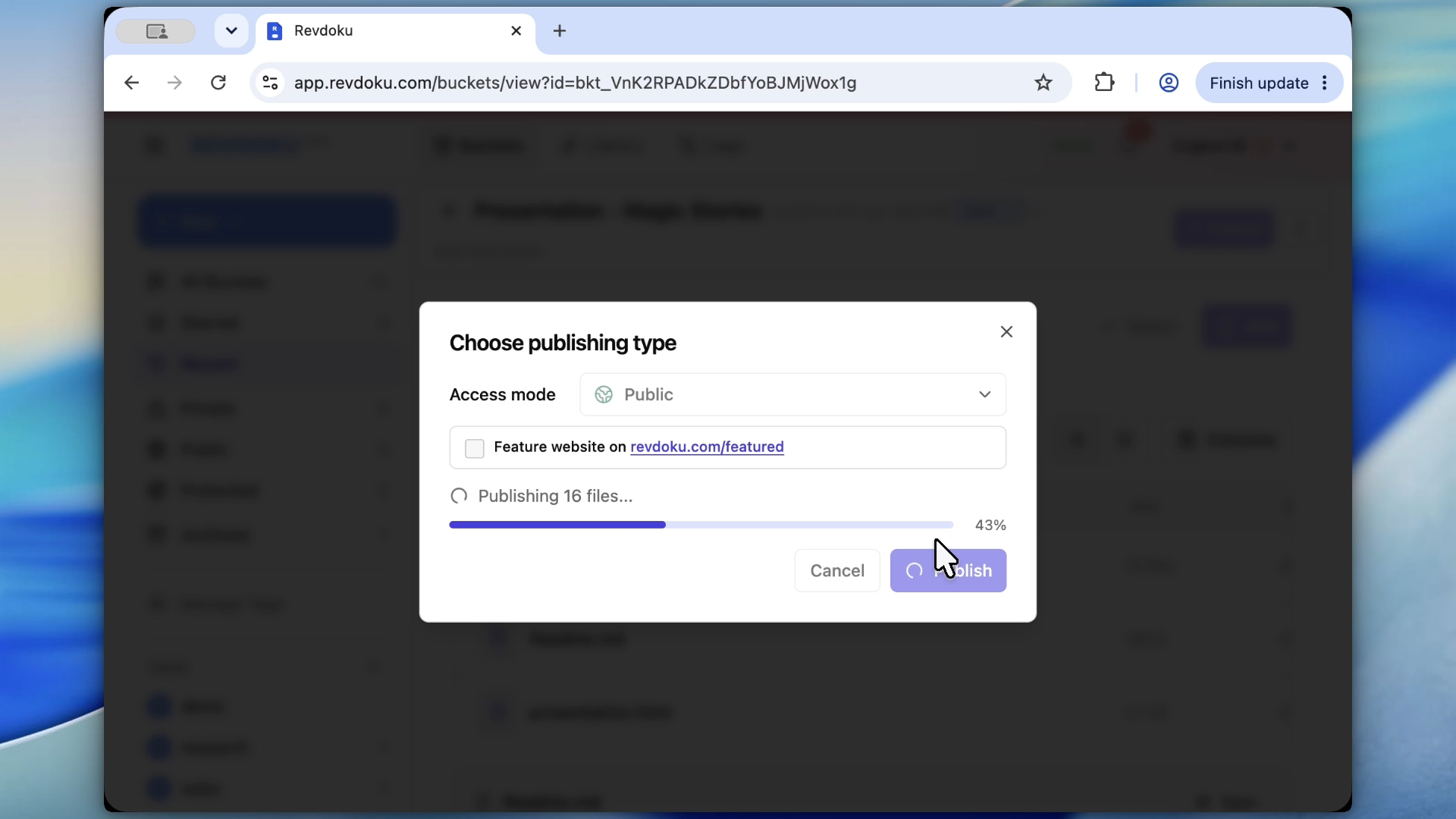
  5. Upload and publish through Revdoku.
    • Screenshot placeholder: Revdoku upload and publish confirmation.
  6. Open the final website.
    • Screenshot placeholder: published local project on a Revdoku URL.

Good Fit

  • Existing Vite, Astro, Next static export, or plain HTML projects.
  • Agent-built prototypes that need a share link.
  • Local app demos where the generated files should be published as-is.

Tags

Browse all tags

Show 6 more tags