
Interactive charts often start as a generated HTML page plus CSV or JSON data. Revdoku can publish that folder so the chart becomes a live dashboard.
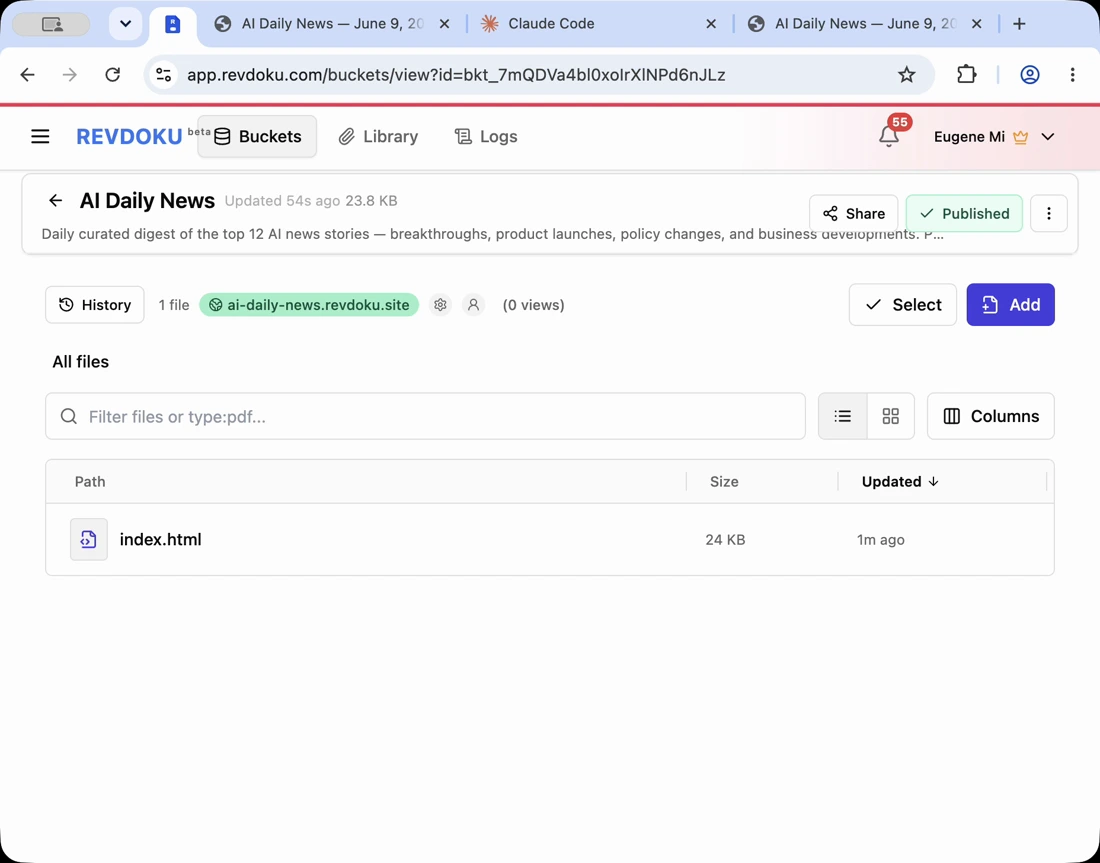
1. Keep chart data with the page
Store the chart HTML, JavaScript, CSV, JSON, and images in one folder so future AI edits can update everything together.
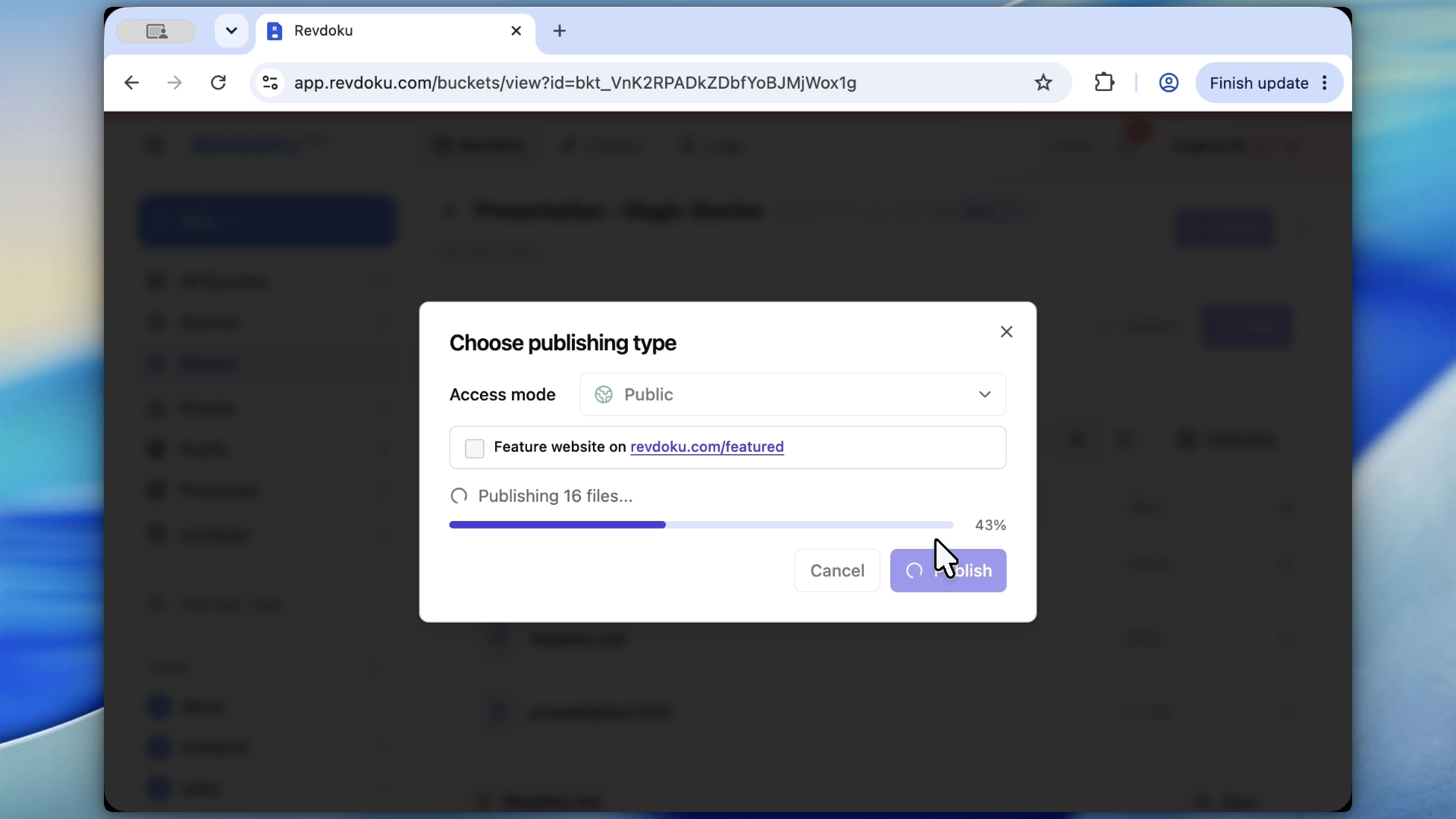
2. Publish the visualization
Publish the folder and test the live chart, including filters, tooltips, mobile layout, and data loading.
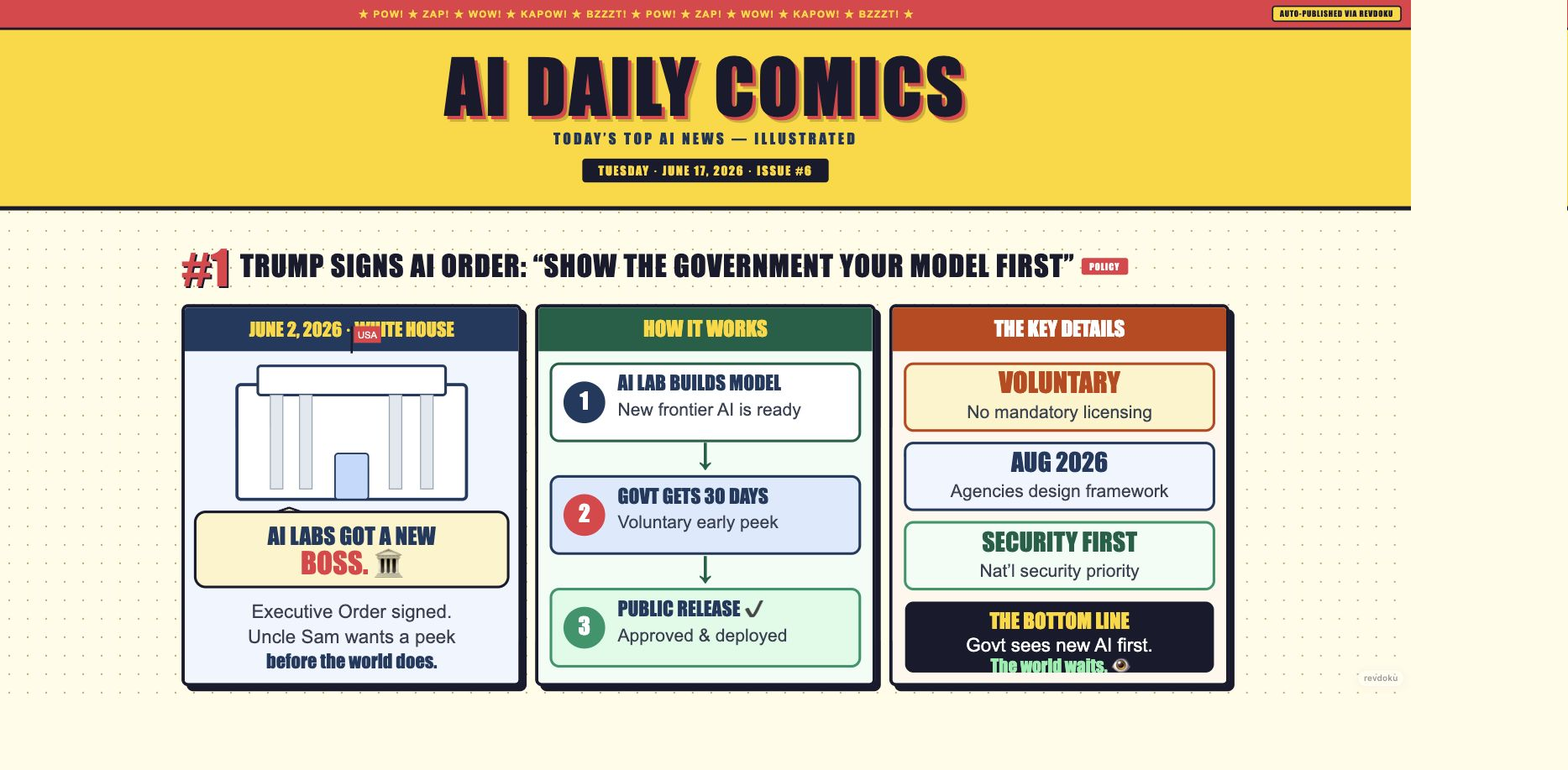
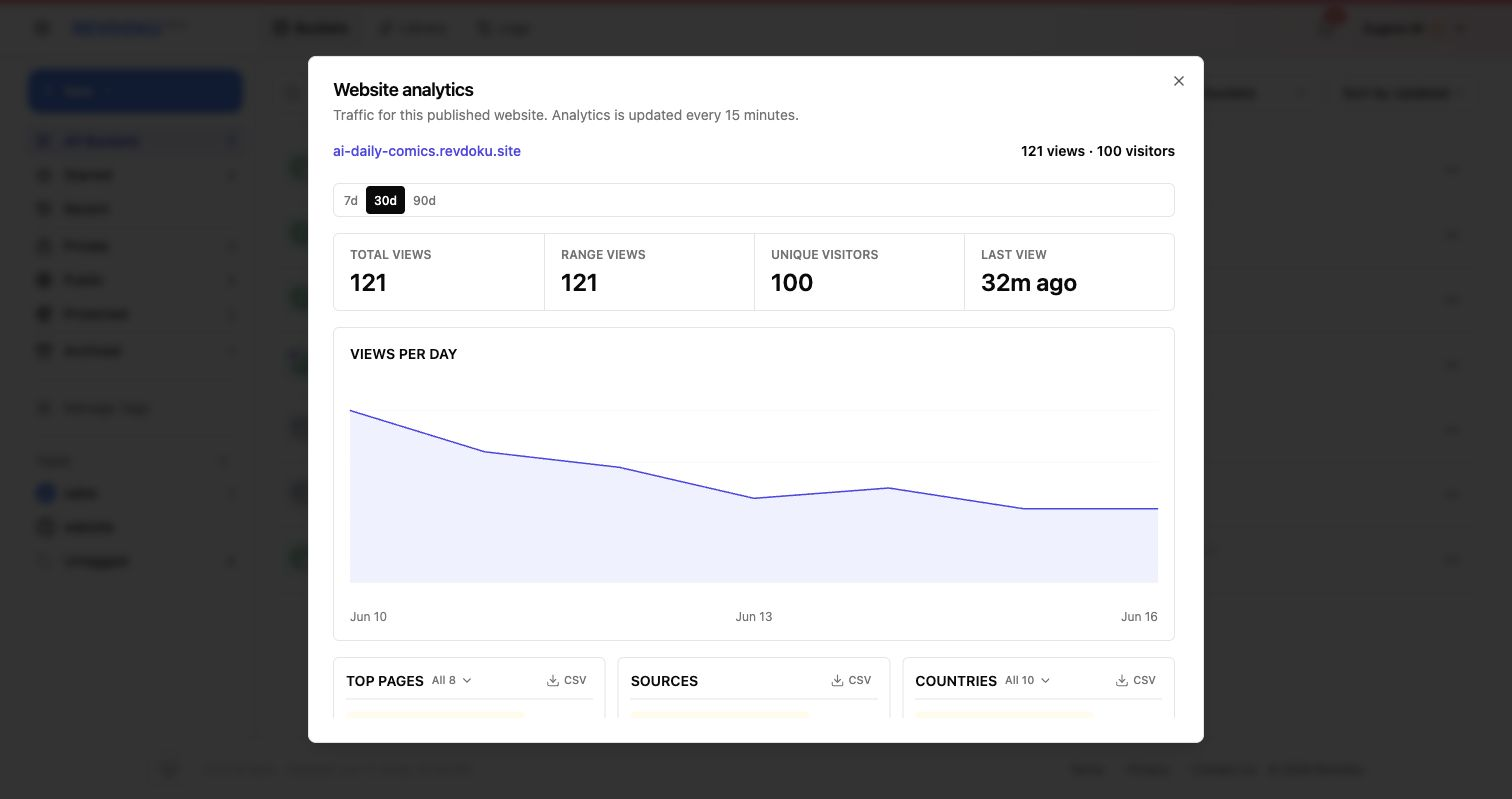
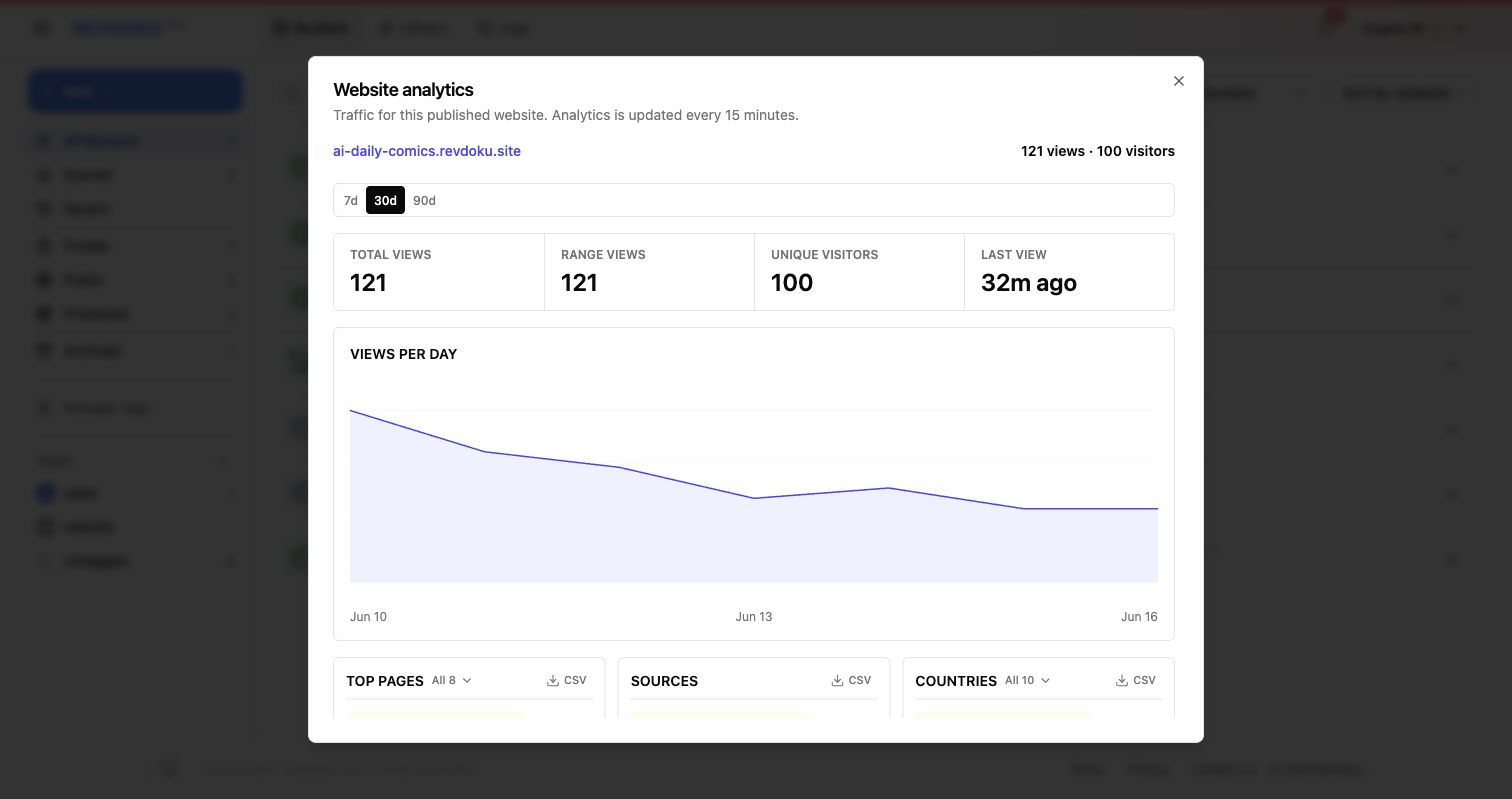
3. Track dashboard usage
Analytics show paths, referrers, missing URLs, and bot activity.
Takeaway
Use Revdoku when an AI-generated chart or dashboard needs a live URL without becoming a full software deployment project.