Codex Cloud vs Codex remote control
Codex Cloud vs Codex remote control
Codex Cloud and Codex remote control solve different problems.
Codex remote control lets you use another device, such as your phone, to control Codex work running on a connected host. The connected host supplies the files, tools, credentials, plugins, browser setup, and permissions.
Codex Cloud runs tasks in a hosted cloud environment. It is useful when you want to offload work, run tasks in parallel, or work from a configured cloud environment instead of your local machine.
Quick verdict
Use Codex remote control when the important environment is your computer or your connected SSH host.
Use Codex Cloud when the task can run in a configured cloud environment and the repository/cloud setup is ready.
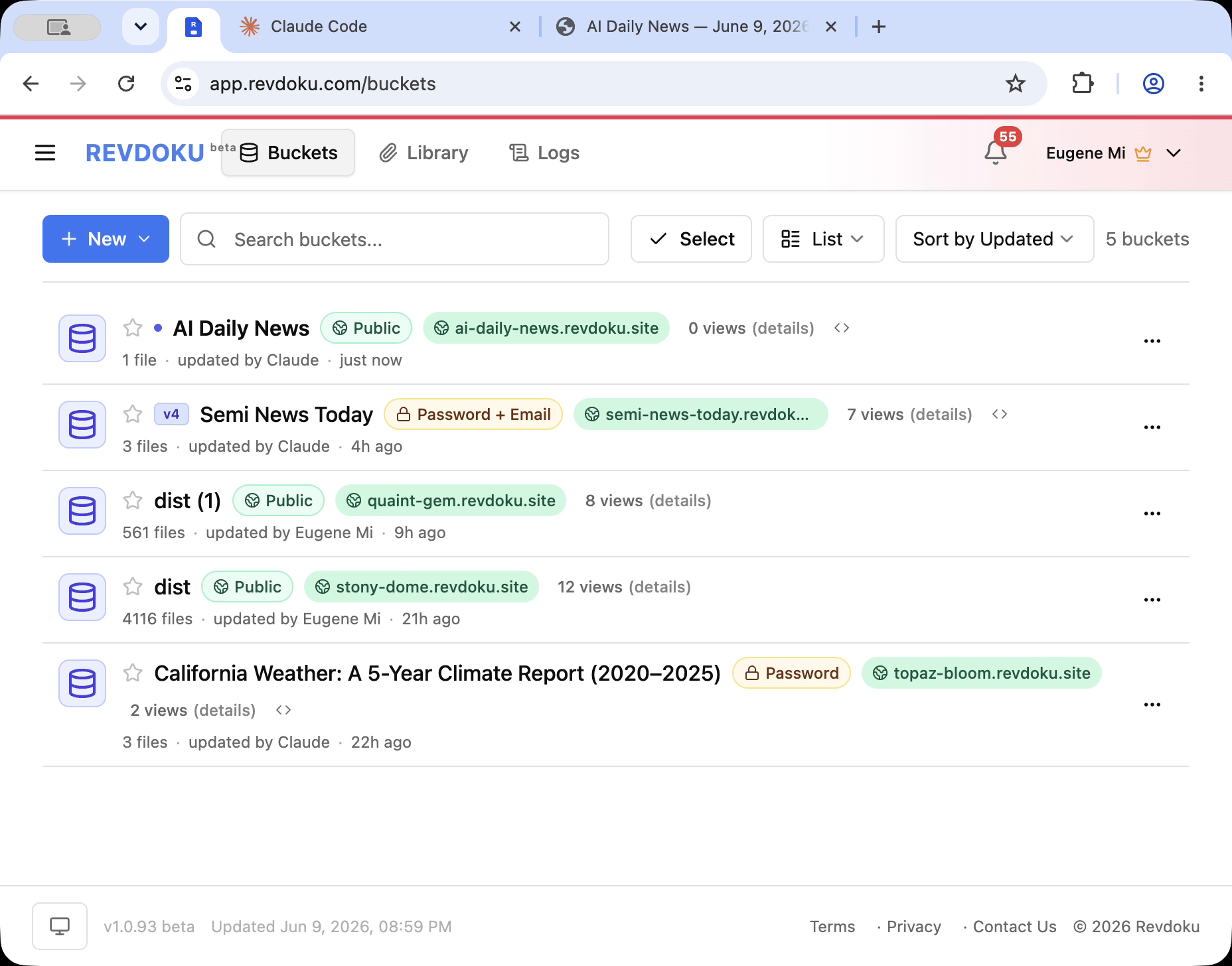
Use Revdoku after either workflow when Codex produces a folder, report, prototype, or static site that needs a shareable URL.
The core difference
| Question | Codex remote control | Codex Cloud |
|---|---|---|
| Where does the work run? | On the connected host or remote project | In a hosted cloud environment |
| What controls it? | Another device, such as phone or app | Cloud task interface or CLI/cloud workflow |
| Best for | Continuing local work from another device | Offloading or parallelizing tasks |
| Files come from | Host machine or connected SSH project | Cloud environment and repository setup |
| Needs host awake? | Usually yes for host-based remote access | No, cloud task runs remotely |
| Good for local secrets/tools? | Yes, if they are on the host and allowed | Only if configured for the cloud environment |
Use remote control when files live locally
Choose remote control when:
- The repo is on your laptop.
- The project uses local tools.
- The task needs your local browser setup.
- You need to approve actions while away from the desk.
- You want to continue an existing local thread.
- You need access to files that are not in a cloud repository.
Remote control keeps the host as the source of truth.
Use Codex Cloud when the task can be offloaded
Choose Codex Cloud when:
- The repository is connected and ready for cloud tasks.
- The environment can install dependencies.
- The task does not need your local desktop.
- You want parallel attempts.
- You want a long-running job to continue without your laptop.
- You want to review generated changes later.
Cloud work should be configured deliberately. Check environment setup, dependency installation, network policy, secrets handling, and repository access before relying on it.
Do not confuse either with public hosting
Codex remote control and Codex Cloud help produce work. They do not automatically make the output a polished public website.
Codex may create:
codex-cloud-output/
  index.html
  report.md
  data/results.csv
  screenshots/
  docs/
That folder still needs a publishing layer if you want other people to view it.
Publish Codex output with Revdoku
After Codex finishes:
- Review the generated files.
- Remove secrets and local-only files.
- Upload the output folder to Revdoku.
- Publish it as a website.
- Choose public, password, or password plus email access.
- Share the URL.
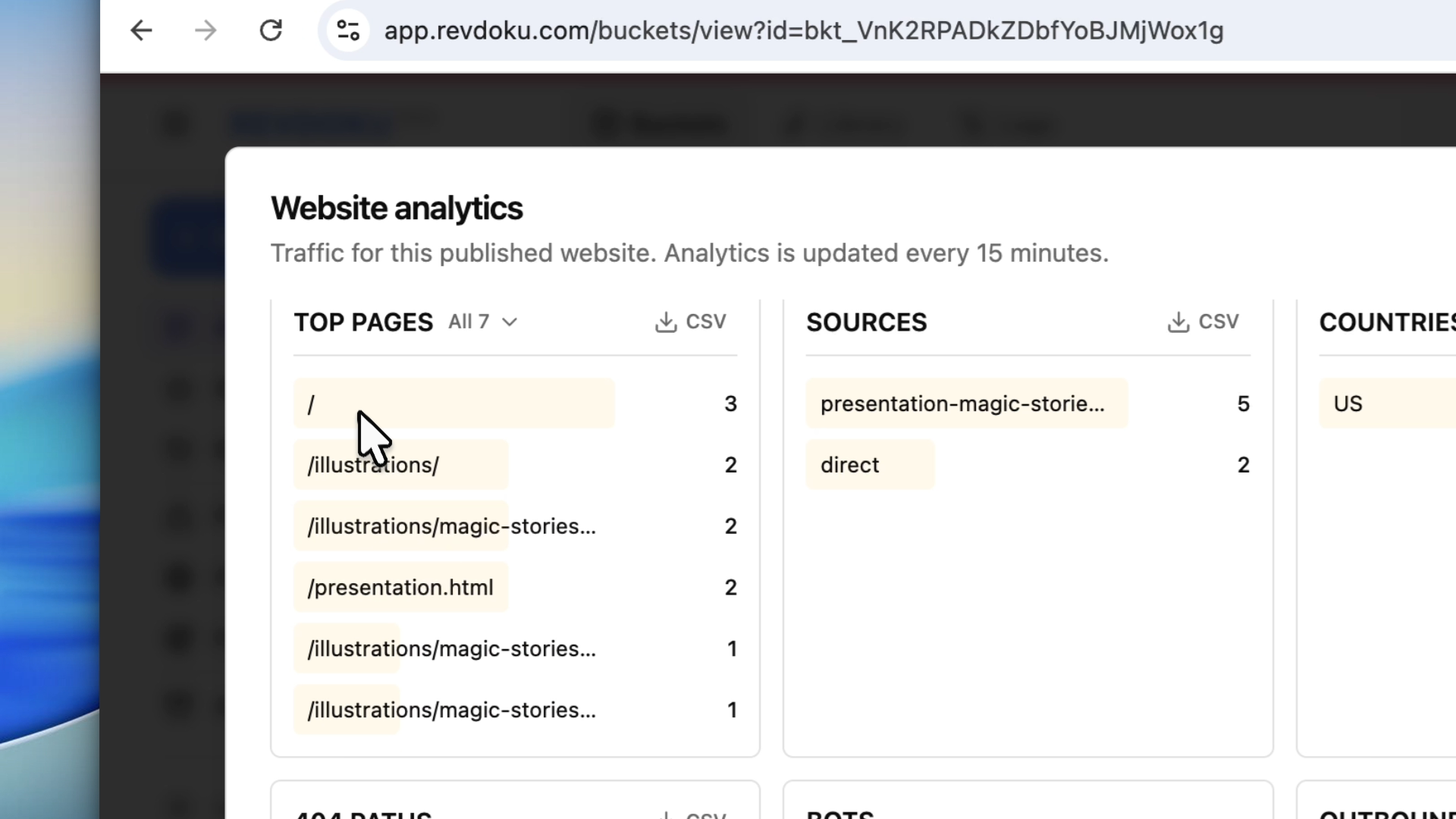
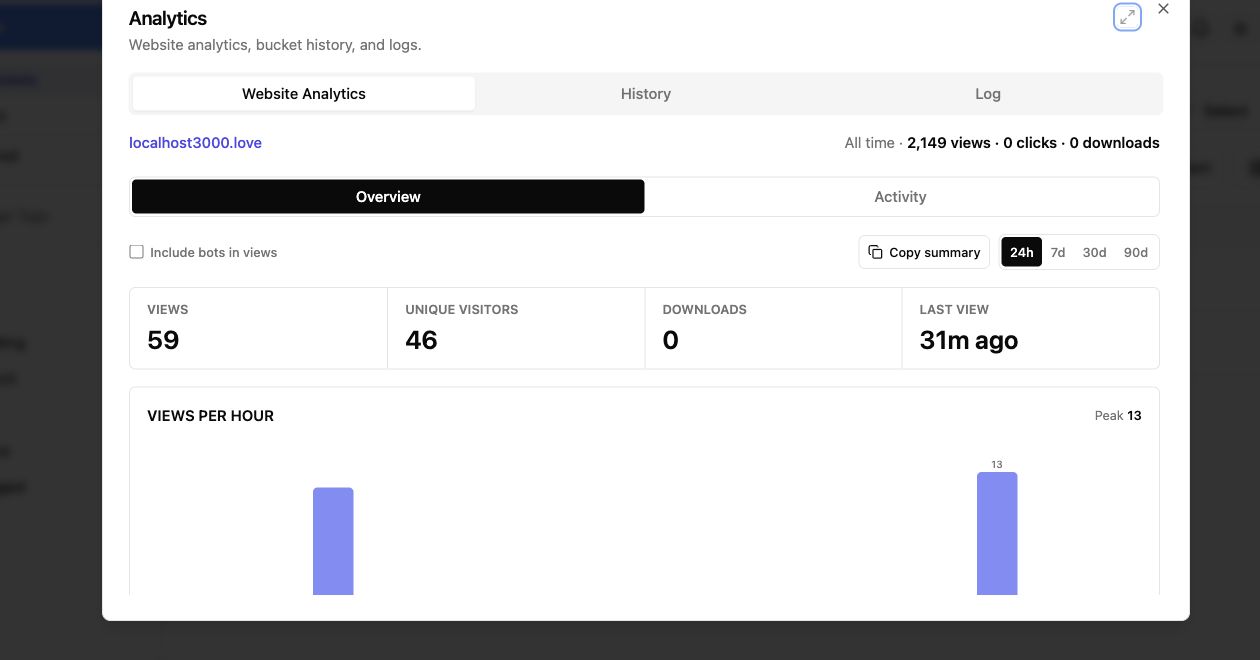
- Review analytics.
Example decision
Use remote control:
I started Codex on my laptop.
I need to leave the desk.
I want to approve the next step from my phone.
The repo and local credentials are on the laptop.
Use Codex Cloud:
I want Codex to work on a GitHub-connected project while my laptop is off.
The environment is configured.
The task can run without local desktop apps.
Use Revdoku:
Codex created a folder with a report, demo page, CSV, PDF, and screenshots.
I need to share it with a client behind a password.
Takeaway
Codex remote control is about controlling a host. Codex Cloud is about running a hosted task. Revdoku is about publishing the output.
The clean workflow is:
- Use the right Codex surface for the work.
- Review the generated folder.
- Publish the folder with Revdoku when it needs a live, protected, trackable link.
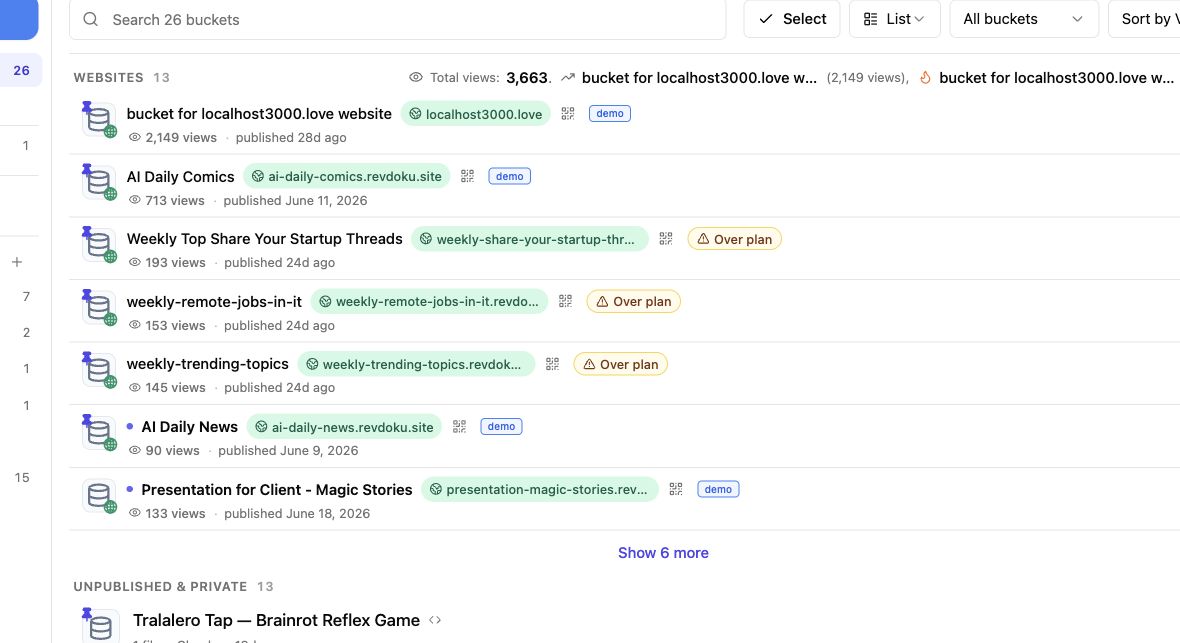
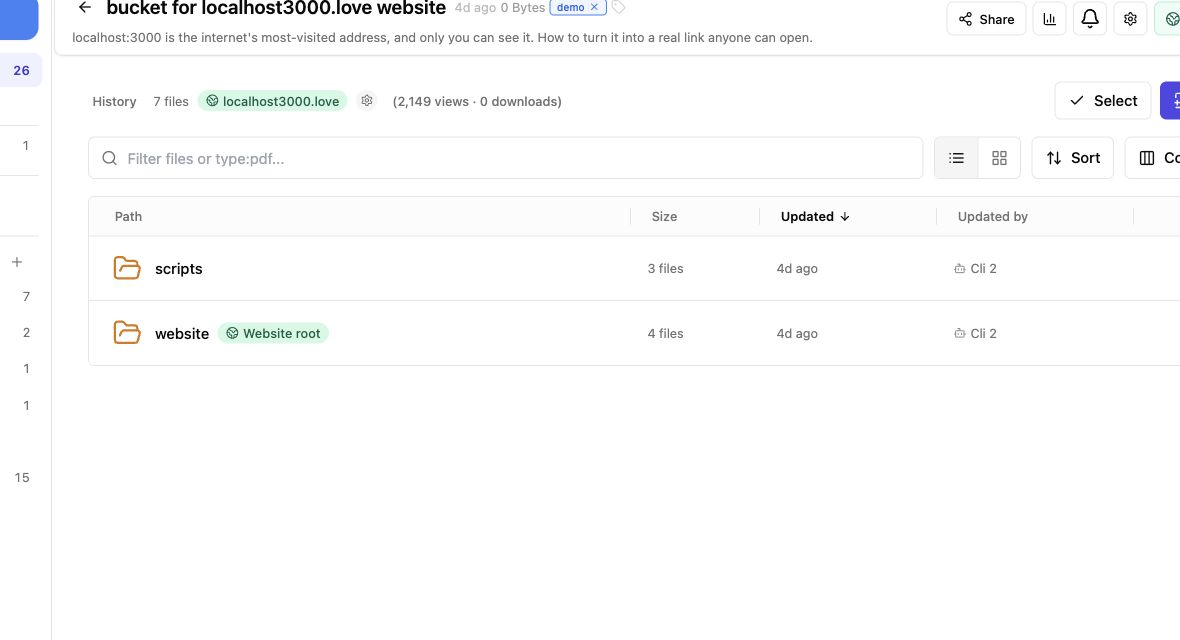
Revdoku workflow screenshots
Sources checked
- OpenAI Codex remote connections: https://developers.openai.com/codex/remote-connections
- OpenAI Codex cloud environments: https://developers.openai.com/codex/cloud/environments
- OpenAI Codex CLI cloud workflow: https://developers.openai.com/codex/cli/features