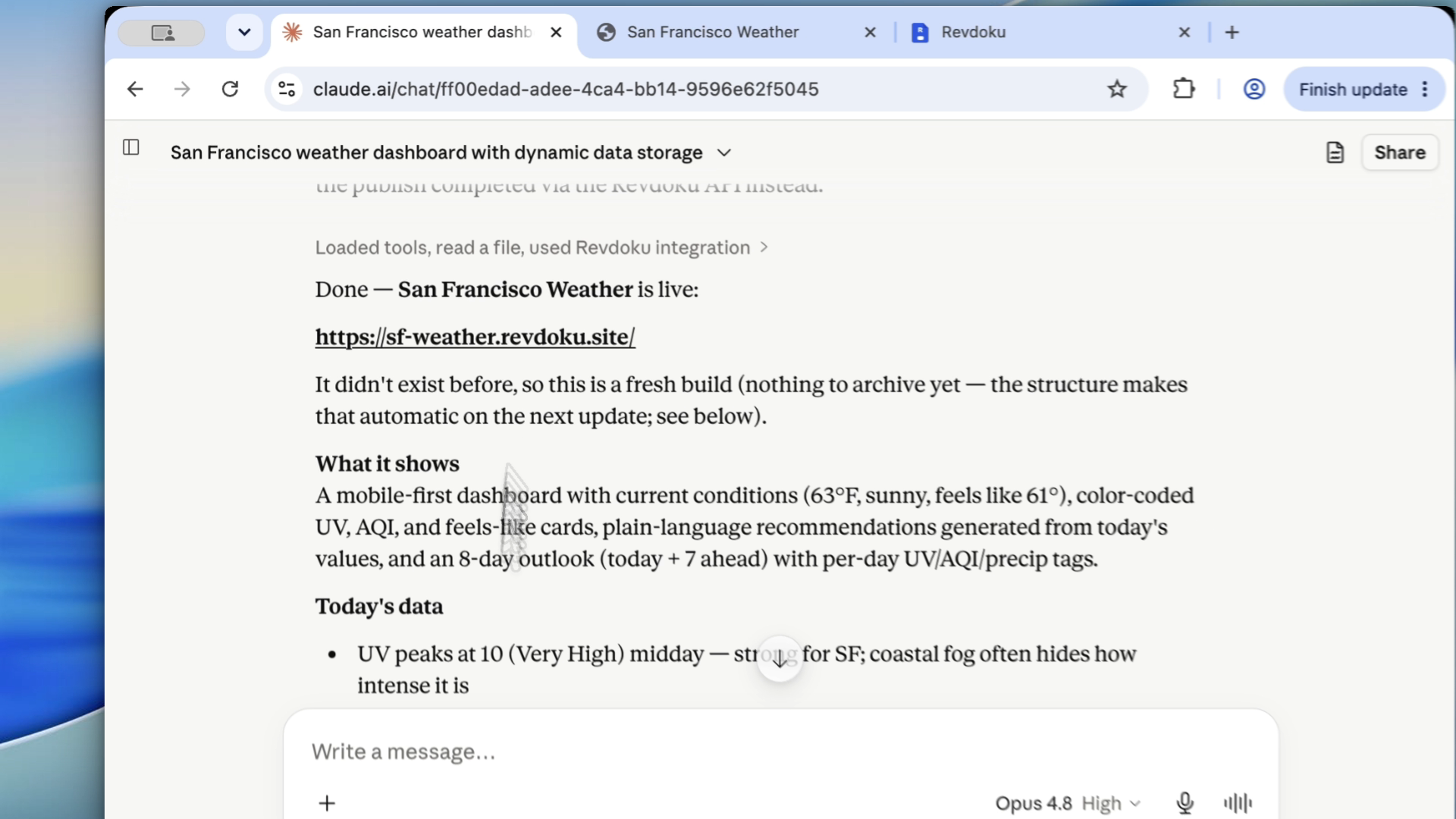
After the Taste Pass: How to Publish and Keep Updating Claude Code Websites
Claude Code can get a website surprisingly close. But the workflow continues after local preview: publish Claude Code website output, review it in the browser, share it safely, and keep updating the same URL.
1. Ask Claude Code for a publishable website folder
When the design pass is done, ask for ordinary static output:
Prepare this as a publishable static website folder. Keep index.html at the root, keep assets in their folders, and make sure relative paths work after upload.You need a folder Revdoku can publish as a live AI site, not a screenshot.
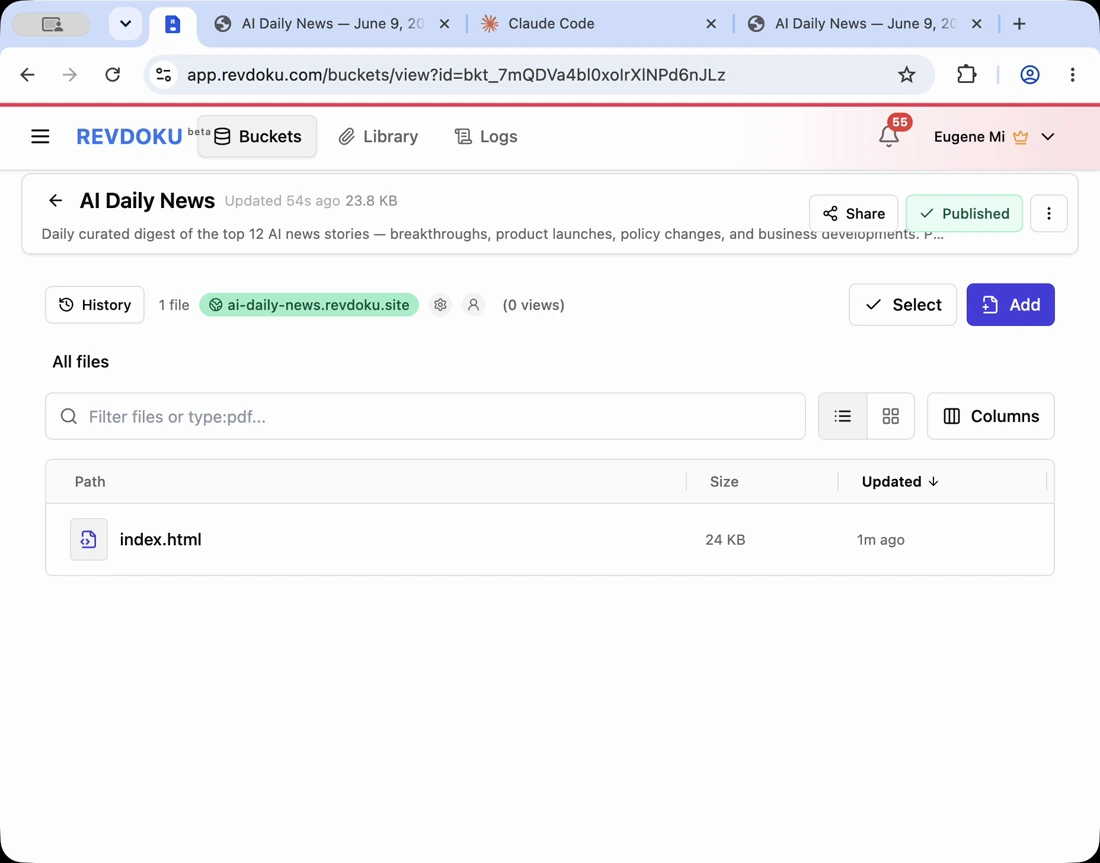
A Revdoku bucket keeps website files, the live URL, access settings, and analytics together.
2. Publish Claude Code website privately before sharing
Use private review mode while evaluating the Claude Code site hosting setup. Check:
- desktop and mobile layout,
- missing images,
- wrong links,
- generated claims,
- typos,
- oversized files,
- hidden draft content.
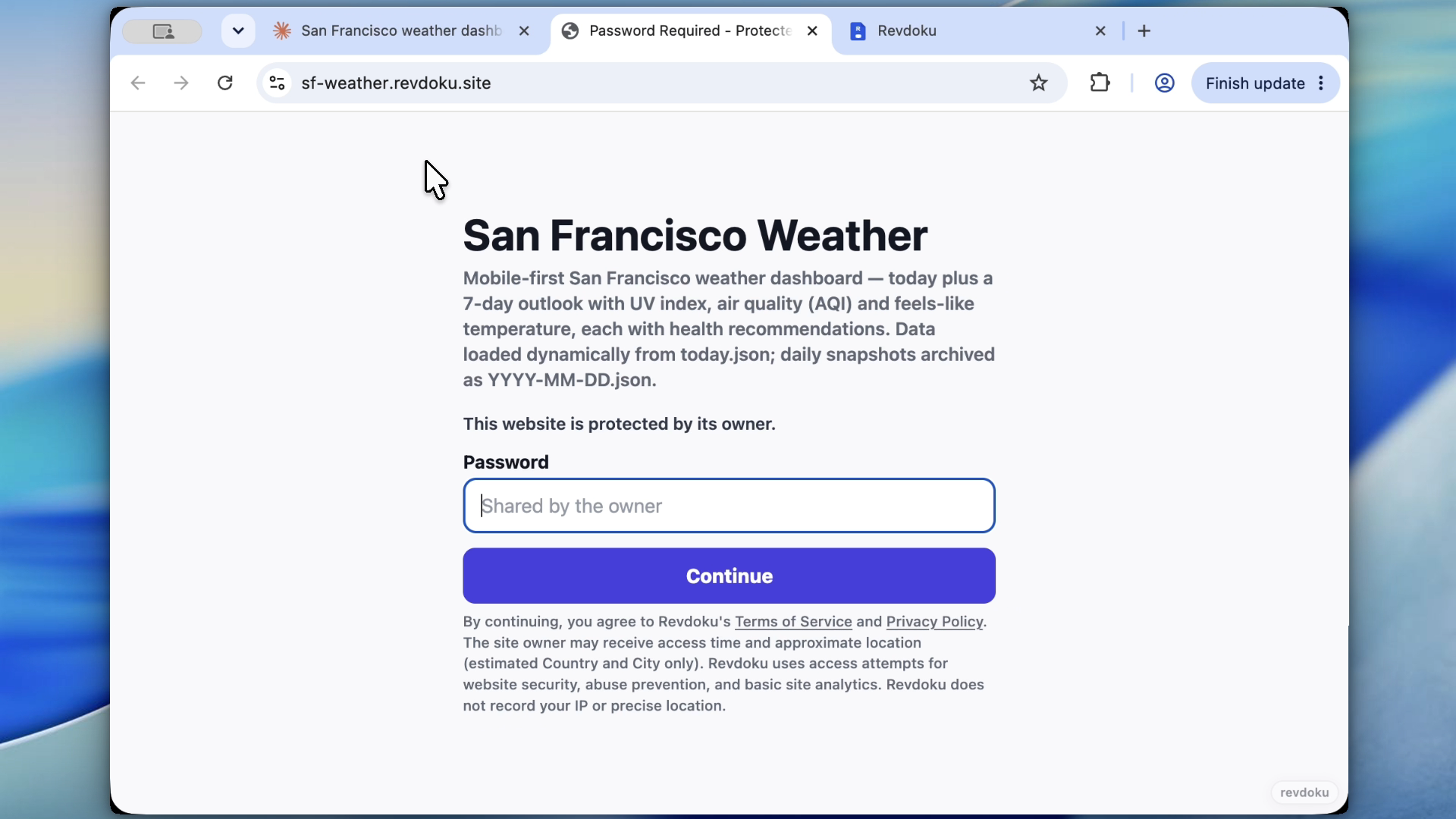
Revdoku password protection gives an unfinished site a real access gate while AI-generated files are still changing.
3. Keep the same URL when you update the published AI site
When feedback arrives, ask Claude Code to update the files and republish the same bucket without moving URLs. Create a new URL only for separate variants; keep the same URL for normal updates.
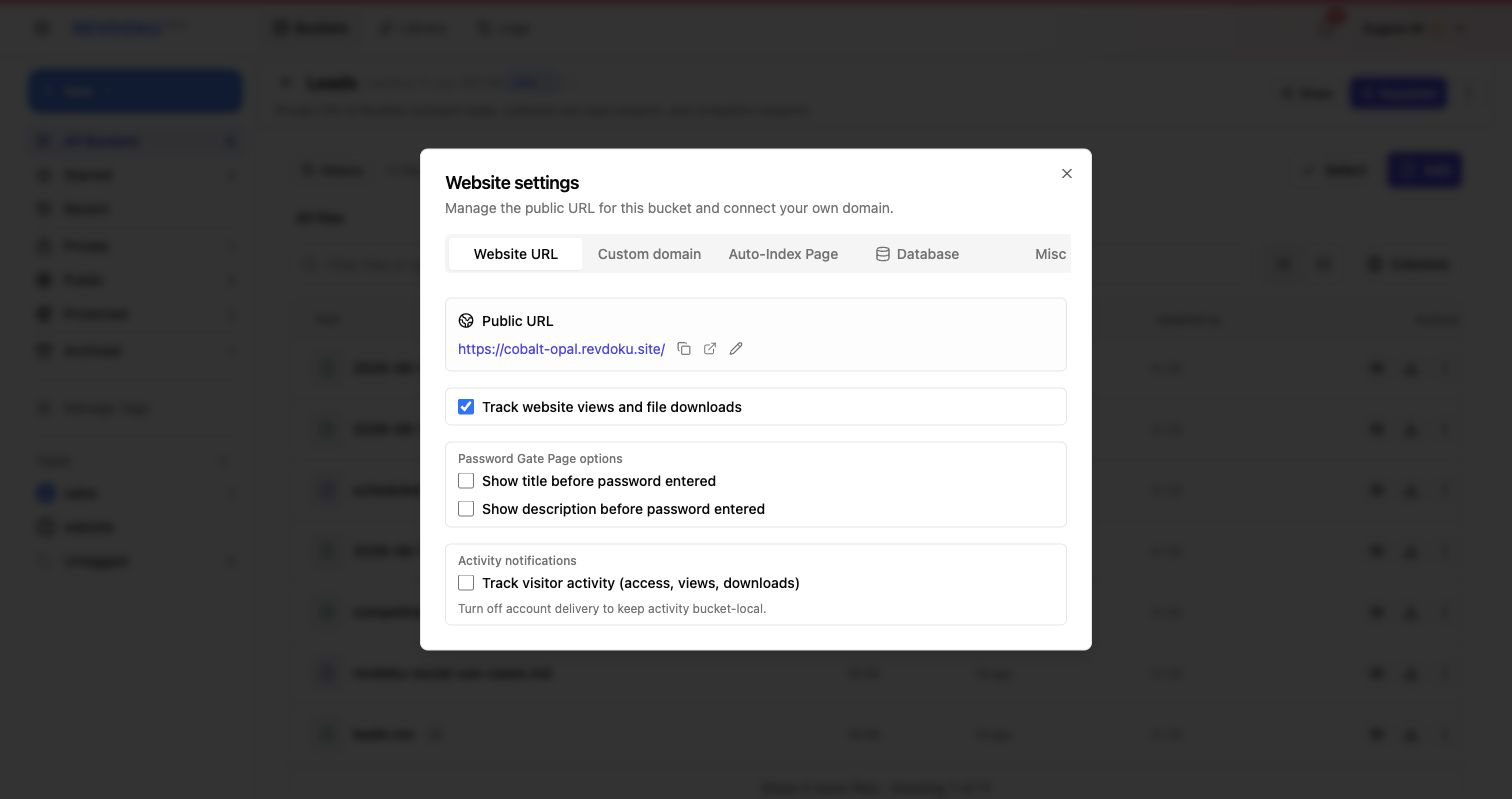
Stable URLs let stakeholders keep using the same link while the project improves.
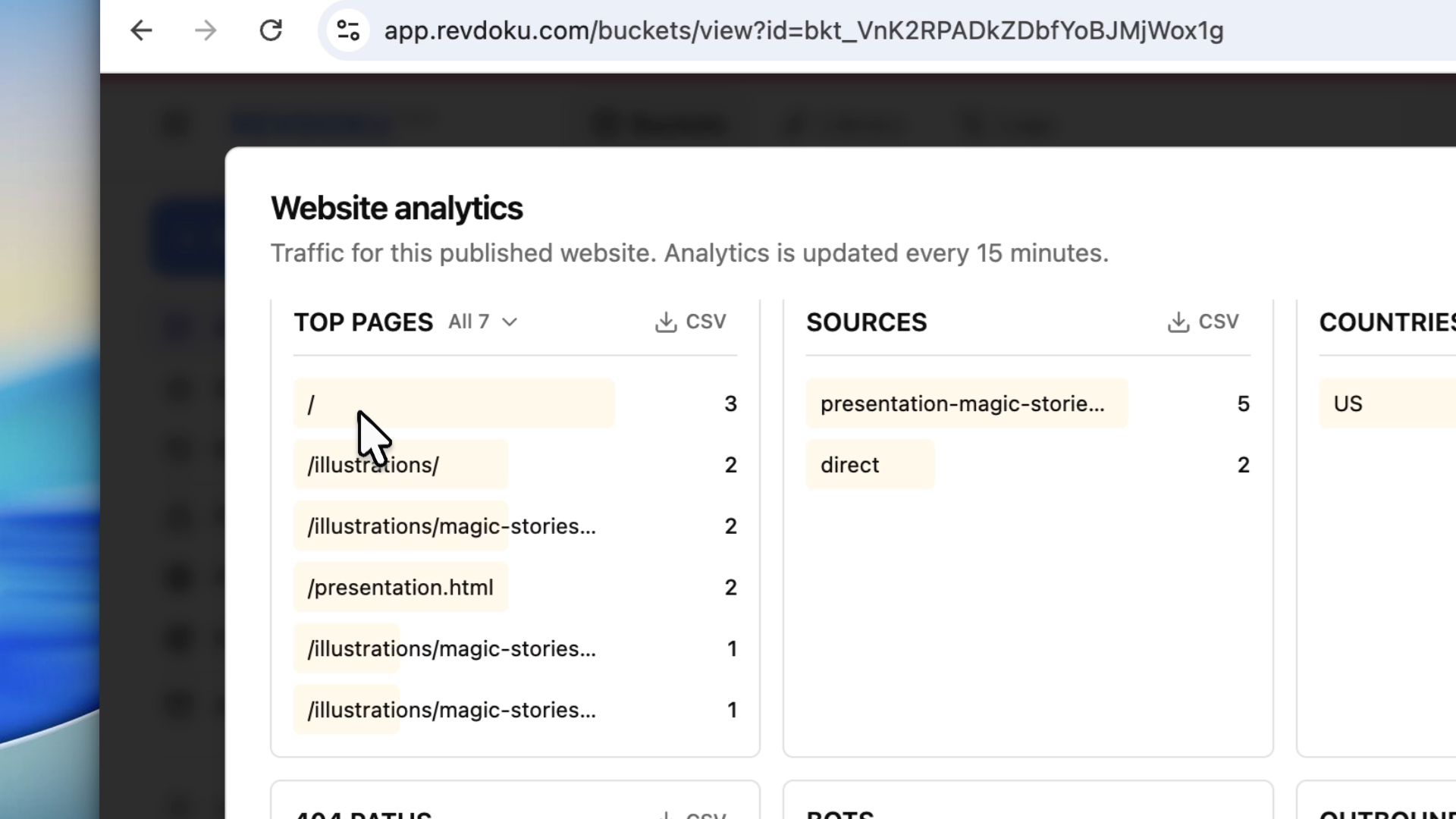
4. Watch Revdoku analytics after review
After sharing, Revdoku analytics answer practical questions:
- Did reviewers open it?
- Which pages did they view?
- Did they hit missing paths?
- Did traffic come from the expected source?
- Did bots or unrelated traffic appear?
Takeaway
Claude Code can produce the site. Revdoku keeps Claude Code site hosting simple: one bucket, one URL, private review when needed, analytics after sharing, and a clean path for the next AI edit.
Frequently asked questions
What should I ask Claude Code to produce before publishing?
Ask for a publishable static website folder with index.html at the root and assets kept in predictable folders. This makes the output easier to upload, review, and update without relying on a local-only preview.
Why publish the Claude Code website privately first?
Private publishing lets you review the real hosted version before stakeholders or clients see it. It helps catch layout issues, missing assets, broken links, inaccurate generated claims, and draft content while access is still controlled.
Should I create a new URL every time Claude Code updates the site?
No, normal updates should be republished to the same bucket and URL. A stable link makes review easier because everyone can keep using the same address as the site improves.
When should I create a separate URL or bucket?
Create a separate URL when you are testing a meaningfully different variant, such as an alternate design direction or separate client option. For routine fixes, copy updates, asset changes, and layout refinements, keep using the existing URL.
What should I check after uploading the generated site?
Review the site on desktop and mobile, then check images, links, text, file sizes, and any claims the AI generated. Also verify that private access settings are enabled if the site is not ready for public viewing.
How do analytics help during website review?
Analytics show whether reviewers actually opened the site and which pages they viewed. They can also reveal missing paths, unexpected traffic sources, bot visits, or links that are being shared outside the intended review group.
What is the main benefit of using Revdoku for Claude Code site hosting?
Revdoku keeps the generated files, live URL, privacy settings, and analytics in one place. That makes it easier to move from local AI-generated output to a controlled review workflow with repeatable updates.
Related Articles

GitHub Pages Password Protection and Privacy
Learn why private repositories do not protect Pages sites and compare secure access options for internal teams and external clients.

How to Password Protect a Vercel Deployment
Learn how to secure Vercel deployments with password protection, authentication, trusted access, or protected Revdoku hosting.

How to Password Protect a Website Made with Claude
Learn how to export, secure, publish, and test a Claude-made website using password protection or verified-email access.