From Claude Fable Demo to Live Website: The Missing Publishing Step
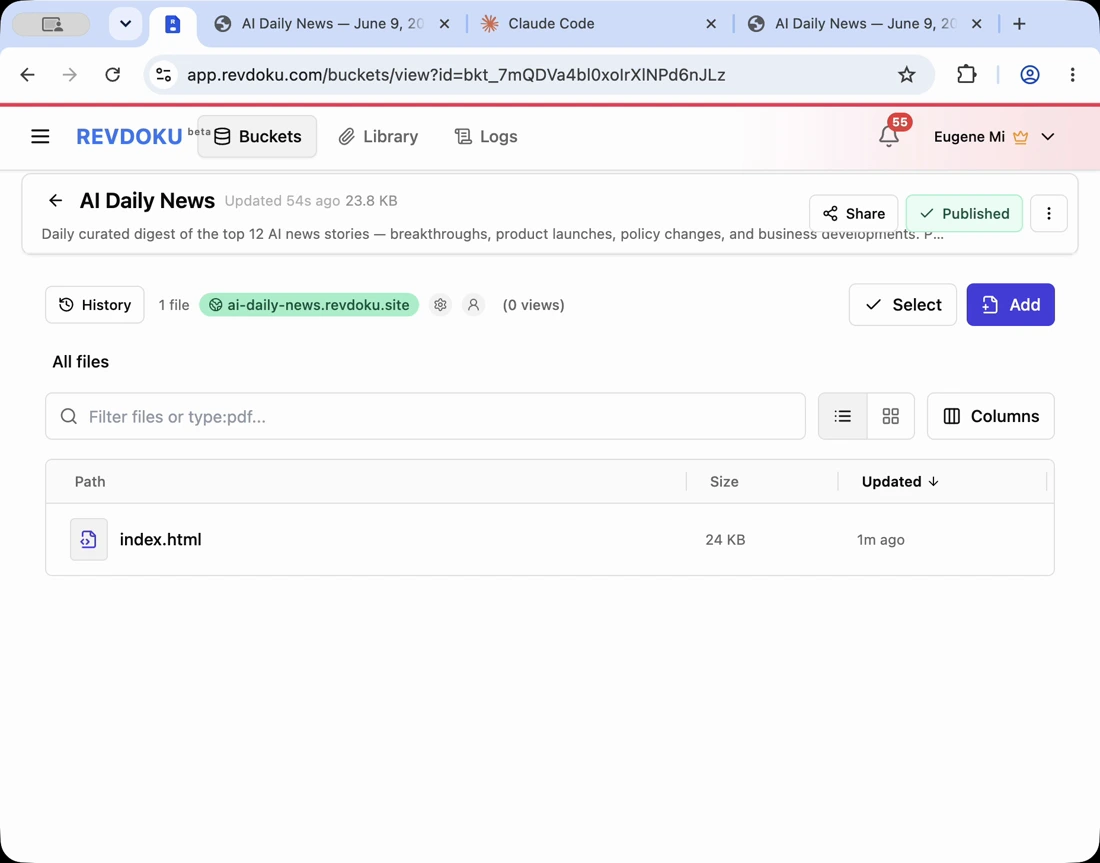
AI tools can generate impressive interactive demos, explainers, and microsites, but teams still need a practical way to publish a Claude Fable demo or any AI demo to a live website. The operational question: where does the folder live, who can open it, and how do you keep the shareable URL after the next edit?
This tutorial treats Revdoku as the missing interactive demo hosting step after generation.
Note: Revdoku works with ordinary generated files: a Claude Fable demo, microsite, or another AI-generated project. The source can come from Claude, Codex, ChatGPT, a local script, or another AI workflow.
1. Keep the generated AI demo folder intact
When an AI tool produces a demo, preserve the folder structure:
- index.html
- CSS and JavaScript
- images, audio, video, or generated media
- JSON, CSV, or Markdown data
- supporting assets and subfolders
Do not flatten the folder unless the app requires it. Relative paths usually matter.
2. Publish the AI demo to Revdoku
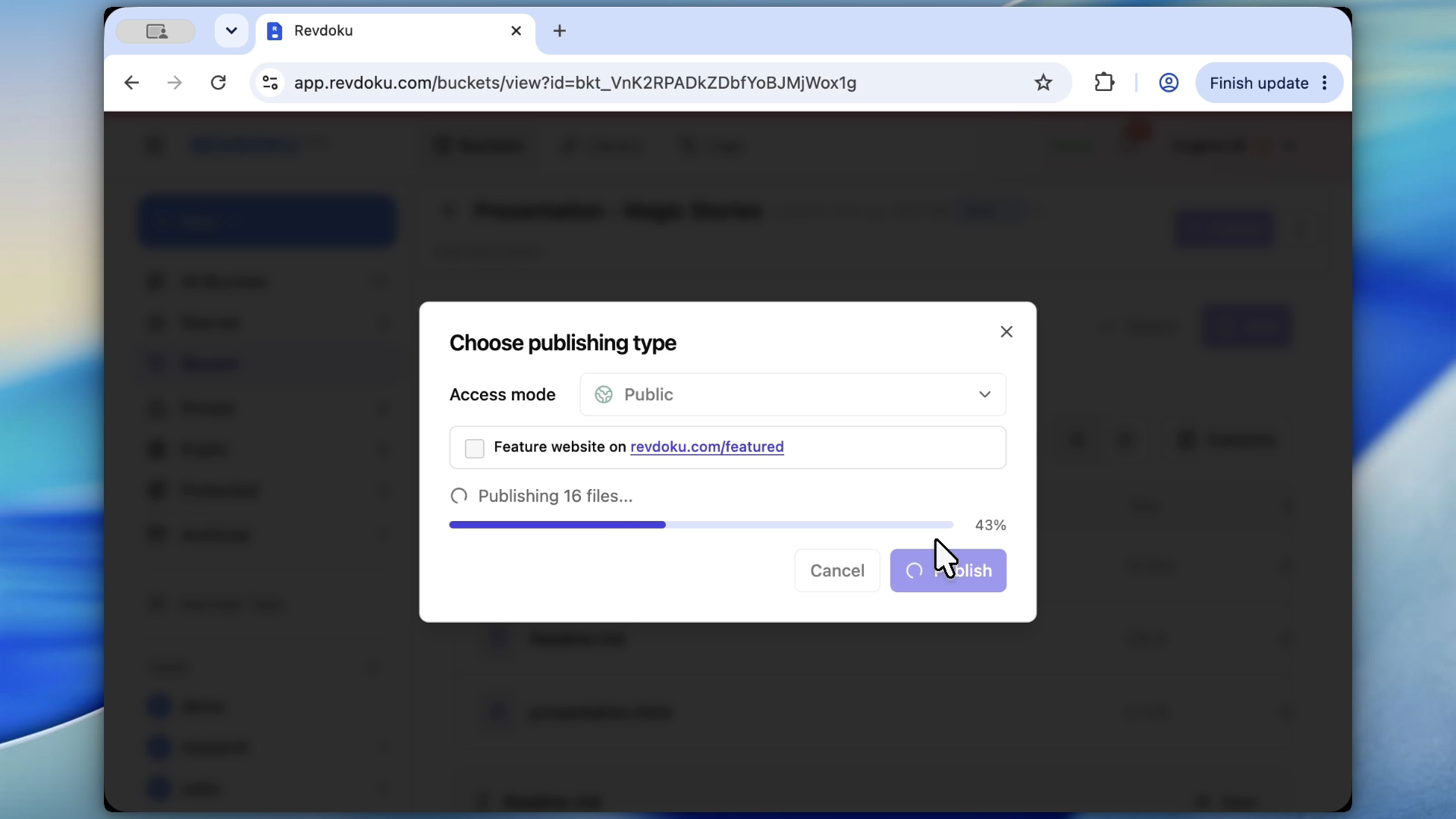
Create or update a Revdoku bucket with the generated files. Publish it so the AI demo goes live. This gives the demo a shareable live URL without a separate deployment project.
For demos, I prefer this order:
- Publish privately.
- Open the live URL.
- Test desktop and mobile behavior.
- Fix obvious layout or asset issues.
- Share only after the review pass.
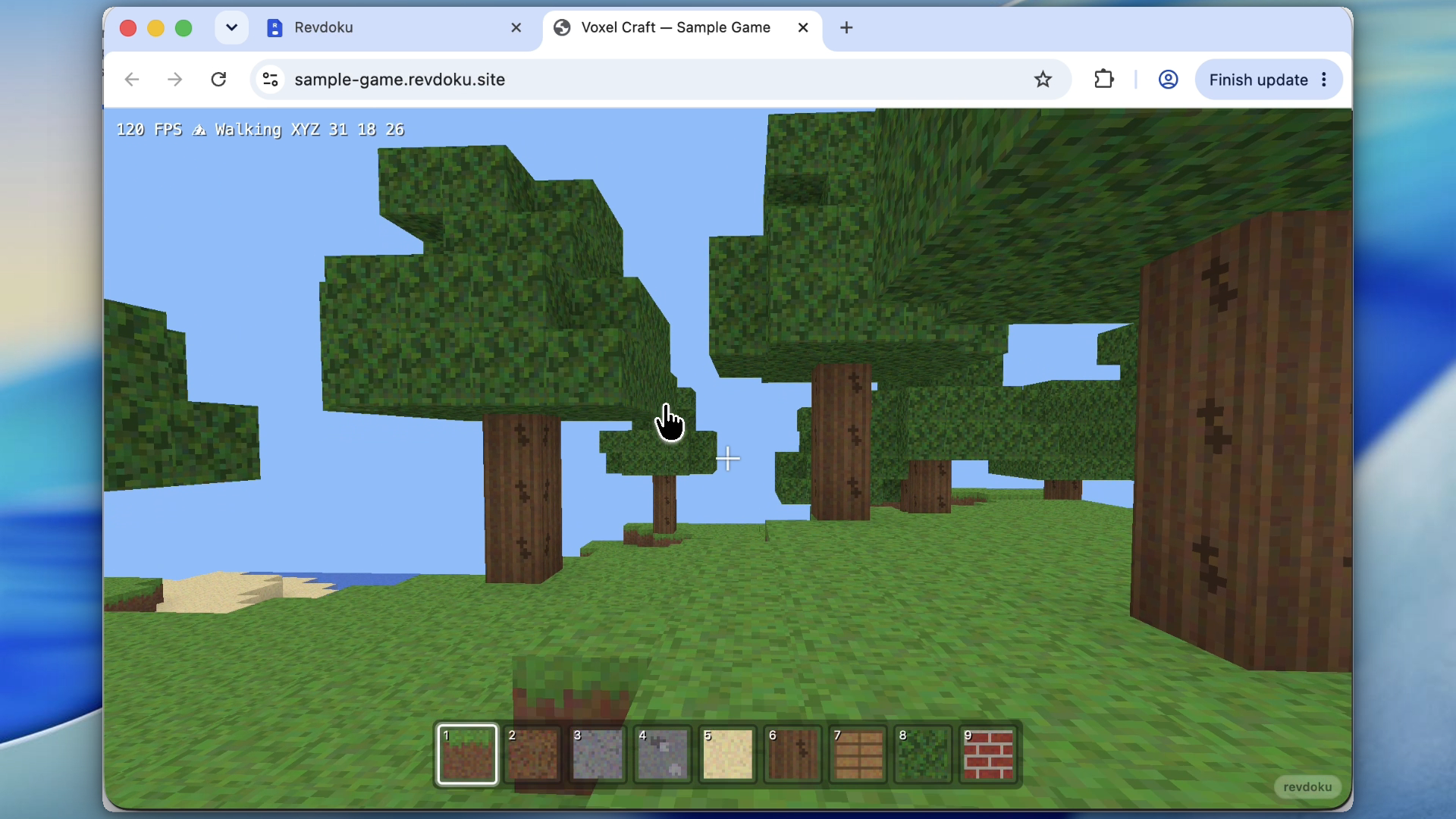
Note: test the live site like a real visitor sees it, not only in the AI tool preview.
3. Use password protection for early review
If the demo contains early product messaging, client work, or unfinished UI, keep it password-protected during review.
Revdoku enforces password access at the bucket publishing layer, not with a decorative popup inside the generated HTML.
4. Keep the same shareable URL through later AI edits
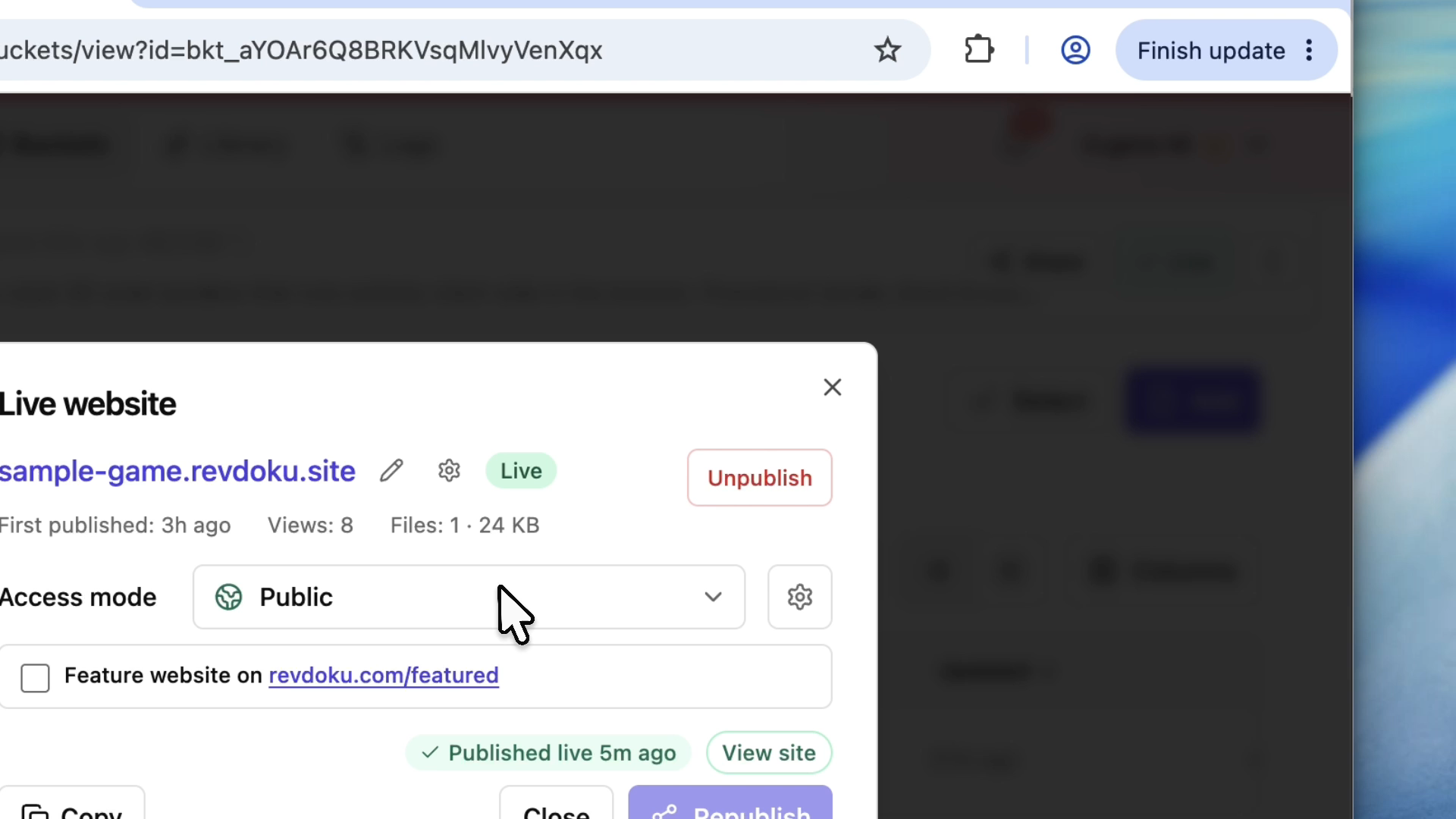
The biggest advantage is continuity: after feedback, update the same project folder and republish to the same Revdoku bucket.
That gives you:
- one review link,
- one analytics history,
- one access mode to manage,
- one public URL when the demo is ready.
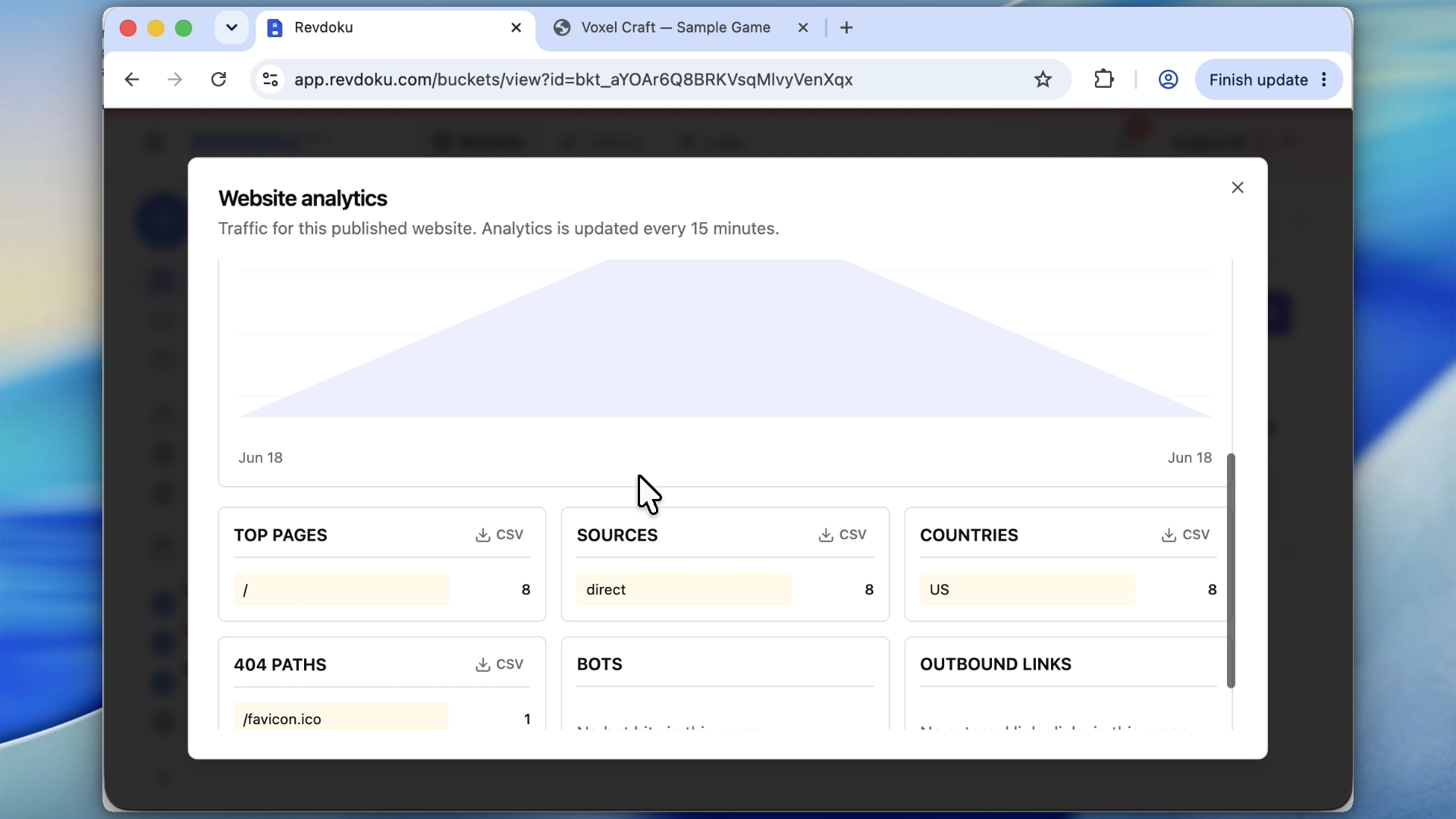
Note: analytics show whether reviewers opened the demo and which paths they used.
Takeaway
AI generation creates the experience. Revdoku turns it into a protected, trackable, updatable URL. That publishing step turns a demo folder into a real website someone else can use.
Frequently asked questions
Can I publish an AI-generated demo without rebuilding it?
Yes. If the demo already includes an index.html file and its supporting assets, you can publish the generated folder as-is. The key is to keep the original file structure intact so relative paths continue to work.
What types of AI demos can be published this way?
This works for Claude Fable demos, microsites, explainers, prototypes, and other generated web projects. The source does not matter as long as the output is ordinary website files such as HTML, CSS, JavaScript, images, and data files.
Why should I publish privately before sharing the demo?
A private review step helps catch broken assets, layout issues, mobile problems, or unfinished messaging before others see the demo. It is especially useful for client work, early product concepts, or internal prototypes that are not ready for public access.
How does password protection help during review?
Password protection limits access at the publishing layer, so reviewers must authenticate before viewing the bucket. This is more reliable than adding a visual password screen inside the generated HTML because the restriction applies before the site content loads.
Will the demo URL change after I make edits?
Not if you update the same Revdoku bucket. You can revise the generated files, republish, and keep using the same review or public URL. This avoids sending new links after every round of feedback.
What should I test after publishing the live demo?
Open the live URL and test it the way a real visitor would. Check desktop and mobile layouts, navigation, media loading, interactive elements, and any paths that depend on assets or data files.
Why are analytics useful for an AI demo?
Analytics show whether reviewers actually opened the demo and which pages or paths they used. This can help confirm engagement, spot unexpected navigation behavior, and keep review history tied to one consistent URL.
Related Articles

GitHub Pages Password Protection and Privacy
Learn why private repositories do not protect Pages sites and compare secure access options for internal teams and external clients.

How to Password Protect a Vercel Deployment
Learn how to secure Vercel deployments with password protection, authentication, trusted access, or protected Revdoku hosting.

How to Password Protect a Website Made with Claude
Learn how to export, secure, publish, and test a Claude-made website using password protection or verified-email access.