Review Before You Publish: A Practical Loop for AI-Generated Websites
Table of Contents
- 1. Review AI-generated website pages live, not only in local preview
- 2. Use private publishing for the review link
- 3. Give the AI agent precise website review notes
- 4. Keep the publish review loop in the same Revdoku bucket
- 5. Switch Revdoku access mode when ready
- Ask ChatGPT to check access before publishing
- Takeaway: publish review loop
- 1. Review AI-generated website pages live, not only in local preview
- 2. Use private publishing for the review link
- 3. Give the AI agent precise website review notes
- 4. Keep the publish review loop in the same Revdoku bucket
- 5. Switch Revdoku access mode when ready
- Ask ChatGPT to check access before publishing
- Takeaway: publish review loop
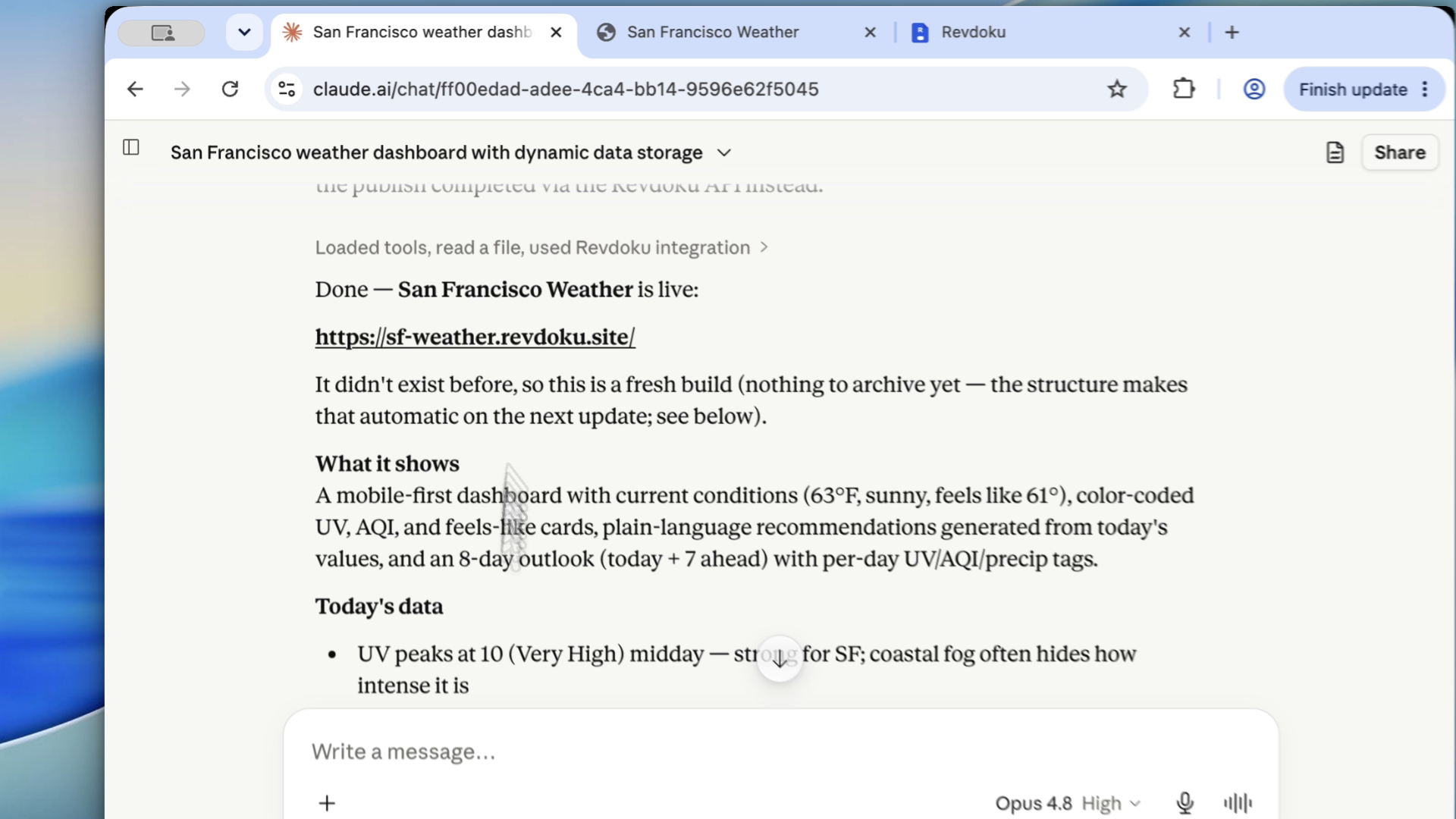
Review Before You Publish: A Practical Loop for AI-Generated Websites. The goal is to catch obvious mistakes before customers see the link, not slow down the builder.
1. Review AI-generated website pages live, not only in local preview
Open the published site in a real browser before going public. Check the page as a visitor would:
- first viewport,
- navigation,
- scroll behavior,
- image loading,
- mobile layout,
- forms and buttons,
- downloadable files.
Screenshots make feedback specific. Instead of saying “make it better,” point to the exact visual problem.
2. Use private publishing for the review link
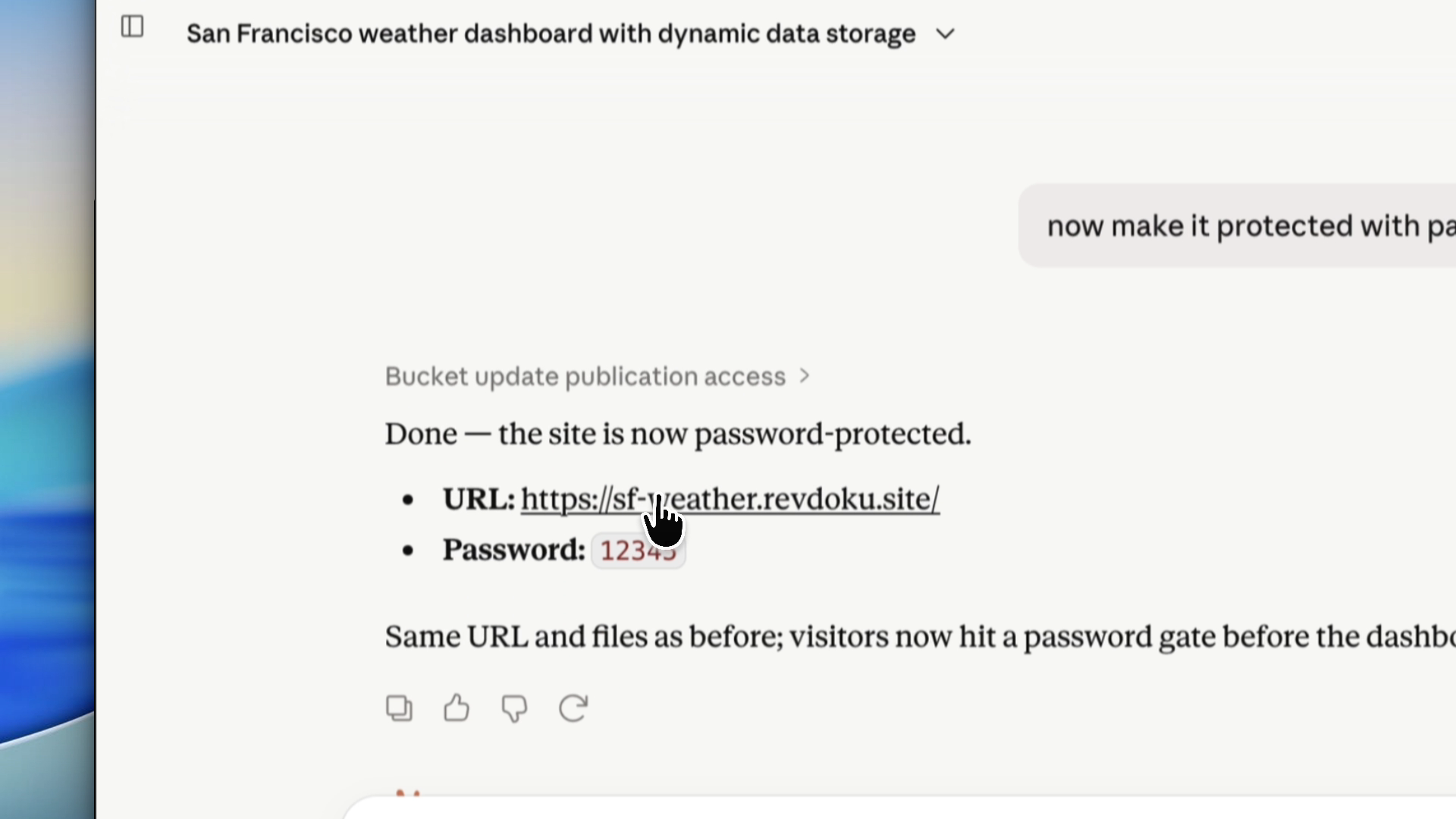
If the site is unfinished, use private publishing with password access. Use password-plus-email for external reviewers when you want identity in analytics.
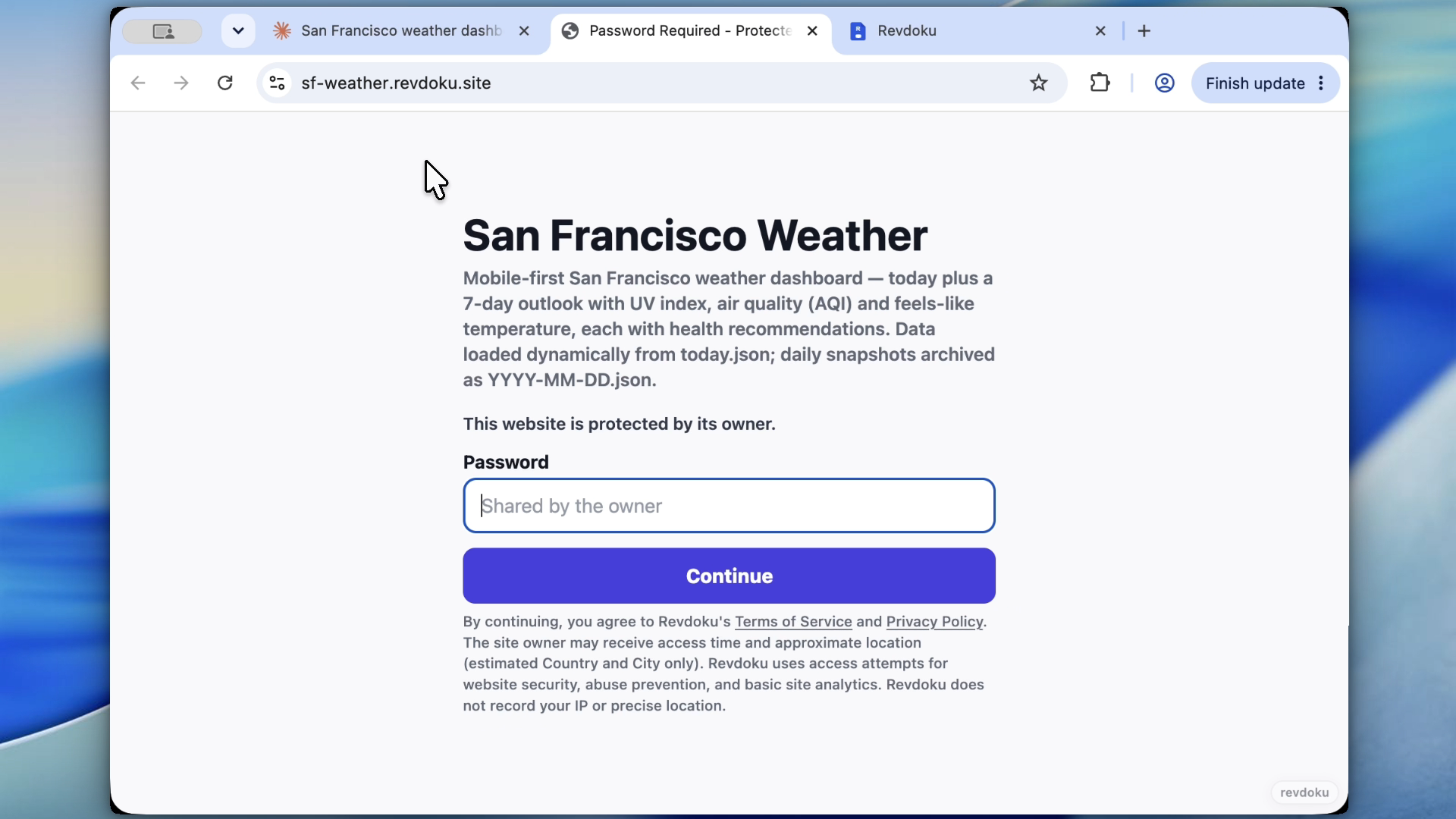
Note: Revdoku’s password gate protects the bucket at the publishing layer. It is not a removable client-side overlay inside the generated page.
3. Give the AI agent precise website review notes
Good feedback sounds like this:
- “On mobile, the hero headline overlaps the button.”
- “The CSV download link returns 404.”
- “The pricing section uses placeholder plan names.”
- “The dashboard loads, but the chart labels are too small.”
- “The password page should hide the title and description.”
Specific notes save context and guide the AI agent to the right fixes.
4. Keep the publish review loop in the same Revdoku bucket
After the agent fixes the files, continue the loop in the same Revdoku bucket. The review URL stays stable, so nobody needs a fresh link.
5. Switch Revdoku access mode when ready
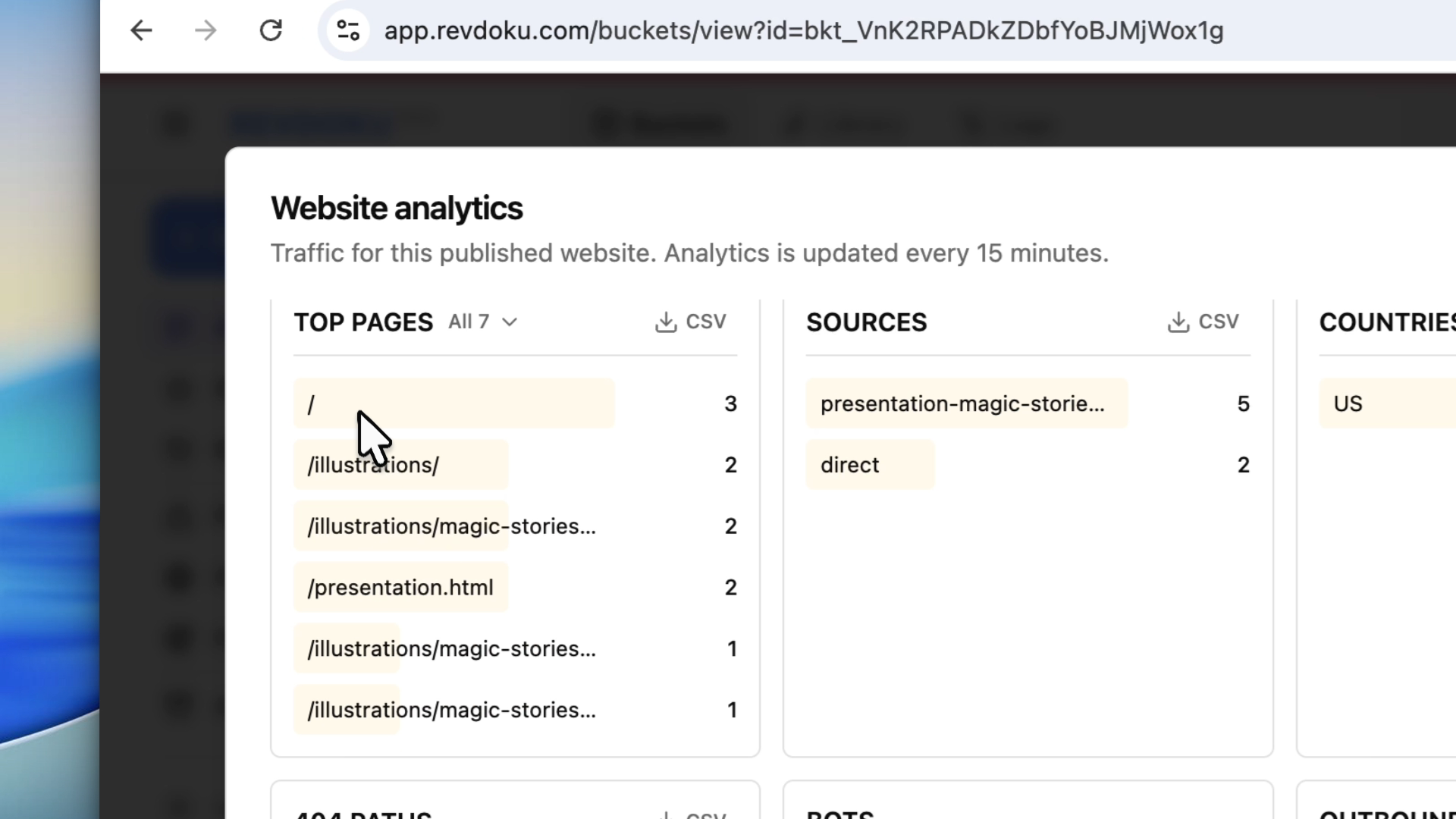
After approval and a final check, keep the site protected or switch it to public. Choose access mode based on the audience.
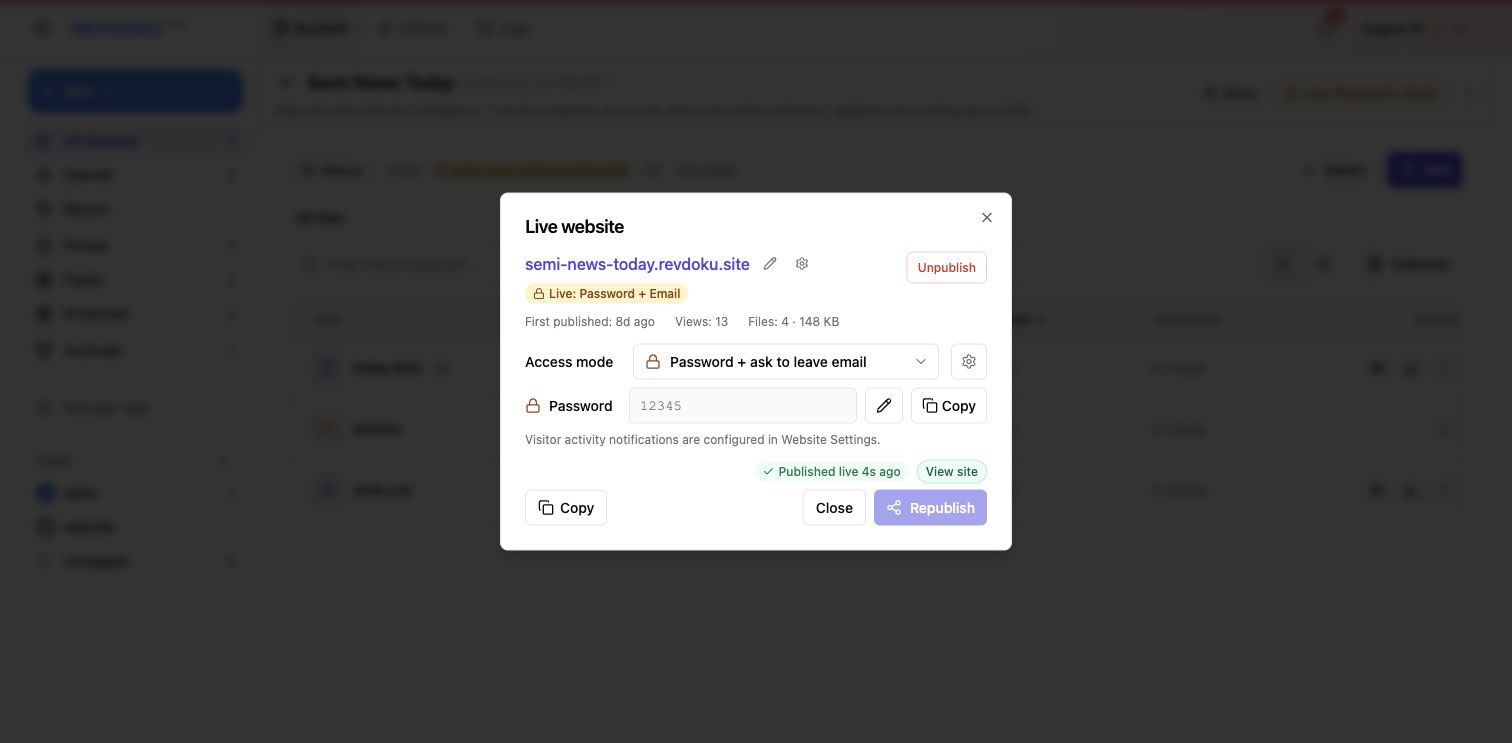
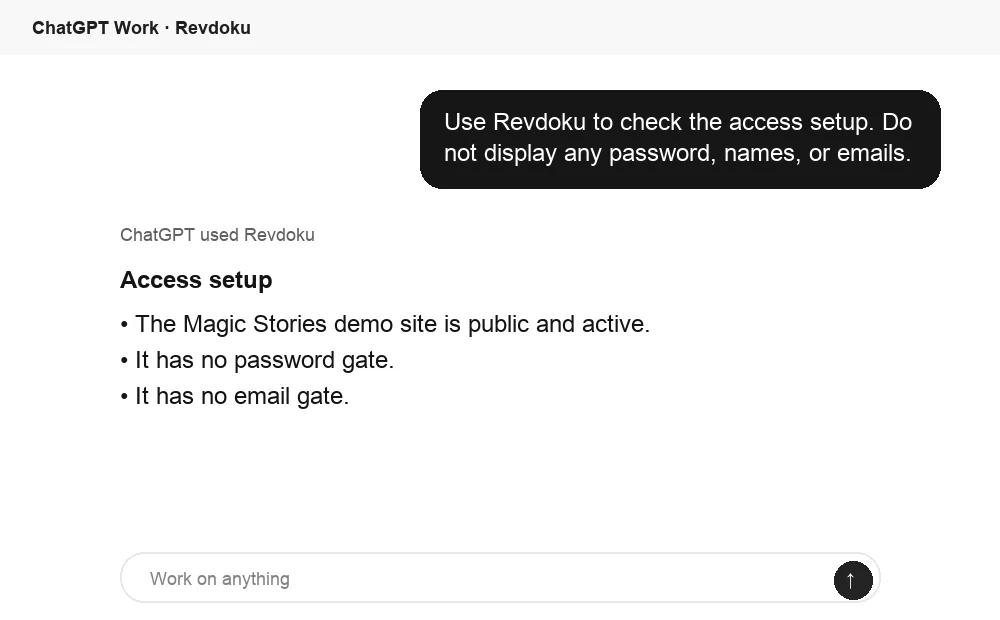
Ask ChatGPT to check access before publishing
Before sharing the generated site, ChatGPT can ask Revdoku what access mode is active for the bucket. Use this as a quick review check before a client, teammate, or stakeholder opens the link.
Takeaway: publish review loop
The best AI website workflow is prompt, publish privately, inspect, fix, publish again, then share intentionally.
Frequently asked questions
Why should I review an AI-generated website after publishing it privately?
A private publish shows how the site behaves in a real browser, not just inside a builder or local preview. This helps catch layout issues, broken links, missing assets, and form problems before customers or stakeholders see the final link.
What should I check first during a website review?
Start with the first screen visitors see, then test navigation, scrolling, mobile layout, images, buttons, forms, and downloads. Prioritize anything that blocks a visitor from understanding the page or completing an action.
When should I use password-protected publishing?
Use password protection whenever the site is unfinished, confidential, or awaiting approval. If outside reviewers are involved, requiring both a password and email can make review activity easier to track.
How detailed should feedback to the AI agent be?
Feedback should describe the exact page, device, and issue whenever possible. Notes like “the mobile headline overlaps the button” are more useful than broad requests because they point the agent to a specific fix.
Should I create a new review link after each fix?
Usually, no. Keeping the review loop in the same Revdoku bucket preserves one stable URL, which makes it easier for reviewers to return, compare changes, and avoid confusion.
What role do screenshots play in the review process?
Screenshots remove ambiguity from feedback. They help the builder or AI agent see the exact visual issue, especially for spacing, overlap, mobile layout, and image loading problems.
When is the site ready to switch from private to public?
Switch to public only after the main pages, links, forms, downloads, and mobile views have been checked. If the audience should remain limited, keep the site protected instead of publishing it openly.
Related Articles

GitHub Pages Password Protection and Privacy
Learn why private repositories do not protect Pages sites and compare secure access options for internal teams and external clients.

How to Password Protect a Vercel Deployment
Learn how to secure Vercel deployments with password protection, authentication, trusted access, or protected Revdoku hosting.

How to Password Protect a Website Made with Claude
Learn how to export, secure, publish, and test a Claude-made website using password protection or verified-email access.