Check an AI Demo Before Moving It to a Website Host
A Generated Demo Is Not Yet a Website
AI tools can turn a prompt into an impressive interactive page. Examples are a Claude Fable demo, a Claude artifact, a ChatGPT or Gemini canvas, or the preview of a coding agent. Inside the tool, the page looks finished. Outside the tool, the same project can have missing files. It can also call services that exist only in the preview, or show placeholder facts (sample facts that are not real).
Before you pick a host, answer these questions:
- Where are the files, and can you download all of them?
- Does the export include images, fonts, scripts, and data?
- Does the site run outside the session that made it?
- Is the content accurate and ready for the people who will see it?
- What URL will reviewers use tomorrow?
- How will the next edit update the same site?
The steps below give you a tested copy on a normal web host. The copy has a stable link that you can update many times.
1. Get the Files Out
Start from files that you own. In Claude, chat artifacts have controls to view, copy, or download the content. You can export design artifacts as standalone HTML or as a .zip file (Anthropic’s artifacts guide). Other tools have their own export or download options. If you cannot find one, ask the AI to output each file separately. Then save the files in one folder.
At the same time, ask for a manifest (a list of the files and of what they load):
List every file this demo needs, its path relative to index.html,
every external URL it loads, and anything that only works inside this preview.
The last line is the most important. It shows the parts that will break after export.
2. Test the Export on Its Own
Do not open index.html with a double-click. JavaScript modules and data files often fail from a plain file path. Instead, serve the folder on your computer:
npx serve ./demoThen try the parts that made the demo useful: navigation, charts, forms, media, games, and downloads. Keep the developer console of the browser open. Look for failed requests.
| Symptom | Likely cause | Fix |
|---|---|---|
| Missing images or styles | The export did not include the files, or paths point at the preview environment | Add the files and use relative paths |
Requests to localhost or a preview domain |
The code still points at the generation environment | Replace those URLs with files in the folder or a real service |
| Blank AI responses | The demo called a model through the tool’s own connection | Add a server-side function with your own API key, or replace the calls with prepared responses |
| Saved data disappears | The demo used storage from the tool | Use browser storage for personal state, or a real backend for shared data |
| Works on desktop, breaks on phone | Fixed widths or hover-only controls | Ask for a responsive layout and tap-friendly controls |
Inside Claude, an artifact can call Claude without an API key and save a small amount of data. These features come from the Claude environment. An exported copy needs its own replacement for them. Do not paste a private API key into browser code to make the export work. Anyone who opens the page can read it.
3. Review the Content Before Anyone Sees It
Generated sites need a careful review, even when they look polished:
- Test desktop and mobile layouts.
- Click every control. Then try each control with the keyboard.
- Make sure that every asset loads over HTTPS.
- Compare facts, numbers, names, and citations with their sources.
- Remove secrets, private data, and leftover prompt text.
- Decide whether the first audience is the public or a small review group.
If the demo will be public, read it as if you are a stranger. If the demo is for review, add one sentence to the first screen. Say what the demo shows and what is simulated.
4. Deploy a Review Copy
You can put a self-contained static folder (files only, with no server code) on any static host. Here are two quick options that do not need Git.
On Netlify, drag the folder onto Netlify Drop. After you sign in, you can also use the drop zone on the Projects page of your team (Netlify deploy options). The Netlify deployment guide shows all the steps.
On Cloudflare Pages, go to Workers & Pages > Create application > Get started > Drag and drop your files (Direct Upload). Name the project. Upload the folder. Then select Deploy site.
Some demos need server-side code, for example model calls with your own key or a database. These demos need a host that runs that code. Static hosting alone will not run it.
Keep the review copy private until it passes your tests. A long, unguessable URL is not access control. On Netlify, use password protection (Pro plans and above). On Cloudflare Pages, put Cloudflare Access in front of a custom domain. Then reviewers sign in with a one-time code that Access sends to their email. On Vercel, use Deployment Protection.
5. Keep the Same URL for the Next Edit
AI demos change quickly. A new version can have a clearer intro, different copy, or a new level or exercise. The next round must update the existing site. Do not create a new link that reviewers have to find.
On Netlify, open the Deploys page of the project. Drag the updated folder onto the drop zone at the bottom. You can also run netlify deploy --prod from the folder.
On Cloudflare Pages, select Create a new deployment in the project. Then upload the revised folder.
On both hosts, the address stays the same. Keep a dated copy of each version that you deploy. Then you can compare changes or go back to an earlier version.
When the AI makes the next version, export it again and repeat steps 2 and 3. Even a small prompt change can drop a file or bring back a placeholder.
6. Retire the Original Preview Last
Send reviewers to the new link only after it passes the same interaction tests as the original preview. Then decide what happens to the preview itself. If you published a Claude artifact and then unpublish it, nobody can open its link. Anthropic also notes that you cannot publish that same artifact again after that (publishing and sharing artifacts). Keep the artifact until the hosted copy runs without problems for a while.
The demo showed what AI generation can do. To turn it into a website that people can rely on, you need a tested export on a host that you control. That host also needs access settings and a stable URL.
A docs portal with Ask AI
and support tickets
Connect a repository, or describe your product to start. Each docs site has search, Ask AI, an API console, an MCP server and support tickets.
- Publishes from GitHub on every push
- Works with Mintlify repositories
- API console from your OpenAPI file
- MCP server and llms.txt for AI agents
- Ask AI and support tickets
- Analytics for people and AI agents
Frequently Asked Questions
Can I keep a Claude demo inside Claude instead of moving it to a host?
Sometimes. On Free, Pro, and Max plans, you can publish a chat artifact. Anyone with the link can then open it without a Claude account. On Team and Enterprise plans, sharing stays inside the organization unless an owner allows external sharing. If you need your own domain, your own access rules, or server-side code, move the demo to a web host.
Related Articles
Add a Custom Domain to a Cloudflare Pages Site
Add a custom domain or www to a Cloudflare Pages site: set it up in Pages first, add the DNS record, fix stuck verification and redirect www.
What Is localhost:3000?
Your browser uses localhost:3000 to reach an app running on your own computer. Sending that address to someone else does not give them access to your app.
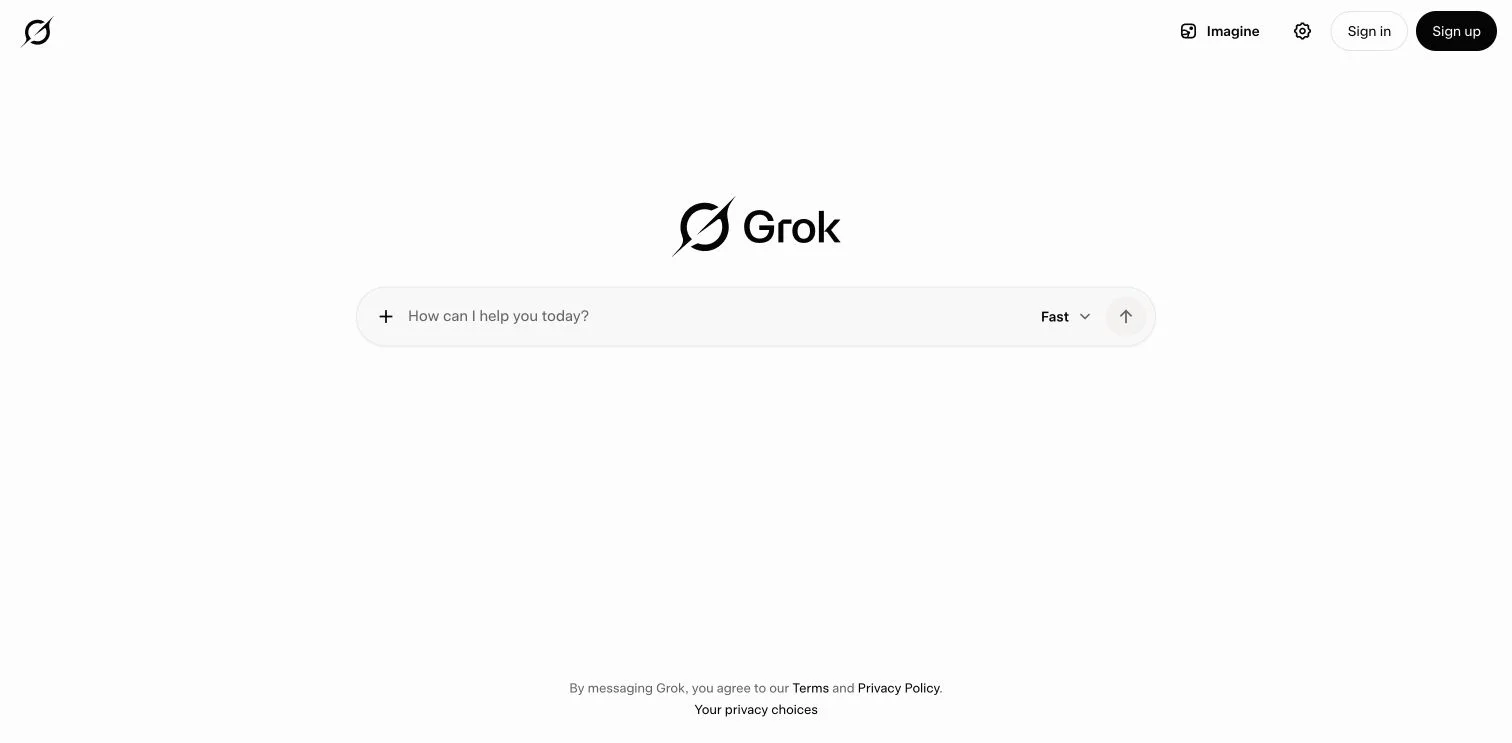
Move Exported Grok Website Files to Another Host
Export a Grok Build site to GitHub, deploy it on Cloudflare Pages, Netlify, Vercel or GitHub Pages, test it, then retire the grok.me copy.