
Boost eBay Sales with Quality Listing Photos
eBay photo requirements at a glance
eBay sets these rules in its picture policy and on its help page about adding pictures. Each listing needs at least one photo that meets the minimum size.
| Requirement | eBay rule |
|---|---|
| Minimum size | 500 pixels on the longest side |
| Recommended size | About 1600 x 1600 pixels |
| File formats | JPEG, PNG, GIF, TIFF, BMP, WEBP, HEIC or AVIF |
| File size | 12 MB or less for each photo |
| Number of photos | At least 1, up to 24 |
| Main photo | The whole item, from the front. It appears next to the title in search results |
What eBay does not allow in photos
The picture policy and two related eBay policies do not allow these photos:
- Photos that do not show the item accurately.
- Placeholder images that carry a message.
- Stock photos for used, damaged or defective items. If you list an item as used, you cannot use a catalog or stock photo.
- Photos with added borders.
- Photos with added text, artwork or marketing material.
- Watermarks of any type, also watermarks that show who owns the photo.
- Contact information, web links, URLs or calls to action, for example “Go to xyz.com.” The contact information policy names listing images as a public area.
- Images from the website of a manufacturer, or photos by another person without their written permission. The images, videos and text policy covers these rules.
Main photo checklist
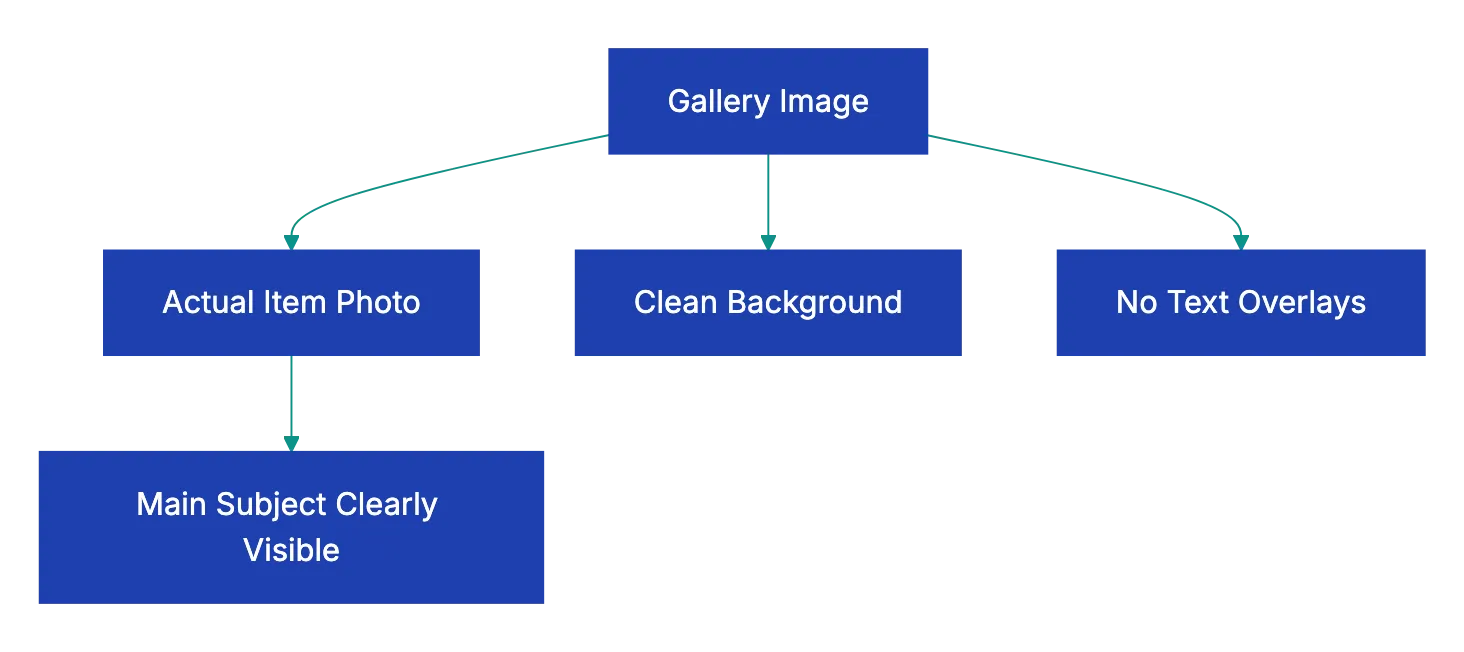
- The photo shows the item that you will ship, not a similar one.
- The photo shows the whole item from the front.
- The item fills most of the frame.
- The background is plain and not cluttered. eBay says that white is generally best. A darker background can suit reflective items such as jewelry.
- The photo has no border, text, logo or watermark.
- The photo is sharp. A tripod keeps the camera steady.
- The light is soft. eBay advises against flash and overhead light because they cause glare.
Additional photos checklist
You can add up to 24 photos. Use the additional photos to answer the questions that a buyer asks before a purchase.

- Photos from several angles: front, back, sides, top and bottom.
- Close-ups of labels, tags and brand marks. They help the buyer decide if the item is authentic.
- A close-up of each flaw, scratch or other damage.
- A photo with a coin or a ruler next to the item to show its size.
- For electronics, a photo of the item when it is on and working.
- A photo of every part of the sale: accessories, cables, the original box, and each item in a lot.
Photograph the flaws
eBay asks sellers to show clear close-ups of flaws, scratches and other imperfections. A buyer who saw the scratch in the listing has no reason to say that the item is not as described. Also name each flaw in the item description. For a lot (a group of items that you sell together), show all items together. Then show each damaged item in a close-up.
Before you publish
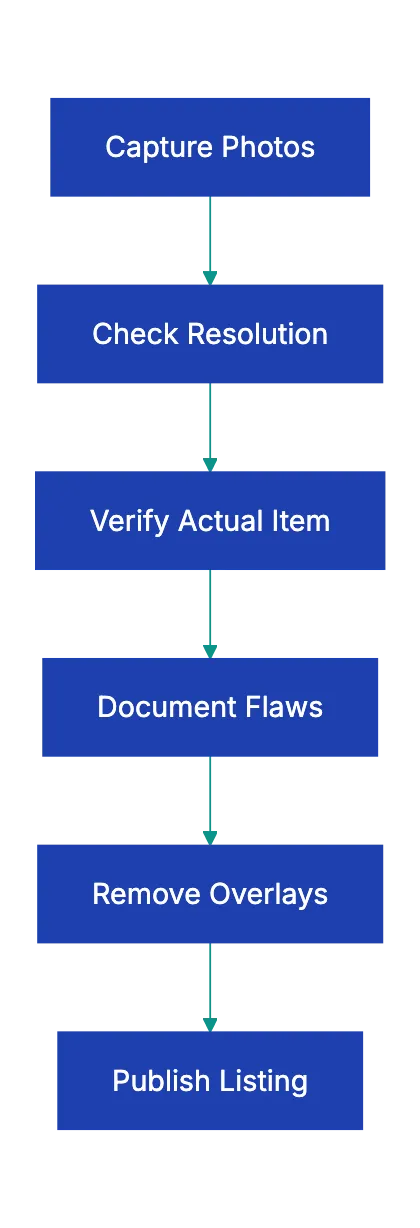
| Item | What to look for | Common mistake |
|---|---|---|
| Size | 1600 pixels or more on the longest side, never less than 500 | A small, cropped photo |
| Format and file size | An accepted format, 12 MB or less | A RAW file or a large TIFF file |
| Main photo | The actual item, whole, from the front, on a plain background | A stock photo as the main photo of a used item |
| Angles | Front, back, sides, top and bottom | Only the best side |
| Flaws | A close-up of each flaw, also named in the description | A flaw in shadow |
| Overlays | No text, border, logo or watermark | Store branding on each photo |
| Personal data | No names, addresses, receipts or shipping labels in view | A shipping label in the background |
| Contact details | No phone number, email address or web address | A business card in the photo |
| Labels and tags | Close-ups of brand marks and tags | No photo of the label on a branded item |
| Scale | A coin, a ruler or a tape measure next to the item | No way to judge the size |
Use this checklist with Claude or ChatGPT
You can use this checklist with a general AI assistant, such as Claude or ChatGPT. Upload the photos for one listing and paste the checklist. Then ask the assistant to go through each item for each photo. Here is an example prompt:
Below is a checklist for eBay listing photos. I uploaded the photos
for one listing. The item is a used [item name] in [condition].
For each photo, list each checklist item that the photo fails, for
example a border, text, a logo, a watermark, contact details, personal
data, clutter or blur.
Then list the checklist items that no photo covers, for example a
missing angle or a flaw that has no close-up.
Look at the pixel size and the file size in the file properties on your computer. The assistant cannot always read the original size of an uploaded photo. Look at each photo again before you publish. The assistant can miss a small flaw, and it can report a problem that is not there.
Cover or crop personal data before you upload, for example names and addresses on receipts or labels. The service keeps a copy of what you upload, so look at the data settings of your workspace.
A docs portal with Ask AI
and support tickets
Connect a repository, or describe your product to start. Each docs site has search, Ask AI, an API console, an MCP server and support tickets.
- Publishes from GitHub on every push
- Works with Mintlify repositories
- API console from your OpenAPI file
- MCP server and llms.txt for AI agents
- Ask AI and support tickets
- Analytics for people and AI agents
Frequently Asked Questions
What happens if my photos break the eBay picture policy?
eBay can remove the listing or other content, give a warning, restrict your account activity or suspend the account. The picture policy lists these actions.
Can I change the main photo after the listing is live?
Yes, in some cases. Revise the item from My eBay or Seller Hub, and move the photo to the top-left position. For a fixed-price listing, you can change the main photo only if the listing has no offers. For an auction, the listing must have no bids and more than 12 hours left.
Related Articles

Real Estate Listing Photo Requirements Checklist
Real estate listing photo checklist: MLS file rules, branding, people, photo rights, virtual staging disclosure, room coverage and photo order.

Essential Guide to Etsy Product Photography
A checklist for Etsy listing photos: size and file rules, photo policy, the first photo, the other photos and tips by product type.

Food Delivery Photo Requirements for Restaurants
DoorDash and Uber Eats menu photo requirements side by side: size, shape, framing, background and text rules, with a checklist for each upload.