Publish AI-made websites from Zapier workflows
Use Zapier to move source files into Revdoku buckets, then let an AI agent publish them as a live website.
1. Create a Revdoku account first
Setup starts in the Revdoku app. Go to https://app.revdoku.com, create an account, and sign in before connecting anything.
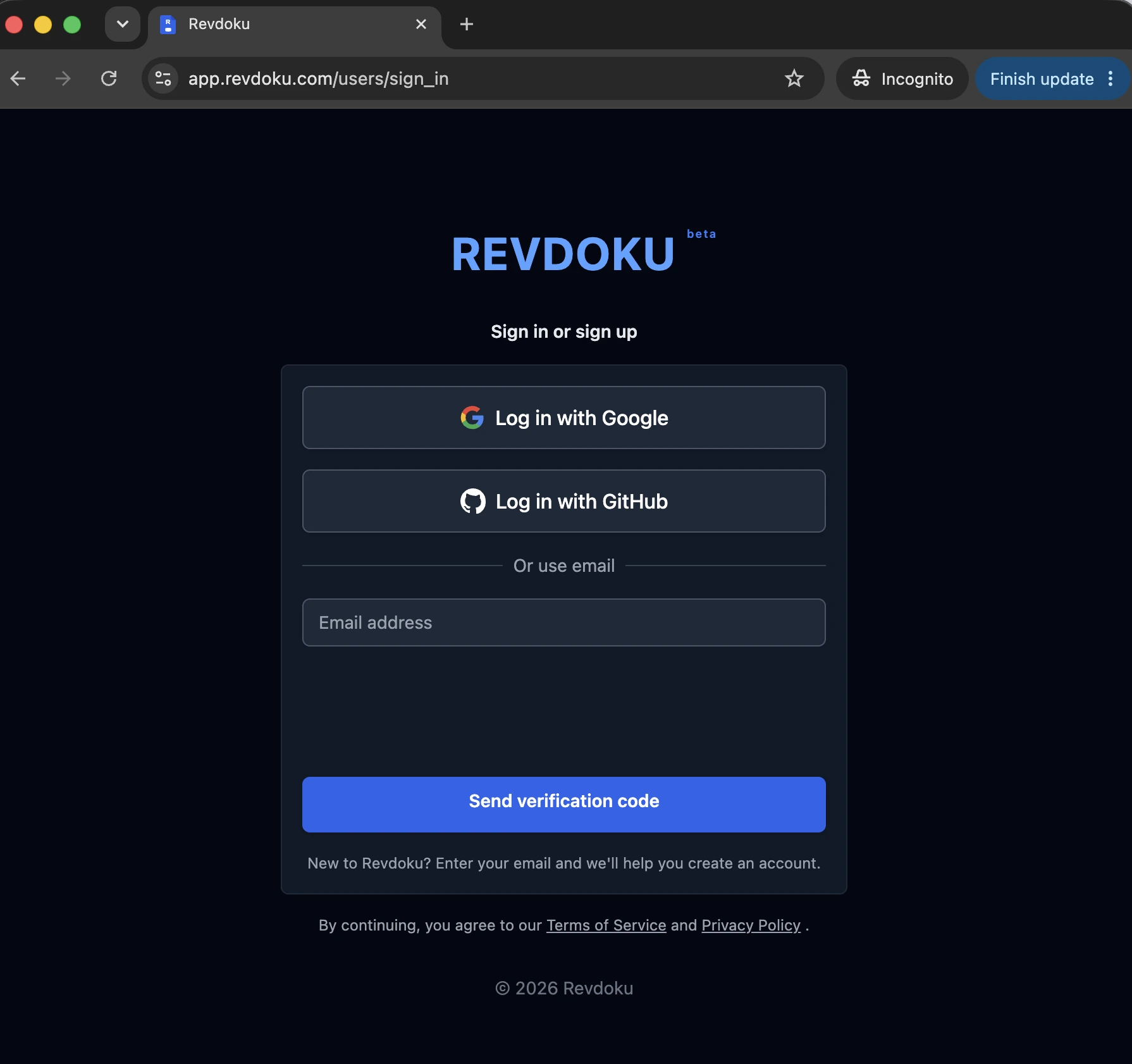
This is the first step for every connection: the tools connect to your existing Revdoku account, not an anonymous prompt.
2. Connect Zapier to the Revdoku account
Install or enable the Revdoku Zapier integration, authorize the same Revdoku account, and choose the destination bucket or workflow. The Zap should move files into Revdoku, not publish unrelated public links by itself unless that is the intended workflow.
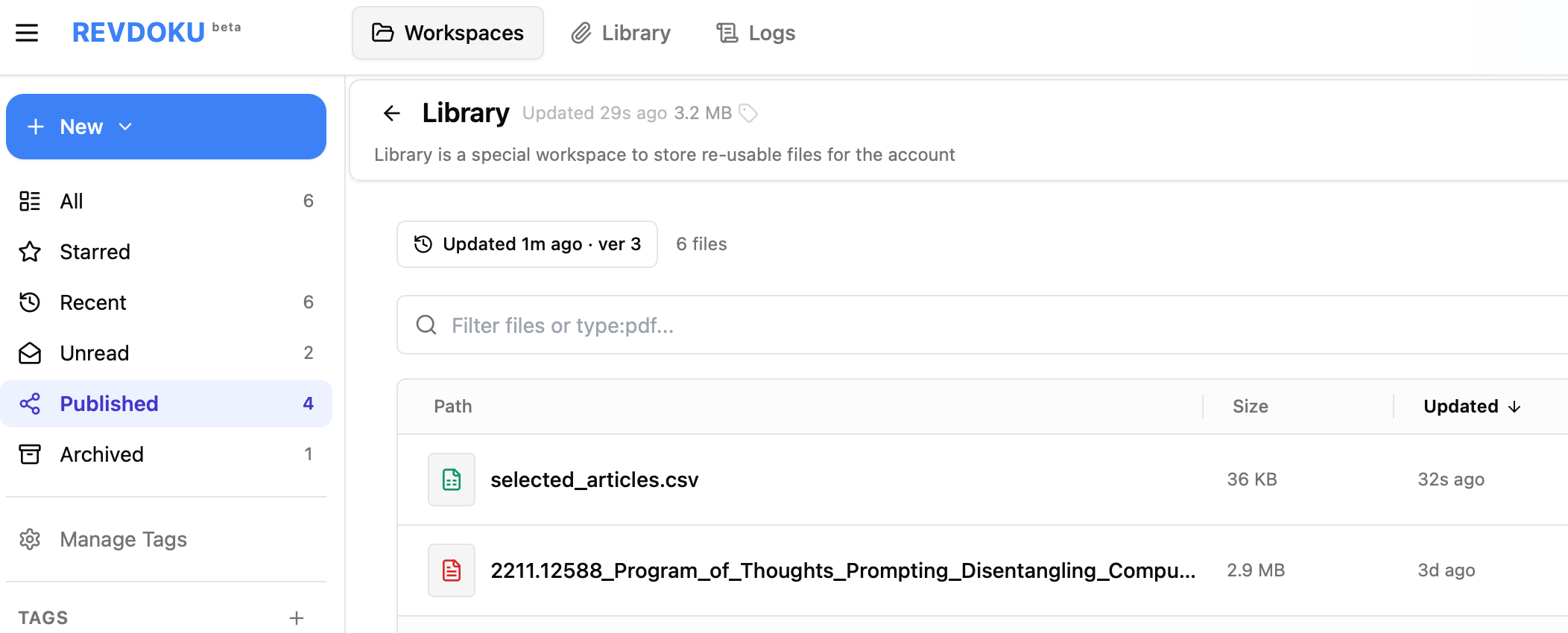
3. Use an AI agent to turn files into a website
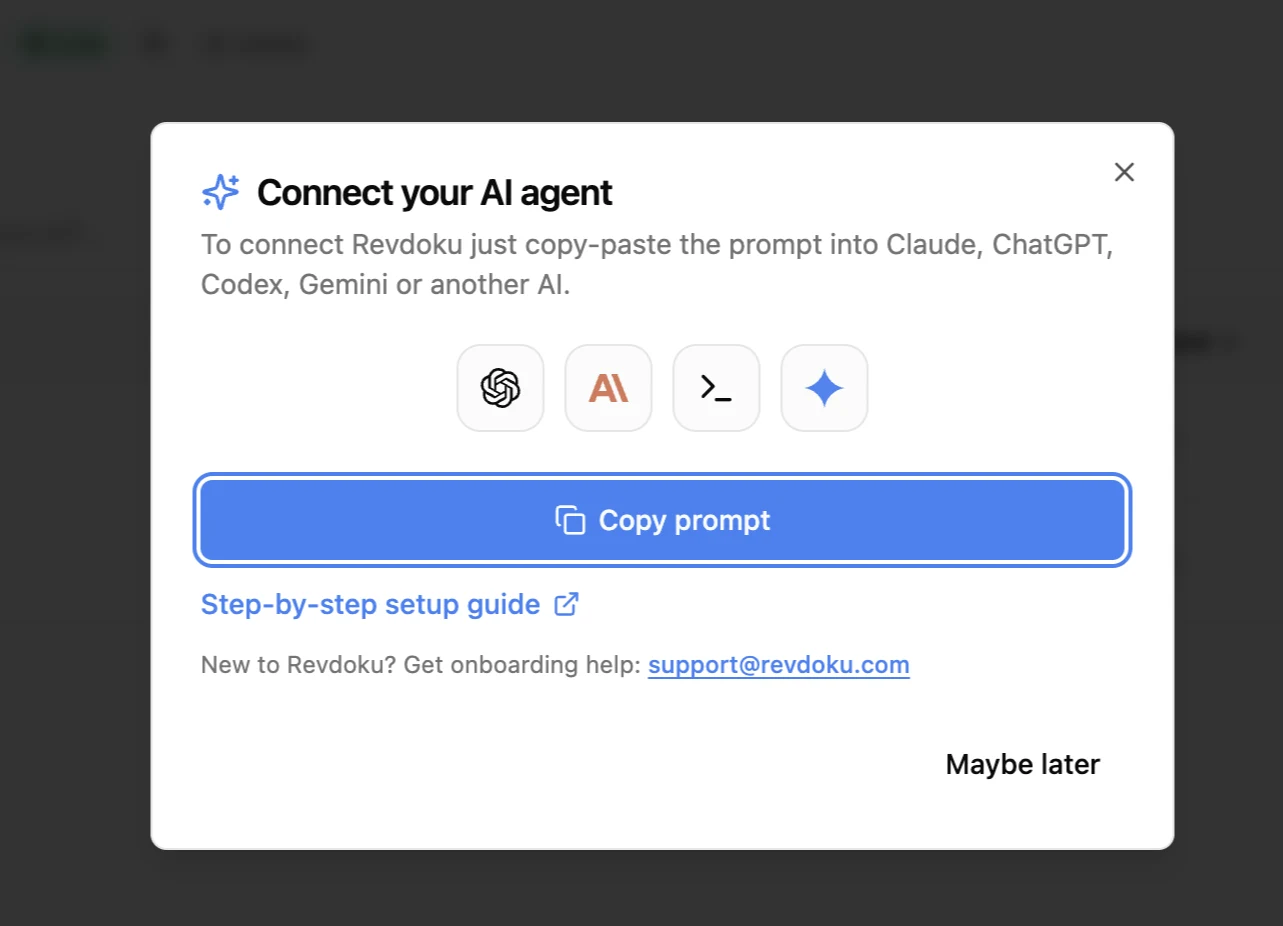
After Zapier sends source files into a bucket, use New -> Copy Instructions for AI and paste the instructions into Claude, ChatGPT, Codex, Hermes, or OpenClaw.
4. Publish and track the result
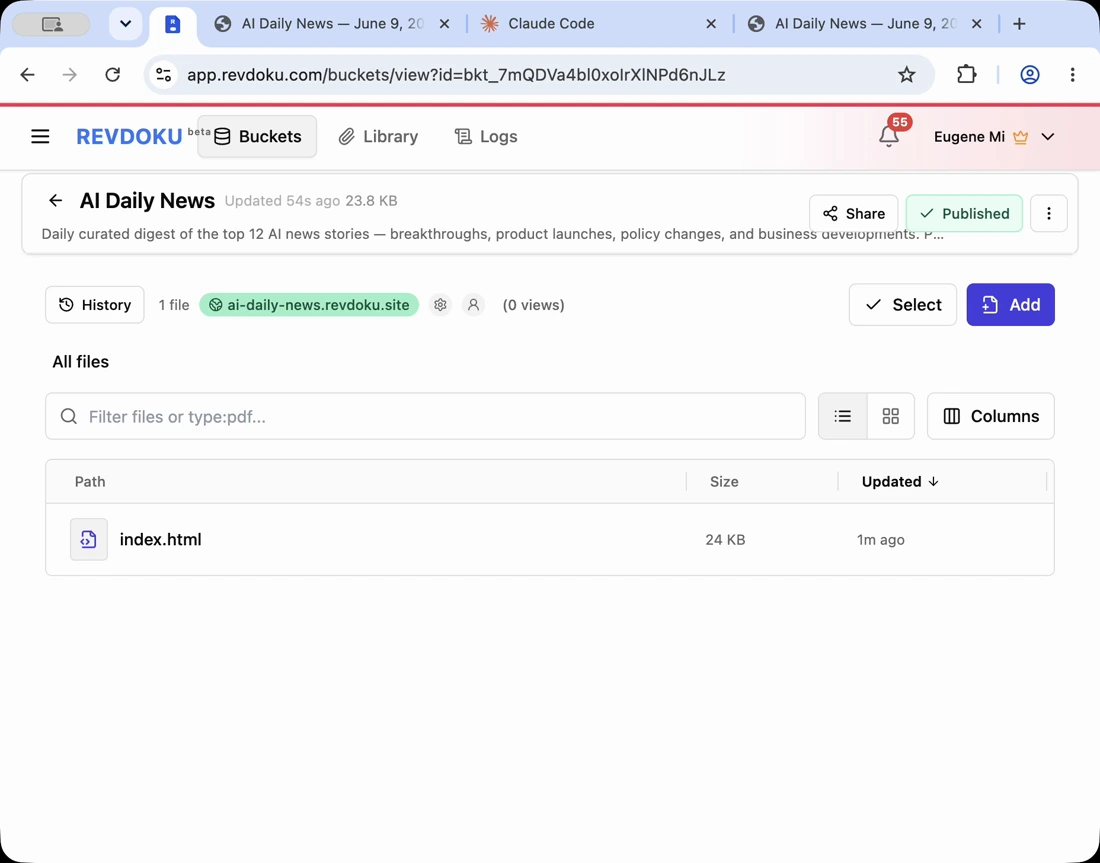
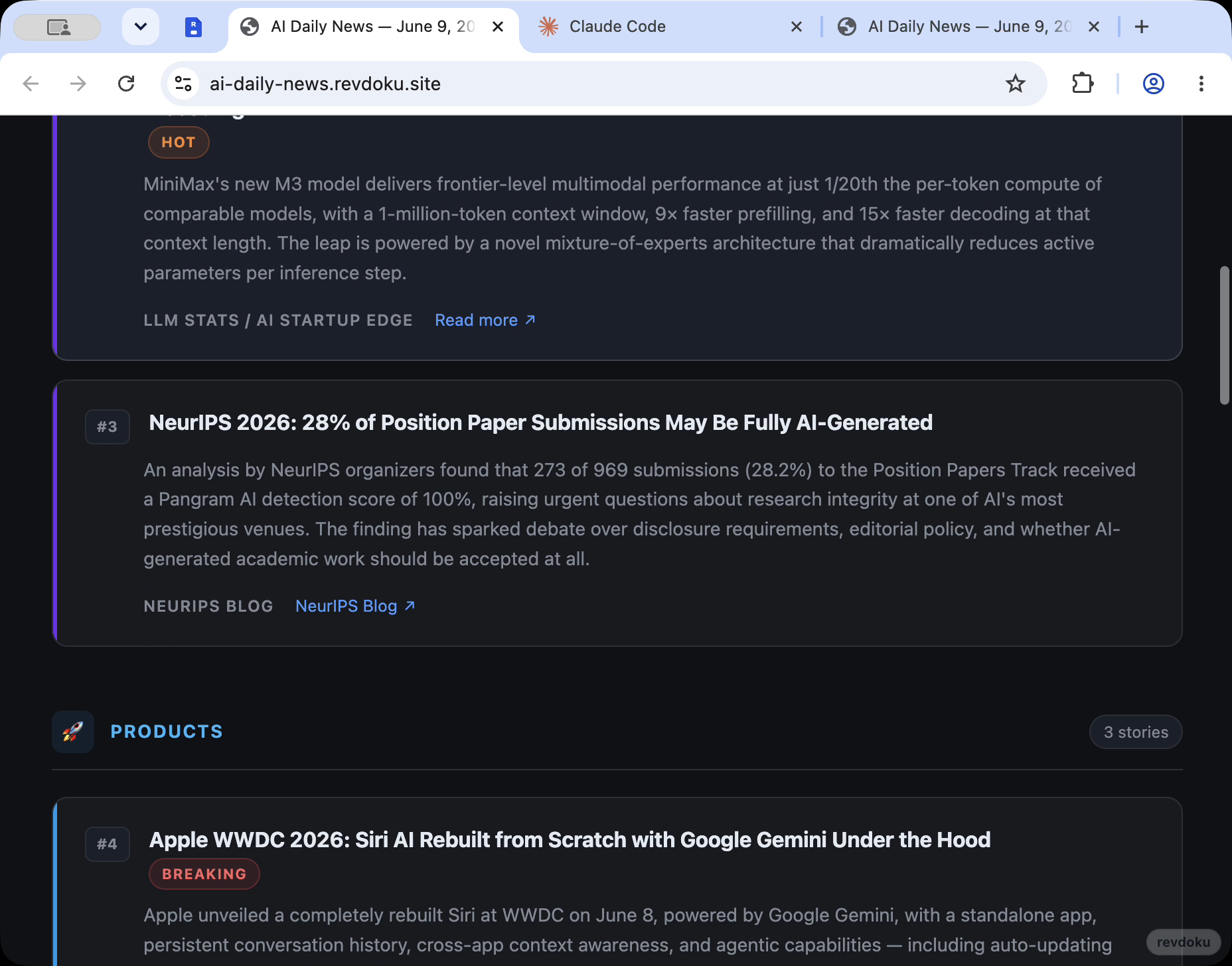
Ask the AI agent to create website files from the Zapier-delivered source files, publish the site, and update the same bucket when new source files arrive.
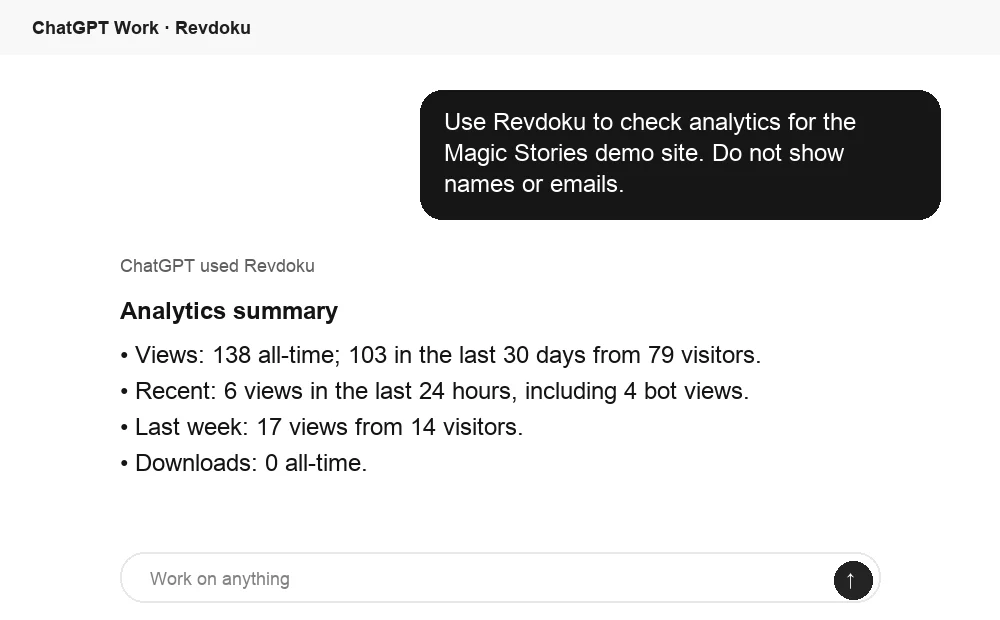
Ask ChatGPT to summarize the result
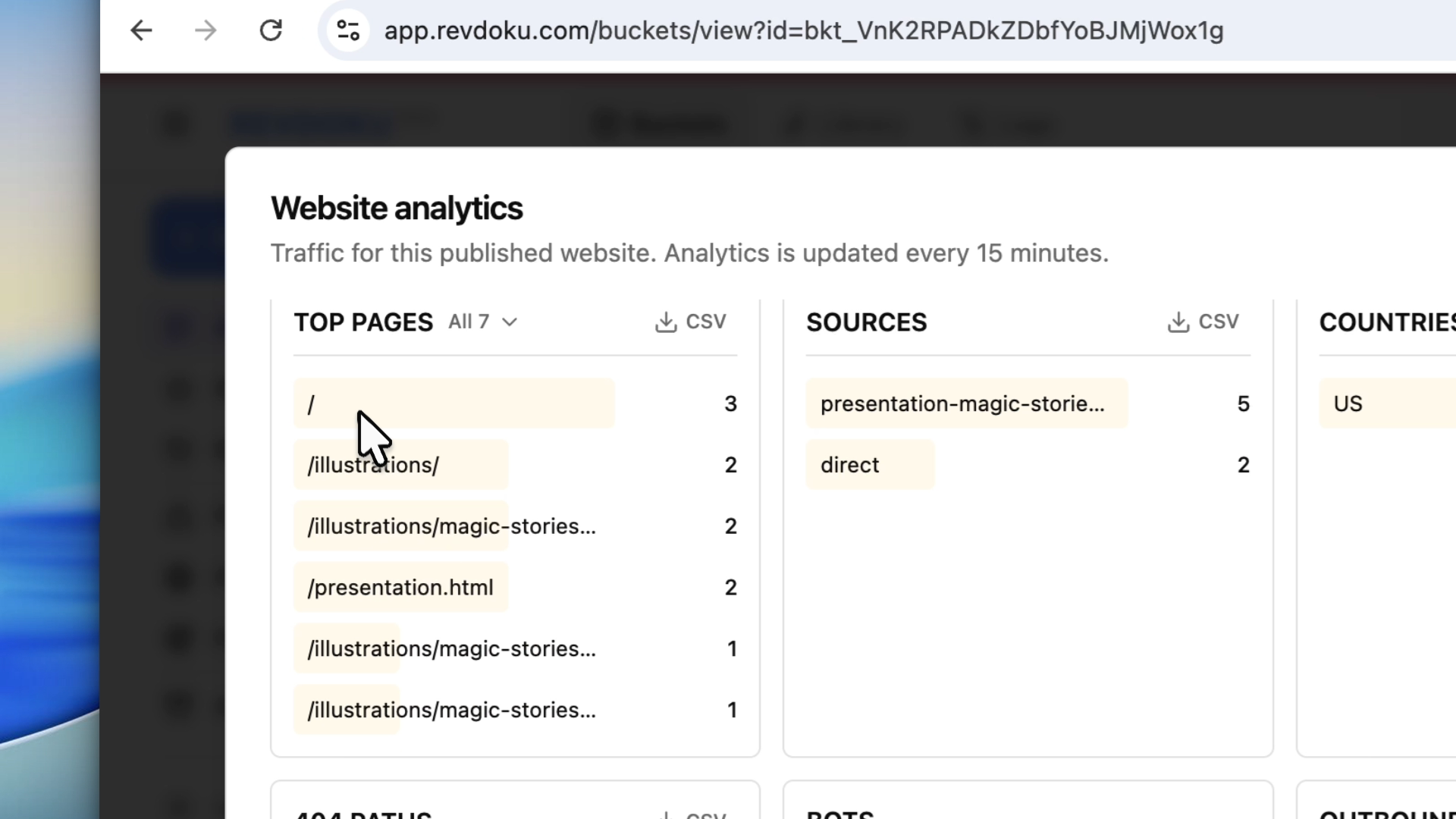
After a Zapier-driven workflow publishes through Revdoku, ChatGPT can summarize the viewing activity from Revdoku analytics. Use that signal to decide what should happen in the next automation step.
Takeaway
Each tool has a clear job: Zapier brings files into Revdoku, an AI agent builds the website, and Revdoku publishes and tracks the live URL.