Count Wires and Insulators on Utility Poles with Revdoku
Step 1: Open Revdoku and drop the pole photos.
Start at the Revdoku Starred view with no envelopes open. Drag the four utility-pole inspection photos — pole-1.jpg through pole-4.jpg — into the purple Drop files here zone in the middle of the page.

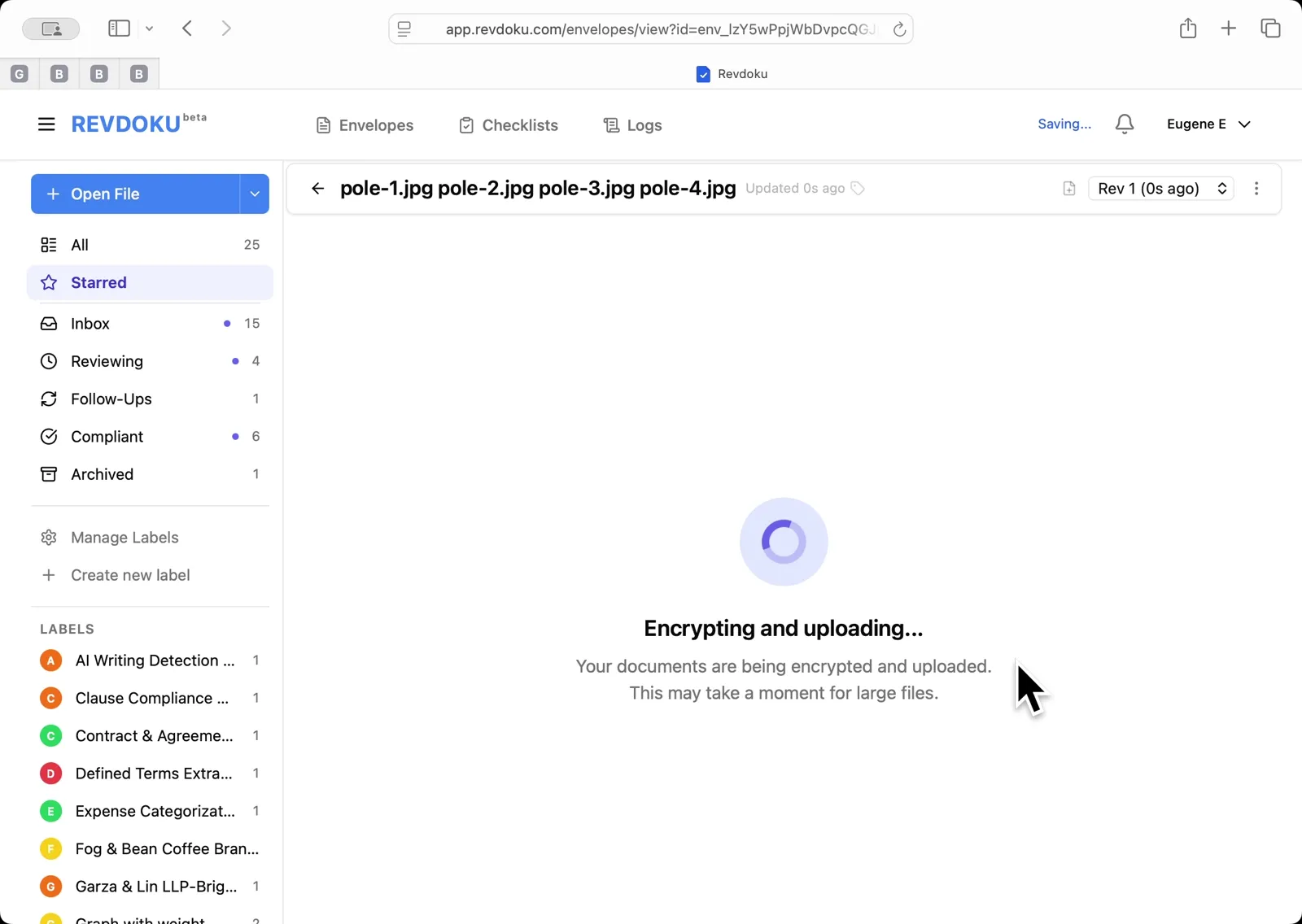
Step 2: Wait for encryption and upload.
Revdoku encrypts the files client-side and uploads them. The spinner reads Encrypting and uploading — this may take a moment for large image batches.
Step 3: Open the Review dialog.
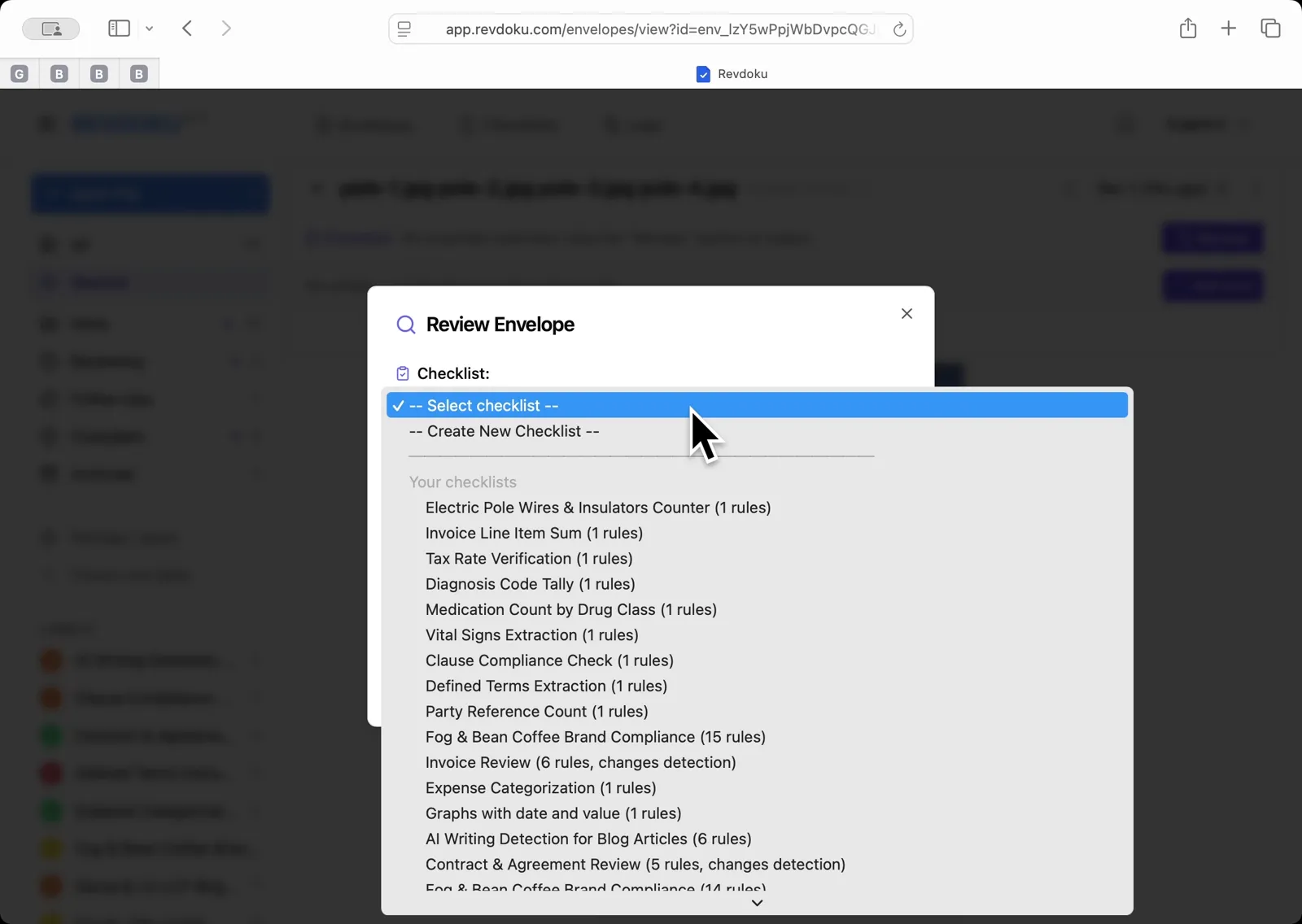
With all four pole photos loaded as pages of one envelope, click Review. In the Checklist dropdown, pick Electric Pole Wires and Insulators Counter.
Step 4: Write the counting rule.
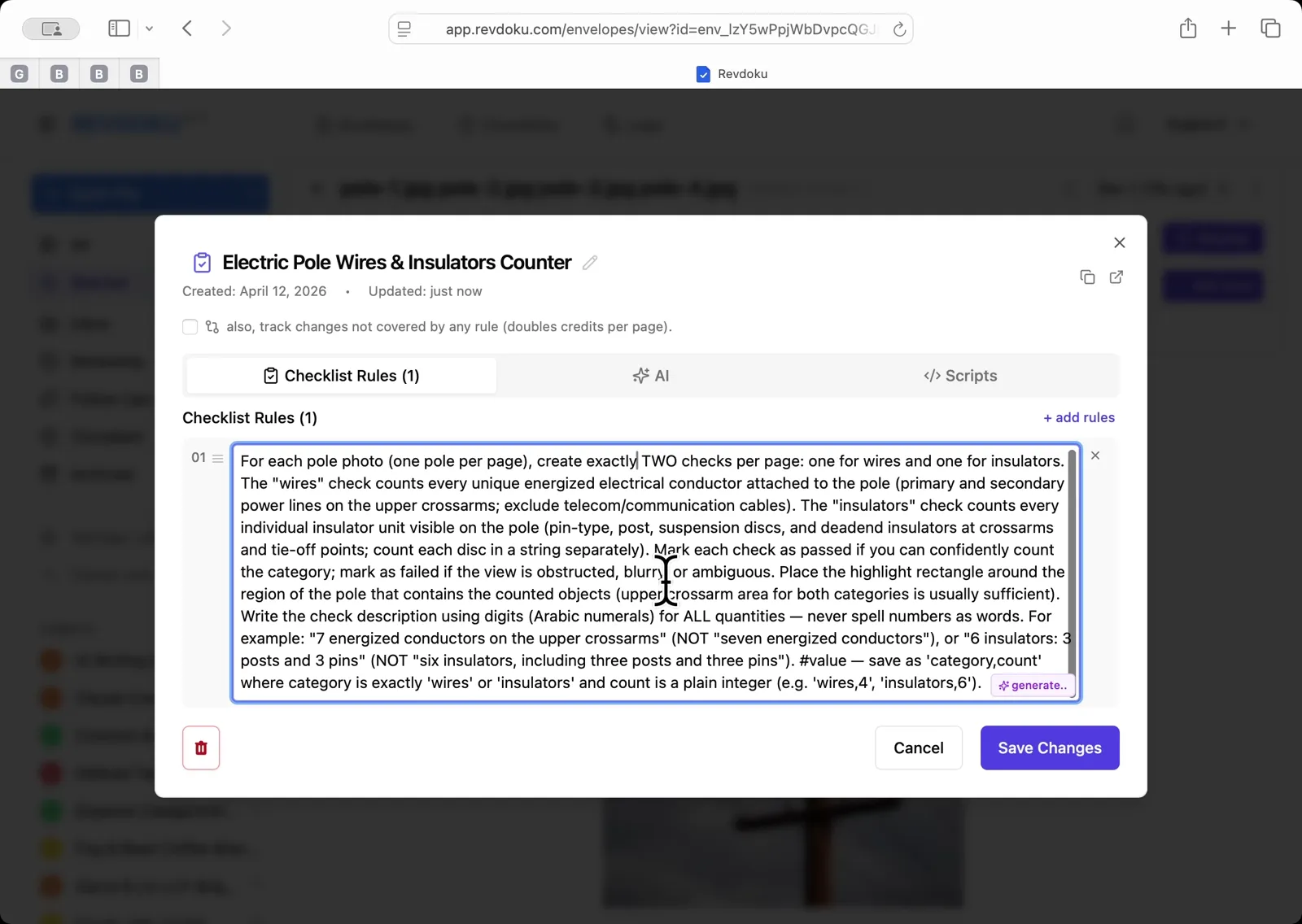
In the checklist editor, enter the rule that tells Revdoku to create two checks per page — one for energized conductors on the upper crossarms (excluding telecom cables) and one for insulator units — and to save the count in the check value field as category,count. Click Save Changes.
Step 5: Run the review.
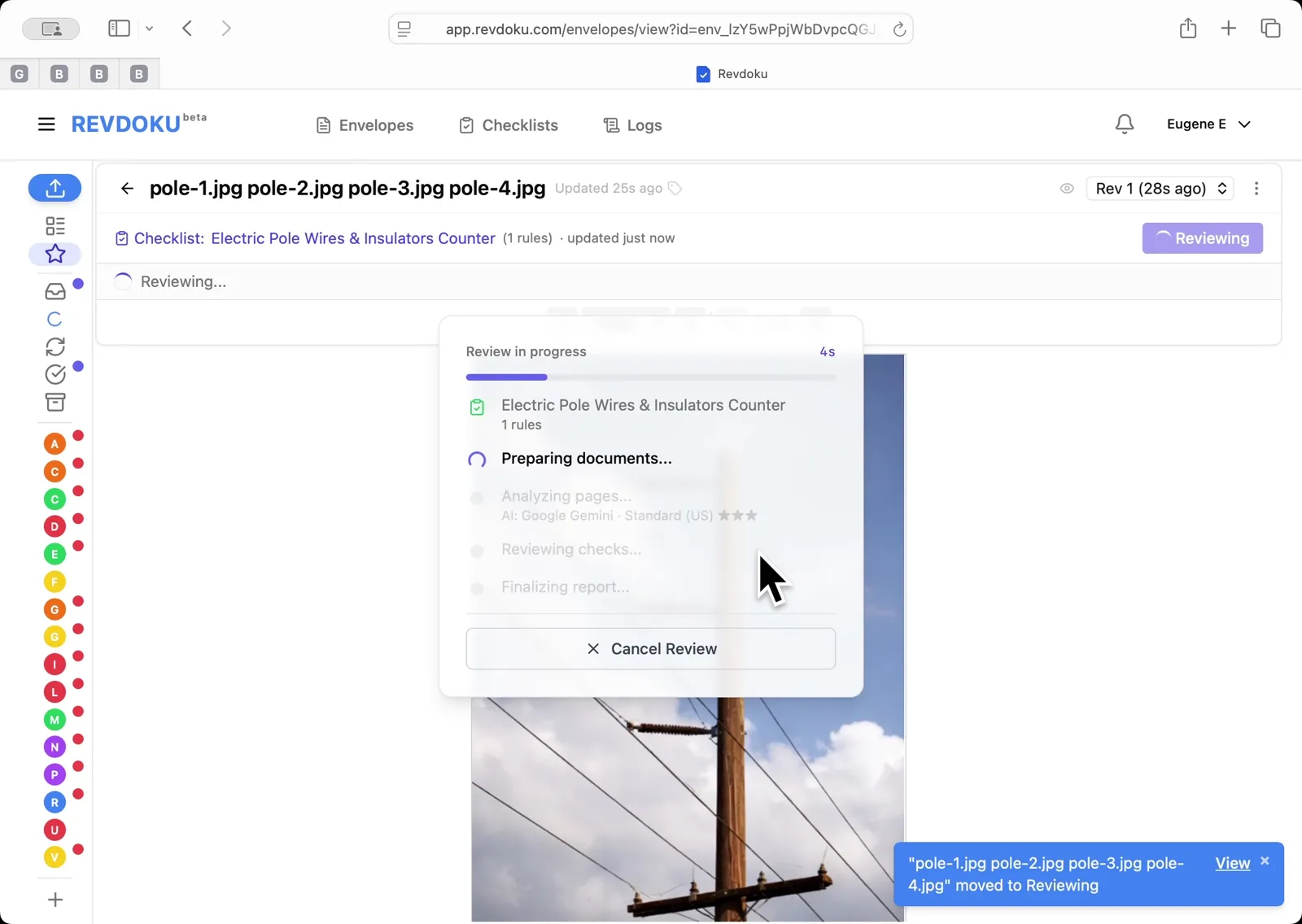
Back in the Review Envelope dialog, click Run Review. Revdoku batches the four pages into two batches and walks through Preparing, Analyzing, Reviewing, and Finalizing.
Step 6: Read the per-pole counts.
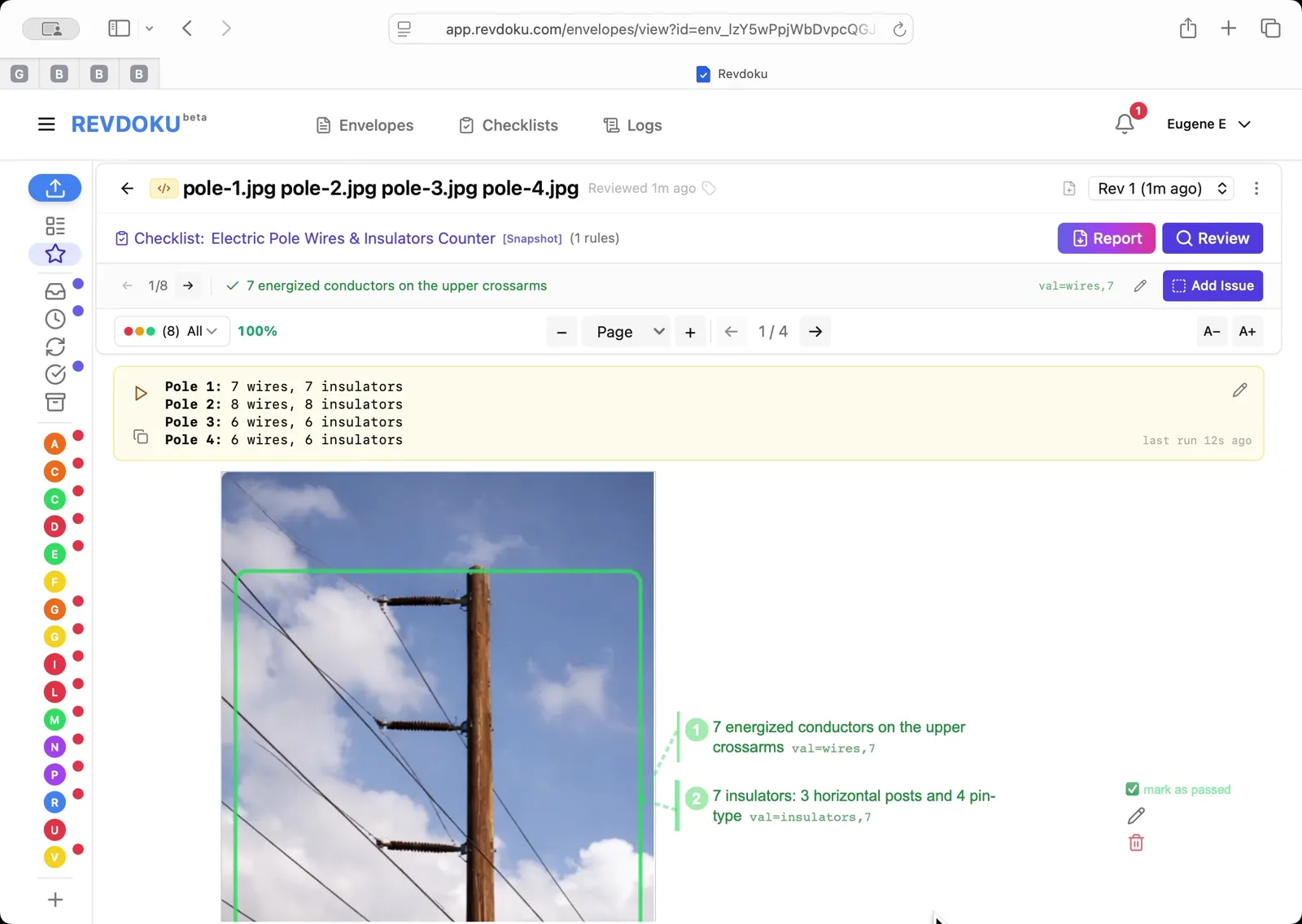
The result panel reports Pole 1: 7 wires, 7 insulators; Pole 2: 8 wires, 8 insulators; Pole 3: 6 wires, 6 insulators; Pole 4: 6 wires, 6 insulators. Each count is mapped back to the photo with a green highlight region around the counted objects.
What You Learned
This case showed how Revdoku can take a document, apply a structured checklist, and surface specific findings — all in under a minute. No manual line-by-line reading required.