Extract Defined Terms from a Software License Agreement with Revdoku
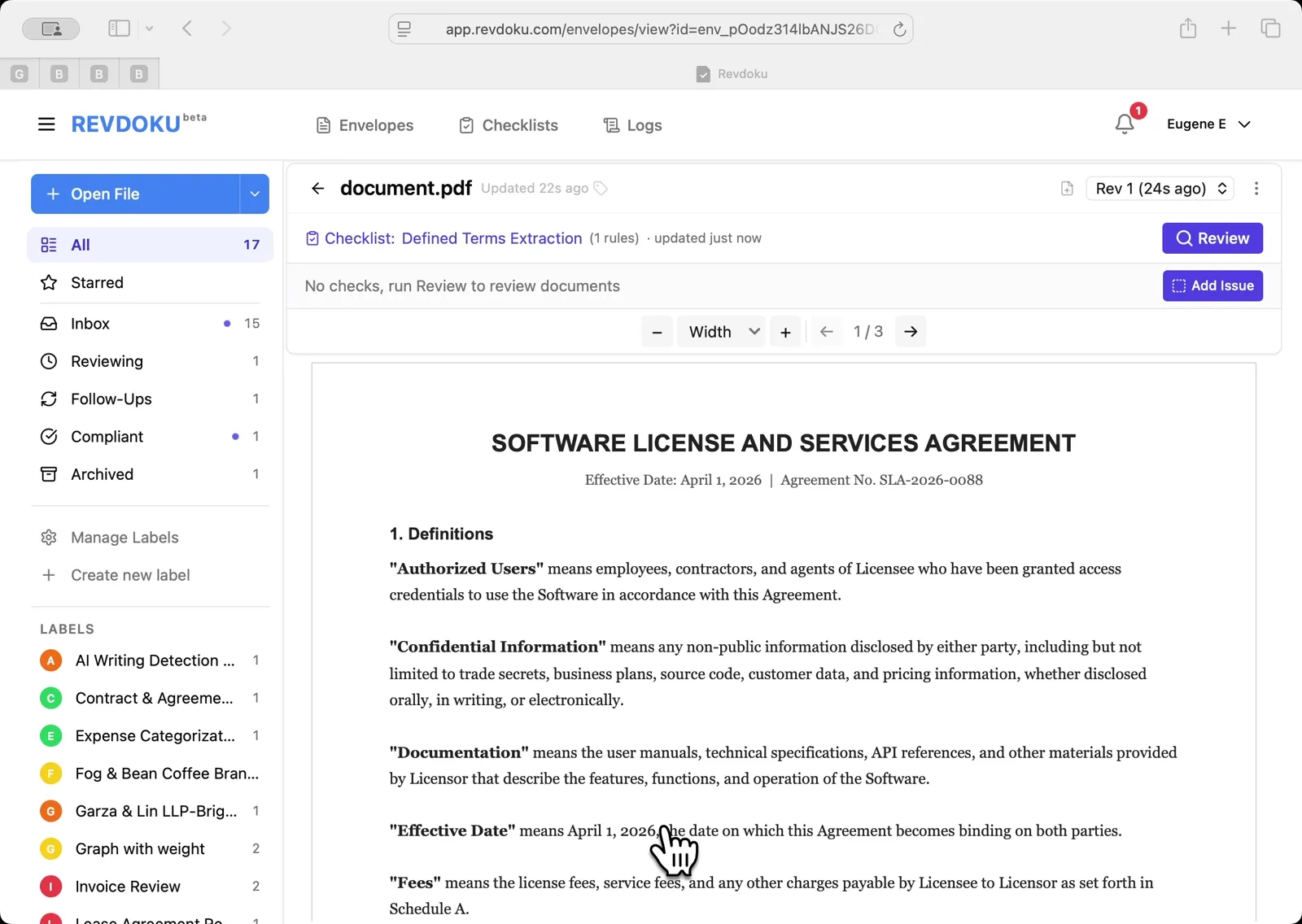
Step 1: Open the Software License and Services Agreement.
The 3-page agreement is open in the Inbox, showing Section 1 Definitions with quoted terms such as Authorized Users, Confidential Information, and Documentation. Click the Review button to start.
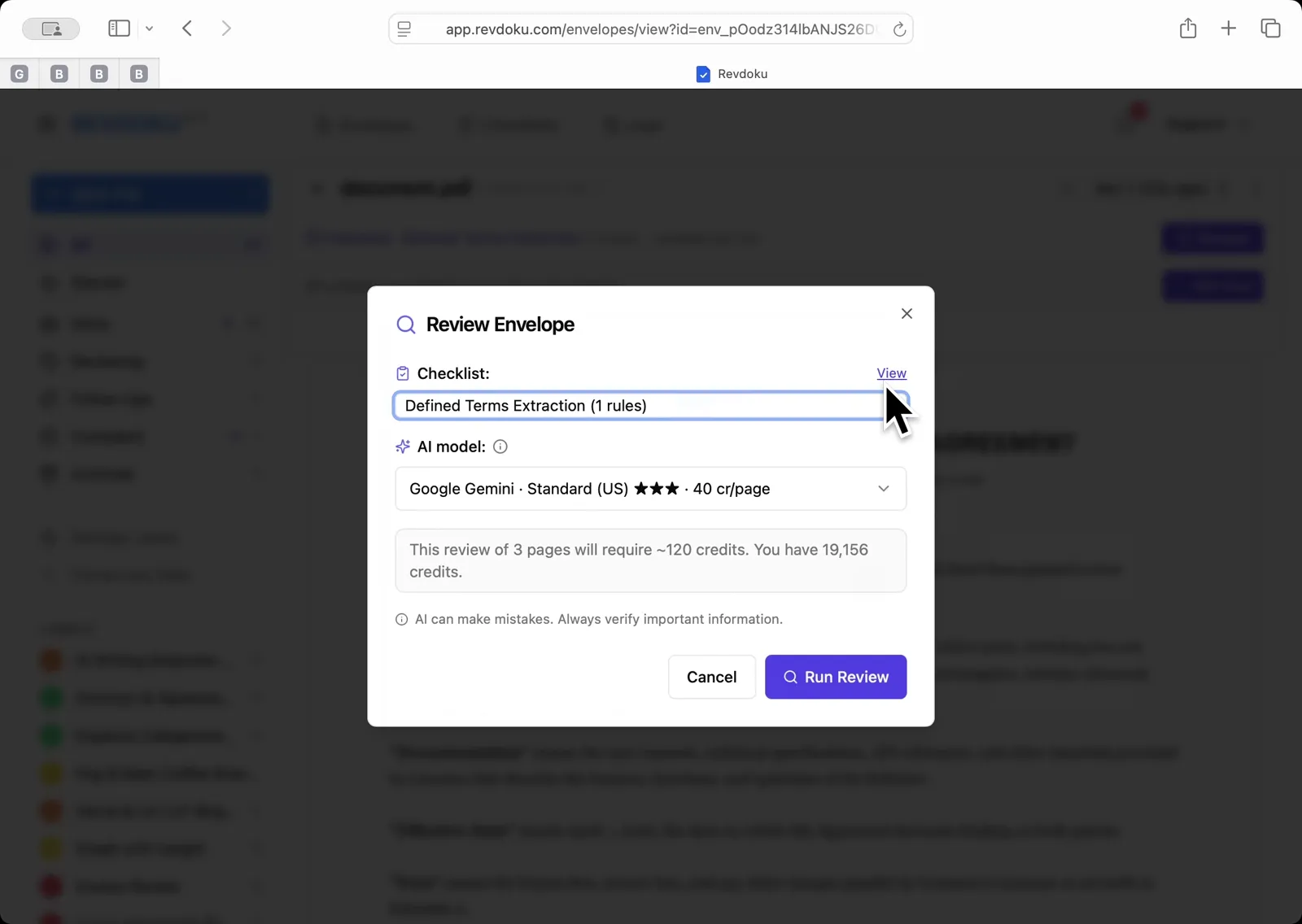
Step 2: Pick the Defined Terms Extraction checklist.
In the Review Envelope dialog, select Defined Terms Extraction (1 rules) from the Checklist dropdown. The dialog notes the 3-page review will use about 120 credits. Click Run Review.
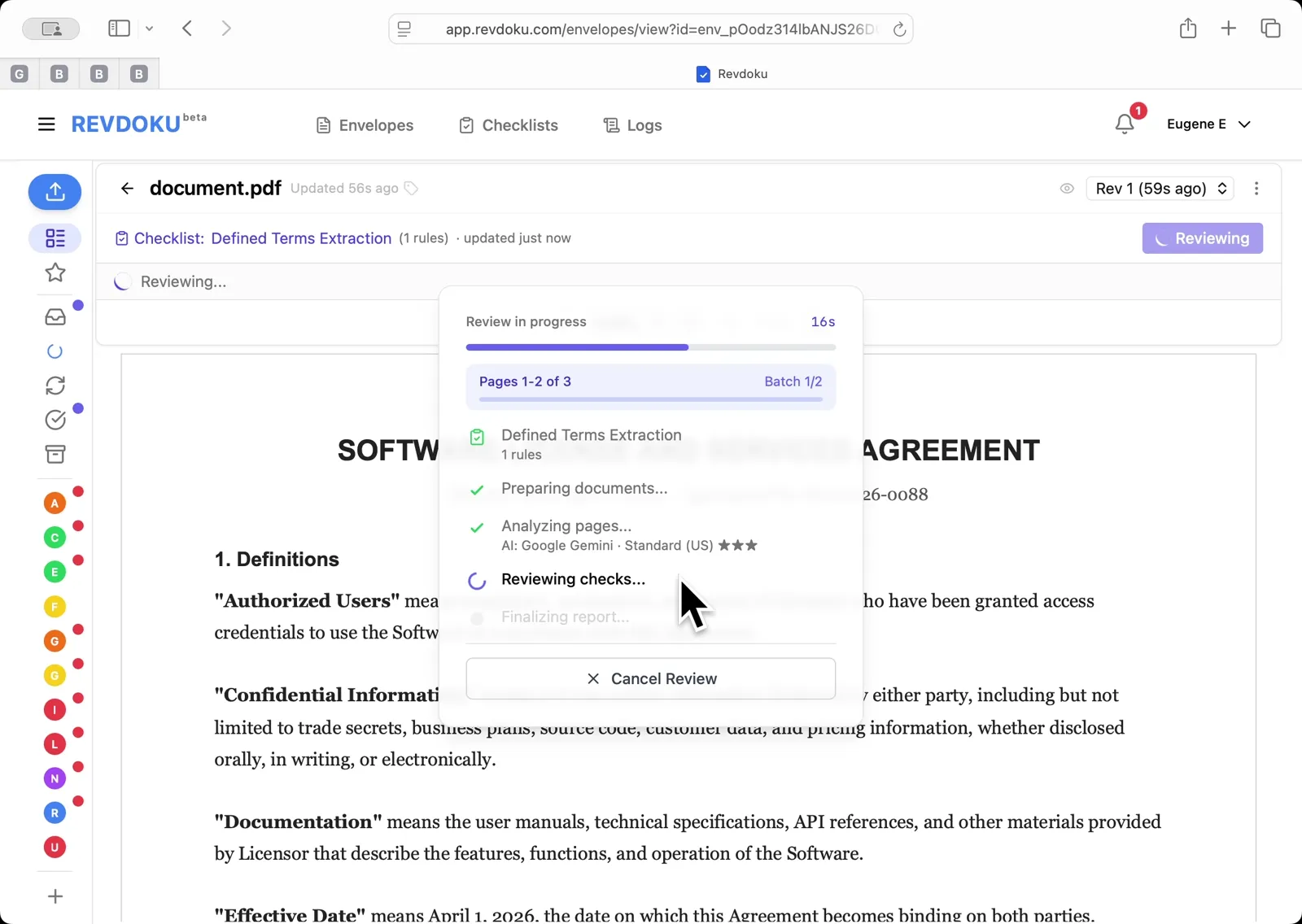
Step 3: Let Revdoku batch the pages.
Revdoku splits the three pages into batches, then runs Preparing, Analyzing, Reviewing, and Finalizing. Wait for all steps to complete.
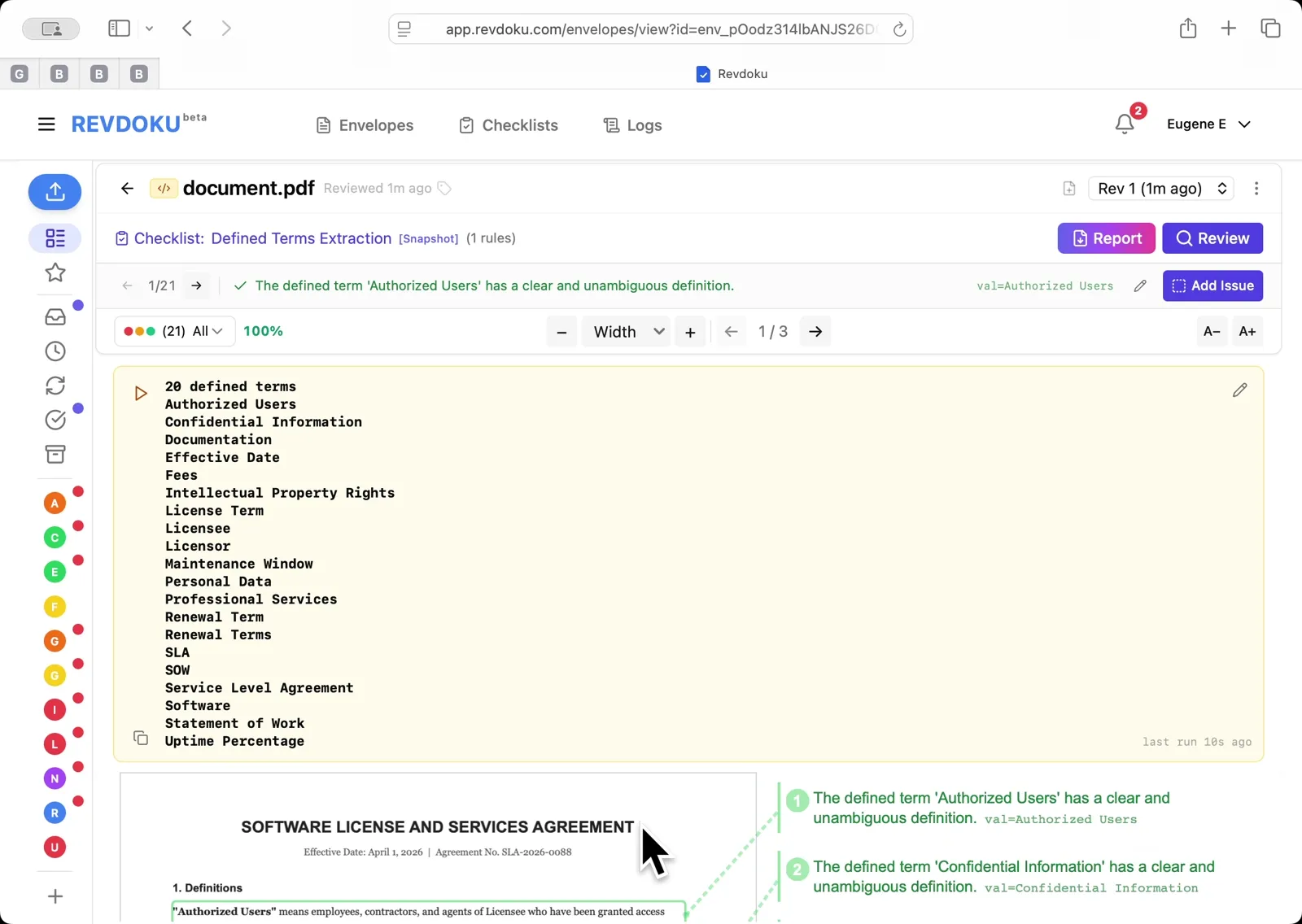
Step 4: Read the extracted defined terms.
The result panel lists 20 defined terms pulled from Section 1 — from Authorized Users and Confidential Information through License Term, Personal Data, SLA, Statement of Work, and Uptime Percentage.
What You Learned
This case showed how Revdoku can take a document, apply a structured checklist, and surface specific findings — all in under a minute. No manual line-by-line reading required.