Review a Residential Lease
This use case demonstrates how to review a residential lease. You will upload a lease PDF into Revdoku, attach the Lease Agreement Review checklist, run Review with Google Gemini, and read the issues, passes, and final report.
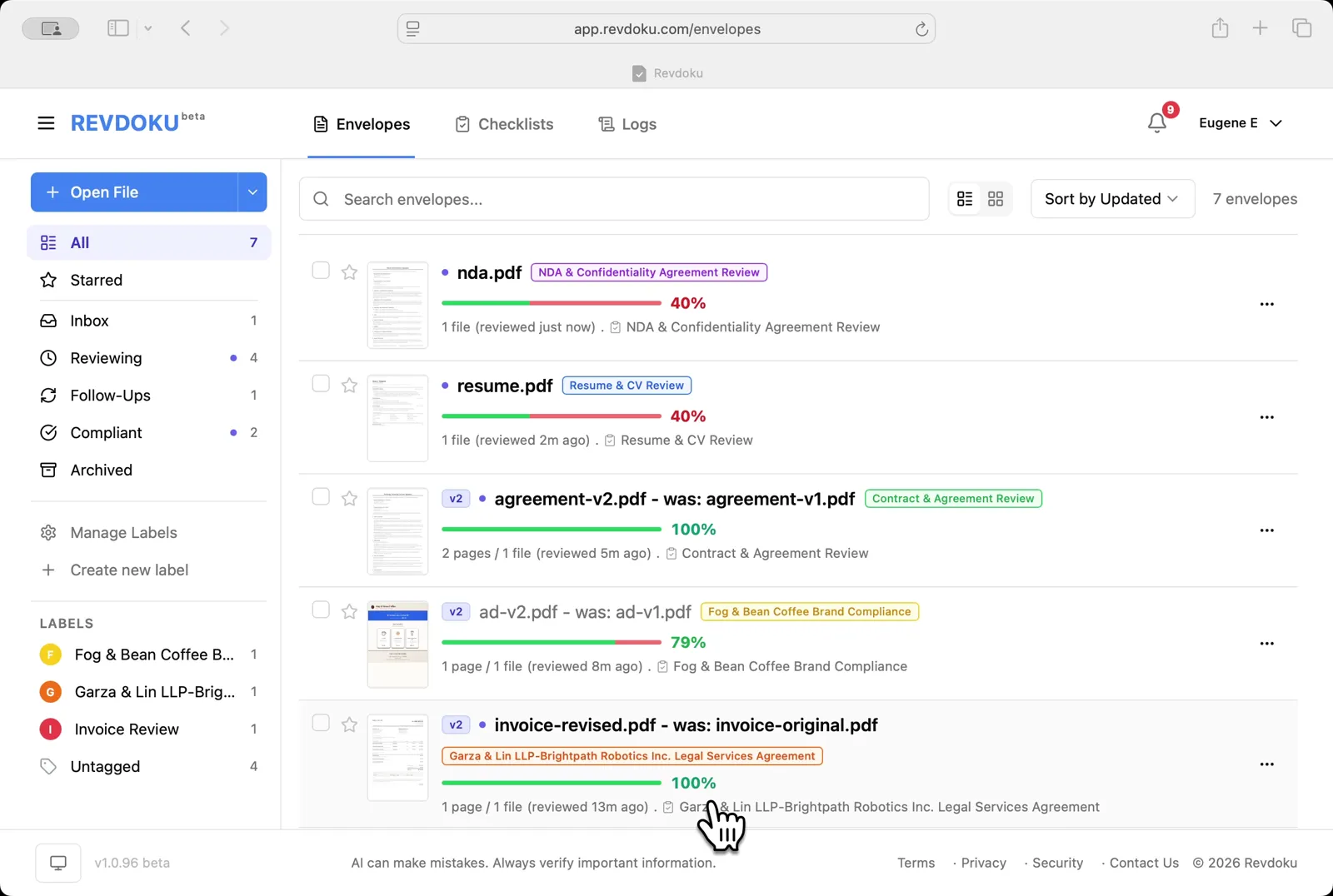
Step 1: Open the Envelopes inbox.
Open the Envelopes inbox. The inbox lists every document available for review.
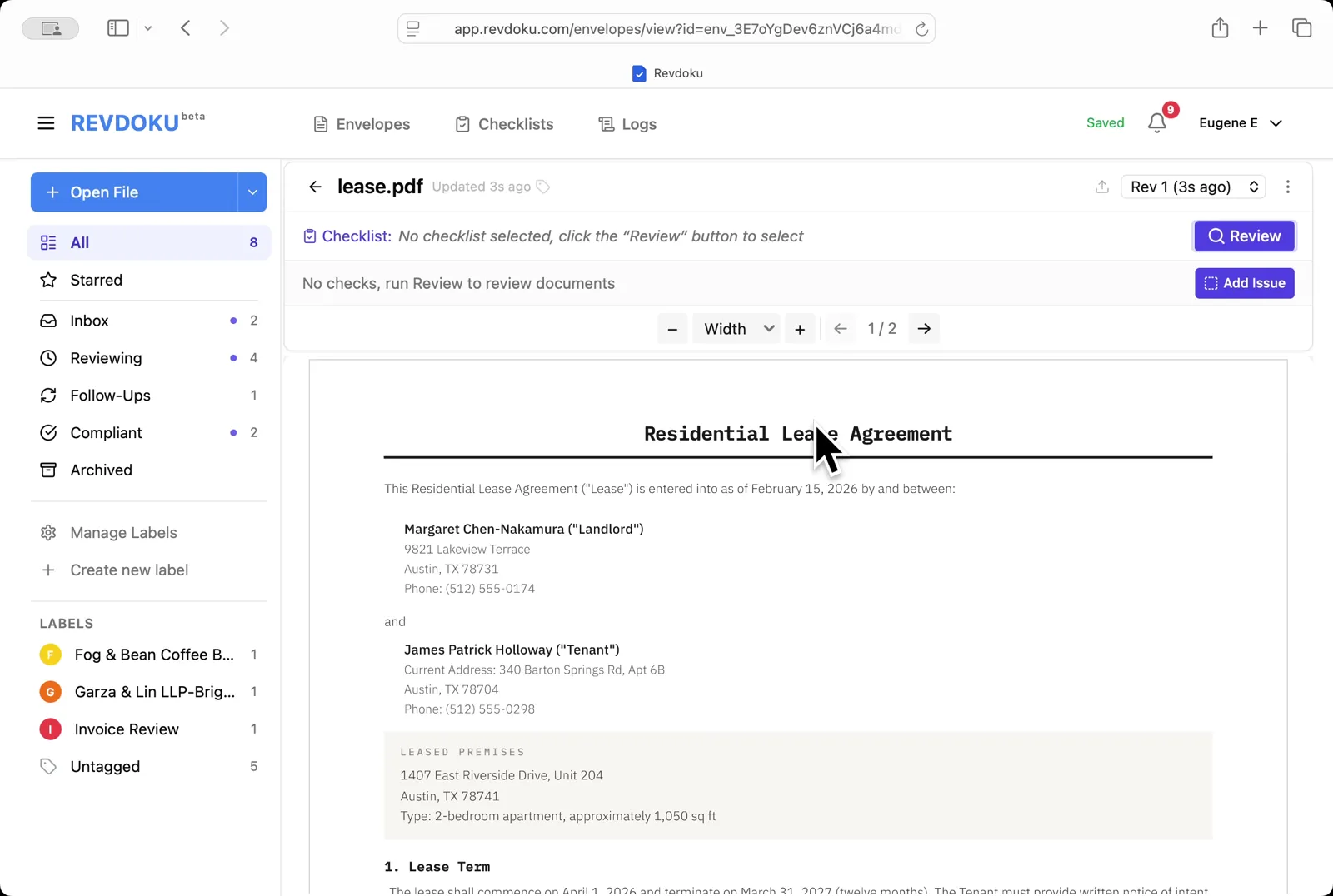
Step 2: Open the lease.
Open the lease. lease.pdf opens in the viewer — a 2-page Residential Lease Agreement between landlord Margaret Chen-Nakamura and tenant James Patrick Holloway.
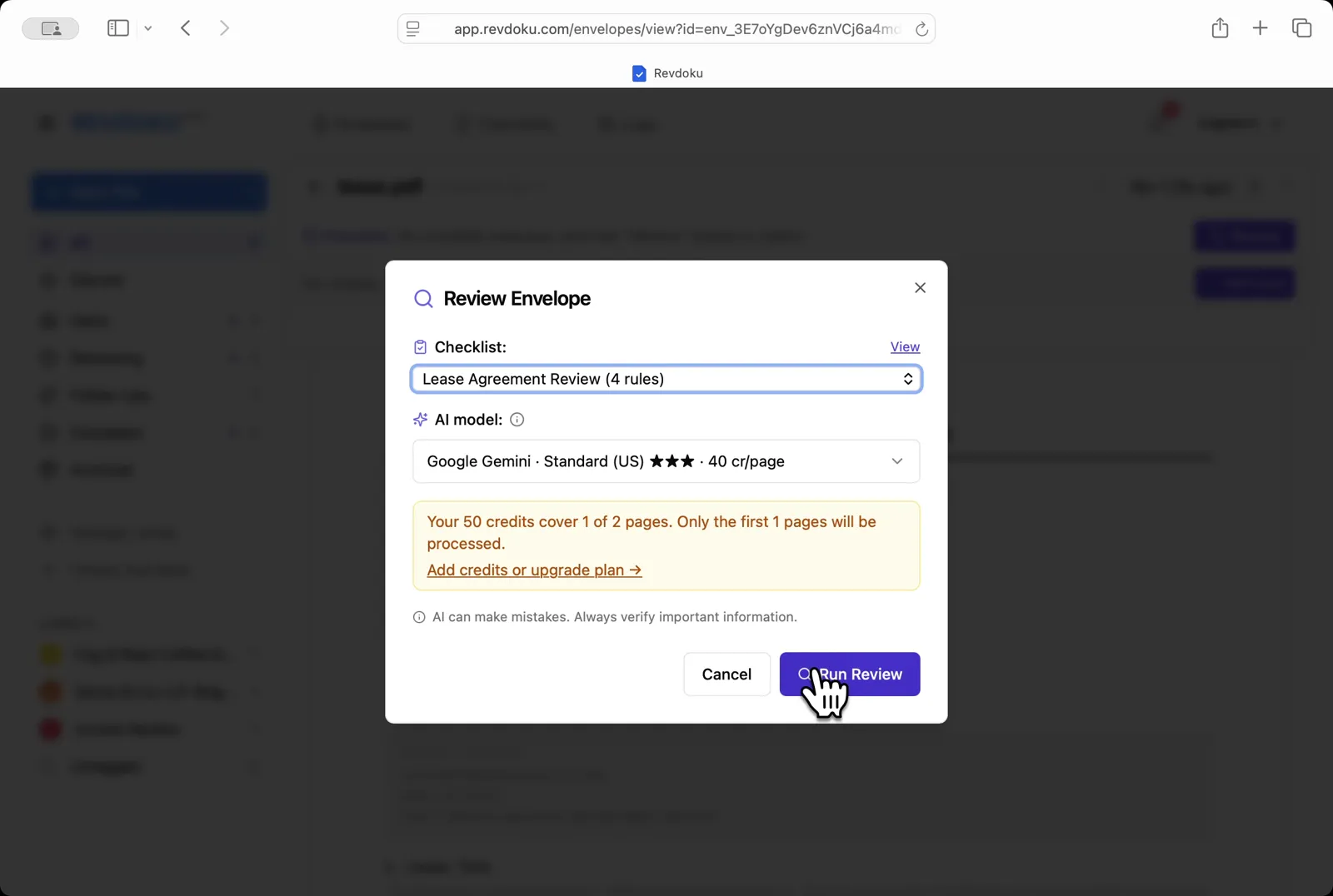
Step 3: Pick the checklist.
Pick the checklist. In the Review Envelope dialog choose Lease Agreement Review (4 rules) with Google Gemini · Standard (US), then click Run Review.
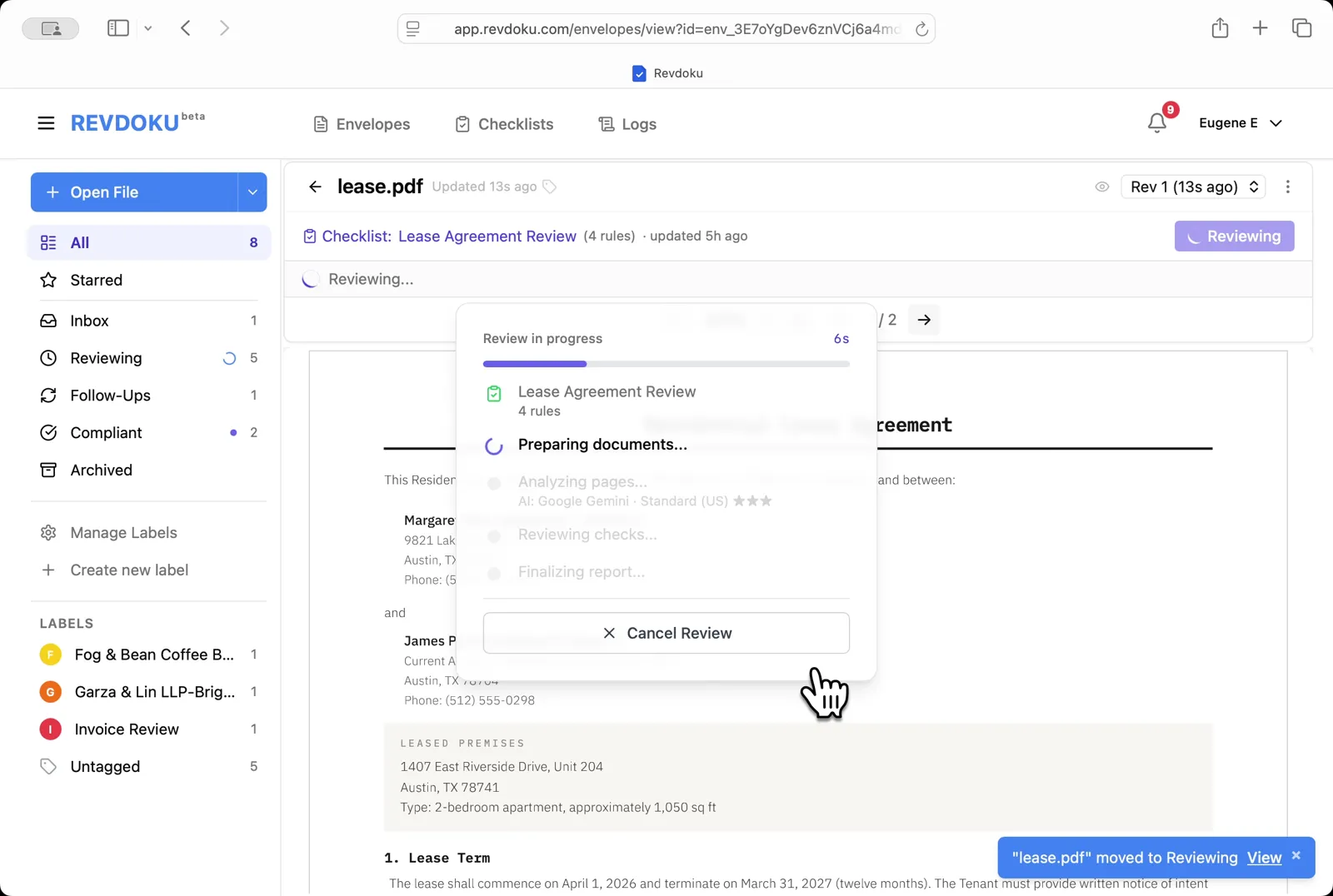
Step 4: Start the review.
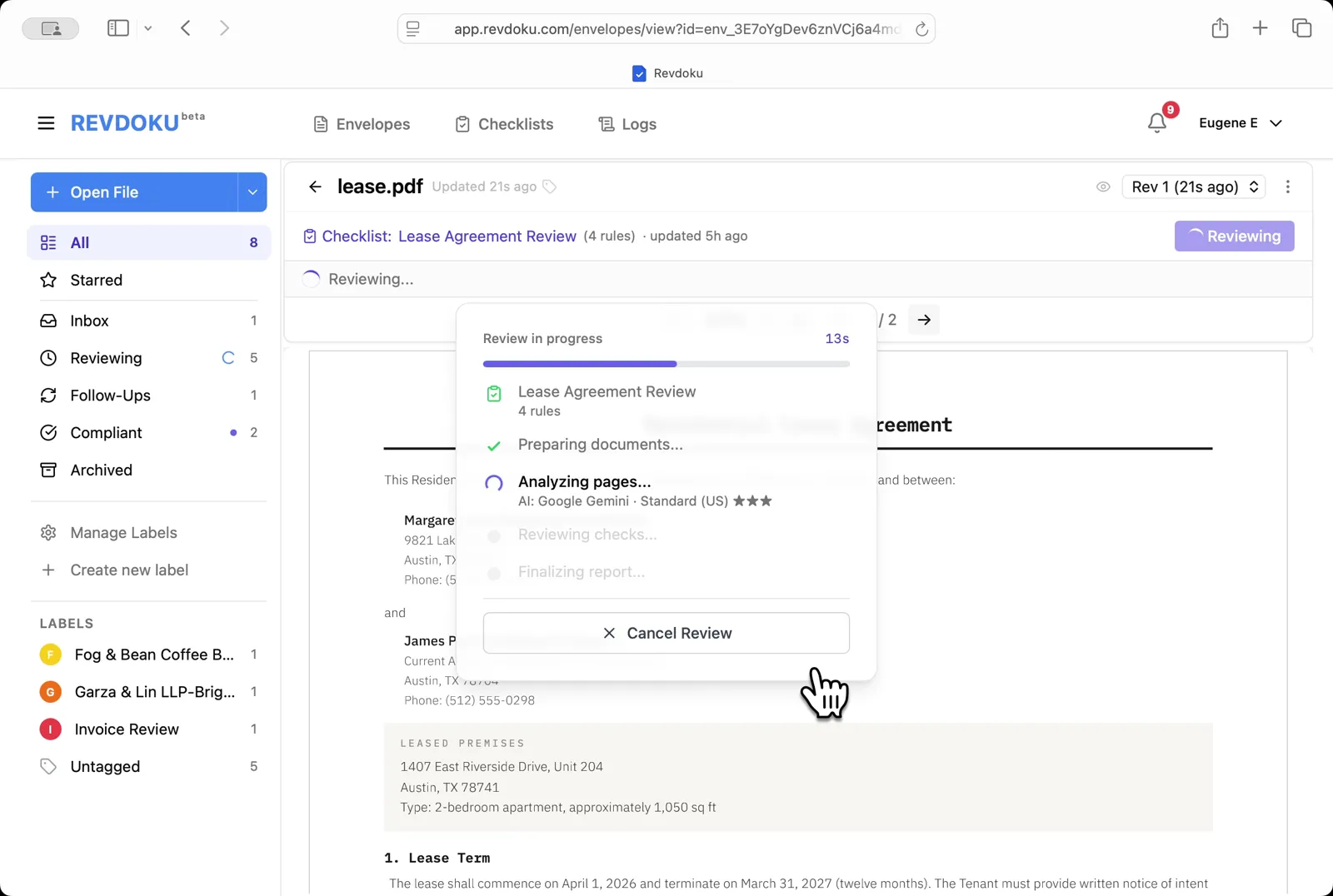
Start the review. Revdoku begins with the Preparing documents step.
Step 5: Revdoku analyzes the pages.
Revdoku analyzes the pages. It extracts the page text and runs each of the four checks against it.
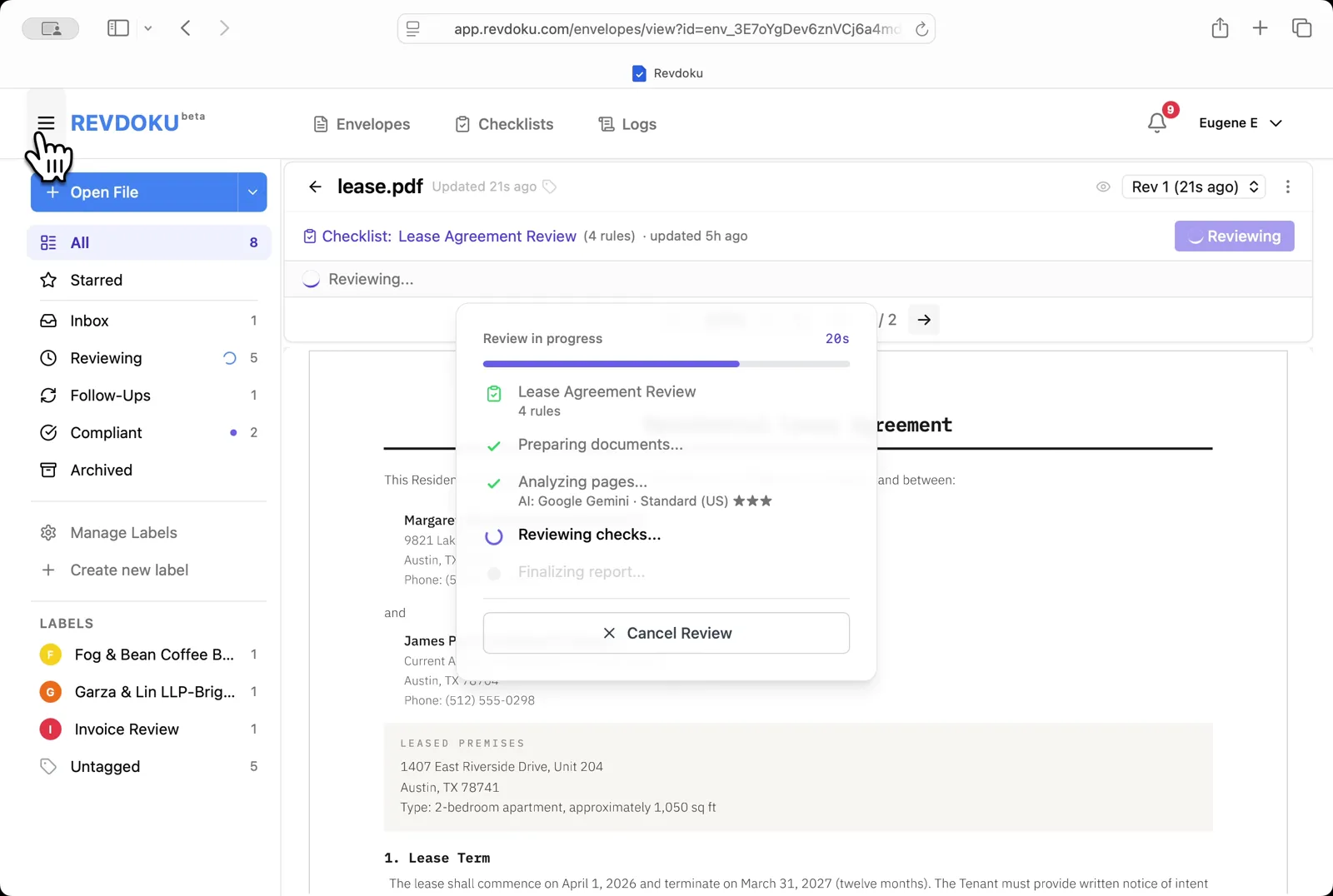
Step 6: The checks finish running.
The checks finish running. Revdoku writes the report and matches each finding to a place on the page.
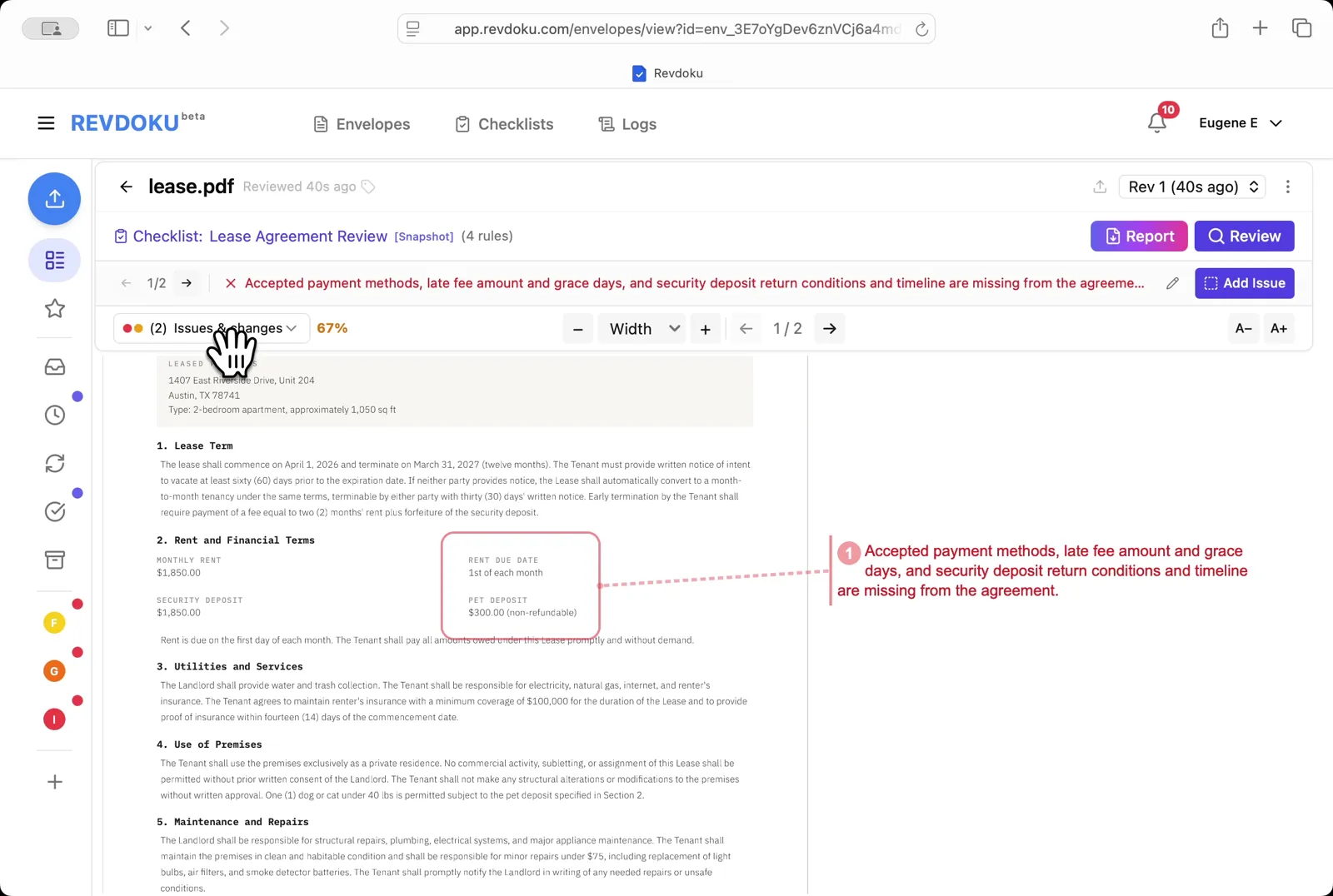
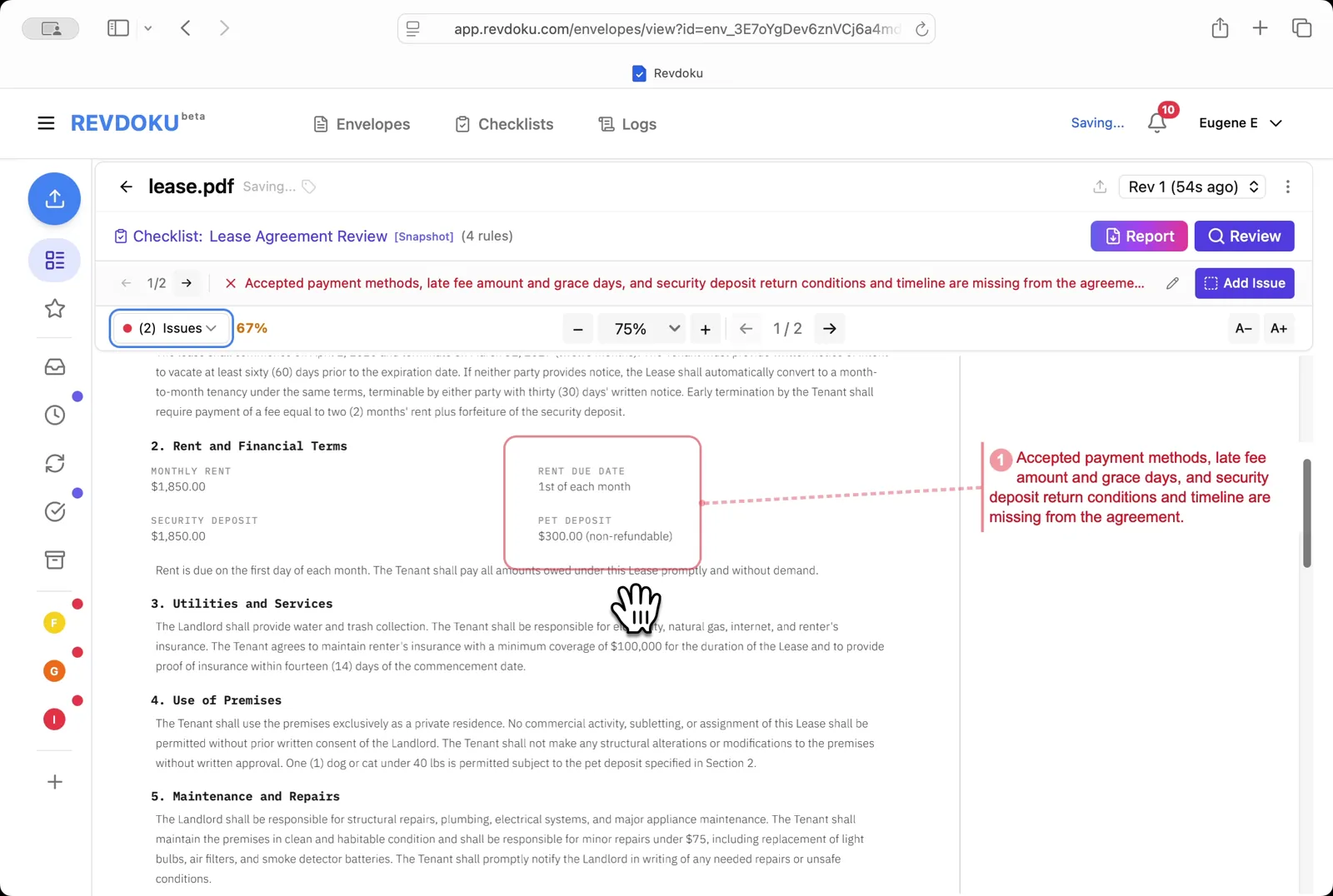
Step 7: Read the page-1 issue.
Read the page-1 issue. The red banner flags missing payment methods, missing late-fee amount and grace period, and missing security-deposit return conditions — all connected to the Rent and Financial Terms block.
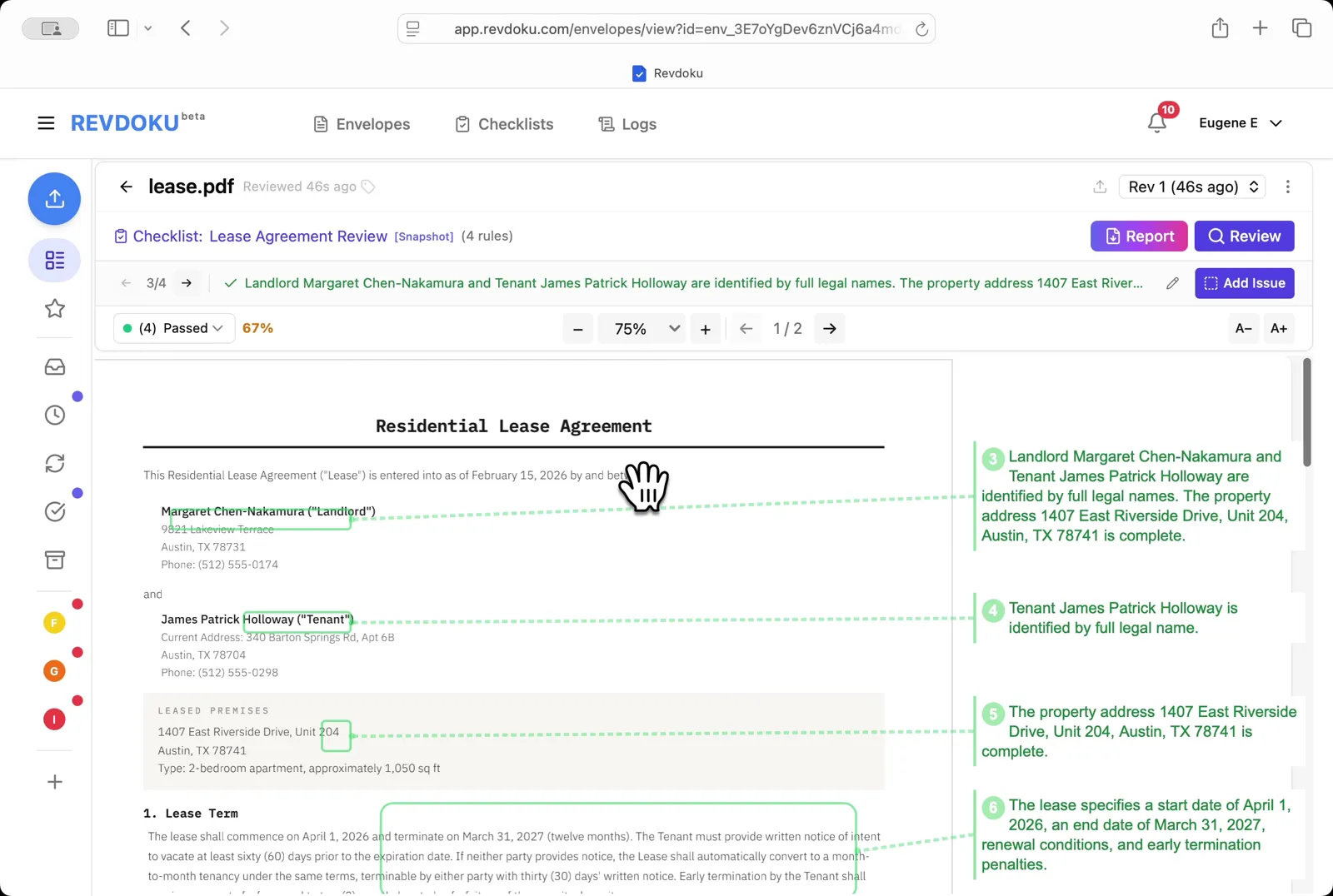
Step 8: Filter to passed checks.
Filter to passed checks. Pick Passed to see what the lease got right — both parties are identified by full legal names, the property address is complete, and the lease term, renewal, and early-termination penalties are defined.
Step 9: Read the page-2 issue.
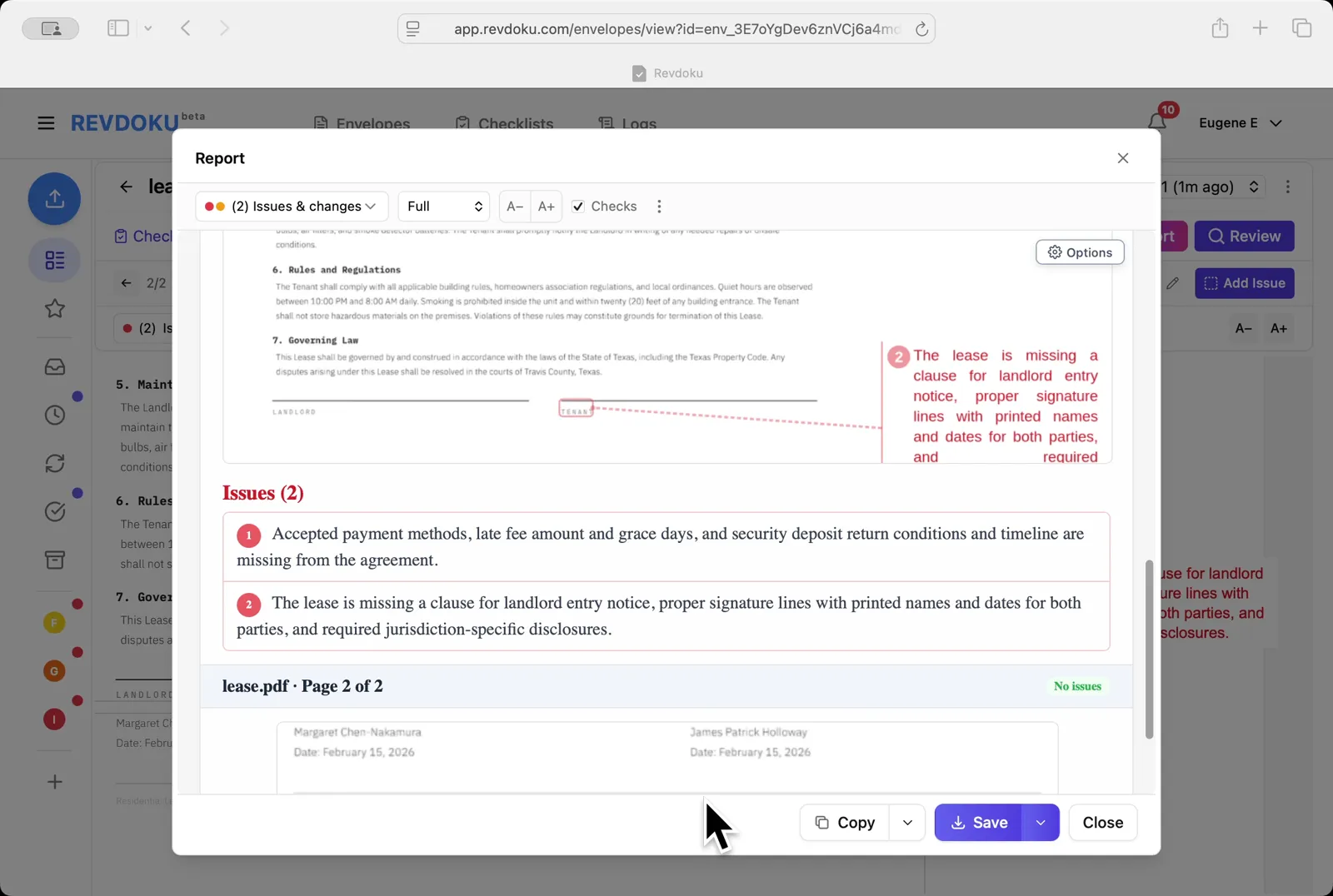
Read the page-2 issue. A second failure is surfaced: the lease is missing a landlord-entry-notice clause plus required signature lines.
Step 10: Open the Report.
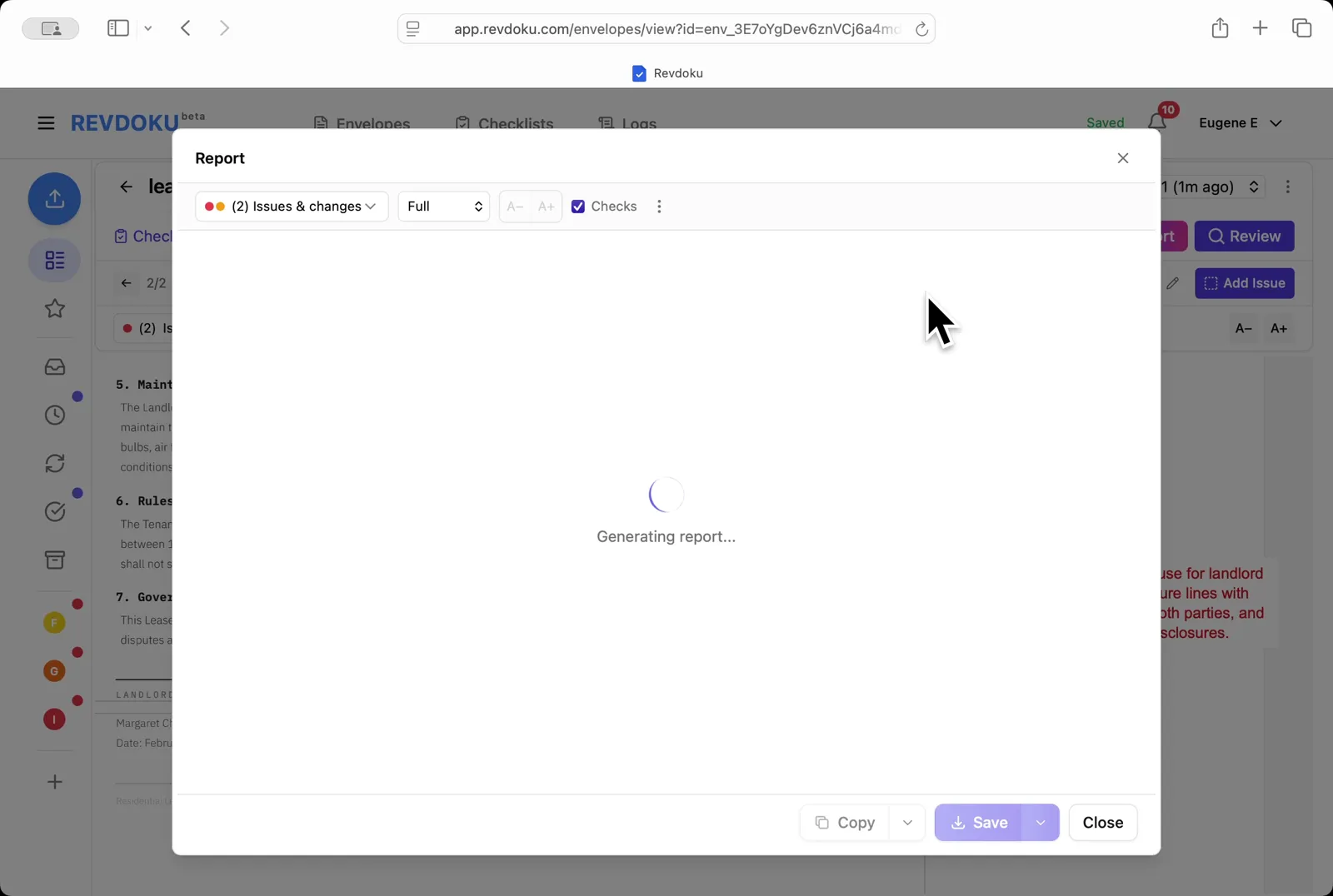
Open the Report. Pick Issues & changes / Full / Checks and Revdoku generates the annotated report.
Step 11: Save the report.
Save the report. Page 2 shows both annotated issues and the Issues (2) section lists them; use Copy or Save to export.
Conclusion
In this tutorial it was demonstrated how to use Revdoku for reviewing a residential lease. The following steps were shown:
- Open the Envelopes inbox
- Open the lease
- Pick the checklist
- Start the review
- Revdoku analyzes the pages
- The checks finish running
- Read the page-1 issue
- Filter to passed checks
- Read the page-2 issue
- Open the Report
- Save the report
What You Learned
This case showed how Revdoku can take a document, apply a structured checklist, and surface specific findings — all in under a minute. No manual line-by-line reading required.