Extract Vital Signs from a Clinical Note with Revdoku
Step 1: Open the clinical note.
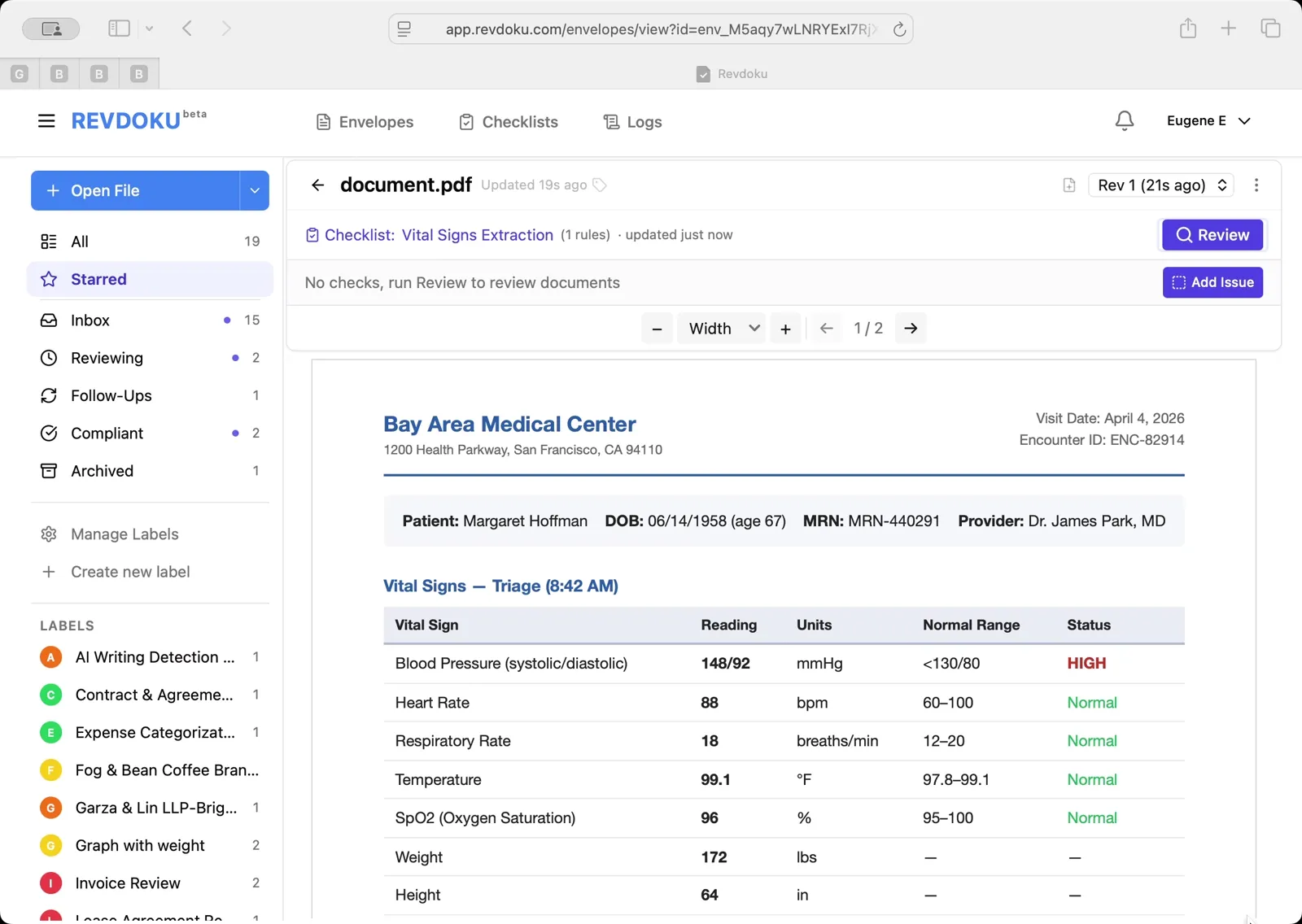
A Bay Area Medical Center encounter note for patient Margaret Hoffman is open, with a Vital Signs — Triage table listing blood pressure 148/92 (flagged HIGH), heart rate 88, SpO2 96%, and more.
Step 2: Scroll to see both vitals tables.
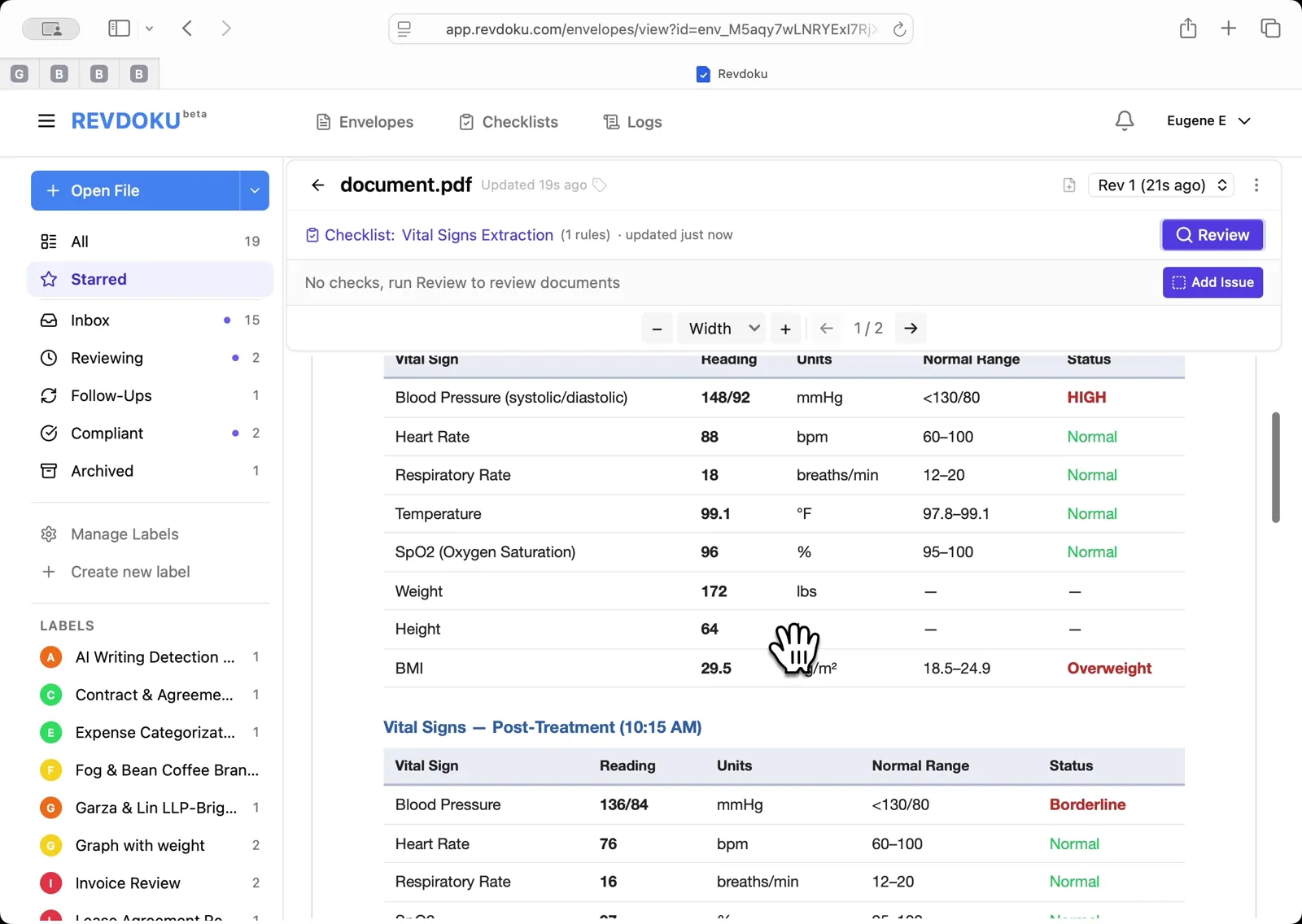
The Triage and Post-Treatment vitals sections are visible side by side, making it easy to compare readings before and after treatment.
Step 3: Run the Vital Signs Extraction checklist.
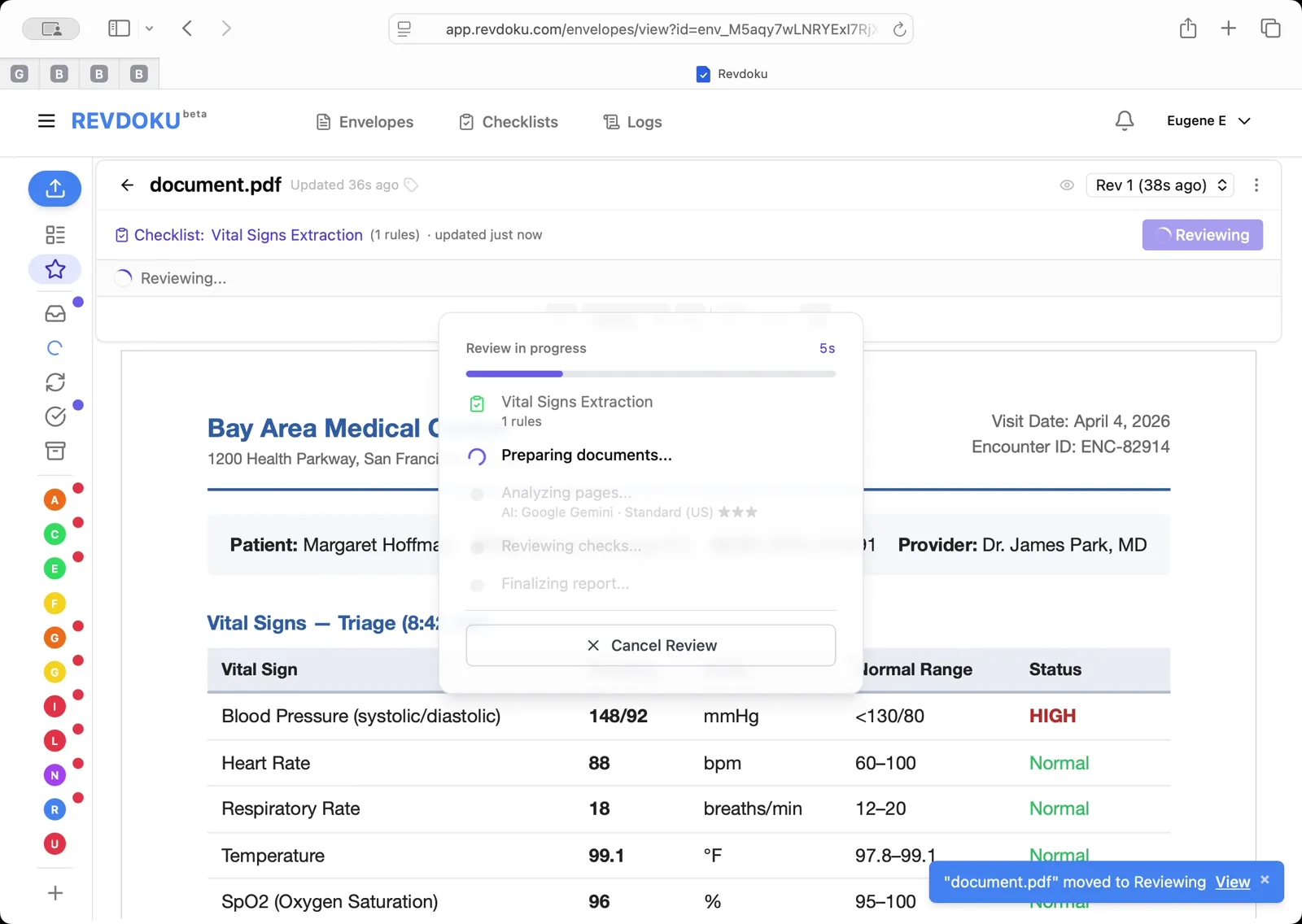
Click Review, select Vital Signs Extraction (1 rules) in the dialog, and click Run Review. Revdoku runs through Preparing, Analyzing, Reviewing, and Finalizing.
Step 4: Read the extracted readings.
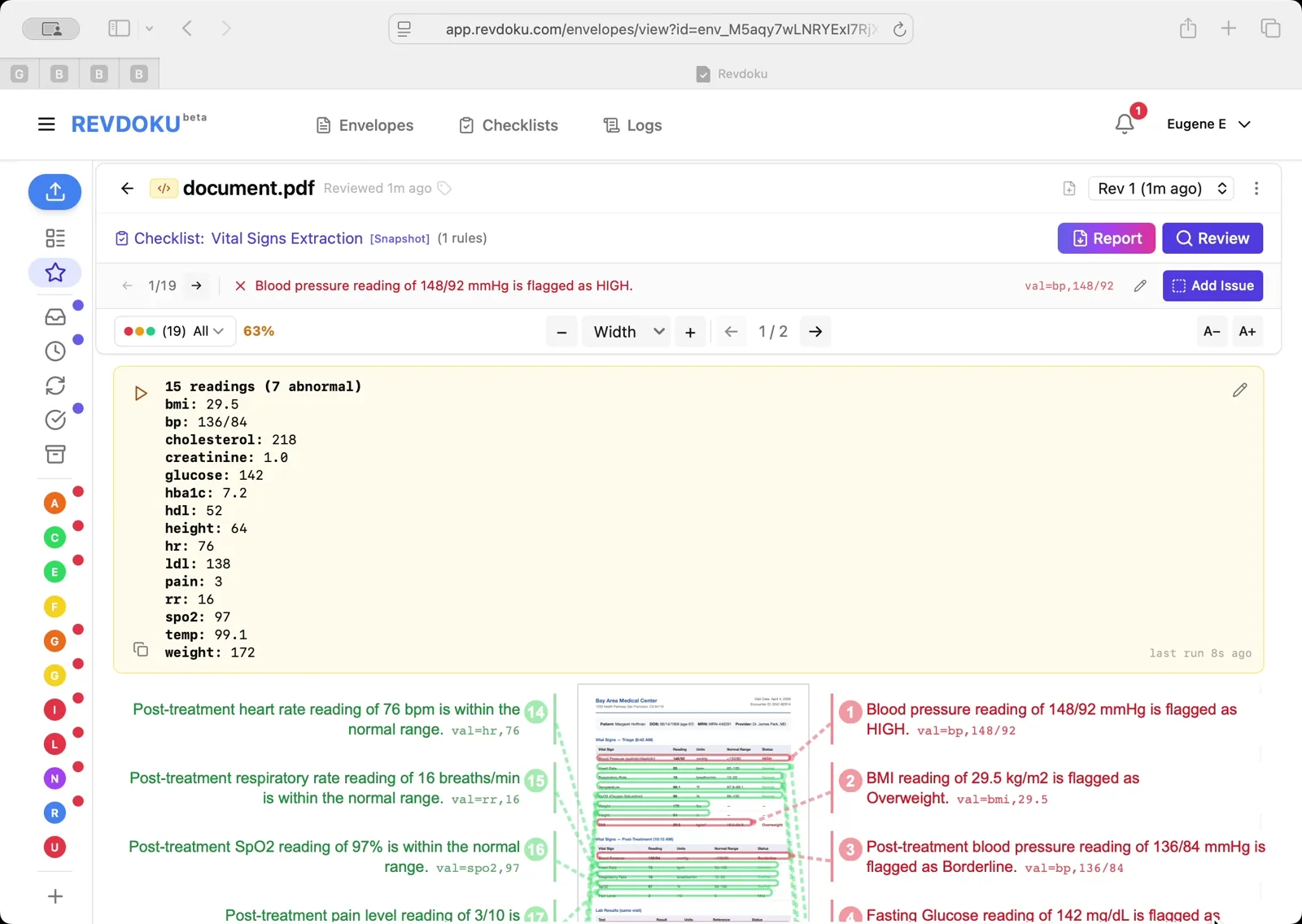
The result panel reports 15 readings, 7 abnormal — including bmi 29.5, bp 136/84, cholesterol 218, glucose 142, hba1c 7.2, ldl 138, and pain 3. Each value is tied back to the row it came from in the PDF.
What You Learned
This case showed how Revdoku can take a document, apply a structured checklist, and surface specific findings — all in under a minute. No manual line-by-line reading required.