Verify Tax Rates in a Quarterly Tax Summary with Revdoku
Step 1: Open the Quarterly Tax Summary.
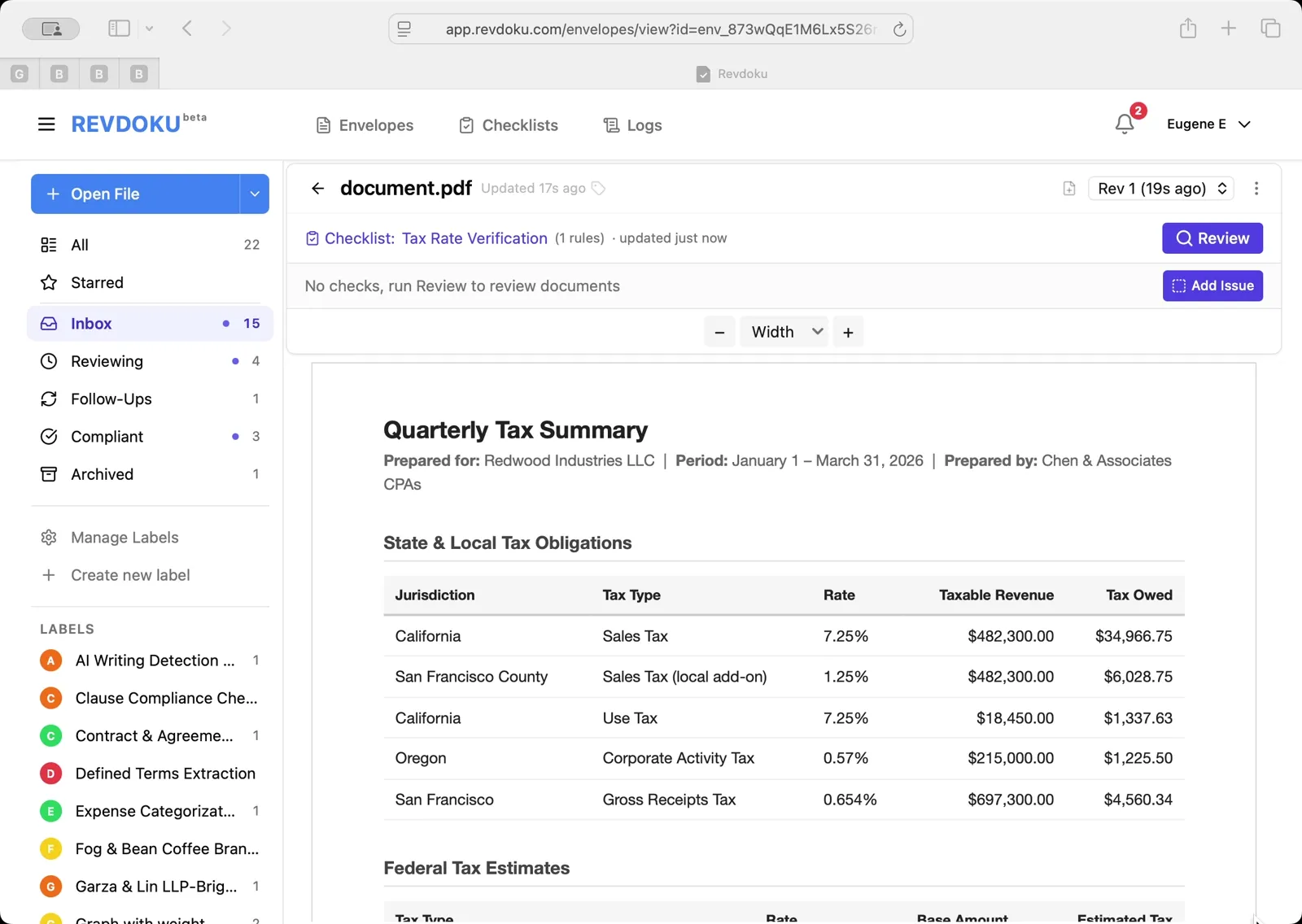
The Q1 2026 tax summary prepared by Chen and Associates CPAs for Redwood Industries LLC is open, listing state and local tax obligations with jurisdiction, tax type, rate, taxable revenue, and tax owed.
Step 2: Scroll through the tax lines.
Eleven tax lines are visible — California Sales 7.25%, San Francisco County local add-on 1.25%, California Use 7.25%, Oregon Corporate Activity 0.57%, San Francisco Gross Receipts 0.654%, and federal lines including corporate income, payroll FICA, FUTA, SDI, ETT, and SUI.
Step 3: Run the Tax Rate Verification checklist.
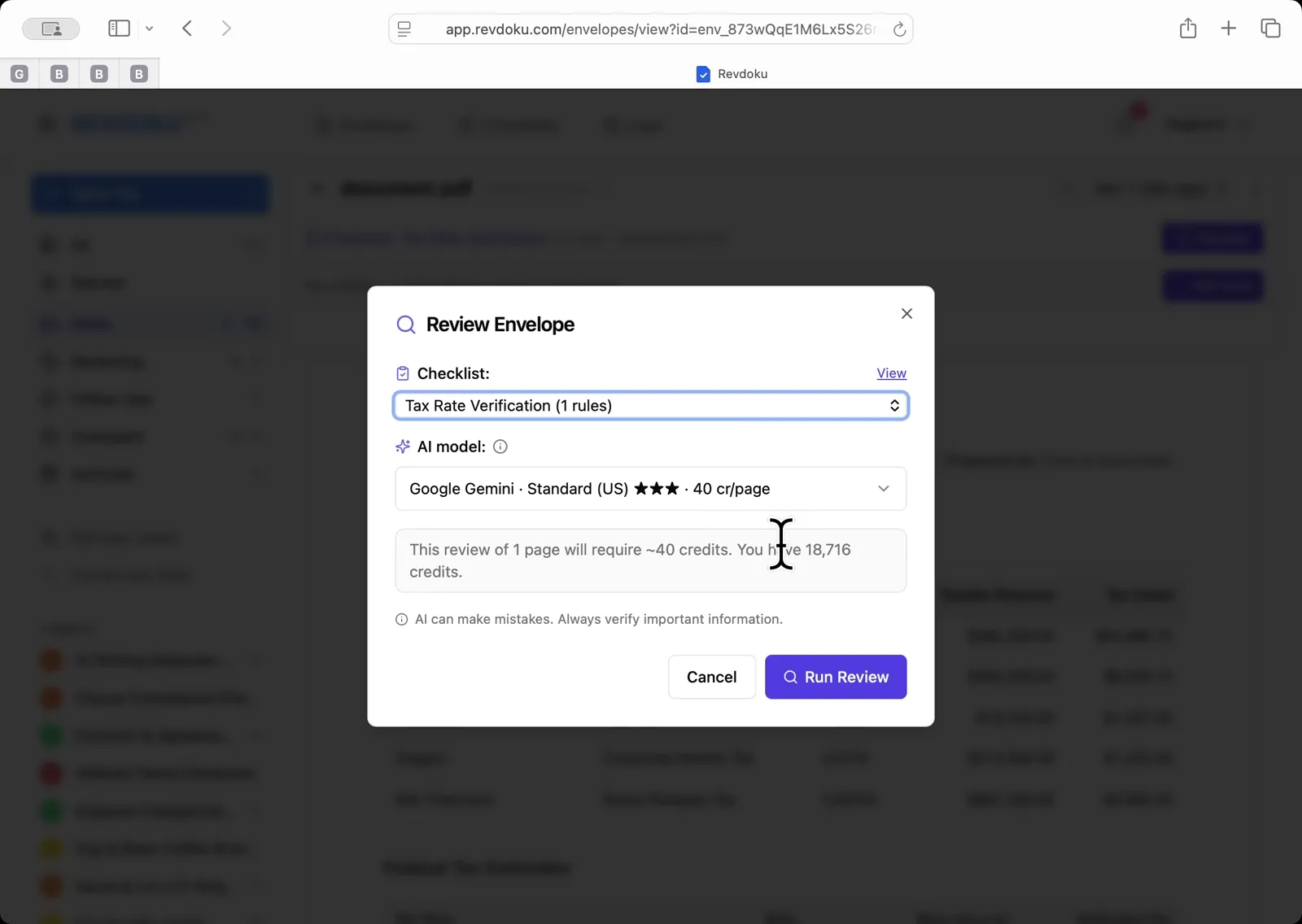
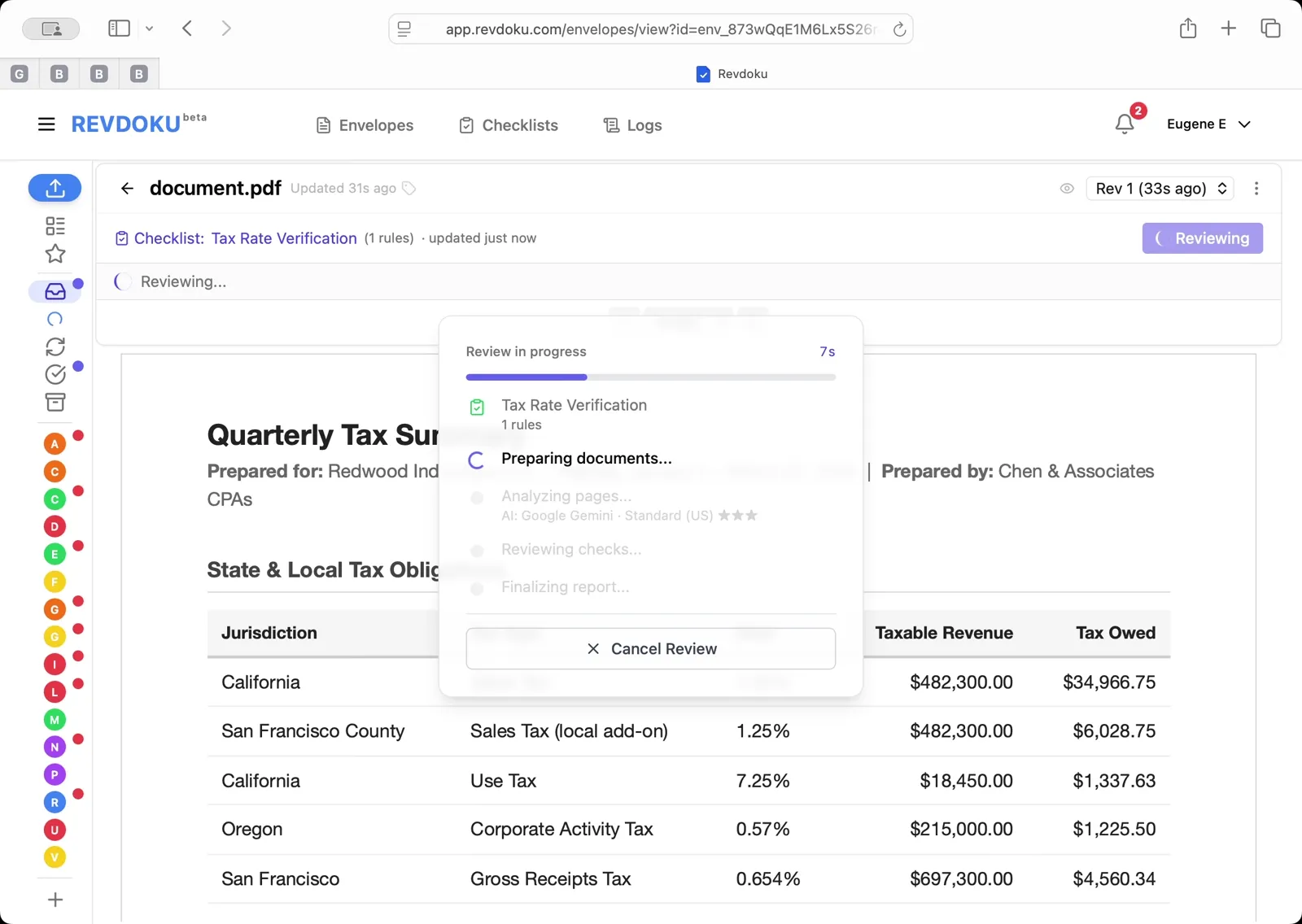
Click Review, select Tax Rate Verification (1 rules) in the dialog, and click Run Review.
Step 4: Read the verified tax rates.
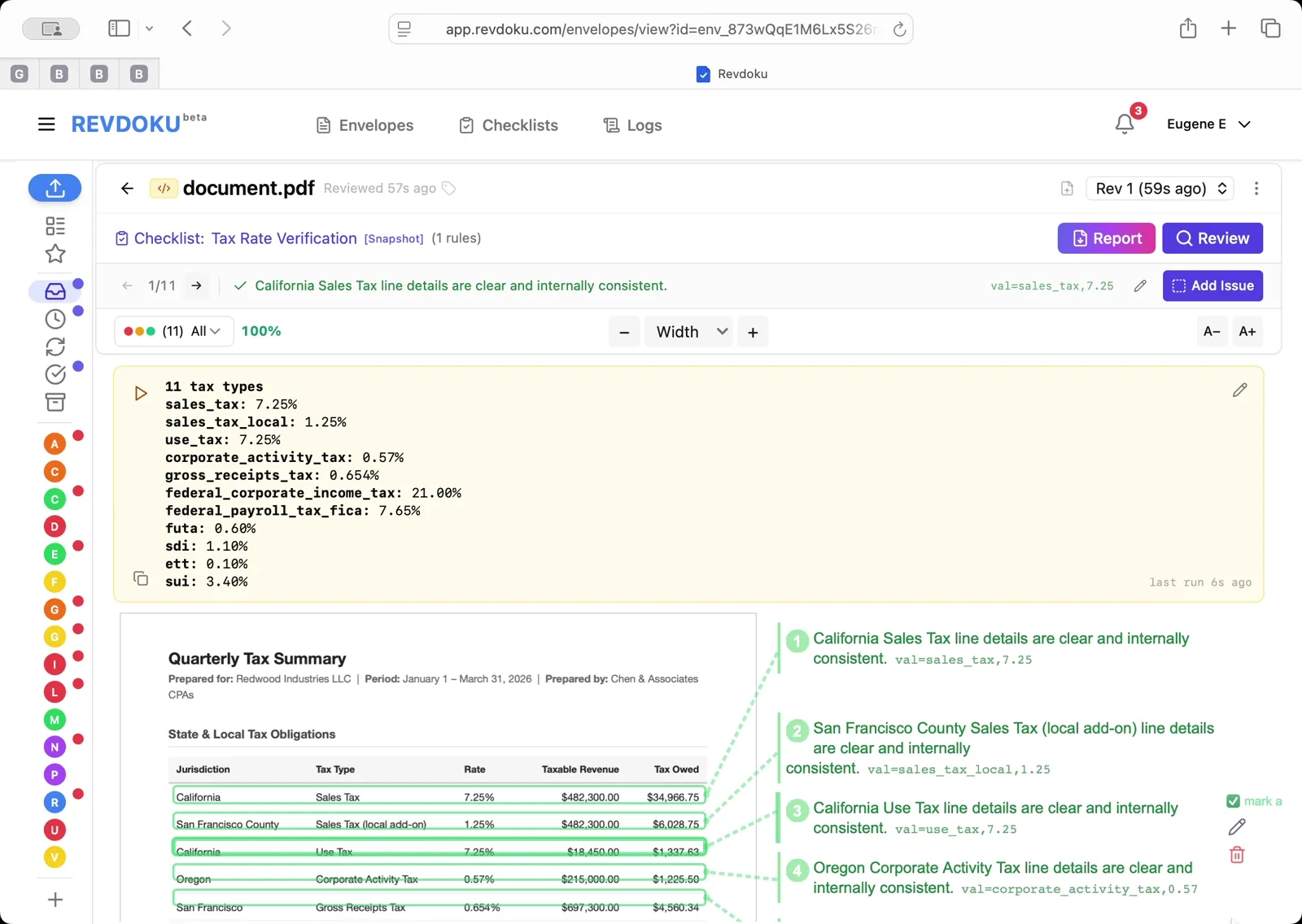
The result reports 11 tax types with their rates — sales_tax 7.25%, sales_tax_local 1.25%, use_tax 7.25%, corporate_activity_tax 0.57%, gross_receipts_tax 0.654%, federal_corporate_income_tax 21.00%, federal_payroll_tax_fica 7.65%, futa 0.60%, sdi 1.10%, ett 0.10%, and sui 3.40%. Every line is mapped back to its row and marked compliant.
What You Learned
This case showed how Revdoku can take a document, apply a structured checklist, and surface specific findings — all in under a minute. No manual line-by-line reading required.