Robin AI and Azure: what legal teams should check
Table of Contents
- Quick answer
- 1. Verify the vendor and deployment model
- 2. Ask where legal documents go
- 3. Check how playbooks work
- 4. Test Microsoft workflow fit
- 5. Build a legal AI evaluation packet
- 6. Publish the evaluation packet with Revdoku
- Checklist for the vendor call
- Takeaway
- Revdoku workflow screenshots
- Sources checked
- Quick answer
- 1. Verify the vendor and deployment model
- 2. Ask where legal documents go
- 3. Check how playbooks work
- 4. Test Microsoft workflow fit
- 5. Build a legal AI evaluation packet
- 6. Publish the evaluation packet with Revdoku
- Checklist for the vendor call
- Takeaway
- Revdoku workflow screenshots
- Sources checked
Robin AI and Azure: what legal teams should check
Searches for “Robin AI Azure” suggest a practical question: how should a legal team evaluate an AI contract or legal-workflow tool that runs on, integrates with, or is compared against Microsoft Azure-based legal AI?
Before publishing this article, verify the current vendor status and product availability for Robin AI. Legal AI products and partnerships change quickly. The safest evergreen angle is not a vendor claim. It is the evaluation checklist legal teams should use when any legal AI vendor says it is enterprise-ready, Microsoft-friendly, Azure-hosted, or suitable for contract review.
Quick answer
Do not evaluate legal AI only by the demo.
Evaluate:
- Where documents are processed.
- Which cloud provider and region are used.
- Which model provider is used.
- Whether customer documents train models.
- How retention and deletion work.
- Whether the tool works inside Microsoft Word, SharePoint, Teams, or Outlook.
- How playbooks and clause rules are managed.
- How outputs are reviewed by humans.
- Whether the vendor can export evidence for audit.
1. Verify the vendor and deployment model
Start with basic facts:
- Is the product currently available?
- Is it sold directly, through a marketplace, or through a partner?
- Is it SaaS, private cloud, customer-hosted, or hybrid?
- Does it run on Azure, AWS, Google Cloud, or another platform?
- Can customers choose region or tenant isolation?
- Is there a Microsoft 365 or Word integration?
Do not assume “Azure” means the data stays in your tenant. Ask for the actual architecture.
2. Ask where legal documents go
For contract review, the core risk is document handling.
Ask:
- Where are uploaded contracts stored?
- Are documents encrypted at rest and in transit?
- Which subprocessors can access the data?
- Are prompts, outputs, annotations, and metadata stored separately?
- Can the customer delete documents and derived outputs?
- How long are logs retained?
- Are documents used for model training by default?
Get the answers in writing.
3. Check how playbooks work
Legal AI is only useful if it follows the team’s rules.
Review:
- How clause playbooks are created.
- Whether playbooks can vary by jurisdiction, customer type, or contract type.
- Whether business users can edit rules safely.
- Whether the tool explains why it flagged a clause.
- Whether the tool links findings to source text.
- Whether reviewers can accept, reject, or override suggestions.
The best legal AI workflow is not “AI says yes.” It is “AI flags the issue, cites the document, applies the playbook, and leaves a review trail.”
4. Test Microsoft workflow fit
If the search intent is Azure or Microsoft-related, test actual Microsoft workflows:
- Word documents with tracked changes.
- SharePoint document libraries.
- Teams collaboration.
- Outlook attachment intake.
- Microsoft Purview or retention rules.
- Entra ID / SSO.
- DLP and sensitivity labels.
Ask whether the integration is native, partial, roadmap-only, or handled by export/import.
5. Build a legal AI evaluation packet
Use the same sample documents across vendors:
legal-ai-evaluation/
  README.md
  vendor-questions.md
  playbook.md
  sample-contracts/
    mutual-nda.docx
    vendor-msa.pdf
    lease-agreement.pdf
  outputs/
    robin-ai-notes.md
    azure-legal-agent-notes.md
    other-vendor-notes.md
  scorecard.csv
Track:
- Accuracy.
- False positives.
- Missed risks.
- Citation quality.
- Redline quality.
- Speed.
- Exportability.
- Reviewer trust.
- Data-handling answers.
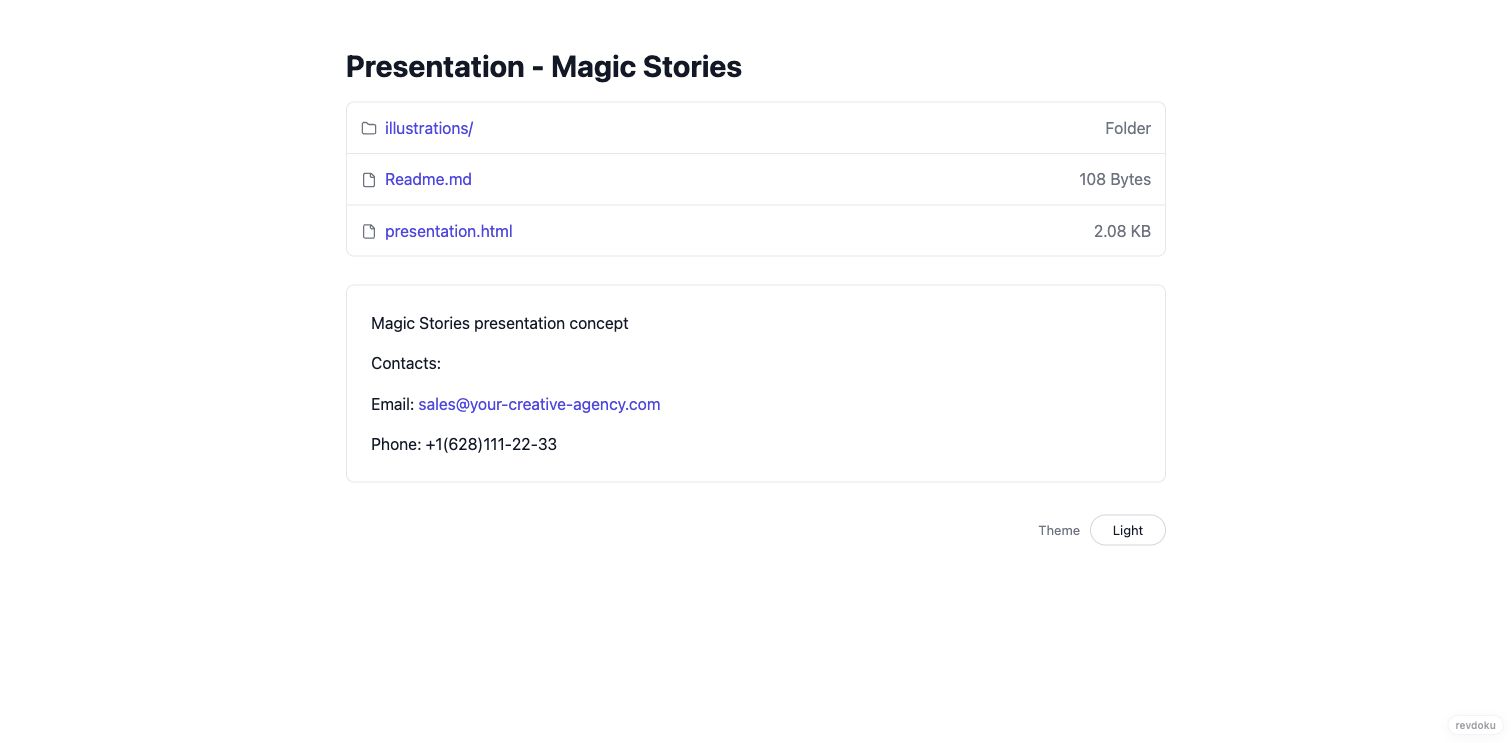
6. Publish the evaluation packet with Revdoku
Legal AI evaluation is a file-heavy process. You may need to share PDFs, DOCX exports, CSV scorecards, screenshots, and notes with partners, security reviewers, or procurement.
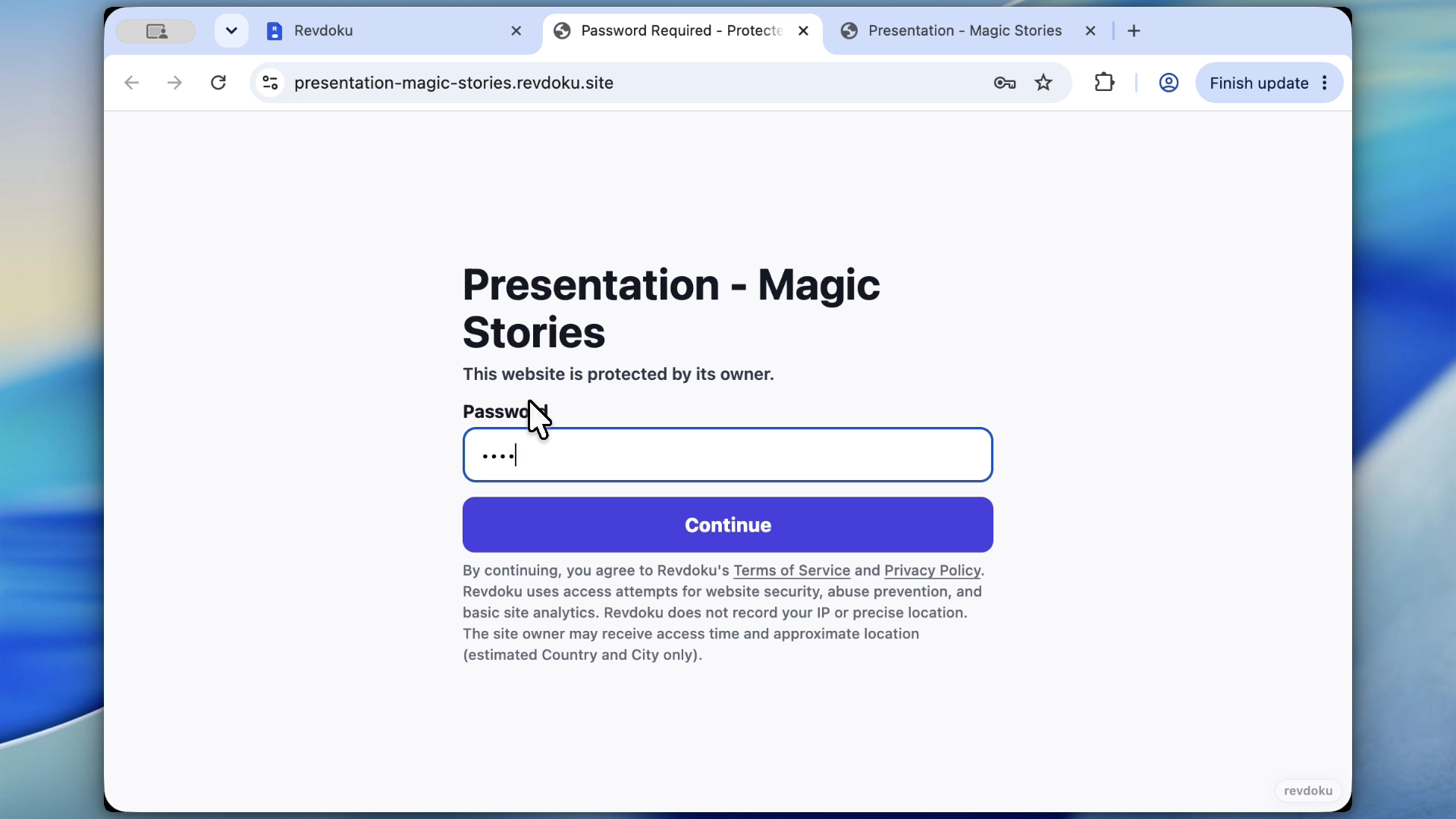
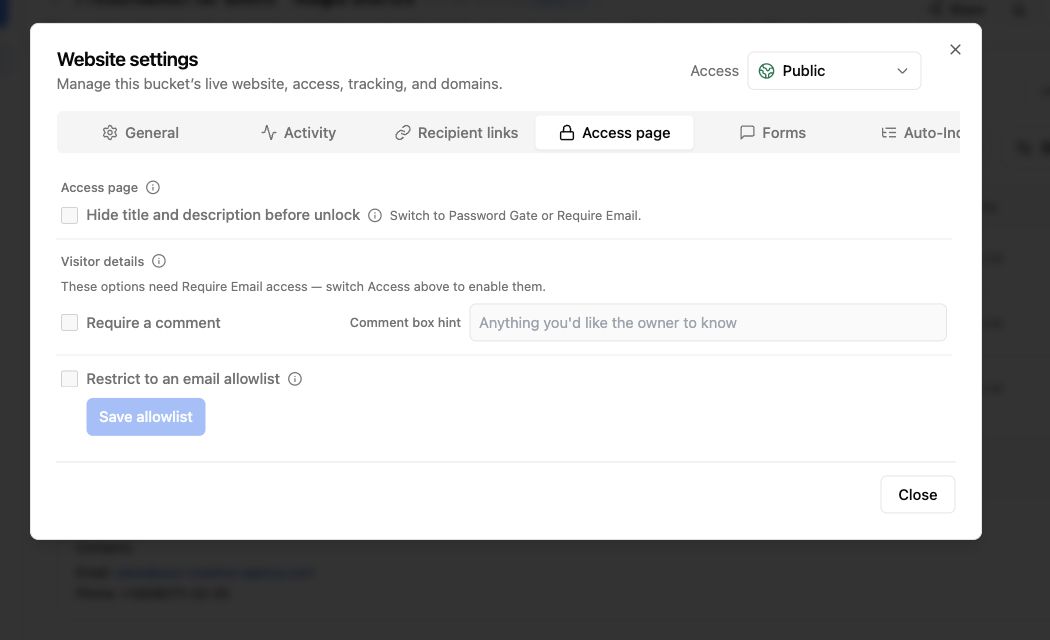
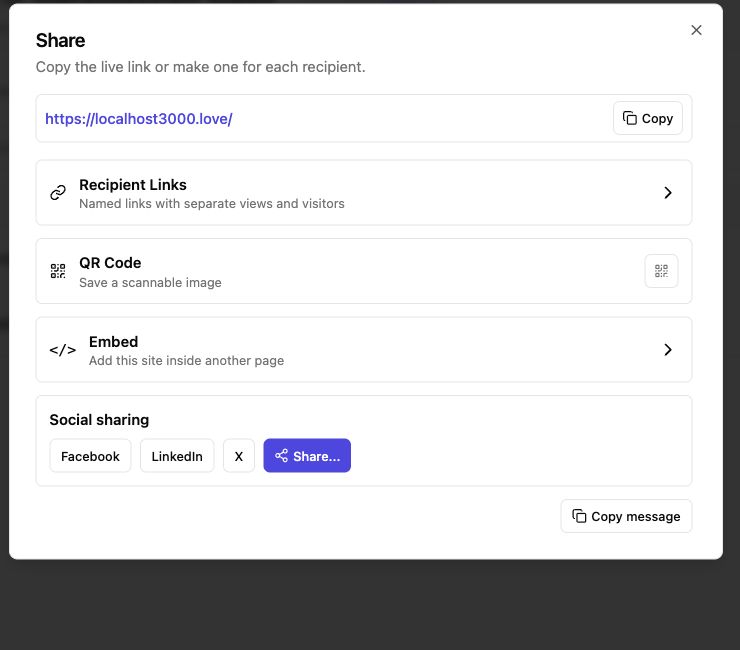
Use Revdoku to publish the packet:
- Upload the evaluation folder.
- Publish it as a protected site.
- Use a password gate.
- Share one URL with reviewers.
- Keep all vendor notes and scorecards together.
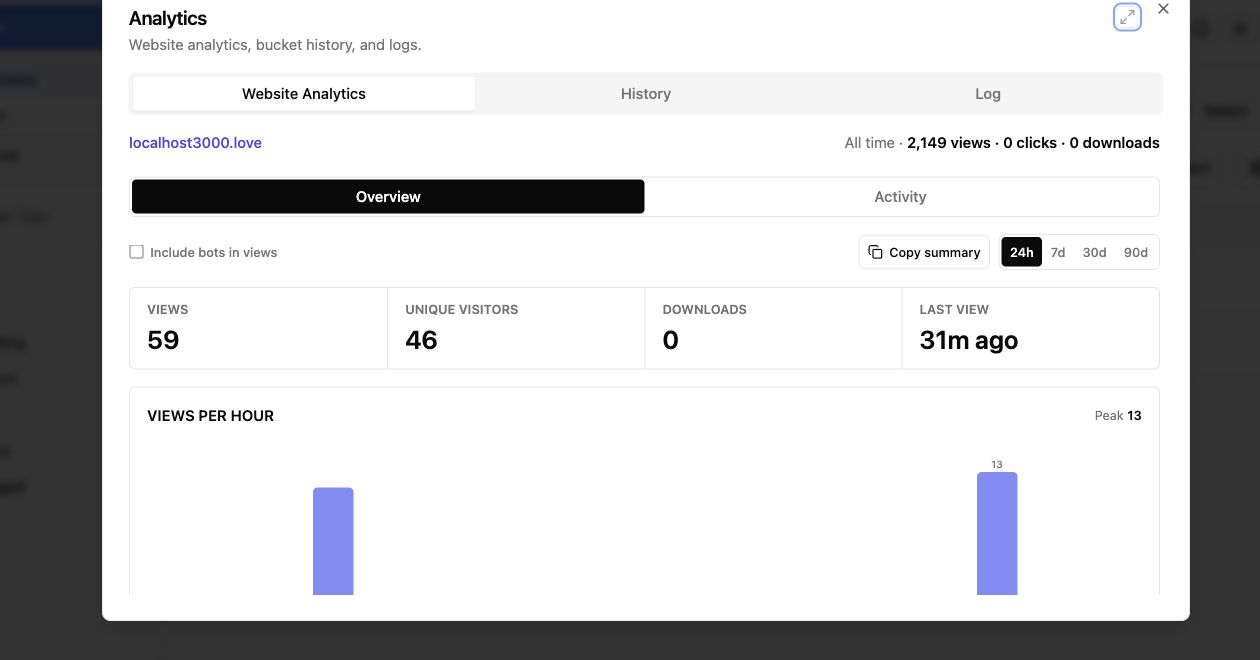
- Review access analytics after sharing.
Checklist for the vendor call
Ask these questions:
- What cloud provider and region process our documents?
- Can we choose data residency?
- Are documents used for training?
- What logs are stored?
- How do we delete documents and outputs?
- Which model providers are used?
- Can the tool run against our clause playbook?
- Can findings be exported?
- Does the tool support Word tracked changes?
- Does the tool support SSO and role-based access?
- Can we audit reviewer actions?
- What happens when the AI is uncertain?
Takeaway
For legal AI, the important question is not only “does the AI understand contracts?” It is whether the whole workflow is safe enough for legal documents.
Use Revdoku to organize and share the evaluation evidence: source documents, vendor answers, test outputs, scorecards, and review notes.
Revdoku workflow screenshots
Sources checked
- Revdoku GSC query signal for
"robin ai" azure. - Revdoku directory target: https://revdoku.com/directory/robin-ai/
- Microsoft legal AI and Azure search context should be rechecked before final publication because legal AI vendor status changes quickly.