The Pre-Publish Checklist for AI-Built Websites That Do Not Look Vibe-Coded
Table of Contents
- 1. Check the first viewport for AI-built website polish
- 2. Check the Revdoku file set before publishing
- 3. Check copy so it is not vibe coded
- 4. Publish privately to review AI site before launch
- 5. Watch what breaks during pre-publish checklist review
- 6. Publish the approved version
- Ask ChatGPT to check access before sharing
- Takeaway
- 1. Check the first viewport for AI-built website polish
- 2. Check the Revdoku file set before publishing
- 3. Check copy so it is not vibe coded
- 4. Publish privately to review AI site before launch
- 5. Watch what breaks during pre-publish checklist review
- 6. Publish the approved version
- Ask ChatGPT to check access before sharing
- Takeaway
A pre-publish checklist for AI-built websites should catch visible failures: generic hero copy, overlapping text, missing mobile states, placeholder testimonials, weak contrast, broken links, and nonworking forms.
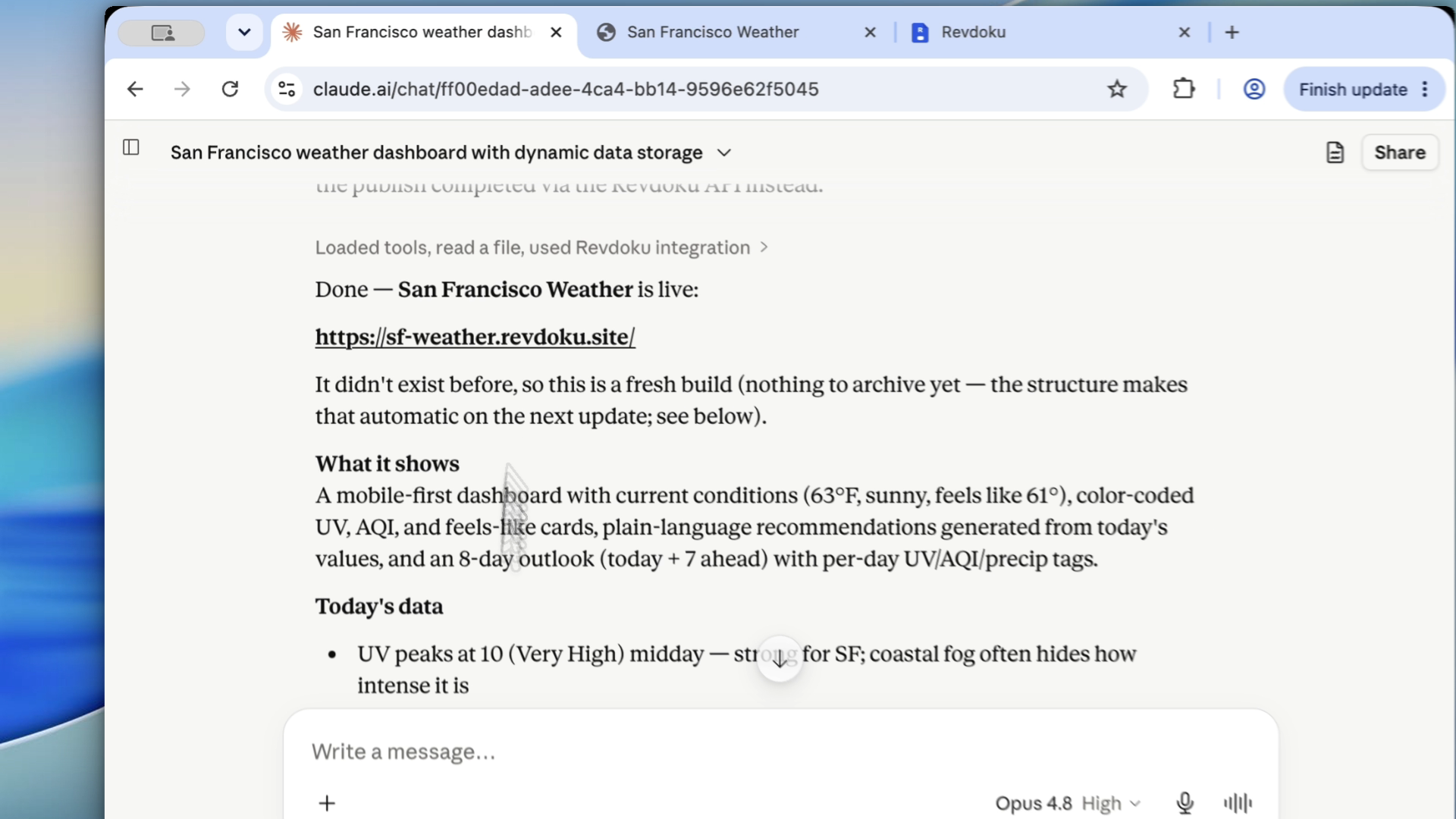
Use this to review AI site before launch, add polish, and make the result look intentional, not vibe coded.
1. Check the first viewport for AI-built website polish
Review the page at desktop and mobile sizes. The first screen should clarify the offer without overlapping text, cropped buttons, or clutter.
Check:
- headline fits,
- buttons are readable,
- nav is usable,
- screenshots are not tiny,
- nothing important is clipped.
2. Check the Revdoku file set before publishing
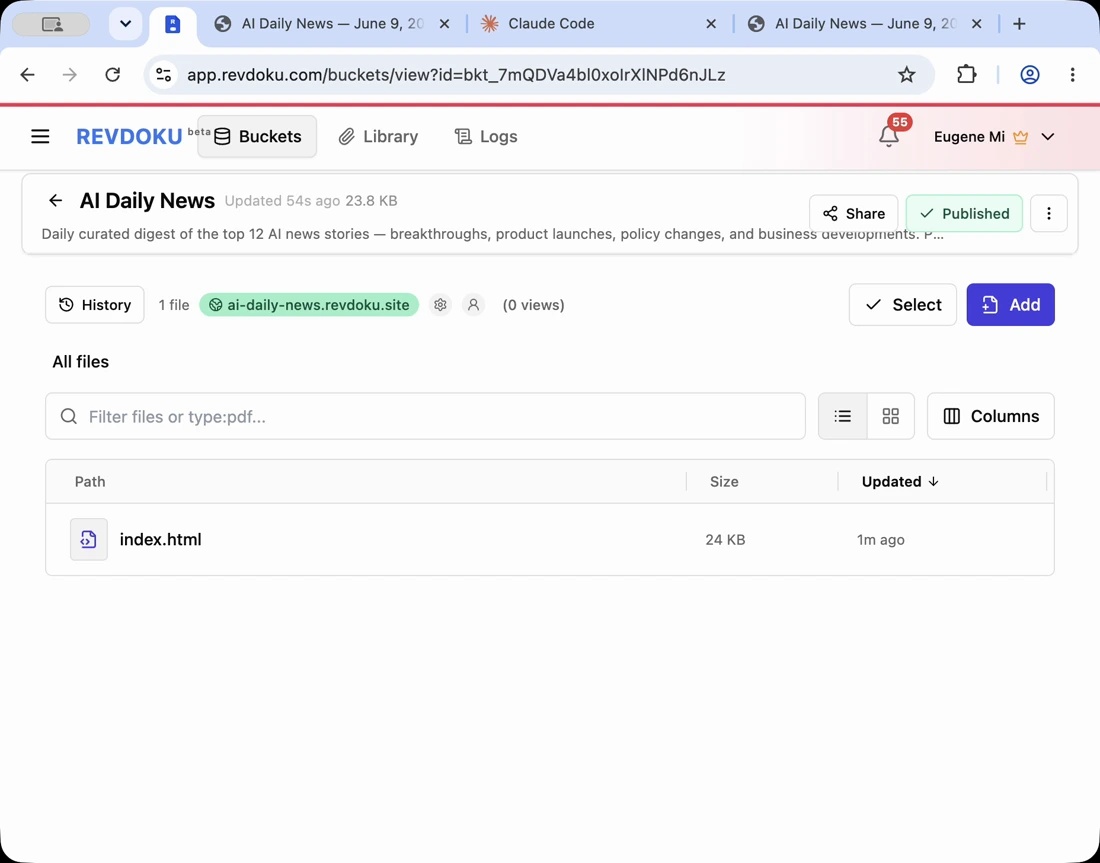
Generated folders, including Revdoku site buckets, may contain extra files. Remove drafts, private screenshots, old exports, and placeholder data before publishing.
3. Check copy so it is not vibe coded
Search for:
- “smooth”,
- “open”,
- “improve”,
- fake customer quotes,
- vague feature cards,
- claims without proof,
- repeated paragraph structure.
Rewrite around the product, audience, and use case so the page feels specific and launch-ready.
4. Publish privately to review AI site before launch
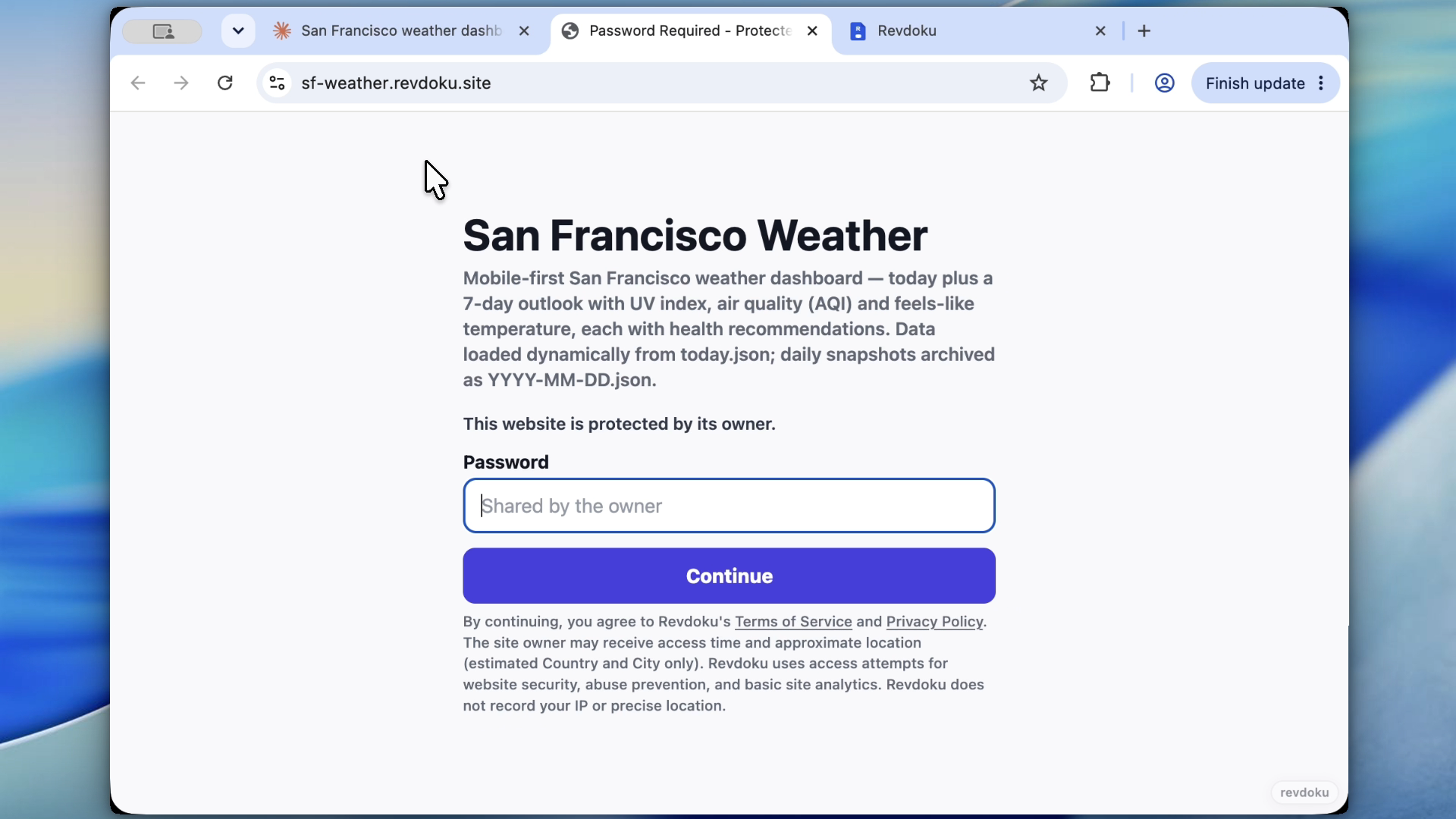
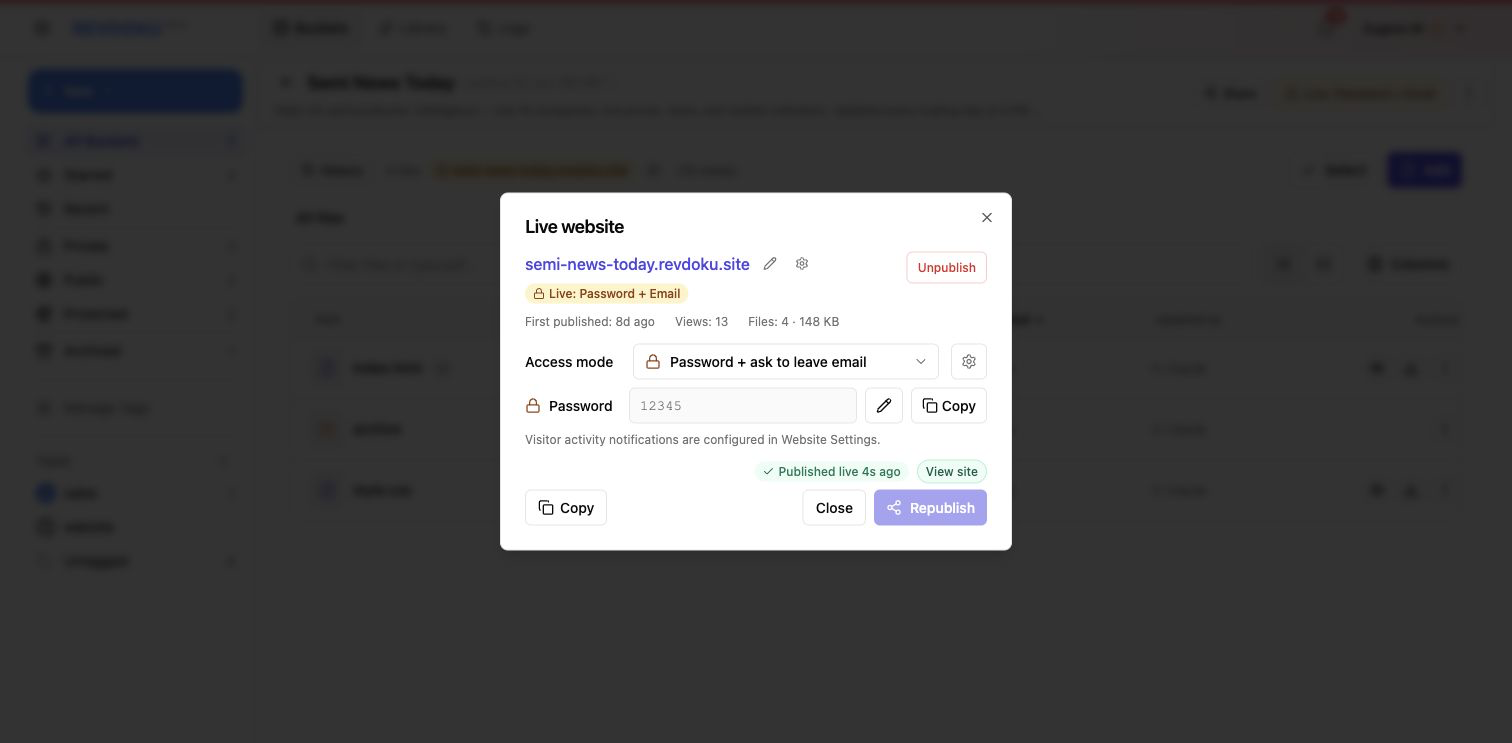
Use password access during the polish pass. Use password-plus-email to see which reviewer opened the page.
5. Watch what breaks during pre-publish checklist review
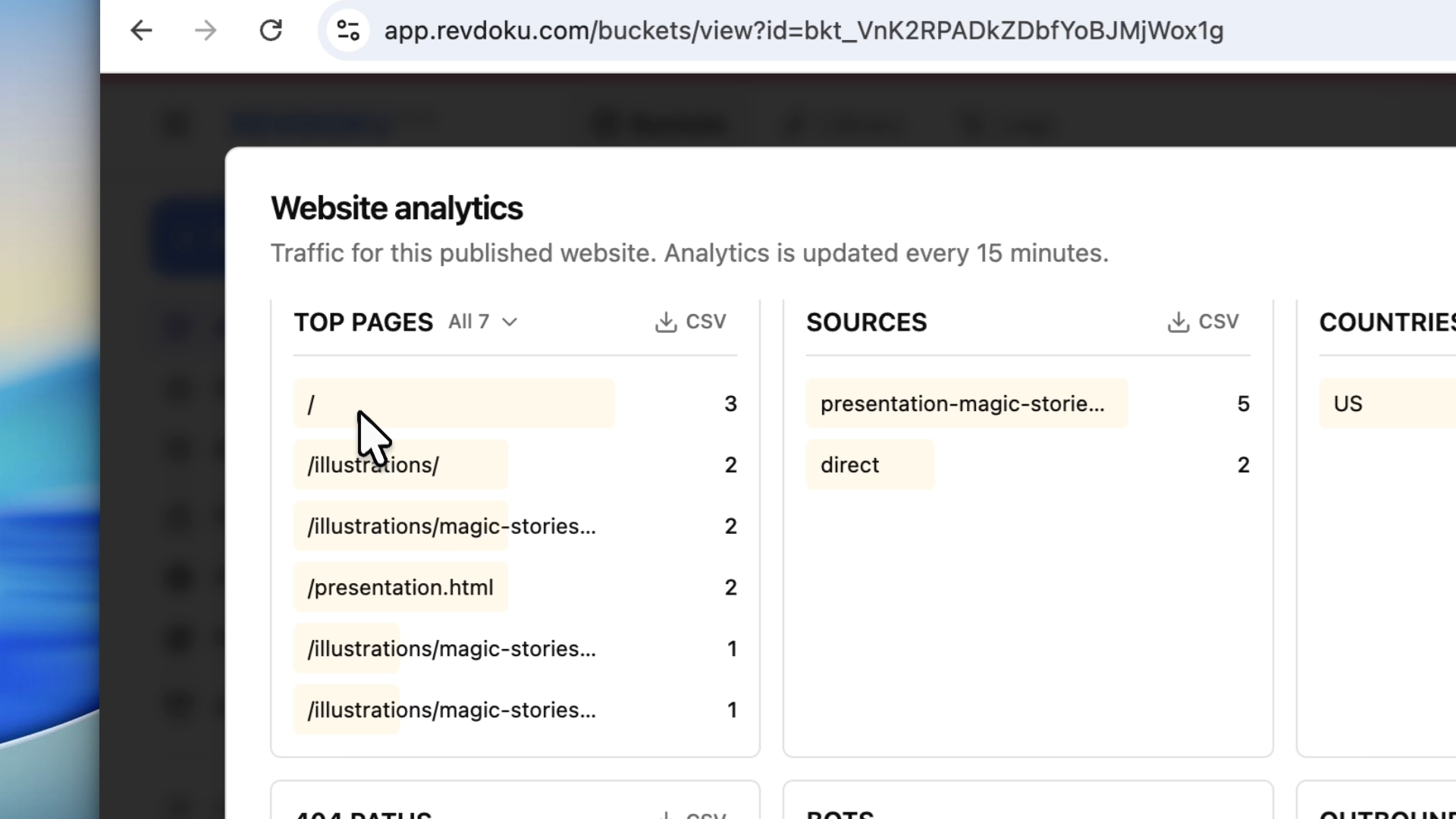
Analytics can reveal missing paths, unexpected referrers, and pages visitors open.
6. Publish the approved version
After checking the site in Revdoku, publish the same bucket publicly or keep protected access.
Ask ChatGPT to check access before sharing
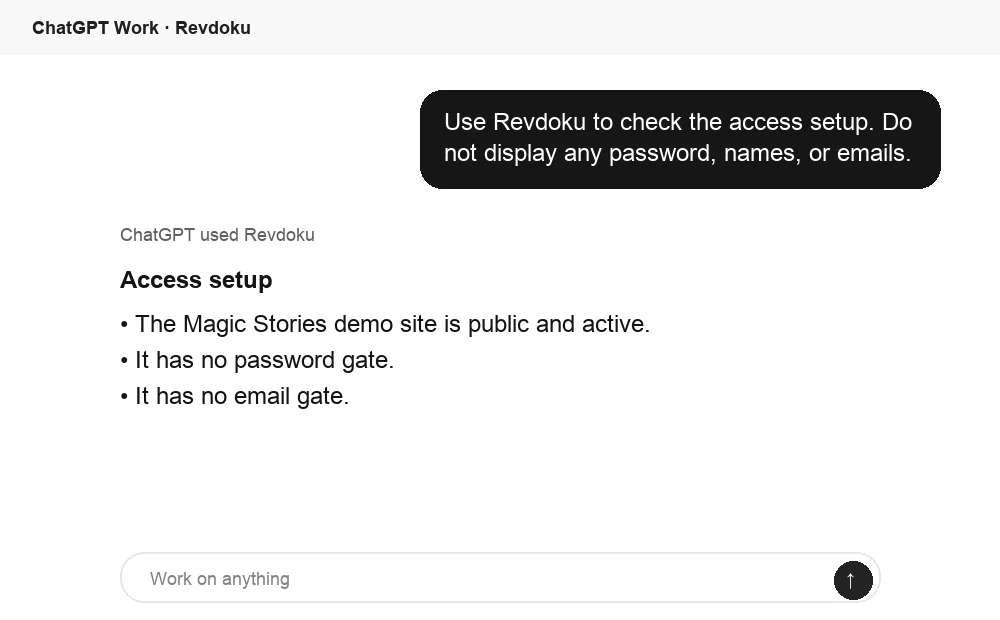
Before sharing the link, ChatGPT can ask Revdoku which access mode is active for the bucket. Use this as a quick check for public, password, or email-gated publishing.
Takeaway
TL;DR: Fixing a generic AI website takes more than better prompting. It takes a disciplined loop: inspect the live page, review files, protect drafts, fix visible issues, and publish the corrected version to the same URL.
Frequently asked questions
What should I check first on an AI-built website before launch?
Start with the first viewport on both desktop and mobile. Confirm the headline, navigation, buttons, images, and primary call to action are readable, aligned, and not clipped. This is where obvious AI-generated polish issues are most visible.
How do I know if the site copy still feels too generic?
Look for vague claims, repeated sentence patterns, filler phrases, and feature descriptions that could apply to any product. Strong launch copy should name the audience, explain the use case, and make claims that the page can actually support.
Why should I review generated files before publishing?
AI-generated site folders can include drafts, test assets, placeholder data, or private screenshots. Reviewing the file set prevents accidental exposure and keeps the published site clean, smaller, and easier to maintain.
Should I publish an AI-built site privately before making it public?
Yes, private access gives you a controlled way to review the live experience before launch. Password protection is useful for internal review, while password-plus-email helps track which reviewers actually opened the page.
What kinds of problems can analytics reveal during review?
Analytics can show missing pages, broken paths, unexpected referrers, and visitor behavior that manual review might miss. Even a short private review period can reveal whether people are landing where expected and moving through the site correctly.
What should I test besides the visual design?
Test links, forms, buttons, navigation menus, mobile states, and any protected access flow. A site can look polished but still fail if a form does not submit or a key link leads nowhere.
When is the site ready to publish publicly?
The site is ready when visible layout issues, generic copy, placeholder content, file cleanup, and functional checks have all been handled. Publish the approved version from the same reviewed bucket so the final public page matches what was checked.
Related Articles

GitHub Pages Password Protection and Privacy
Learn why private repositories do not protect Pages sites and compare secure access options for internal teams and external clients.

How to Password Protect a Vercel Deployment
Learn how to secure Vercel deployments with password protection, authentication, trusted access, or protected Revdoku hosting.

How to Password Protect a Website Made with Claude
Learn how to export, secure, publish, and test a Claude-made website using password protection or verified-email access.