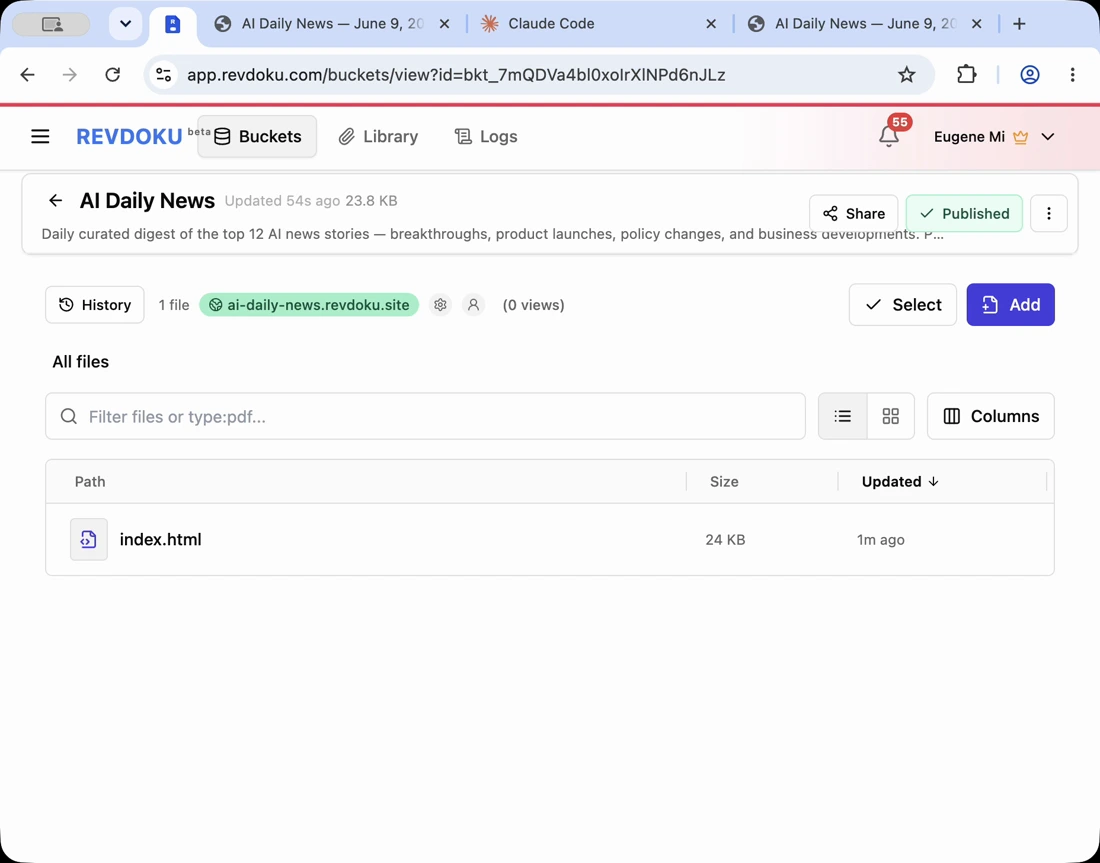
How to Publish a Claude Code Site Without DevOps
Claude Code and similar agents can now produce surprisingly complete interactive sites, so the next step is publishing Claude Code site output: explainers, dashboards, calculators, learning tools, small games, and media-rich demos. The workflow applies to any agent that creates a web folder.
TL;DR: the missing step is publishing the AI generated interactive site. You often do not need DevOps. For many demos and learning tools, you need a clean generated folder, a private review link, and a stable live URL.
Note: Revdoku is a good fit when the agent output is a browser-ready folder with HTML, scripts, and assets.
Start with a complete Claude Code output folder
Ask the agent to put the finished site in one folder. The folder should include the entry point, scripts, styles, data, images, videos, fonts, and any generated assets.
Before publishing, confirm the folder runs as a static site or document any server requirement. Revdoku fits static browser outputs when you need to publish generated folders quickly.
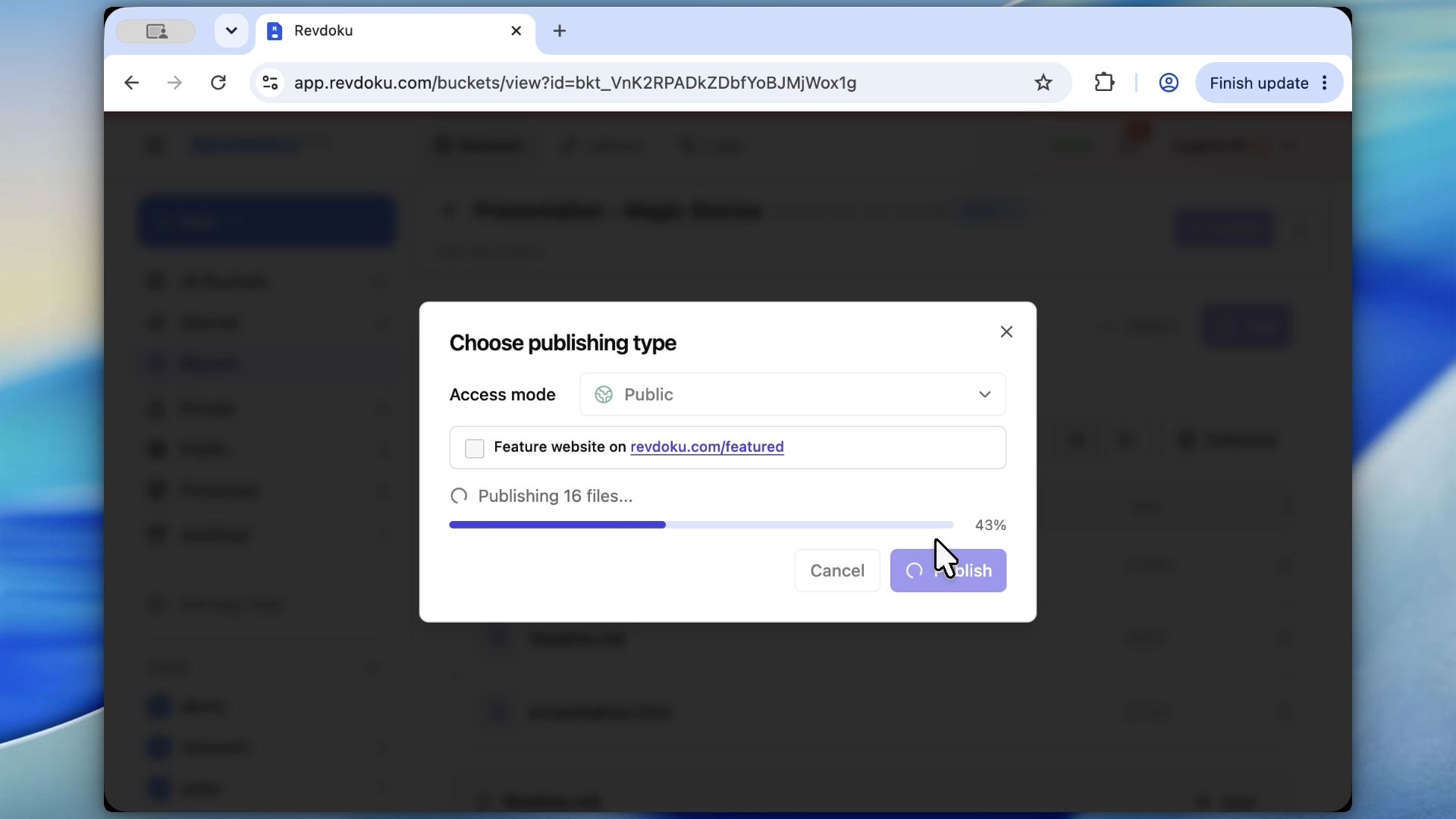
Note: the publish action turns the folder into a hosted site without setting up a separate deployment pipeline.
Static asset checklist before you publish generated folder files
Before publishing, inspect:
index.htmlor the generated build entry.- Relative asset paths.
- Images and videos.
- JSON or CSV data files.
- CSS and JavaScript bundles.
- Fonts.
- Any local-only references.
- Any secrets or private data that should not be published.
If the site works only on localhost because it calls a local server, ask the agent to convert it to a static export or explain the hosting requirement.
Publish the generated folder to Revdoku
Upload the generated folder to Revdoku. The site gets a live URL without a new deployment pipeline.
This Claude Code Revdoku workflow suits explainers, internal demos, prototypes, classroom tools, and interactive reports where speed matters more than infrastructure.
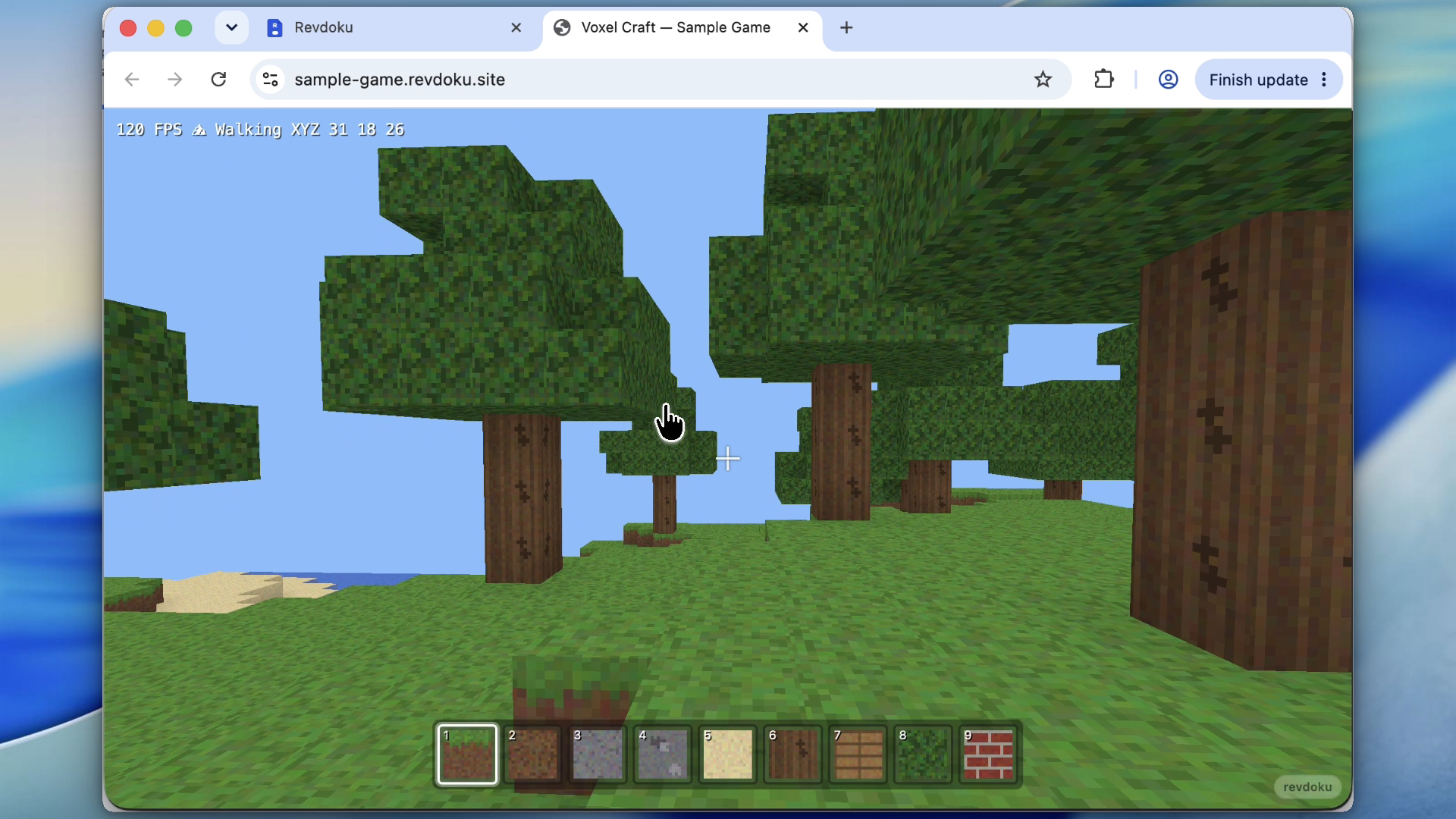
Note: always open the live URL and test the interactive state, not only the static page load.
Use a private review step for an interactive Claude Code website
Review every interactive Claude Code website before making it public:
- Does every button work?
- Does the animation start?
- Does the mobile layout work?
- Are data values correct?
- Are videos or generated assets loading?
- Does the page explain itself clearly?
Use password protection if the site is unfinished or sensitive.
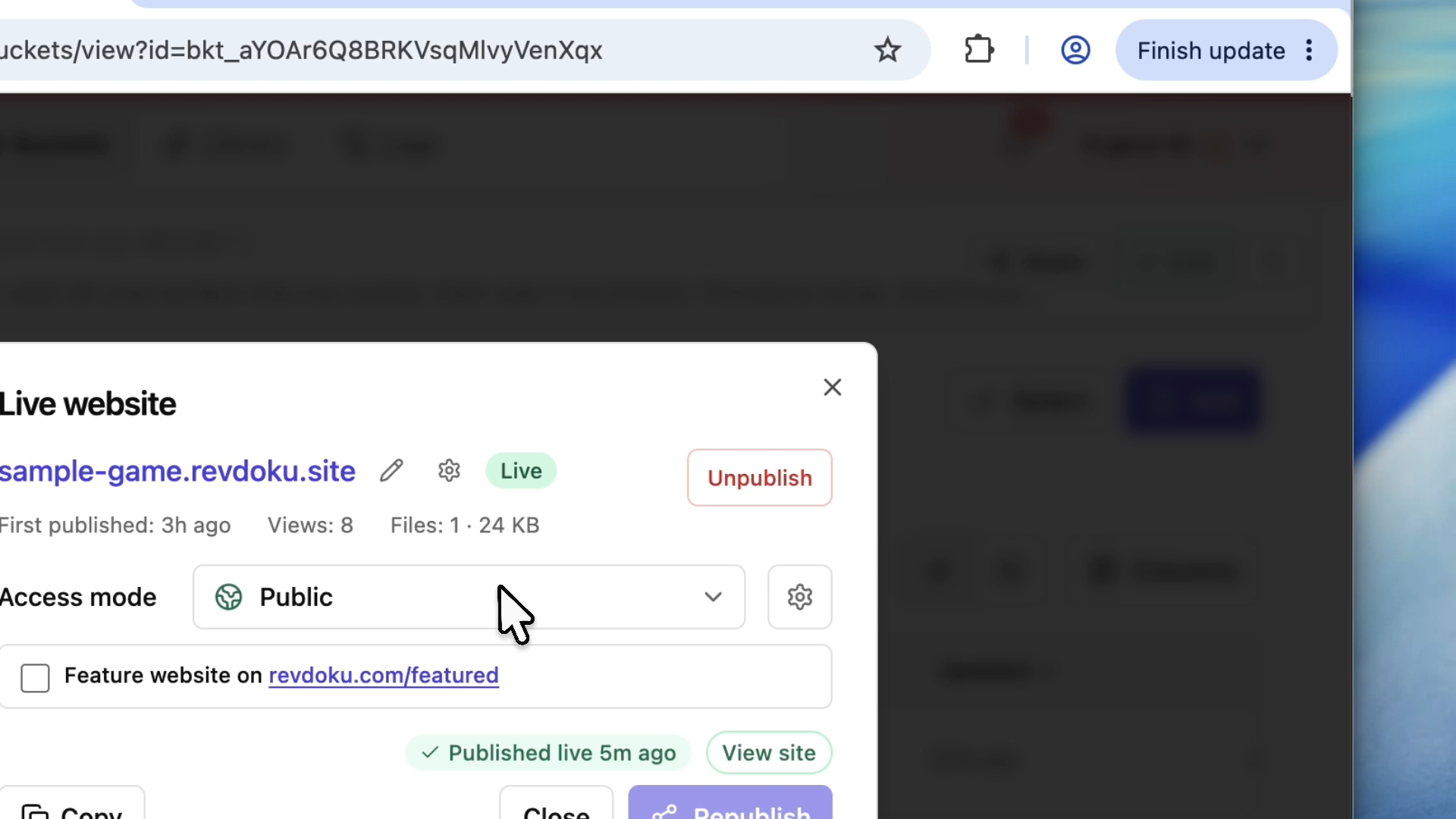
Note: password protection is useful for game prototypes, client demos, and unfinished explainers.
Keep Claude Code Revdoku files for future updates
Do not treat published AI generated interactive site output as disposable. Keep the source prompt, output folder, and data files. Later edits need the same context.
A good update loop is:
- Keep the original folder.
- Ask the agent for a specific change.
- Test the changed folder.
- Republish to the same Revdoku bucket.
- Open the live URL and verify.
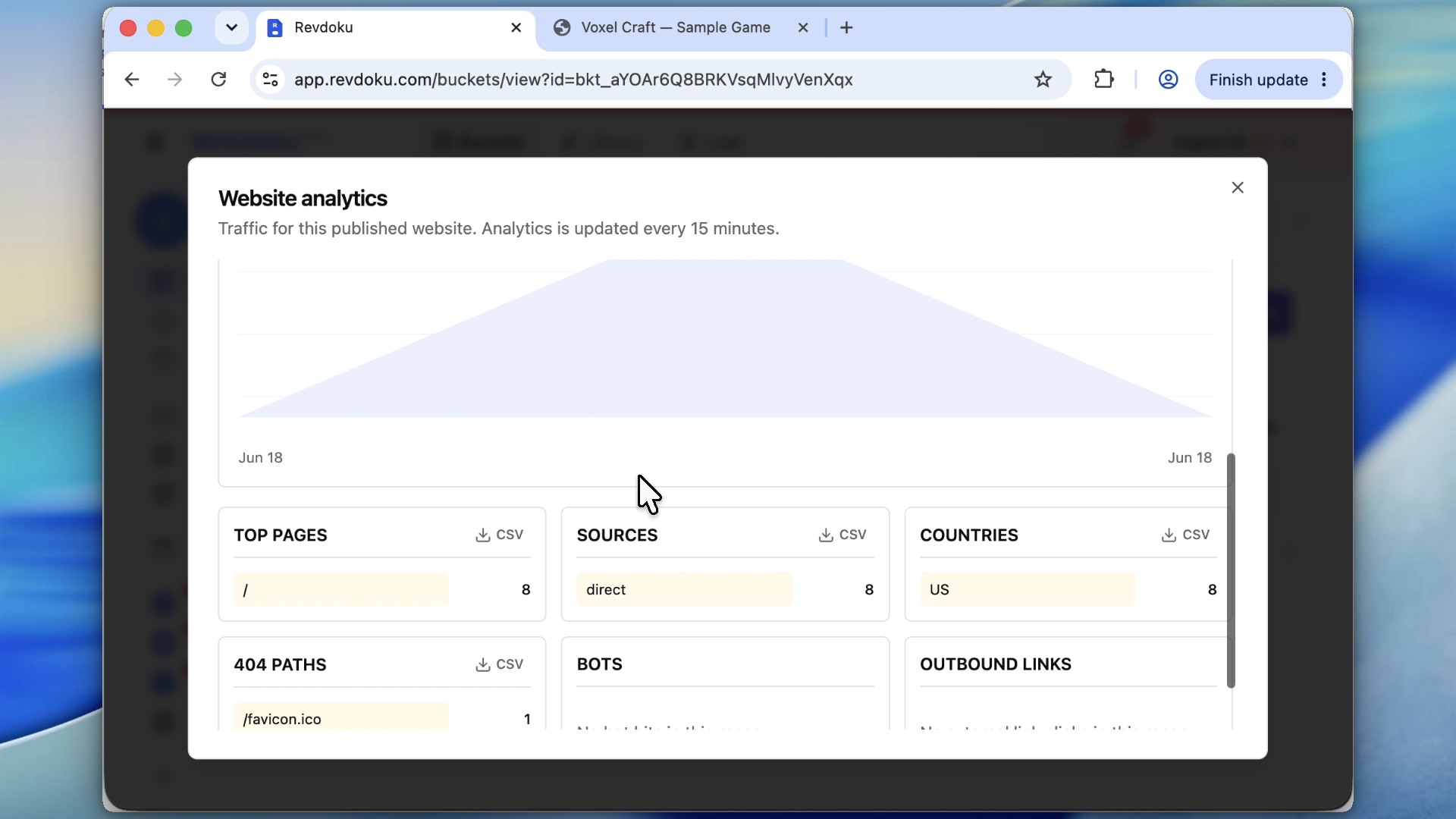
Note: analytics help confirm that testers actually opened the interactive demo.
Takeaway
Interactive AI-generated sites need a publishing handoff. Revdoku gives Claude Code, Codex, ChatGPT, and similar agents a simple path from generated folder to stable website, with private review and future updates built in.
Frequently asked questions
What kind of Claude Code site output can be published this way?
This workflow works best for browser-ready folders that contain HTML, CSS, JavaScript, media, and data files. It is a good fit for explainers, calculators, dashboards, prototypes, small games, classroom tools, and interactive reports that do not require a custom backend.
Do I need a developer to publish an AI-generated interactive site?
Not always. If the agent produced a complete static folder and the site works in a browser without a local server, you can usually publish it directly. A developer may still be needed if the project depends on backend APIs, authentication, databases, or server-side code.
What should I check before uploading the generated folder?
Confirm that the folder includes the correct entry file, usually index.html, plus all scripts, styles, images, fonts, and data files. Check that asset paths are relative and that no private files, secrets, or local-only references are included. Open the site locally first if possible.
What if the site only works on localhost?
If the site depends on a local development server, ask the agent whether it can be converted to a static export. If it cannot, document the hosting requirement before publishing. Revdoku is intended for generated folders that can run as static browser output.
Why use a private review link before making the site public?
Interactive sites can look correct at first load while still having broken buttons, missing assets, layout problems, or incorrect data. A private review step lets you test behavior, mobile views, animations, and media before sharing the public URL. Password protection is useful for unfinished or sensitive demos.
How should I handle future updates to the published site?
Keep the original prompt, generated folder, source assets, and data files together. When you need changes, ask the agent for a specific update, test the new folder, and republish it to the same Revdoku bucket. Always verify the live URL after republishing.
What mistakes commonly cause published interactive sites to break?
Common issues include missing files, absolute local paths, unpublished media assets, broken relative links, and code that expects a localhost server. Data files such as JSON or CSV can also fail if they were not included in the uploaded folder. A short pre-publish checklist catches most of these problems.
Related Articles

GitHub Pages Password Protection and Privacy
Learn why private repositories do not protect Pages sites and compare secure access options for internal teams and external clients.

How to Password Protect a Vercel Deployment
Learn how to secure Vercel deployments with password protection, authentication, trusted access, or protected Revdoku hosting.

How to Password Protect a Website Made with Claude
Learn how to export, secure, publish, and test a Claude-made website using password protection or verified-email access.