Google Document AI vs Azure AI Document Intelligence
Table of Contents
Google Document AI vs Azure AI Document Intelligence
Google Document AI and Azure AI Document Intelligence are both built for extracting structured information from documents. They are not simple file viewers. They are document processing platforms that can OCR, parse layouts, extract fields, classify documents, and feed downstream workflows.
This tutorial compares them from the point of view of a team evaluating AI document processing.
Quick verdict
Use Google Document AI when your team is already on Google Cloud, wants processor-based document workflows, and may use Google Cloud services such as Cloud Storage, BigQuery, Vertex AI, or Gemini-based document features.
Use Azure AI Document Intelligence when your team is already on Microsoft Azure, wants strong prebuilt models, Microsoft identity/governance fit, and document extraction that fits into Azure apps and workflows.
Use Revdoku alongside either platform when you need to publish the evaluation packet: sample PDFs, extraction JSON, CSV comparisons, screenshots, reviewer notes, and the final decision memo.
What both tools do
Both platforms can support document AI workflows such as:
- OCR and text extraction.
- Layout detection.
- Table extraction.
- Form or key-value extraction.
- Prebuilt document models.
- Custom extraction models.
- Classification or splitting.
- API-driven processing.
- Review and evaluation workflows.
The real difference is usually not “which one can read a PDF.” It is which one fits your cloud, security, data, workflow, and developer environment.
Compare the basics
| Question | Google Document AI | Azure AI Document Intelligence |
|---|---|---|
| Best fit | Google Cloud document processing workflows | Microsoft/Azure document processing workflows |
| Core concept | Processors for document tasks | Prebuilt and custom document models |
| Common use cases | OCR, layout parsing, forms, invoices, custom extraction | Read, layout, invoices, receipts, contracts, IDs, tax, custom extraction |
| Cloud ecosystem | Cloud Storage, BigQuery, Vertex AI, Google Cloud IAM | Azure AI services, Microsoft identity, Azure apps and storage |
| Evaluation need | Test processor output and field quality | Test model output and field schemas |
1. Choose sample documents
Use the same documents for both tools.
Example folder:
document-ai-evaluation/
  README.md
  samples/
    invoice-001.pdf
    contract-001.pdf
    receipt-001.jpg
    bank-statement-001.pdf
  google-document-ai/
    output-json/
    output-csv/
    notes.md
  azure-document-intelligence/
    output-json/
    output-csv/
    notes.md
  scorecard.csv
Include easy, medium, and hard documents. A vendor demo usually uses clean files. Your test should include scans, rotated pages, bad tables, handwriting if relevant, and real layout variation.
2. Compare extraction quality
For each document, score:
- Did OCR capture the text?
- Did it preserve reading order?
- Did it identify tables correctly?
- Did it extract key fields?
- Did it normalize dates, numbers, currency, and addresses?
- Did it return confidence scores?
- Did it explain uncertain fields?
- Did it handle multipage documents?
- Did it split mixed PDFs correctly?
Do not score only the happy path. Score what a reviewer would have to fix.
3. Compare developer experience
Ask your developers to implement the same thin workflow on both platforms:
- Upload a document.
- Process it.
- Store raw output.
- Convert key fields to CSV.
- Display a reviewer-friendly summary.
- Save error cases.
Measure:
- Setup time.
- SDK clarity.
- Authentication friction.
- Local development workflow.
- Output schema stability.
- Error handling.
- Cost visibility.
- Region and security configuration.
4. Compare operations and governance
For production, ask:
- Which region processes documents?
- How long are documents retained?
- Who can access inputs and outputs?
- Can logs include sensitive content?
- How does the tool fit data retention policy?
- Can you use customer-managed keys?
- Can you export all outputs for audit?
- What happens when the model is updated?
Document AI is usually part of a larger compliance workflow. Treat the extraction result as evidence, not only data.
5. Publish the evaluation packet with Revdoku
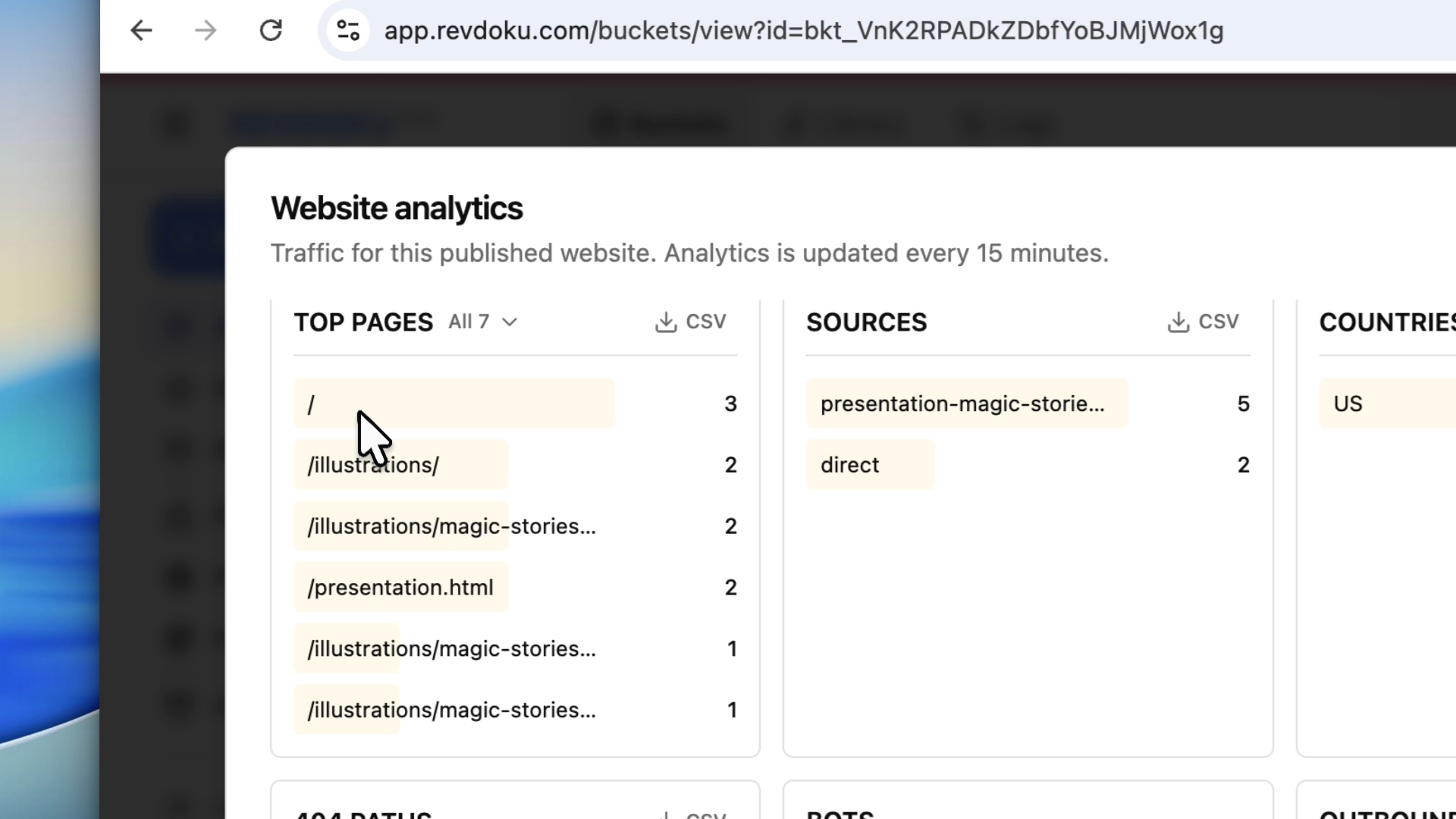
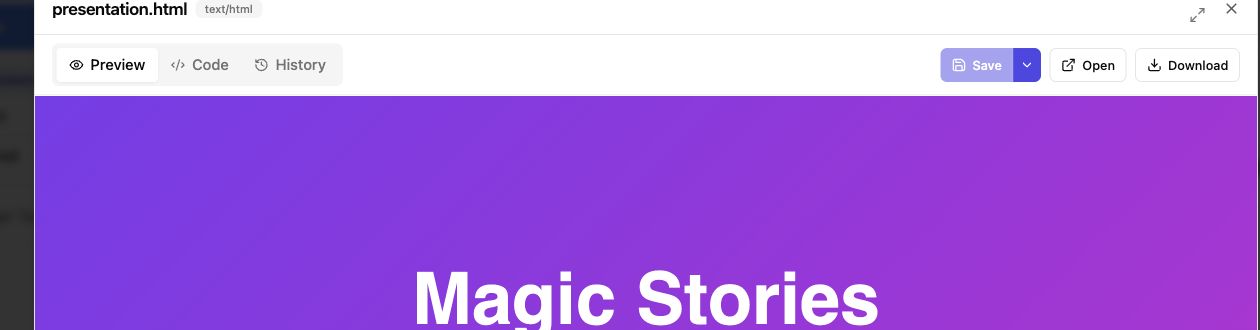
After testing, publish the comparison files in Revdoku:
- Upload the evaluation folder.
- Publish it as a protected site.
- Keep raw outputs, CSV summaries, PDFs, screenshots, and notes together.
- Share the link with engineering, operations, compliance, and procurement.
- Update the same packet as new tests are run.
Scorecard template
category,google_document_ai,azure_document_intelligence,notes
OCR quality,,,
Layout reading order,,,
Table extraction,,,
Invoice fields,,,
Contract fields,,,
Confidence scores,,,
SDK setup,,,
Security controls,,,
Region support,,,
Reviewer workflow,,,
Export quality,,,
Total cost estimate,,,
Takeaway
Google Document AI and Azure AI Document Intelligence can both be strong choices. The right answer depends on your cloud stack, document types, workflow, and governance requirements.
Use Revdoku to make the evaluation visible: source files, extracted outputs, scorecards, and decision notes in one protected review folder.
Revdoku workflow screenshots
Sources checked
- Google Document AI overview: https://docs.cloud.google.com/document-ai/docs/overview
- Azure AI Document Intelligence overview: https://learn.microsoft.com/en-us/azure/ai-services/document-intelligence/overview