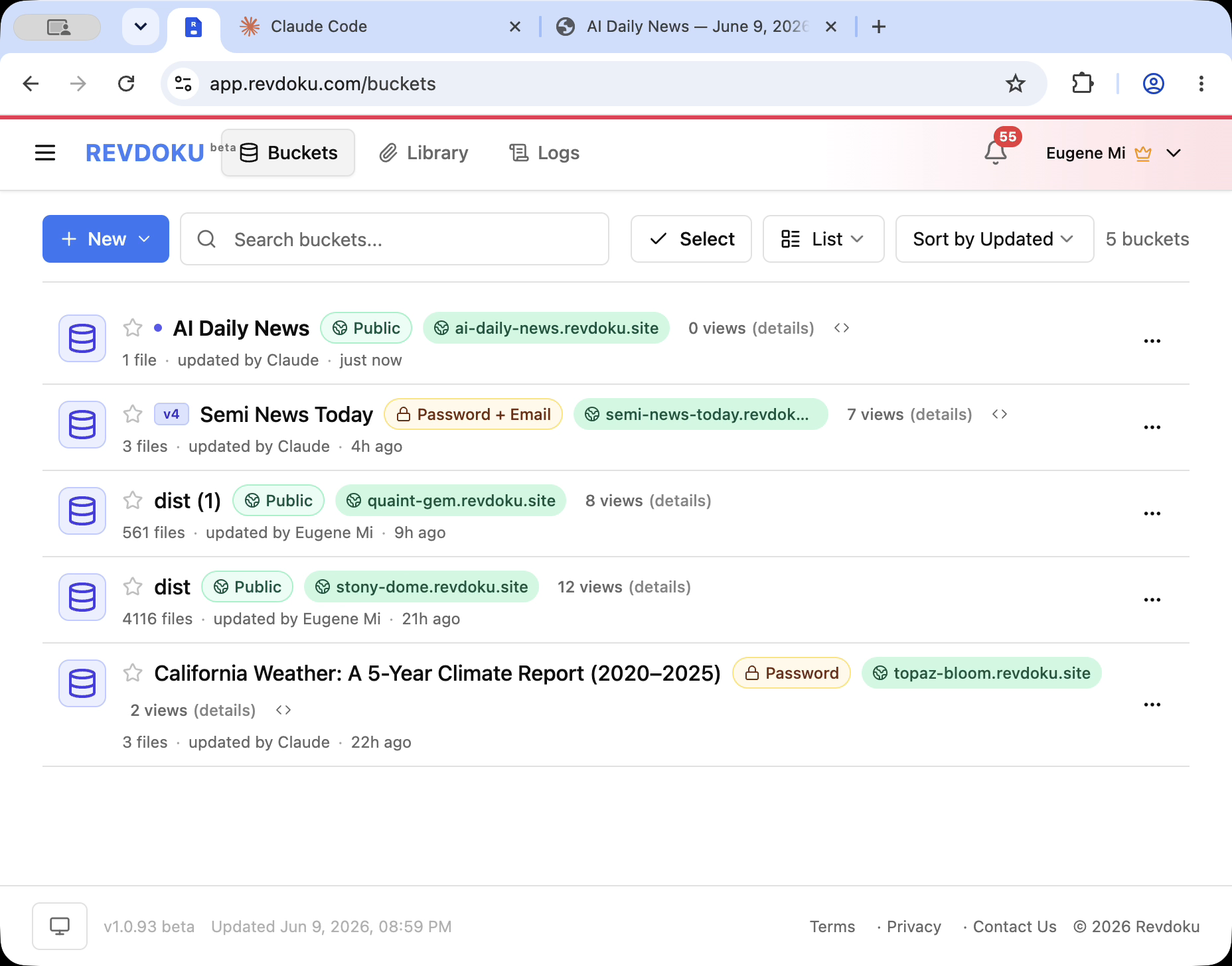
Claude Artifacts for Teams vs Public AI-Built Sites
Claude Artifacts for teams and other AI workspaces increasingly turn a session into a useful page: dashboards, walkthroughs, checklists, visual reports, and small apps. That works well for internal creation.
The public vs internal AI pages question comes later: what if the page needs sharing outside that workspace?
1. Use Claude Artifacts for teams for internal collaboration
Use it when:
- the team already has access to the same AI tool,
- the page belongs to the working session,
- the audience is internal,
- the page is still changing rapidly,
- comments and context should remain attached to the session.
2. Use Revdoku to publish AI-built site pages outside the workspace
Publish through Revdoku when shared output needs:
- a public URL,
- password access,
- password-plus-email access,
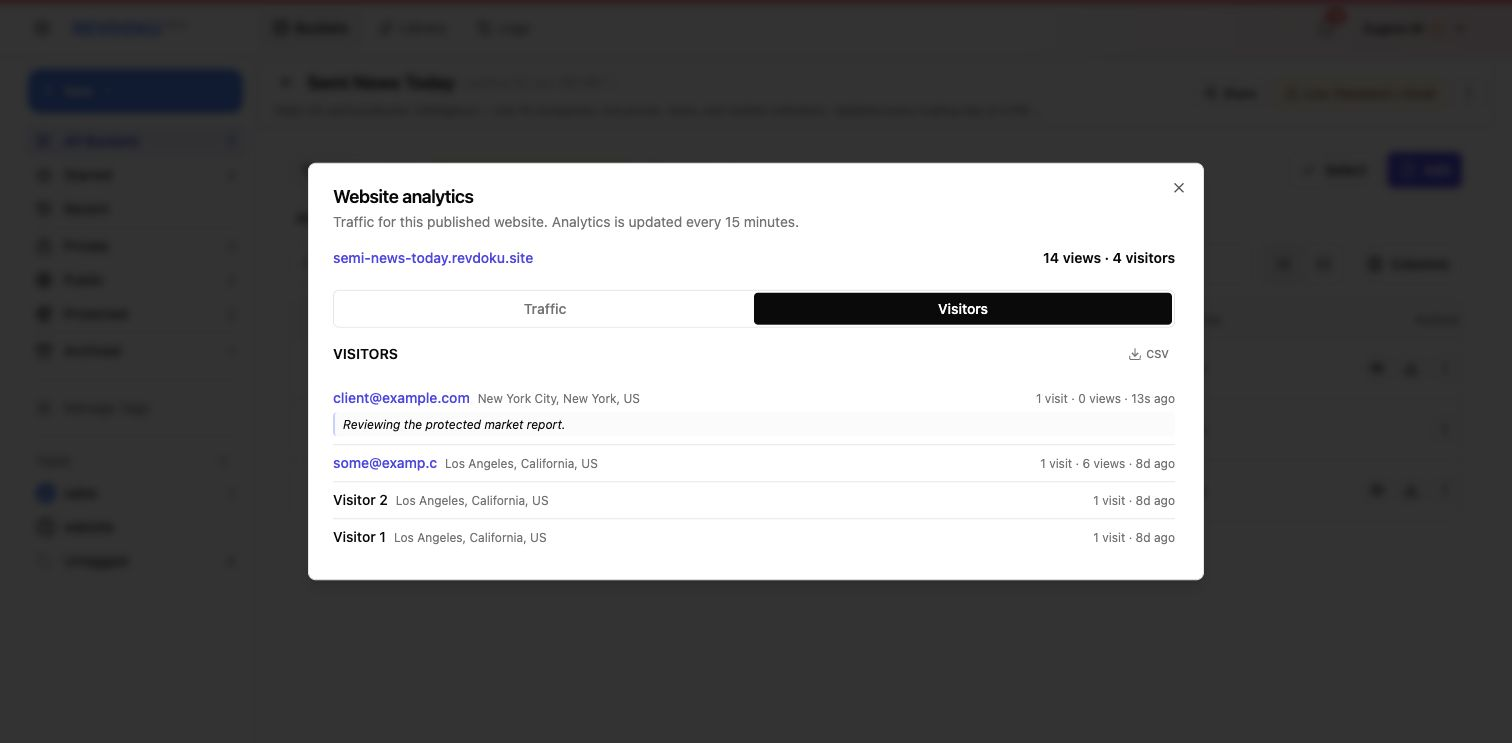
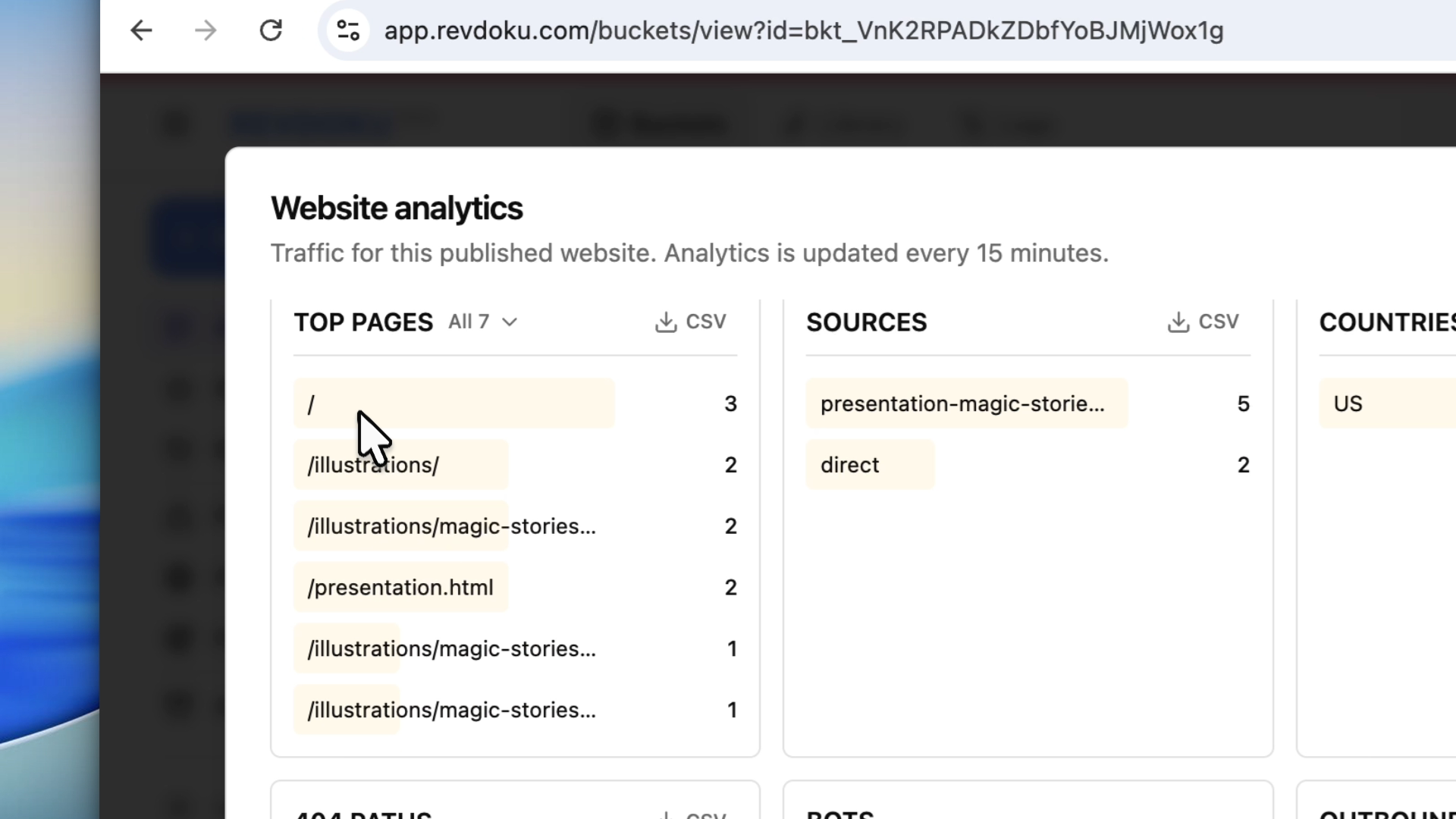
- analytics,
- visitor identity,
- client sharing,
- updates from more than one AI agent.
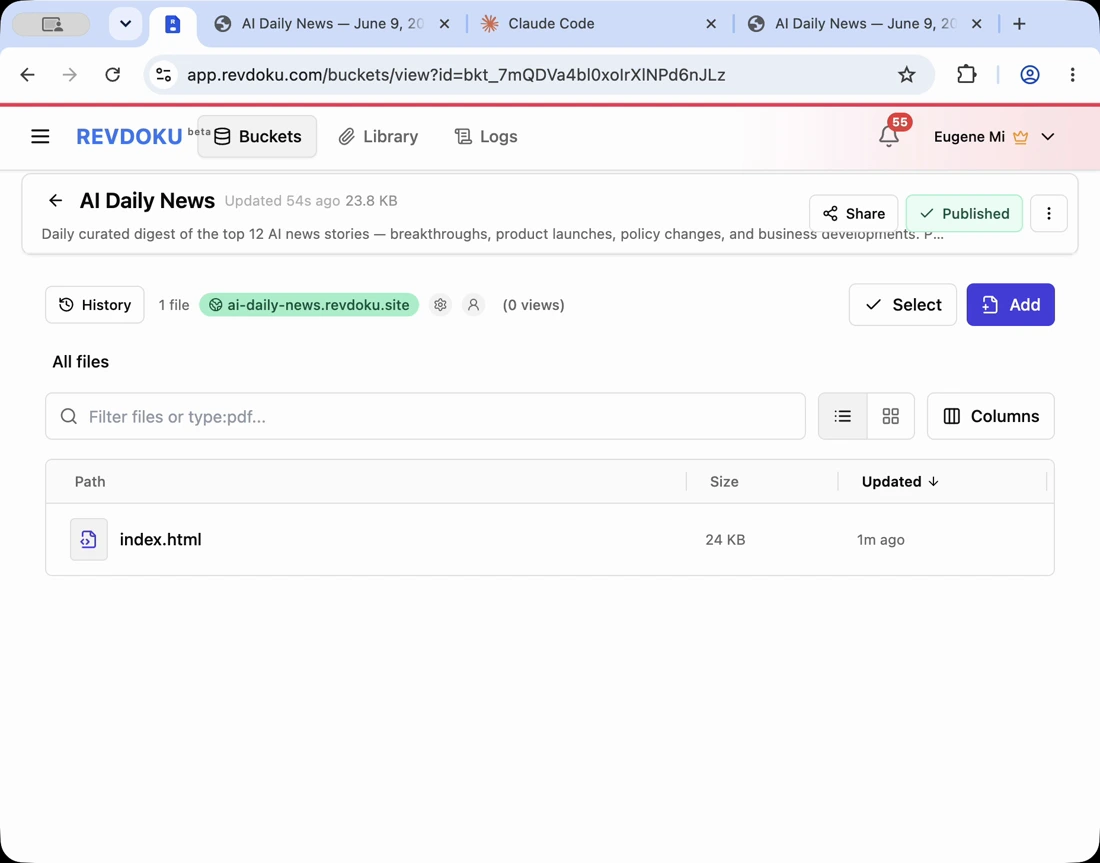
Note: Revdoku publishes files. Claude, ChatGPT, Codex, or a script can create or update them.
3. Choose public, password protected sharing, or email access
Public fits pages anyone can open. Password protected sharing fits private review. Password-plus-email fits when the owner needs to know who accessed the page.
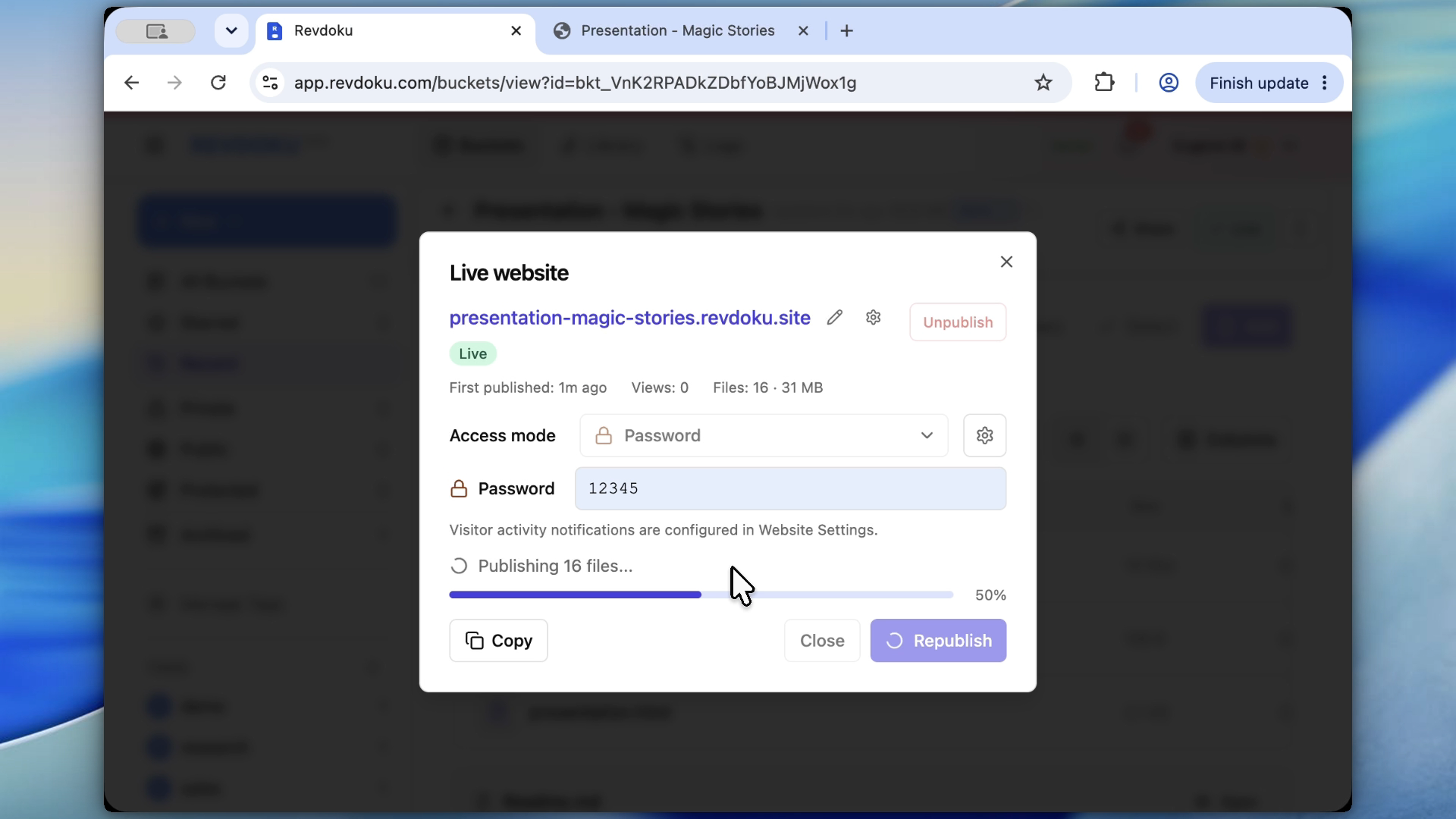
Revdoku’s access controls protect the bucket at the publishing layer, so password protected sharing does not depend on the generated page’s own gate.
4. Let multiple agents update the same Revdoku project
Revdoku’s practical advantage is agent neutrality:
- Claude can create the first report.
- ChatGPT can rewrite the summary.
- Codex can fix the layout.
- A local script can refresh data.
- Revdoku keeps the same live URL.
Takeaway
Use Claude Artifacts for teams and AI workspace artifacts for internal creation. Use Revdoku when the artifact must become a shareable website, report, dashboard, or prototype that lives beyond one AI tool.
Frequently asked questions
When should a team keep an AI-created page inside Claude Artifacts?
Keep it inside the AI workspace when the page is mainly for internal review, fast iteration, or discussion tied to the original session. This works best when everyone who needs the page already has access to the same tool.
When does an AI artifact need to become a published site?
Publish it when people outside the workspace need reliable access through a normal URL. This is especially useful for client reports, prototypes, dashboards, or walkthroughs that should remain available after the AI session ends.
Which sharing option should I choose for private review?
Use password protection when the goal is simple private access for reviewers. Use password-plus-email when you also need to know who opened the page or connect activity to specific visitors.
Does the generated page need its own login system?
Not necessarily. If Revdoku controls access at the publishing layer, the page itself can stay simple while the bucket handles public, password-protected, or email-attributed access.
Can different AI tools update the same published project?
Yes. One AI tool can create the first version, another can edit the copy, and another can improve layout or code while the published URL stays consistent.
Why would analytics matter for an AI-built page?
Analytics help confirm whether the shared page was actually viewed and how people interacted with it. For client or stakeholder review, that can be more useful than simply sending a file and waiting for feedback.
What kinds of AI-built outputs are good candidates for Revdoku?
Good candidates include reports, mini-sites, dashboards, product walkthroughs, checklists, and prototypes. In general, if the output needs a stable URL, controlled access, or updates over time, publishing it outside the AI workspace is usually the better fit.
Related Articles

GitHub Pages Password Protection and Privacy
Learn why private repositories do not protect Pages sites and compare secure access options for internal teams and external clients.

How to Password Protect a Vercel Deployment
Learn how to secure Vercel deployments with password protection, authentication, trusted access, or protected Revdoku hosting.

How to Password Protect a Website Made with Claude
Learn how to export, secure, publish, and test a Claude-made website using password protection or verified-email access.