Automate Daily AI Reports with Claude and Revdoku
Table of Contents
- What this Claude routine tutorial shows
- 1. Start with a scheduled prompt to automate report publishing
- 2. Connect the Claude routine to Revdoku
- 3. Run the workflow
- 4. Let Claude generate the report and run the Revdoku publish step
- 5. Confirm the bucket in Revdoku
- 6. Open the live report website
- Recommended workflow to automate report updates
- Takeaway
- What this Claude routine tutorial shows
- 1. Start with a scheduled prompt to automate report publishing
- 2. Connect the Claude routine to Revdoku
- 3. Run the workflow
- 4. Let Claude generate the report and run the Revdoku publish step
- 5. Confirm the bucket in Revdoku
- 6. Open the live report website
- Recommended workflow to automate report updates
- Takeaway
This tutorial shows how a Claude routine generates a daily AI report, publishes it through Revdoku, and keeps the website in a Revdoku bucket for review and updates.
TL;DR: Use a Claude routine to create reports, publish through Revdoku, and keep one durable bucket for updates.
What this Claude routine tutorial shows
- Creating a scheduled Claude routine for a recurring report.
- Letting Claude use the Revdoku connector to publish the output.
- Opening the Revdoku bucket after the run.
- Viewing the live report website.
- Keeping the same Revdoku bucket as the durable place for future updates.
1. Start with a scheduled prompt to automate report publishing
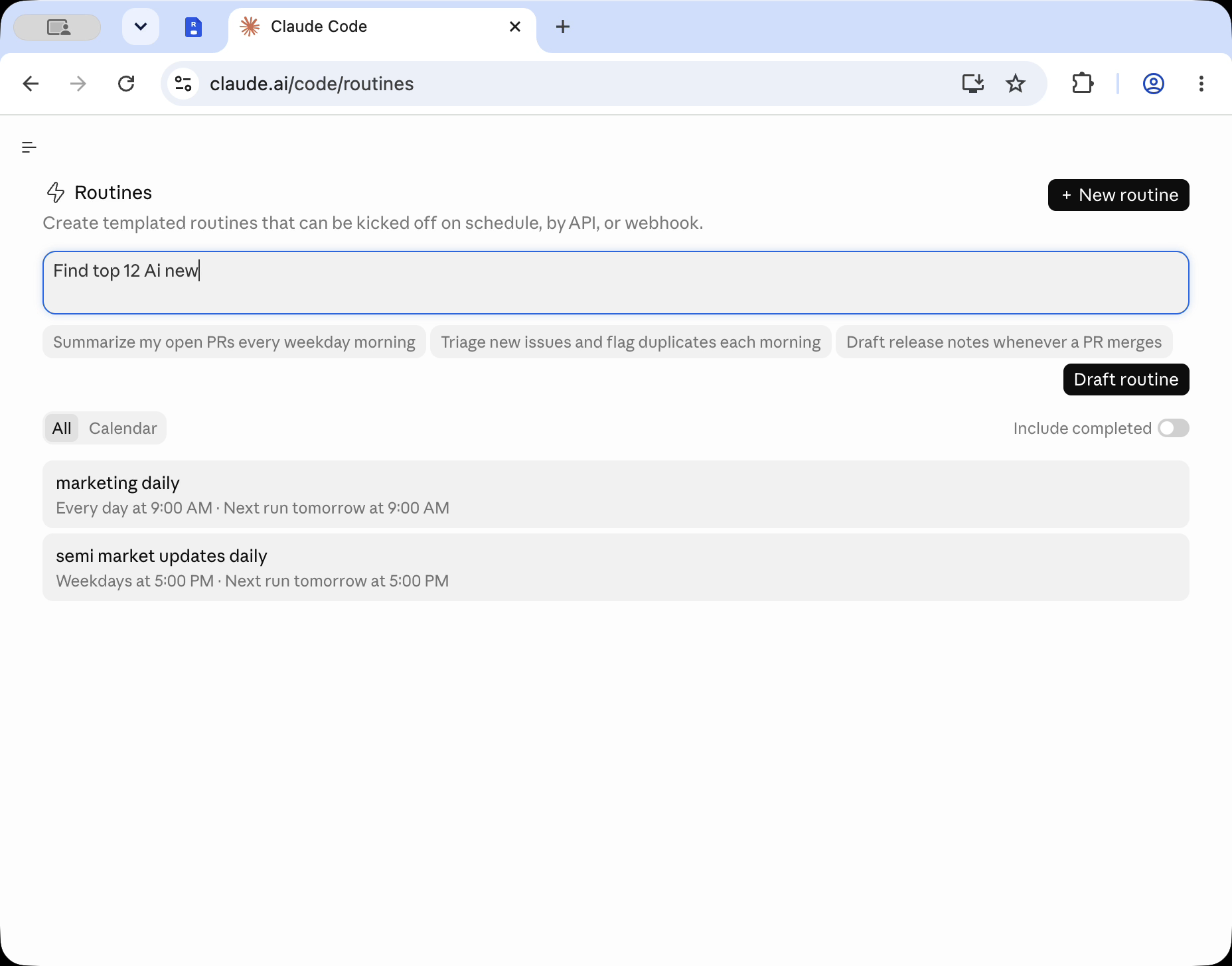
Open Claude and create a routine for your daily AI report. Here, the routine builds an AI Daily News ai news website on schedule.
Specify the report topic, format, source expectations, and publish destination so the agent can repeat the workflow consistently.
2. Connect the Claude routine to Revdoku
In the routine settings, include Revdoku as the publishing tool so Claude sends the generated ai news website files there instead of keeping them in chat.
For recurring content, the bucket becomes the site’s long-term home. The agent can update it later instead of creating a new link every day.
3. Run the workflow
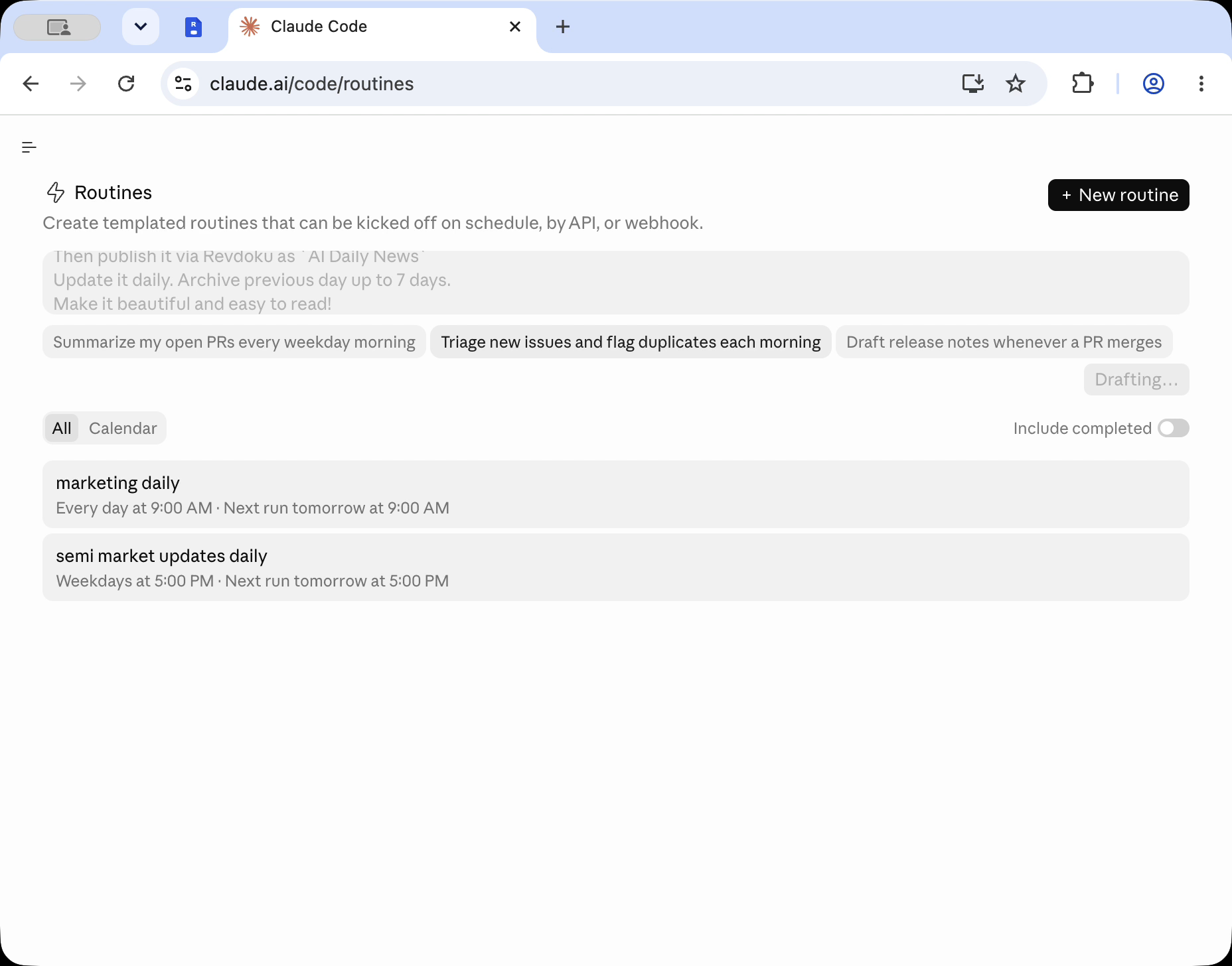
Start the Claude routine. The agent gathers content, creates the web output, and uses the Revdoku connector when ready to publish.
4. Let Claude generate the report and run the Revdoku publish step
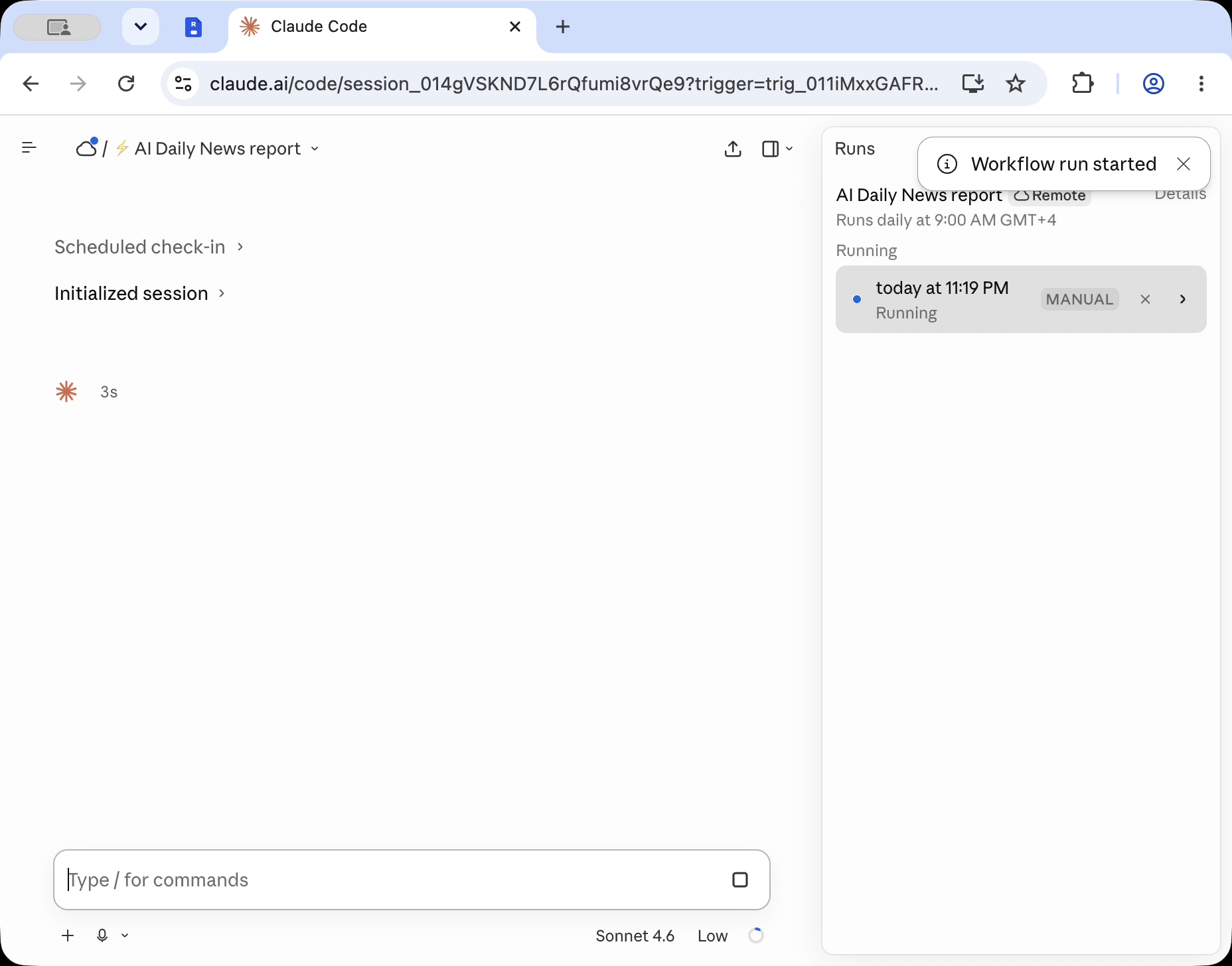
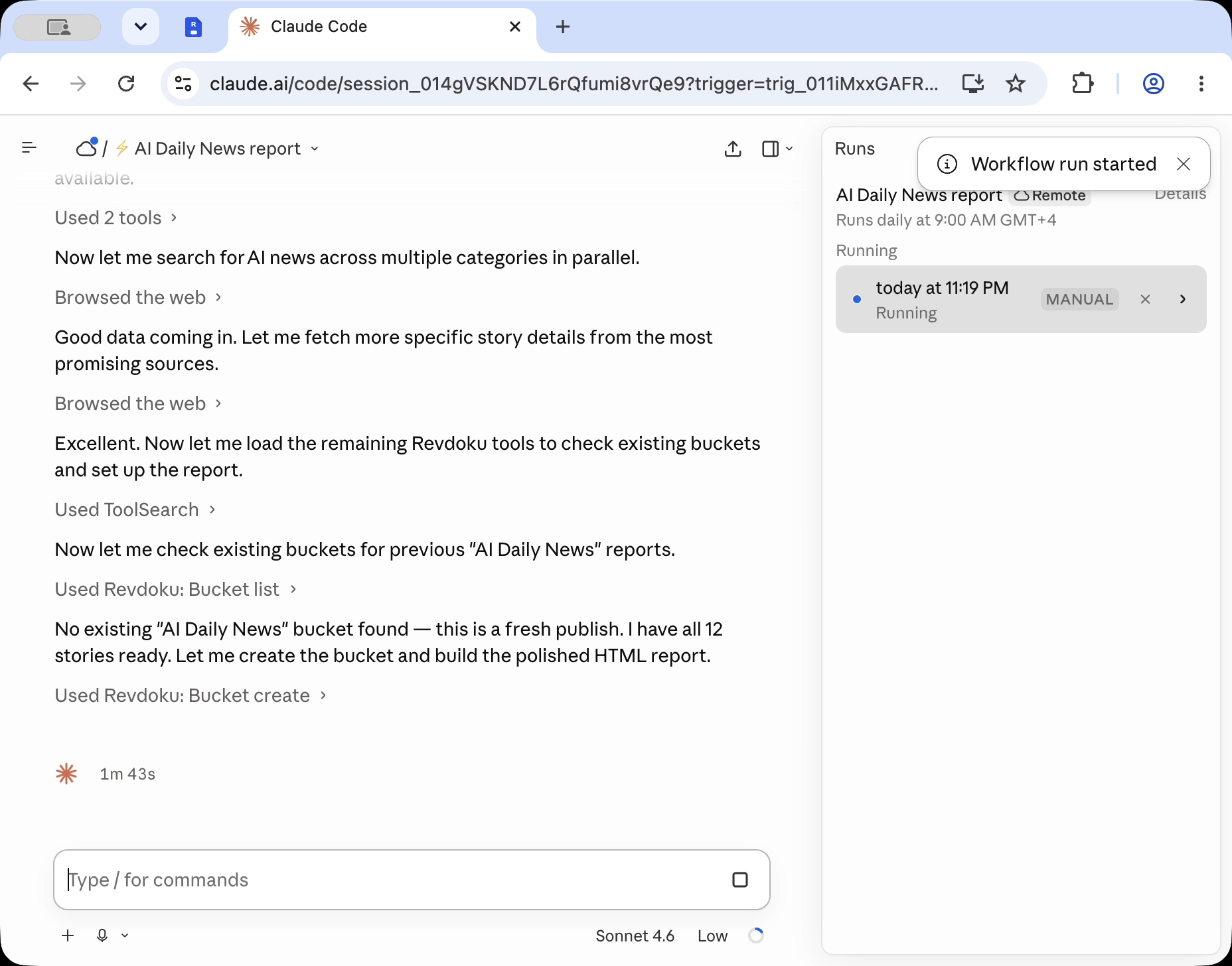
During the run, Claude prepares the report files and publishes them through Revdoku, turning generated content into a hosted website.
5. Confirm the bucket in Revdoku
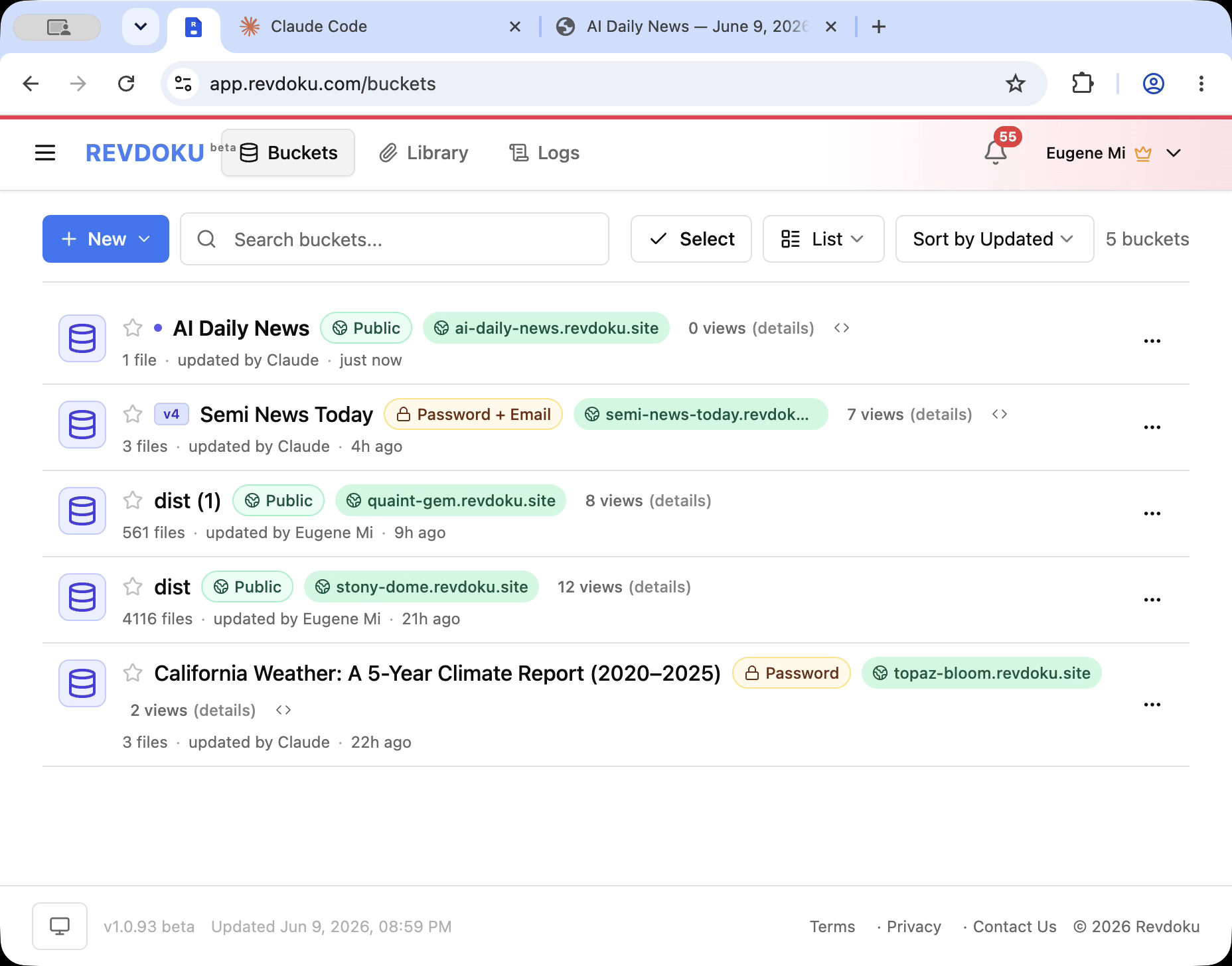
Open Revdoku and check the bucket list. The site appears as AI Daily News with a public Revdoku URL.
From the owner’s view, you can open the site, check analytics, edit access settings, or ask an agent to update the same bucket next run.
6. Open the live report website
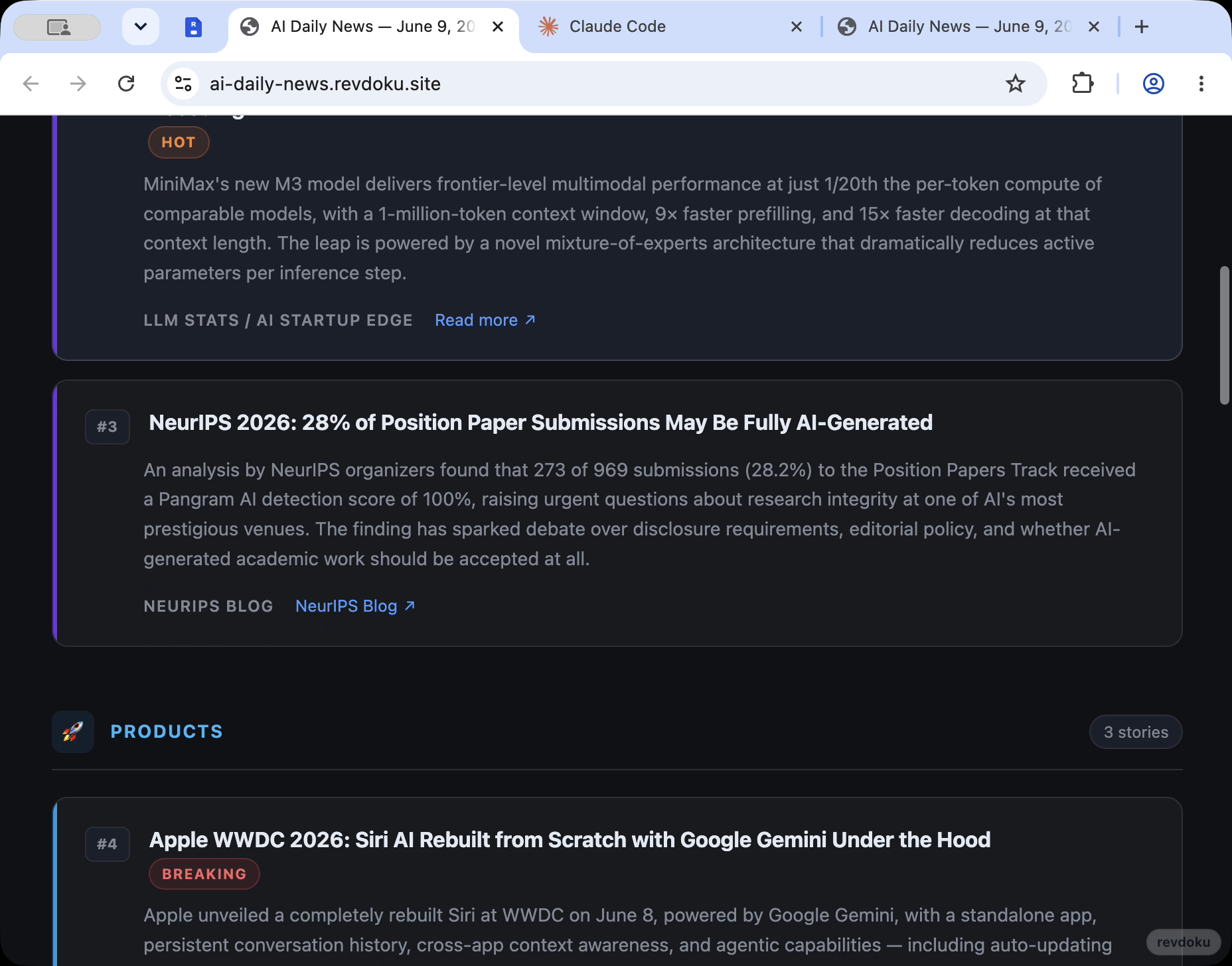
Open the published Revdoku URL to verify the visitor experience. Here, the report is a dark, sectioned AI news page with story cards and links.
Recommended workflow to automate report updates
- Use Claude to generate the report.
- Publish the generated files to Revdoku.
- Review the live site.
- Keep the Revdoku bucket as the stable update target.
- Re-run the Claude routine on the next schedule to update the same report destination.
Takeaway
Revdoku turns a one-off AI-generated report into a repeatable publishing workflow. Claude creates the content, Revdoku hosts the website, and the owner keeps the same bucket and URL pattern for future updates.
Frequently asked questions
What should I include in the Claude routine prompt?
Include the report topic, preferred structure, source requirements, publishing destination, and update frequency. The clearer the prompt is, the easier it is for Claude to produce a consistent report each time the routine runs.
Why publish the report to Revdoku instead of keeping it in Claude?
Publishing to Revdoku turns the generated report into a live website that can be reviewed, shared, and updated. It also gives the report a durable home instead of leaving the output inside a chat thread.
Can the same Revdoku bucket be reused for future reports?
Yes. Using the same bucket is useful for recurring reports because it keeps updates organized under one stable destination. This avoids creating a new site or link every time the routine runs.
What should I check after Claude publishes the report?
Open the live Revdoku URL and review the page as a visitor would. Check that the sections, story links, formatting, and overall presentation are correct before relying on the report publicly.
How often should the Claude routine run?
The schedule should match how often the report needs fresh information. A daily schedule works well for fast-moving topics like AI news, while slower topics may only need weekly or occasional updates.
What happens if the report needs edits after publishing?
You can review the Revdoku bucket, adjust access or settings, and use an agent to update the same destination. Keeping one bucket makes revisions easier because the workflow has a consistent place to publish changes.
Is this workflow only for AI news reports?
No. The same pattern can work for any recurring report, such as market summaries, product updates, research briefs, or internal status pages. The key is to define the content format and publishing target clearly in the routine.
Related Articles

GitHub Pages Password Protection and Privacy
Learn why private repositories do not protect Pages sites and compare secure access options for internal teams and external clients.

How to Password Protect a Vercel Deployment
Learn how to secure Vercel deployments with password protection, authentication, trusted access, or protected Revdoku hosting.

How to Password Protect a Website Made with Claude
Learn how to export, secure, publish, and test a Claude-made website using password protection or verified-email access.